Freelance Invoice & Payment App is an app template designed to simplify the billing process for freelancers, independent contractors, and small service-based businesses. It is an ideal solution for remote workers and digital professionals looking for an easy-to-use, professional, and flexible billing system. This robust application allows these professionals to generate, send, and manage invoices smoothly while accepting payments online. It is an efficient platform that streamlines billing operations, tracks income, and automates reminders to receive payments promptly. This app provides a unified interface for capturing client details, project specifics, payment terms, and transaction history, offering a comprehensive view of your financial health. It's best suited for those seeking to professionalize their billing process, increase payment speed, and improve cash flow.
With Jotform's robust no-code app builder, the Freelance Invoice & Payment App can be easily tailored to reflect your brand, industry, and specific billing requirements. The intuitive drag-and-drop interface enables you to effortlessly modify forms, choose suitable fonts and colors, and upload your logo, offering a personalized touch to your billing system. Jotform's cross-platform compatibility ensures that your custom app functions seamlessly on any device, be it a smartphone, tablet, or desktop. You can share your app with clients via a direct link, email, or social media, facilitating quick access to your invoicing and payment portal. With this app template from Jotform, you can manage your invoicing and payment process efficiently, saving time and focusing more on your core business activities.
Related templates
Intranet App
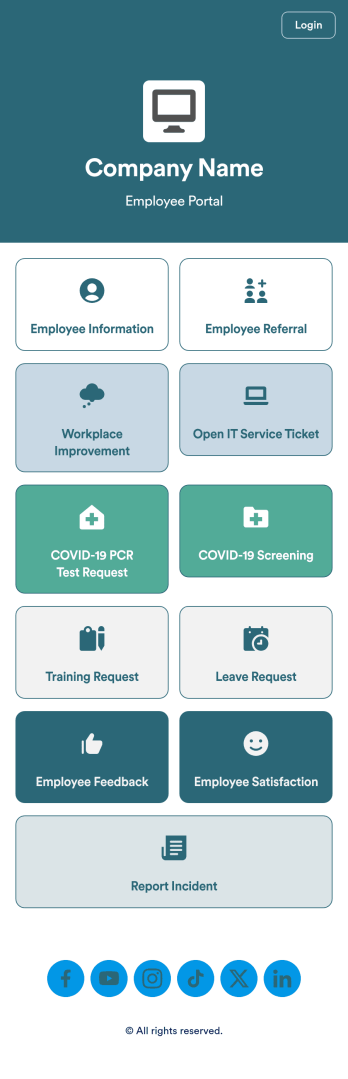
An Intranet App is used for consolidating company forms and documents in one convenient location. This Intranet App bundles nearly a dozen forms for employees to record general contact information, request training or time off, open IT service tickets, and fill out COVID-19 screening checklists. There are also several surveys for employees to submit workplace improvement suggestions and report incidents. Employee data and submissions are stored securely in your Jotform account, which managerial staff can access from any smartphone, tablet, or computer.Make this app template your own with Jotform’s no-code app builder. Just drag and drop to add or change forms, upload documents, create buttons, add external links, and more. You can also customize your splash screen to include your own branding and make company-wide announcements. When you’re finished, you can share your app with a link and employees can then access and download it on any device. Create a one-stop-shop for your company’s forms and documents with this free Intranet App from Jotform.
Go to Category:Company Portal Apps
Employee Training App
Monitor your employees’ training progress from a central location with Jotform’s free Employee Training App. Employees can download this app onto any device and document when they’ve completed individual training courses, as well as evaluate the effectiveness of their courses and instructors with a detailed checklist. HR can track employee training statuses and attendance using built-in Jotform Tables spreadsheets.Customize this ready-made app template to match your company’s branding without any coding knowledge. Simply drag and drop to add or change form fields and checklist items, create additional pages, choose fonts and colors, personalize the app icon and splash screen with your unique branding — and much more. After you’re finished, simply embed your app in an internal company website or send out email invites to new employees during the onboarding process. Make sure your employees are getting the training they need with this fully-customizable Employee Training App from Jotform.
Go to Category:Company Portal Apps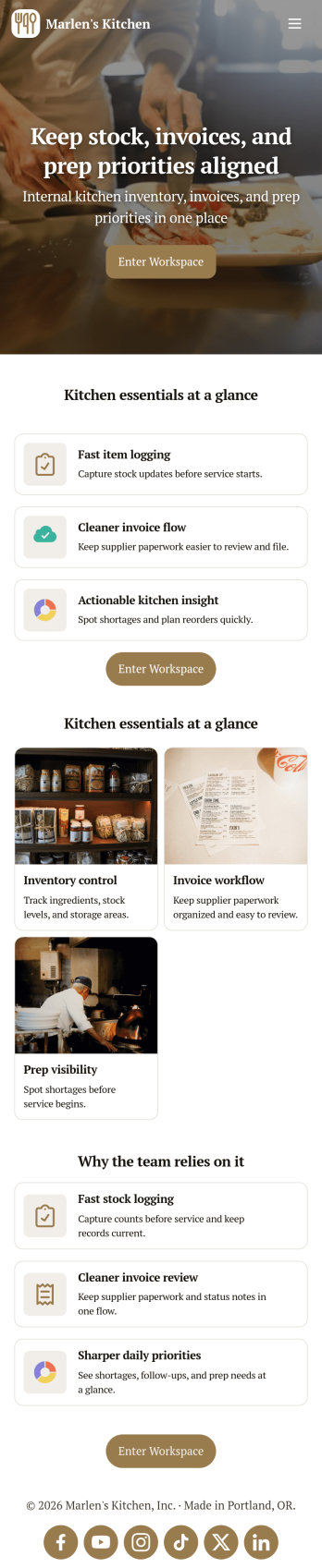
Restaurant Food Inventory App
Restaurant Food Inventory App is an app template designed to optimize the operational workflow of restaurants. It serves as a one-stop solution for restaurant owners, chefs, and kitchen managers to monitor ingredient inventory levels, track usage and expiry dates, manage supplier orders, and optimize food costs through real-time stock visibility. With this app, keeping an eye on food stocks and minimizing waste becomes a hassle-free process. By offering a comprehensive overview of all culinary inventory in one place, it replaces ad-hoc record-keeping practices, leading to more consistent and complete data collection. This app is best suited for those in the food industry who prioritize efficiency, accuracy, and waste reduction in their inventory management.With Jotform's no-code app builder, customizing the Restaurant Food Inventory App to fit your unique requirements is a breeze. The intuitive drag-and-drop interface allows for effortless modifications such as form swapping, font selection, color adjustment, and logo uploading. The result is a tailor-made app that aligns with your restaurant’s branding, without requiring any coding skills. Your app can then be accessed and downloaded onto any smartphone, tablet, or desktop via a shareable link, offering convenient cross-platform compatibility. Furthermore, Jotform Apps provide several publishing options, allowing you to control the accessibility of your app. With Restaurant Food Inventory App from Jotform, streamline your food inventory management and focus on what truly matters: delivering exceptional culinary experiences.
Go to Category:Company Portal Apps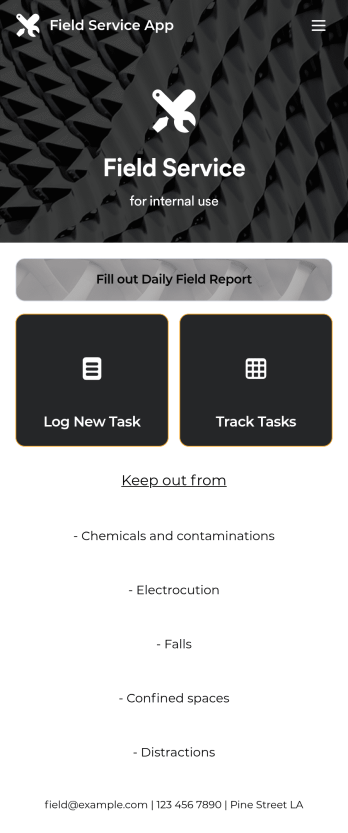
Custom Field Service App
A field service app makes it easier for technicians and other employees who work offsite to submit reports while in the field. Instead of using paper forms or waiting until you’re back at your office computer to submit reports, use this free Field Service App powered by Jotform to work anywhere, anytime. This customizable app template includes forms for submitting daily reports, logging new tasks, and tracking completed tasks. All submissions are instantly synced to your secure Jotform account.Need to modify this Field Service App to meet your needs? Just use our drag-and-drop builder to add forms, links, documents, buttons, pages, text, images, videos, tables, data grids, and much more. When it’s ready to use, download your app onto your smartphone, tablet, laptop, or computer for easy access. You can also share it with others via the app link or email invites. Get work done wherever you are with a custom, easy-to-use Field Service App.
Go to Category:Company Portal Apps
Expense Report App
An expense report app is used by companies for keeping track of employee expenses. This free Expense Report App allows employees to log business expenses by filling out a form with general contact information, cost, description, date and time, and payment and expense type. There is also an upload form for employees to attach any relevant documents and receipts. Expense reports are immediately synced and stored securely in your account, and can be sorted, filtered, and exported from any device.Customize this app template in no time using Jotform’s drag-and-drop form builder. You can easily add or swap out form elements, change text, customize your app icon and splash page, and more — no coding necessary. Share a link to your app in an email or embed it in your website, and employees can access and download it on any smartphone, tablet, or computer for future use. Keep track of all your employees’ business expenses with this Expense Report App.
Go to Category:Company Portal Apps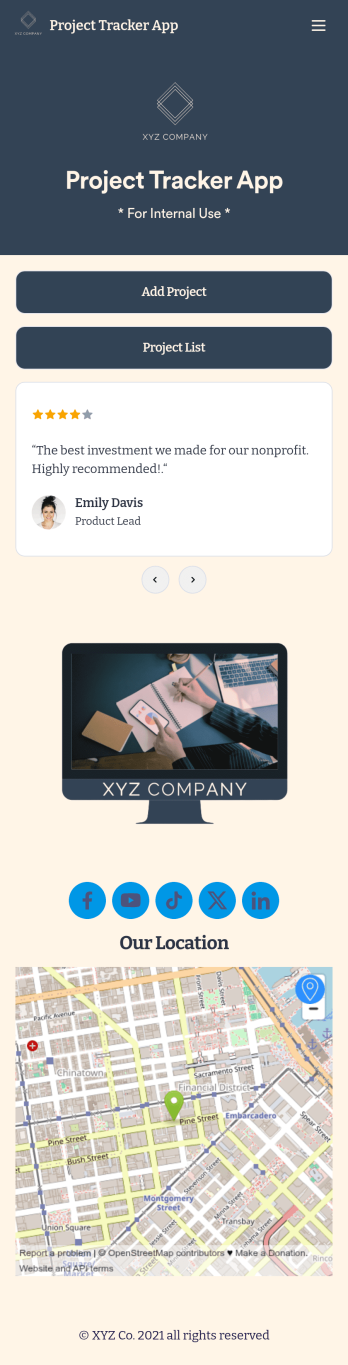
Project Tracker App
A project tracker app is used to keep track of projects on any device. Whether you’re working on personal projects or managing an entire team, use this Project Tracker App to get organized fast! You can add new project details and view all of your projects directly from the app, which is easy to share with a link and download onto your smartphone, tablet, or computer. You can even view projects as a spreadsheet, calendar, or cards with Jotform Tables’ Project Tracker Template.Need to make changes to this app template? Add your logo, choose a new icon, update the background, or include more forms to track other types of information. Once you’ve got your app looking perfect, send it to members of your team so they can start submitting and tracking projects too. Streamline your workflow with a free Project Tracker App for any industry.
Go to Category:Tracker Apps