
Gap Year Admissions App gives students a central place to explore and apply for structured gap year opportunities. It suits admissions teams, education providers, study advisers, nonprofits, and organizations that manage travel, service, learning, or personal development programs. Applicants can browse available opportunities, compare essential information such as focus, location, and duration, and submit an application after reviewing the details. By bringing discovery and admissions into one experience, the app reduces scattered inquiries, helps candidates make informed choices, and gives staff an organized view of submitted applications.
With Jotform Apps, organizations can adapt this app template without writing code. The drag-and-drop app builder makes it easy to update pages, branding, navigation, and opportunity information while connecting forms and tables to the admissions workflow. Teams can collect applicant data, maintain a searchable resource experience, and support applicant self-service from one mobile-friendly destination. Once customized, the Gap Year Admissions App can be shared through a direct link or QR code, giving prospective participants convenient access wherever they are.
Related templates
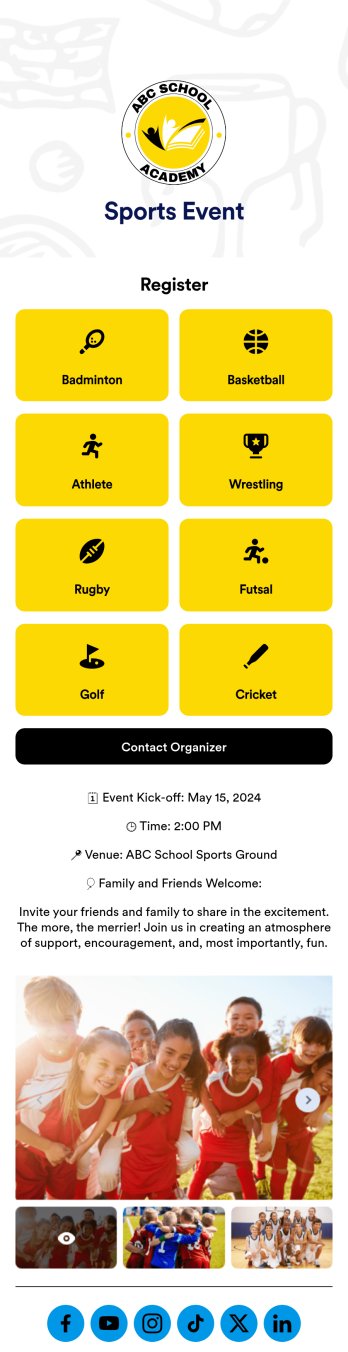
Sports Event App
A sports event app template is a tool for athletic organizations to support their teams, register new players, and promote upcoming games. Whether it’s for school sports, a recreational league, or a sports club, this free Sports Events App template makes it easy to organize everything you need in one place. This template features links to player registration forms, plus space to provide details about the season, special events, organizer contact information, and links to your social media pages. Update the app to include information about your teams for anyone who may want to join, gather signatures on waivers, collect email addresses for your mailing lists, and more.Jotform’s drag-and-drop builder makes it easy to customize this Sports Events App template to fit your team colors and branding without any coding. Change the background image, create new pages, upload photos and videos of games, and add your team logo to the splash page for a professional look other teams will envy. You can even connect to Jotform’s 30+ payment gateway integrations to collect registration payments and sell tickets to games without any additional fees. When you’re done, share your app with players, coaches, parents, and fans to give them quick access to everything they may need right from their mobile device.
Go to Category:Education Apps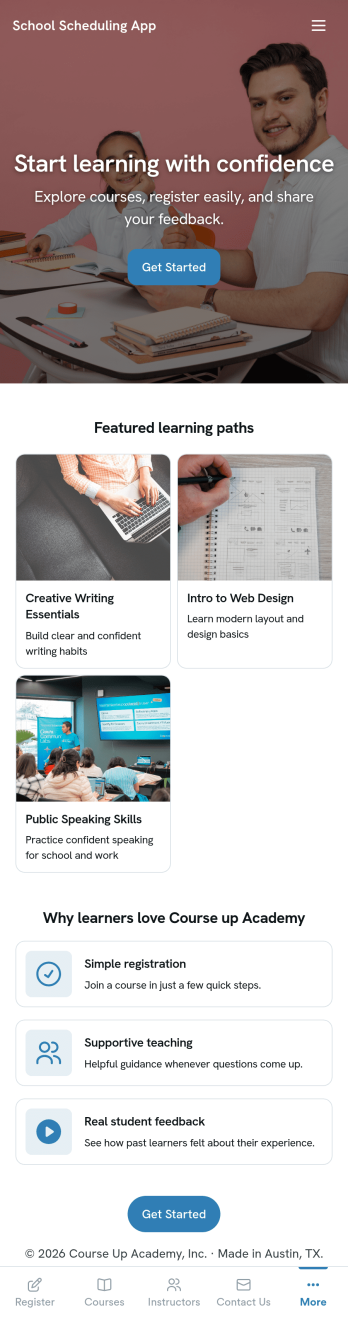
School Scheduling App
School Scheduling App is an app template designed to systemize and optimize the complex process of academic scheduling. Its primary function is to simplify and expedite the creation and management of class schedules for both small and large academic institutions. In its operational context, the app provides a systematic approach to allocating classrooms and teachers, reducing potential conflicts and inefficiencies in timetable planning. This holds immense value for school administrators, academic coordinators, and teachers who are tasked with harmonizing multiple variables in the scheduling process. The app collects relevant information about class timings, rooms, teachers, and subjects and presents it in a structured manner, aiding in the efficient distribution of resources. It brings clarity and consistency to the timetabling process, offering a superior alternative to ad hoc collection methods. Commonly used in primary, secondary, and higher education institutions, the School Scheduling App is best for those seeking a centralized platform to manage and monitor academic scheduling.With Jotform's No-Code App Builder, customizing the School Scheduling App is an intuitive process that requires no coding skills. The drag-and-drop interface allows alterations to forms and layouts to suit institutional brand requirements. The app offers cross-platform compatibility, so users can access and download the app onto any smartphone, tablet, or desktop via a shareable link. This seamless experience extends to the app's publishing options and sharing methods, providing flexibility in access controls and distribution. Users can choose to keep the app public or private and share it via direct link, email, QR code, or social media. With Jotform, creating a cohesive, user-friendly academic scheduling solution is made simple and efficient with the School Scheduling App.
Go to Category:Education Apps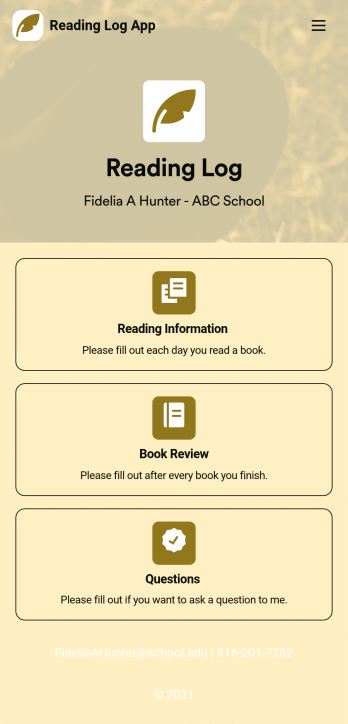
Reading Log App
As a teacher, staying on top of your students’ reading habits can be a headache. So why not create one central place to keep track of it all? With this Reading Log App, teachers can easily track, monitor, and review students’ assigned reading progress. This ready-to-use template also comes with a place for your students to send questions, and a digital signature form for parents to sign off on readings. This app works in tandem with our Reading Log Template, which allows you to easily sort through entries in a searchable spreadsheet.Want to customize this Reading Log App and make it your own? With our simple drag-and-drop interface, you can add or change forms, choose fonts and colors, update the app name or text, and more — all with zero coding. Once you’re satisfied with the look and feel of your app, simply share the link through email and have your students start filling out their assigned readings from any smartphone, tablet, or desktop. Make your job outside of the classroom easier with this customizable Reading Log App!
Go to Category:Classroom Management Apps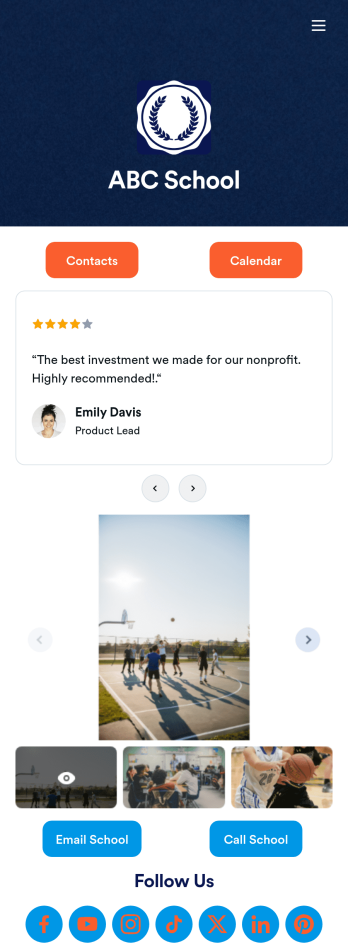
Our School App
A school app keeps important school forms, documents, links, and other resources in one central location that can be accessed on any device. Whether you run a public high school or private university, create an app for your educational institution with Jotform’s free Our School App. This customizable app template includes a calendar page, contact information, event posters, and school photos that students and their guardians can access from any smartphone, tablet, or computer for easy access.Want to customize this Our School App for your school? You won’t need to take a class — simply use our drag-and-drop builder to add forms and tables, embed links, upload documents or media files, create pages, and much more. When your app is ready to share, post the app link on your school website or send email invites to students, guardians, and teachers directly. Keep students informed about upcoming events and deadlines with an Our School App customized for your school.
Go to Category:Education Apps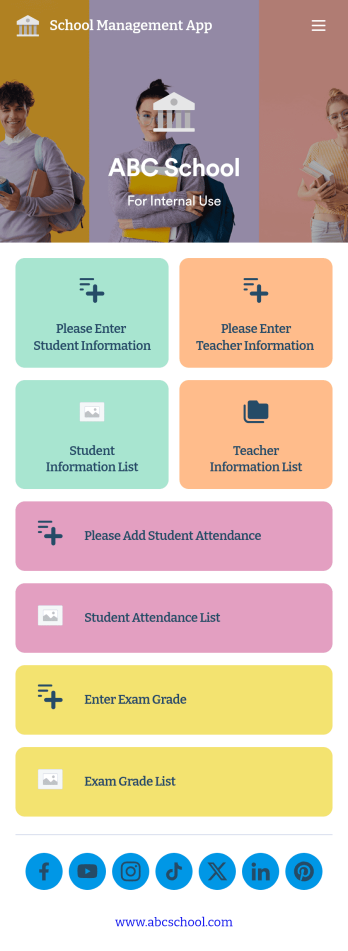
School Management App
A school management app is used by schools and educational institutions to record and compile student information. Our School Management App bundles together four useful forms, allowing school administrators and teachers to easily add school and teacher contact information, log attendance, and record exam scores from any device. Each form automatically feeds data into an easy-to-understand companion spreadsheet, which you can sort, filter, and search from your secure Jotform account.Make this School Management App template your own in seconds with Jotform’s no-code app builder. Just drag and drop to add or change form elements, edit form text and fields, change the color scheme to match your school’s colors, upload your ensignia, attach documents and external links, and more. When you’re finished customizing, you can share your app by sending the app link, attaching it to an email invitation, or embedding it in an internal-use school website. Teachers and staff can then download it onto any smartphone, tablet, or desktop and begin using it right away. Create an all-in-one app for managing student data with just a few clicks with this free School Management App from Jotform.
Go to Category:Education Apps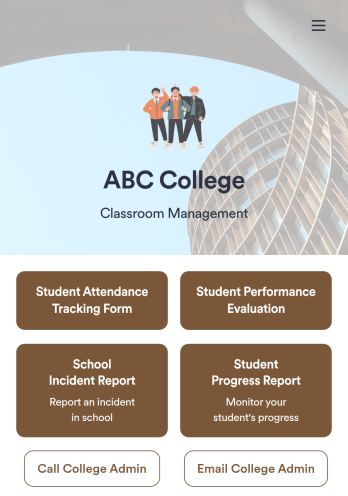
Classroom Management App
A classroom management app is used by schools and educational institutions for recording students’ attendance and progress. This all-in-one Classroom Management App contains four useful forms: teachers can mark attendance with a Student Attendance Tracking Form, record student progress with a Student Progress Report Form, keep track of student evaluations with a Student Performance Evaluation Form, and report incidents with a School Incident Report Form.This app template can be easily customized to suit your school or classroom’s particular needs. Using our drag-and-drop interface, you can add or swap out form elements, change text, choose fonts and colors, upload images, and more — all without any coding. After you’re done, you can share your app with a link or embed it in an internal website for teachers to access and download on any device. Stay on top of your students’ progress and performance with this free Classroom Management App from Jotform.
Go to Category:Classroom Management Apps