A grade tracker app helps teachers, tutors, and academic support teams organize students and record grades in one place, so progress is easy to review at any time. Use it to keep a simple student list, add new grade entries as assignments are completed, and quickly open each student’s grade page to check performance trends across a term or program.
With Jotform, you can turn this Grade Tracker App into a branded, shareable experience using App Templates and a no-code app builder. Customize pages with a drag-and-drop interface, connect forms for data collection when you add students and grades, and keep records organized for everyday workflow and self-service access on any device.
Related templates
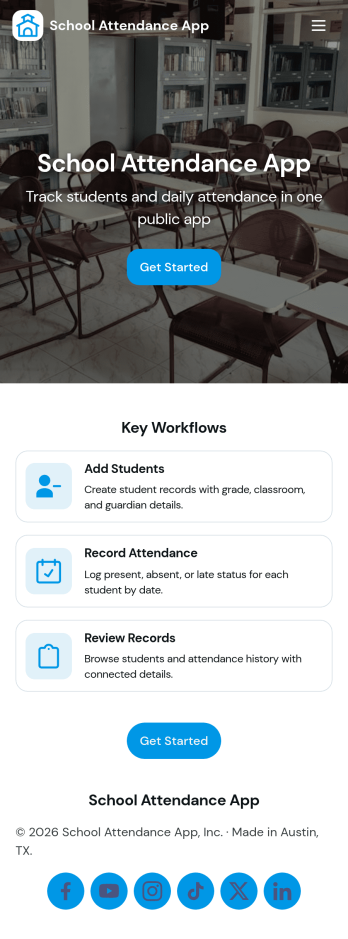
School Attendance App
School Attendance App helps schools take daily attendance, keep organized records, and follow up on absences without juggling paper rosters or scattered spreadsheets. Use it to quickly mark attendance, review individual student entries, and keep absence notes in one place, making it easier to spot patterns like frequent tardiness or repeat absences. It’s a practical fit for teachers, homeroom advisors, front offices, and school administrators who need a consistent routine for tracking presence across classes, dates, or student groups.Built with Jotform, this app template can be customized with a no-code app builder and a drag-and-drop interface so your team can match the layout to your attendance process. Connect it to forms for data collection, route updates through a simple workflow, and share a self-service link with staff who need access. As your needs change throughout the school year, you can update pages, add fields, and keep attendance information easy to find and manage from anywhere.
Go to Category:School Management Apps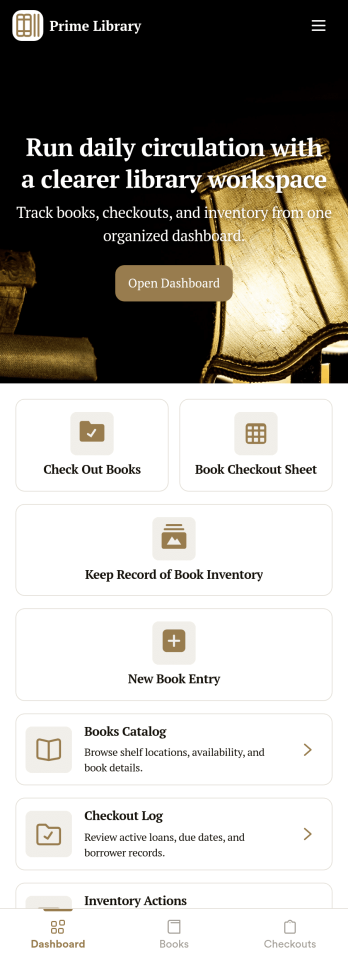
Library Management App
A library management app is used by libraries for library management and inventory purposes. Jotform’s Library Management App makes it easy to quickly fill out a form documenting book title, author, and serial number to keep an accurate record of books checked out by library patrons. A separate form allows librarians to enter incoming book orders into an inventory system. This app comes bundled with companion spreadsheets for each form, giving you an easy-to-understand overview to help you manage your library at a glance.Make this app template your own in seconds with Jotform’s no-code app builder. You don’t need to have any coding or design background — just drag and drop to add or change form elements, edit form text and fields, upload images, add documents, and more. Once you’re done customizing, download your app on any smartphone, tablet, or desktop in your library and start checking out books right away. Manage your library from any device using a single app with our readymade Library Management App.
Go to Category:Management Apps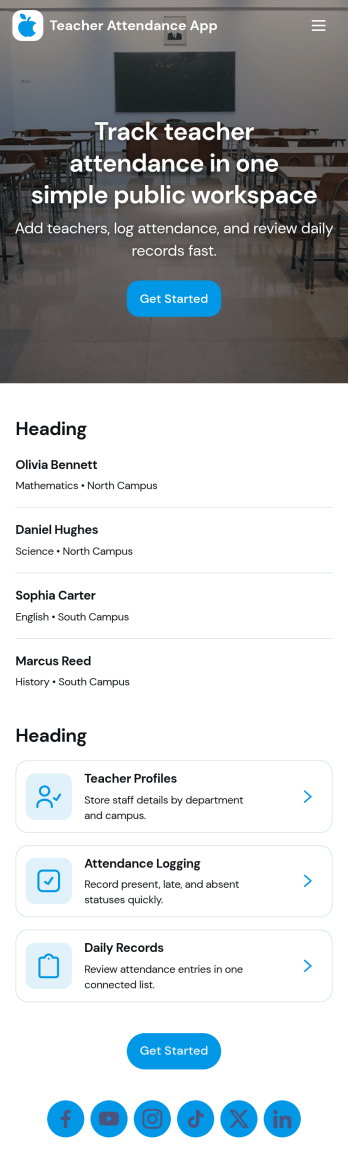
Teacher Attendance App
Teacher Attendance App helps schools and education programs track daily classroom attendance in one place, from taking attendance to reviewing past records. It’s a practical fit for teachers, substitute teachers, department leads, and school administrators who need a consistent routine for logging attendance, keeping a clean student roster, and reducing missed entries. With quick navigation to take attendance, view students, and check records, the app supports smoother mornings, more accurate reporting, and fewer manual spreadsheets.Jotform offers app templates like this one you can tailor to your process using a no-code app builder and a drag-and-drop interface. Connect the app to forms and data collection so attendance logs and roster updates stay organized, searchable, and easy to manage over time. Share your Jotform app with staff through a link or QR code, keep workflows moving with simple actions and pages, and update the experience anytime without writing code.
Go to Category:School Management Apps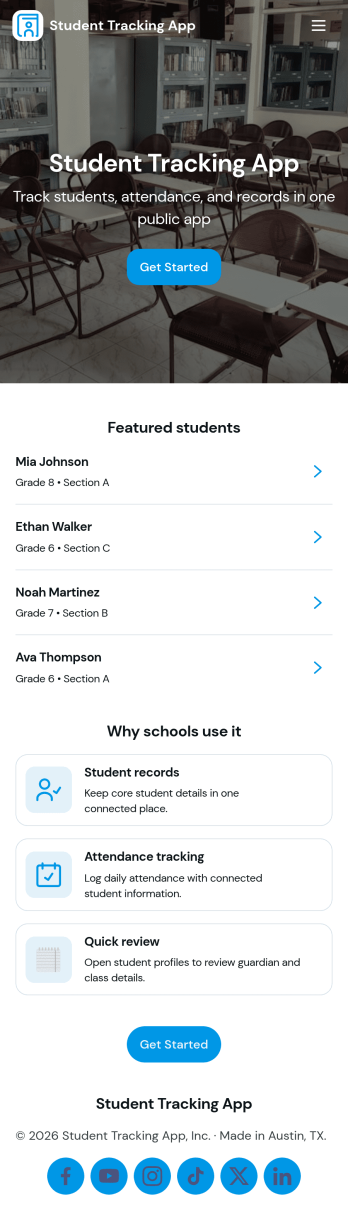
Student Tracking App
A student tracking app brings key classroom details into one place so educators can keep up with who is enrolled, who is attending, and what progress notes have been recorded. This template organizes a student roster you can browse into individual student details, then connects that view to an attendance log and academic notes so patterns are easier to spot over time. It fits K–12 classrooms, tutoring centers, after-school programs, and small academic teams that need a simple way to stay consistent with recordkeeping without digging through scattered spreadsheets or paper binders.Jotform makes it easy to turn this Student Tracking App into a working, shareable experience using App Templates and a no-code app builder. With a drag-and-drop interface, you can adjust navigation, add or remove pages, and connect the app to forms and tables for ongoing data collection and workflow needs. Share the app as a self-service hub for staff, keep attendance entries organized, and maintain up-to-date student information as your program changes throughout the year.
Go to Category:School Management Apps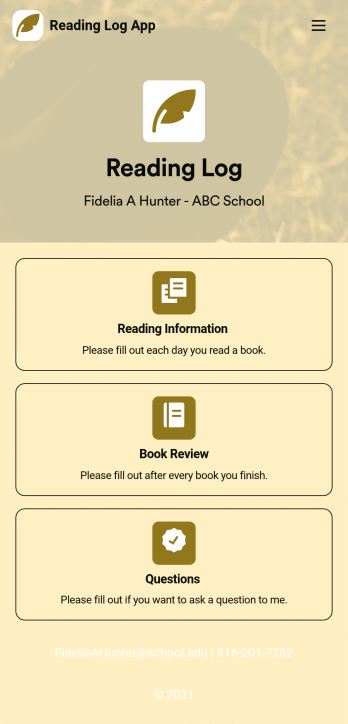
Reading Log App
As a teacher, staying on top of your students’ reading habits can be a headache. So why not create one central place to keep track of it all? With this Reading Log App, teachers can easily track, monitor, and review students’ assigned reading progress. This ready-to-use template also comes with a place for your students to send questions, and a digital signature form for parents to sign off on readings. This app works in tandem with our Reading Log Template, which allows you to easily sort through entries in a searchable spreadsheet.Want to customize this Reading Log App and make it your own? With our simple drag-and-drop interface, you can add or change forms, choose fonts and colors, update the app name or text, and more — all with zero coding. Once you’re satisfied with the look and feel of your app, simply share the link through email and have your students start filling out their assigned readings from any smartphone, tablet, or desktop. Make your job outside of the classroom easier with this customizable Reading Log App!
Go to Category:Classroom Management Apps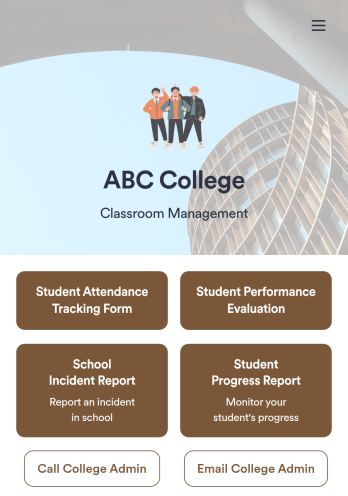
Classroom Management App
A classroom management app is used by schools and educational institutions for recording students’ attendance and progress. This all-in-one Classroom Management App contains four useful forms: teachers can mark attendance with a Student Attendance Tracking Form, record student progress with a Student Progress Report Form, keep track of student evaluations with a Student Performance Evaluation Form, and report incidents with a School Incident Report Form.This app template can be easily customized to suit your school or classroom’s particular needs. Using our drag-and-drop interface, you can add or swap out form elements, change text, choose fonts and colors, upload images, and more — all without any coding. After you’re done, you can share your app with a link or embed it in an internal website for teachers to access and download on any device. Stay on top of your students’ progress and performance with this free Classroom Management App from Jotform.
Go to Category:Classroom Management Apps