Home Safety App brings key household safety tasks into one place so families, roommates, and property managers can stay prepared year-round. Use it to run routine safety checks, keep emergency contacts easy to find, and maintain a clear list of emergency supplies for storms, outages, or evacuations. When something feels unsafe, the hazard reporting area helps you document what happened and keep track of follow-ups, making it easier to prioritize fixes and share updates with everyone in the home.
Jotform makes it simple to turn this Home Safety App into a practical self-service experience without coding. With a drag-and-drop interface, you can tailor pages, buttons, and lists to match your home, building, or community needs, then connect the app to forms and workflows for consistent data collection. Share it by link or QR code so people can access safety information on the go, and keep your records organized as your checklists, contacts, and supplies change over time.
Related templates
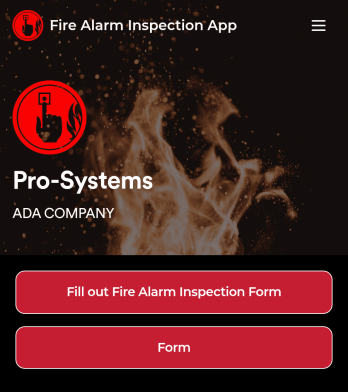
Fire Alarm Report App
A fire alarm report app allows fire inspectors to conduct inspections and submit reports from any device. Get a head start creating your own mobile app with our free Fire Alarm Report App for fire inspectors. This fully customizable app template includes a fire alarm inspection form and risk assessment form that can easily be filled out from any smartphone or tablet. Submitted reports will be safe and sound in your Jotform account and can even be turned into secure PDFs automatically.Without any coding, you can update this Fire Alarm Report App to meet your fire department’s needs. To customize the template, simply drag and drop to add or remove forms, include links to tables or external websites, change text and images, and modify app settings. When your app is ready to be used, download it onto your preferred device or share it with other fire inspectors via the app link.
Go to Category:Inspection Apps
Custom Fire Department App
A fire department app is used by fire departments to track and manage important tasks and activities. This type of app can be used for fire truck inspections, new firefighter applications, shift tracking, equipment logging, performance reviews, and more. To create a custom Fire Department App for your station, use this ready-made template.Personalizing the design of this Fire Department App Template is easy and quick with Jotform’s no-code app builder. Simply drag and drop to make any design or content changes you need. Pick a unique icon for your app, add or remove forms, change colors and fonts, integrate with useful platforms and widgets, and more. Keep your fire department running smoothly with Jotform Apps.
Go to Category:Company Portal Apps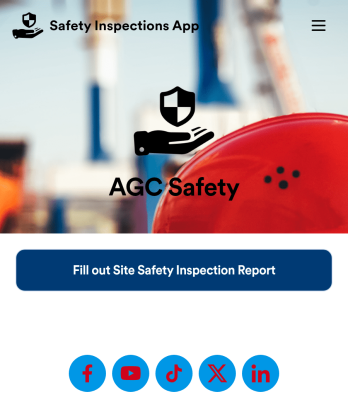
Safety Inspections App
Evaluate and report safety issues on construction sites with this fully-customizable Safety Inspection App from Jotform. This app template includes two forms: a Site Safety Inspection Form for recording construction site safety conditions, hazards, and safety practices, and a Safety Training Evaluation Form for gathering feedback from employees to determine if a safety program is adequate and effective. Once submitted, data from both forms is instantly synced and stored in your secure Jotform account.Customize this app template to your liking with our no-code app builder. Simply drag and drop to add form elements, integrations, and widgets, change form fields, choose fonts and colors, make a custom app icon and splash screen, and more. Download your mobile-ready app onto any device and share it with others by sending email invites or the app link. Keep detailed reports of construction site safety conditions and practices with this free Safety Inspections App.
Go to Category:Inspection Apps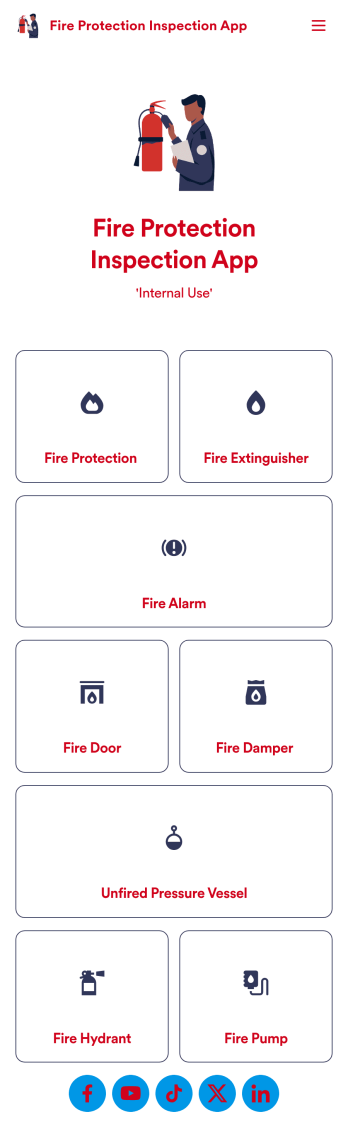
Fire Protection Inspection App
A fire protection inspection app is used to perform fire inspections on any device. Jotform’s free Fire Protection Inspection App allows members of your inspection company or organization to take note of what processes a building has in place to protect themselves from a fire disaster — such as fire extinguishers, fire alarms, and exit routes. Instead of completing inspections with paper forms, you can be more efficient and enter them directly into your mobile device.Want to make changes to the app design? Drag and drop to personalize the app icon or splash screen, add or remove forms, and make other updates with no coding. Every inspection collected through your custom Fire Protection Inspection App will be stored securely in your Jotform account, which you can use to view inspections in a spreadsheet in Jotform Tables, convert inspections into PDF documents with Jotform PDF Editor, and do more with a powerful suite of data management tools.
Go to Category:Inspection Apps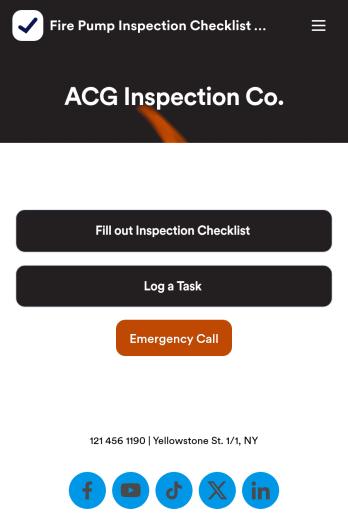
Fire Pump Inspection Checklist App
A fire pump inspection checklist is used by municipal workers to conduct fire pump inspections. Workers can download this readymade app template on any device and fill out a Fire Pump Inspection Form with inspection details. This form includes safety checklists and an e-signature form for workers to sign off on after completing an inspection. A separate Task Log Form allows managers to assign specific tasks to employees with start and end dates. Reports are instantly synced and compiled in your secure Jotform account.Make this app template your own in seconds with Jotform’s app builder. No coding required — simply drag and drop to add form elements, edit text fields and checklist items, install widgets and integrations, customize the app’s look and feel, upload your own branding, and much more. Download your custom app on your favorite device to perform on-site fire pump inspections, and share it with others by sending email invites or by embedding a link in an internal website. Make sure fire pumps are in good working order with this free Fire Pump Inspection Checklist App that works anywhere.
Go to Category:Checklist Apps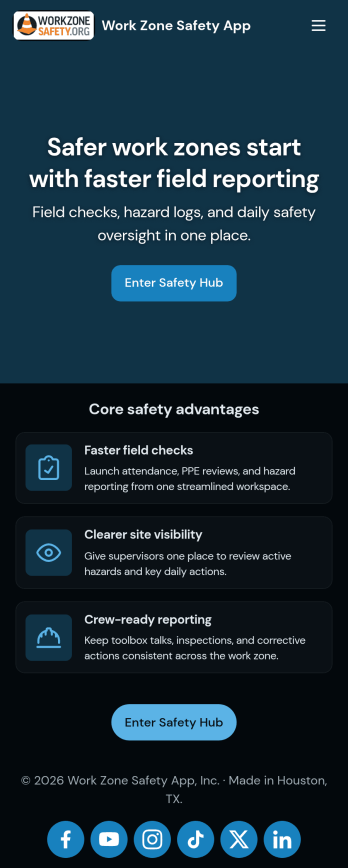
Work Zone Safety App
A work zone safety app is used by occupational health and safety (OHS) inspectors to keep track of work zone safety inspections. With Jotform’s free Work Zone Safety App, you can track attendance, analyze job hazards, assess PPE, and perform other important tasks straight from your mobile device — no messy paperwork required. Submissions are securely stored in your Safety Meeting Sign In Sheet and easy to access on any computer, tablet, or smartphone.If you’d like to customize this app template by adding new forms, uploading your logo, choosing new fonts and colors, or changing the splash screen, do it fast with our drag-and-drop builder. Your custom app can then be shared with employees and downloaded directly onto their devices for easy access whenever they need it. Speed up the way your company conducts safety checks with a free Work Zone Safety App.
Go to Category:Inspection Apps