Hospital Management Game App turns hospital administration concepts into an interactive, scenario-based experience for classrooms, workshops, and team activities. Participants can explore key hospital areas like operations, staffing coverage, and a patient board while working through management challenges that prompt discussion and decision-making. Use it to run role-play sessions, evaluate how teams prioritize tasks, or guide learners through simulated cases without needing a complex setup.
Built with Jotform, this app template helps you publish a mobile-friendly experience using a no-code app builder and a drag-and-drop interface. Connect the app to your data collection workflow with Jotform Tables so scenarios, patients, staff, and challenges can be updated in one place and shown as browsable lists and cards. Share the app with a link or QR code, customize the pages and navigation, and iterate quickly as your game content evolves.
Related templates
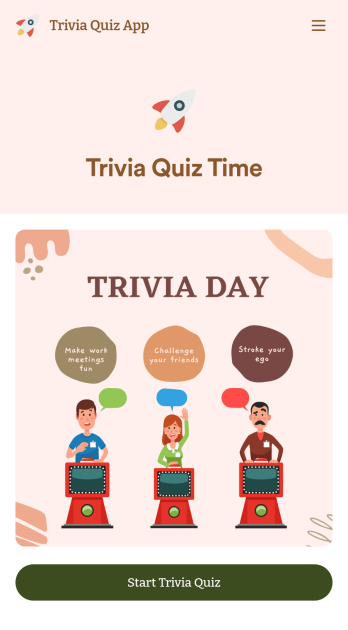
Trivia Quiz App
Create a fun trivia quiz app for your coworkers, students, or friends. Using this ready-made Trivia Quiz App, you can quickly add your quiz and share the app to be downloaded onto any iOS or Android device. Then the people who download your app can complete the quiz no matter where they are, sending you their results instantly upon completion.Customize this Trivia Quiz App with our drag-and-drop builder. Add or remove questions, upload images, add fun form widgets, change the app’s background image or icon, and make other changes in seconds with no coding knowledge needed. Enjoy a quick, easy way to create your own custom Trivia Quiz App with Jotform.
Go to Category:Entertainment Apps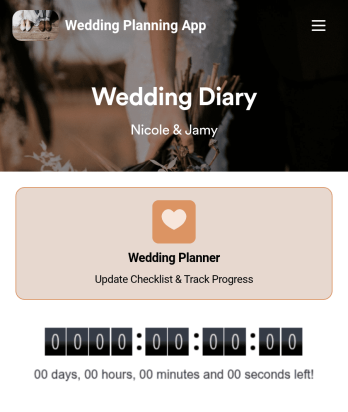
Wedding Planning App
Plan your wedding like a pro with a free Wedding Planning App from Jotform! Whether you’re a professional wedding planner or getting things ready for your own wedding, use this app to create a wedding checklist, track your progress, and view a countdown timer ticking off the seconds until the big day. You can also use the app to log expenses, manage your guestlist, and keep track of venue information.Make changes to this Wedding Planning App template in seconds with our drag-and-drop builder. Add new forms, pages, links, images, and personalize design elements like splash screen and app icon with no coding required. Your custom Wedding Planning App can then be downloaded instantly onto any device — including your computer or any iOS or Android device — so you can prepare for your event seamlessly on the go.
Go to Category:Checklist Apps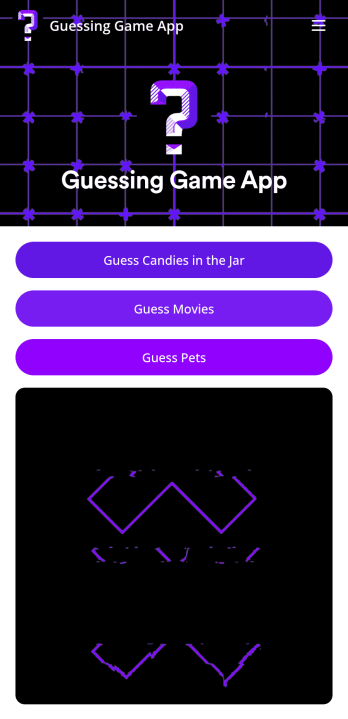
Customizable Guessing Game App
A guessing game app lets you run guessing games — such as movie guessing games, pet guessing games, or guessing how many candies are in a jar — from any mobile device. With Jotform’s free Guessing Game App, you can use built-in guessing games or customize them to make them your own. Then share your app with a link for others to download onto their own devices and play instantly!Make changes to this app template by adding more guessing games, personalizing existing ones, or adding images, links, documents, forms, and more. All changes with our drag-and-drop form builder require zero coding, so you can make your own app in minutes. Once your app is ready to go, share it for others to download onto their computer, tablet, or smartphone — including both iOS and Android devices.
Go to Category:Entertainment Apps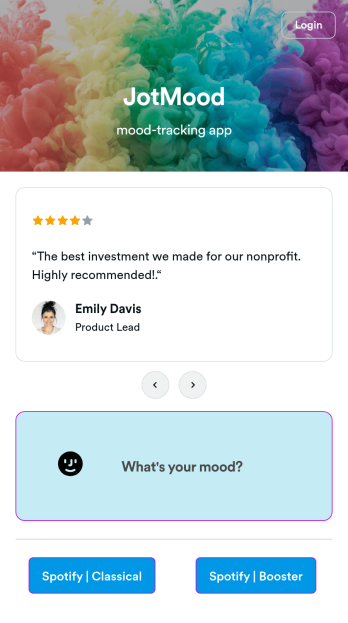
Mood Tracker App
Tracking your mood is a great way to learn how to manage your emotions and understand triggers. Start tracking your moods or help patients track theirs with our free Mood Tracker App you can customize in just a few clicks! This ready-to-use app provides a single place for users to add their moods through a form and view all their submissions at once in order to see any recurring patterns. You can use this app yourself, or share it with patients to help them monitor their progress in therapy.Want to customize your Mood Tracker App? With our drag-and-drop interface, you can create and add more forms to your app and even change its icon, name, splash screen, and background. Feel free to upload images, include links, update the text, and more. You’ll be able to access and download your app from any smartphone, tablet, or desktop. Make it easier to keep track of how you’re feeling with a custom Mood Tracker App you can easily use from any device.
Go to Category:Entertainment Apps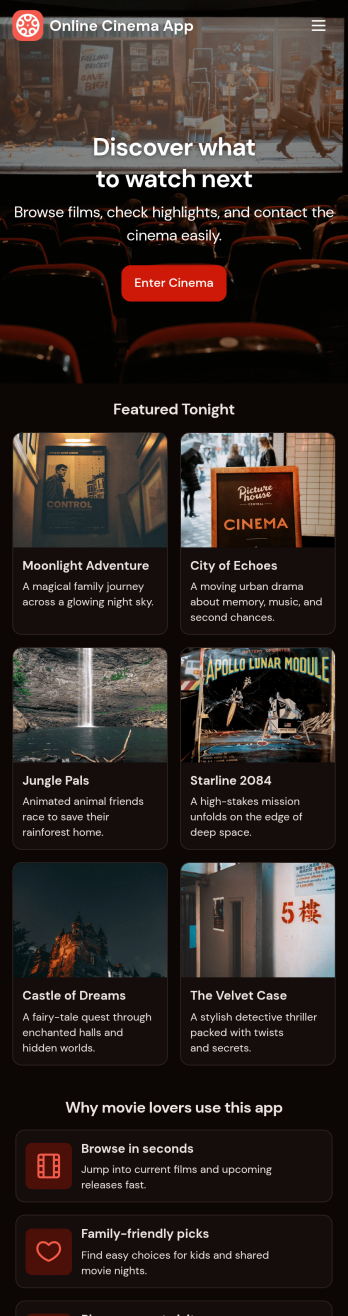
Custom Online Cinema App
An online cinema app is used by movie theaters to allow customers to purchase tickets and watch movie trailers from any smartphone, tablet, or desktop computer. Jotform’s Online Cinema App is the perfect way to create an all-in-one app for processing online ticket sales ahead of time to gauge audience attendance numbers. Ticket sales are instantly stored in your secure Jotform app for ease of use.Make this app template your own with Jotform’s intuitive app builder. No coding knowledge is required—just drag and drop to add or change form elements, choose fonts and colors, upload your branding, attach movie posters, and more. Jotform’s List Element feature lets you connect Tables and add actions, making it easy to organize data and manage your app’s flow. You can also choose from 30+ of Jotform’s popular payment gateways to process tickets directly from your app. When you’re finished, share your app by posting the app link on your website or social media, or generate a QR code to affix to the outside of your theater. Create a custom theater portal and start selling movie tickets online with this free Online Cinema App that works on any device.
Go to Category:Booking Apps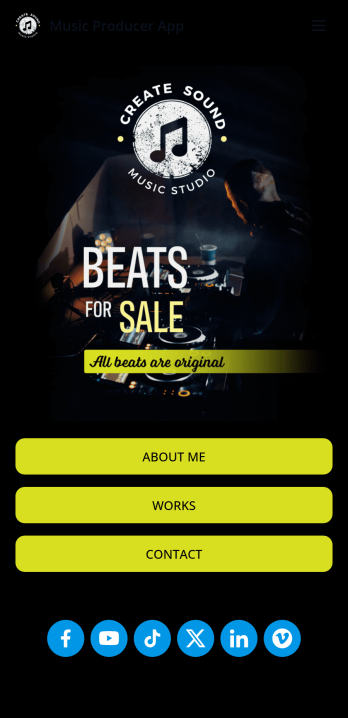
Music Producer App
Looking for an easy way to consolidate all your music production projects? Create a fully customizable Music Producer App in seconds without any coding knowledge. This ready-made app template includes multiple pages and forms to get started right away. Users can access and download your app onto any smartphone, tablet, or desktop computer. Messages sent through the included contact page are automatically synced to your secure online account for ease of access.Make changes to this free template without any coding using Jotform’s intuitive builder. Drag and drop to add text and images, create new pages, upload your personal branding, include social media buttons, and anything else you want — the customization options are limitless. You can even include audio samples of your music projects. After you’re satisfied with the look and feel, share your custom Music Producer App with others by sending email invites, including the link in social media posts and bios, or by seamlessly embedding it in your personal website with a simple copy-paste embed code. Show off your music production skills and find new clients with Jotform’s free Music Producer App.
Go to Category:Entertainment Apps