The Invoice Delivery Reconciliation App is an app template for recording invoices, documenting how they were delivered, and identifying exceptions that need follow-up. It gives finance teams, accounts receivable staff, billing departments, service providers, and operations managers a shared view of invoice and delivery activity. Users can record invoice details, log delivery information, and review exceptions without relying on disconnected spreadsheets or email threads. This organized process helps teams verify whether invoices reached the intended recipient, retain useful tracking references, and address missing or inconsistent records before they delay internal reviews or customer follow-up.
Jotform Apps makes this Invoice Delivery Reconciliation App easy to adapt with a no-code app builder and drag-and-drop interface. Teams can customize pages, navigation, branding, and connected forms while linking data collection to tables, notifications, approvals, and other workflow steps. Starting from Jotform App Templates reduces setup time and creates a mobile-friendly self-service experience that staff can access through a direct link, custom app URL, QR code, or embedded page. The app builder also supports centralized updates, helping authorized team members work from current invoice and delivery information.
Related templates

Invoice And Quotation App
Invoice And Quotation App is a ready-to-use workspace for preparing and organizing client billing documents from one accessible location. Independent professionals, consultants, contractors, service providers, and small finance teams can create invoices and quotations through connected forms, browse existing records, and review document details such as client information, totals, line items, notes, and quotation validity. It helps users keep sales estimates and billing records together, reduce manual document handling, and find the information needed for client follow-up. Teams can use the app throughout the sales and billing cycle, from presenting a quotation to reviewing the related invoice.With Jotform Apps, users can adapt this app template to their own processes without writing code. The no-code app builder features a drag-and-drop interface for updating pages, buttons, navigation, colors, and branding. Connected forms support consistent data collection, while organized record views make ongoing work easier to manage. Users can also link the app to tables, approvals, notifications, and other workflow steps as their needs grow. Like other Jotform App Templates, it can be published for mobile-friendly access and shared by direct link or QR code, giving authorized team members a convenient way to handle invoice and quotation tasks wherever they work.
Go to Category:Invoice Apps
Tractor Service Billing App
The Tractor Service Billing App is a ready-to-use app template for repair shops, mobile mechanics, agricultural equipment dealers, and independent service technicians who need one place to manage tractor maintenance billing. Customers or staff can start a service request, browse active service jobs, and review billing records without relying on scattered paperwork. Clear service and invoice summaries bring customer details, tractor models, labor, parts, taxes, totals, and payment status into an accessible view. This setup helps field service teams keep job information organized, prepare accurate invoices, answer billing questions, and follow each repair from intake through payment tracking.Jotform Apps makes it easy to adapt this template with a no-code app builder and an intuitive drag-and-drop interface. Add branded pages, navigation cards, forms, tables, approval steps, payment options, or other connected workflows as your operation grows. Teams can centralize data collection, automate notifications, and give customers or technicians convenient self-service access from any device. Start with one of Jotform’s App Templates, personalize the layout and content, then publish the finished app through a direct link, custom URL, embedded experience, or QR code.
Go to Category:Invoice Apps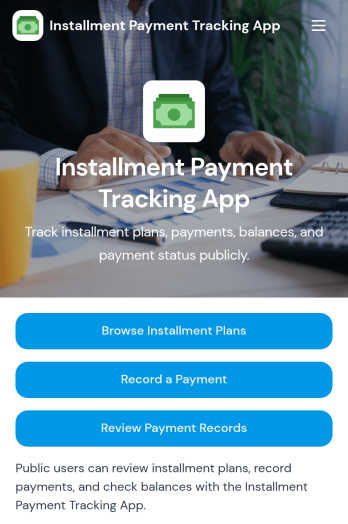
Installment Payment Tracking App
Installment Payment Tracking App helps teams manage installment plans and keep payment history organized in one place. Use it to browse active plans, record a payment as it comes in, review past payment records, and check payment status when customers ask for updates. It fits retail and service businesses offering payment plans, finance teams tracking receivables, and small business owners who need a clear view of who has paid, how much, and what is still outstanding.With Jotform, you can turn this app template into a branded, mobile-friendly self-service experience using a no-code app builder and a drag-and-drop interface. Connect the app to your data collection workflow so payment details and notes stay consistent, searchable, and easy to share with the right people. Publish in minutes, customize navigation and pages to match your process, and keep installment tracking moving without extra tools.
Go to Category:Payment Collection Apps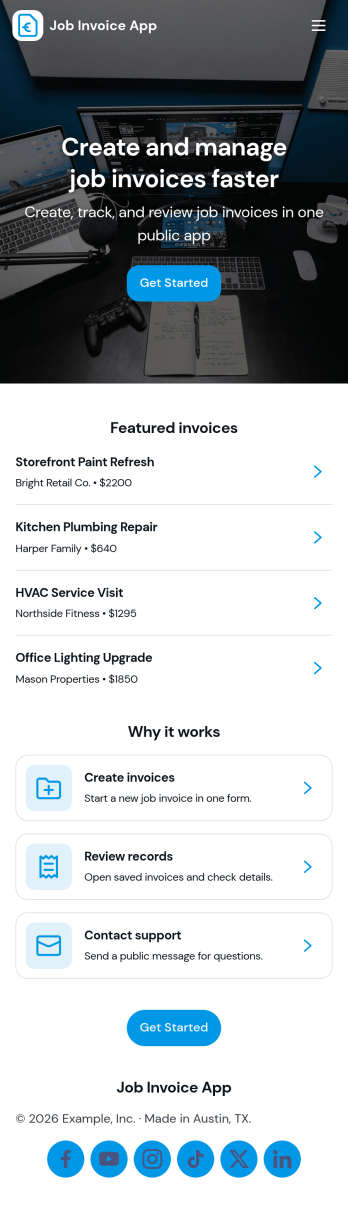
Job Invoice App
Job Invoice App helps service teams turn completed work into clear, consistent invoices while keeping job details organized in one place. It’s a practical fit for contractors, field service providers, repair businesses, and freelancers who need a simple way to add jobs, monitor job progress, and create invoices tied to specific job numbers without juggling scattered notes.Built with Jotform, this app template supports self-service data collection through connected forms and organized records, so your team can capture job information, generate new invoices, and review invoice history from an easy-to-navigate interface. Customize the pages with Jotform’s no-code app builder and drag-and-drop interface, then share the app with your staff to keep invoicing workflows consistent and easier to manage as work orders grow.
Go to Category:Finance Apps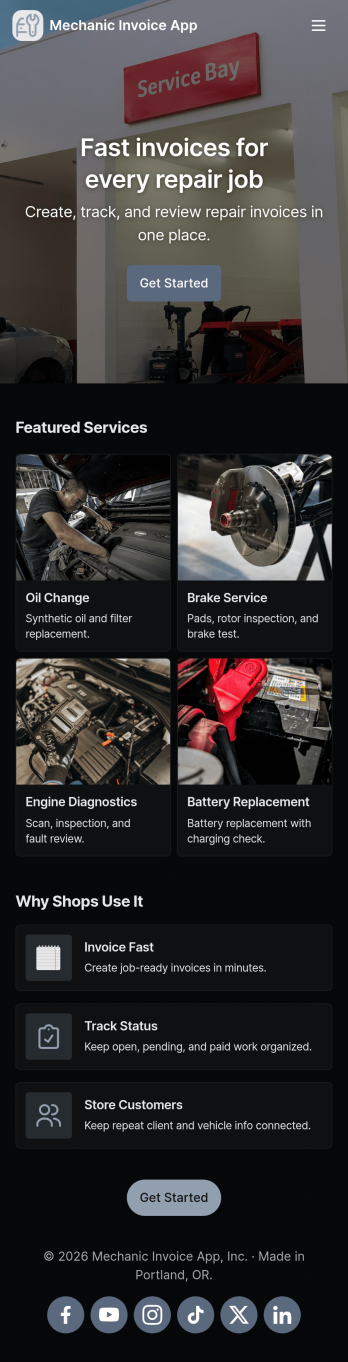
Mechanic Invoice App
Mechanic Invoice App helps auto repair shops, mobile mechanics, and service garages create professional invoices while keeping customer and vehicle details organized in one place. From the front counter to the shop floor, staff can quickly start an invoice, reference saved vehicle records, and pull up customer information to reduce missing details and billing errors. With dedicated areas for quotes and invoice settings, it’s easier to keep pricing consistent, turn estimates into billable work, and stay on top of what’s ready to send.Jotform makes it simple to turn this mechanic invoice workflow into a shareable, branded experience using App Templates and a no-code app builder. Customize pages with a drag-and-drop interface, connect your app to forms and tables for reliable data collection, and keep your workflow moving with automations like notifications and approvals. Share the app by link or QR code so your team can use it on phones or tablets wherever the job happens.
Go to Category:Automotive Apps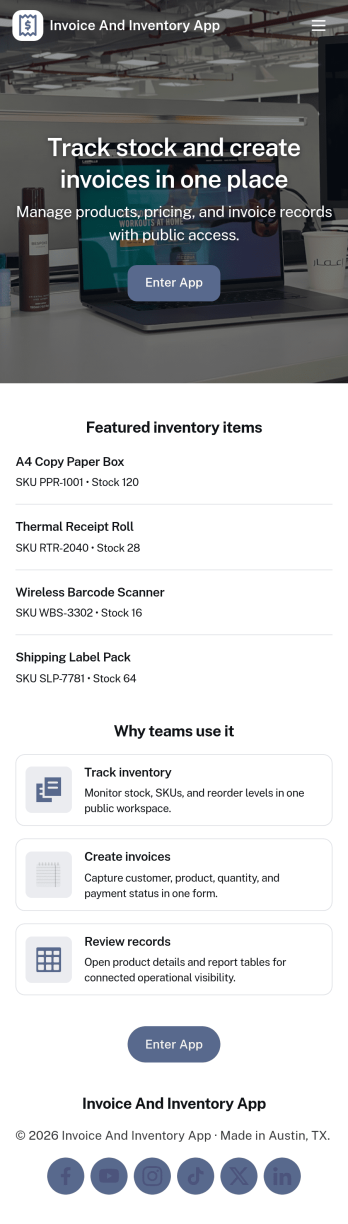
Invoice and Inventory App
Invoice and Inventory App brings invoicing and stock tracking into one place so small businesses can stay on top of what they sell and what they need to reorder. Use it to browse inventory items, create and review invoices, and keep a running record of product movement as stock comes in, goes out, or gets adjusted. It’s a practical fit for retail shops, wholesalers, ecommerce teams, service businesses that bill for parts, and anyone who needs a clearer link between what’s on hand and what’s been billed.Built with Jotform, this app template helps you publish a self-service, mobile-friendly workspace without writing code. Customize pages with a drag-and-drop interface, connect item and invoice lists to your data tables, and link buttons to the right forms so staff can add items, issue new invoices, or log movement in seconds. Share a single app link with your team, keep information organized as your workflow grows, and make day-to-day updates easier to manage from anywhere.
Go to Category:Finance & Accounting Portal Apps