Keg Tracking App helps bars, breweries, taprooms, and beverage distributors keep a clear, up-to-date view of where each keg is and what needs attention. Use it to create new keg records, record fills, log returns, and keep your stock organized so staff can act quickly during busy shifts. With list views and quick-add buttons, teams can reduce missed handoffs, simplify internal reporting, and keep keg activity consistent across locations or accounts.
Built with Jotform, this app template can be tailored to match how your operation tracks kegs, from basic logging to more detailed upkeep routines. Customize the layout with a drag-and-drop no-code app builder, connect your forms and tables for reliable data collection, and share a self-service experience with the right people using a simple link. As records update, everyone stays aligned on inventory movement and maintenance priorities without relying on scattered notes.
Related templates
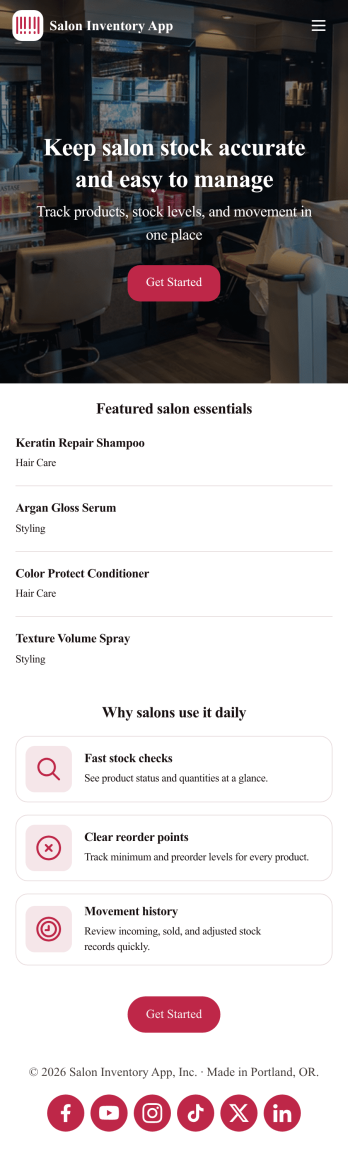
Salon Inventory App
Introducing our Salon Inventory App template, a comprehensive tool designed specifically for beauty salon owners, barbers, and nail technicians to streamline inventory tracking. Jotform App's ready-to-use template will save you time, money, and energy by simplifying your inventory process without any coding required. Whether you are managing a small local barber shop or running a chain of beauty salons, this app template is designed to cater to your needs. It makes the inventory process more efficient, making it easier to track products, manage stock levels, identify best-selling items, and avoid product shortages. The Salon Inventory app template aids in managing stock, preventing overstocking or under-stocking, and ultimately enhancing customer satisfaction by ensuring that the products they need are always available.Explore the capabilities of the Jotform App, a free, no-code app builder that makes it easy to create fully customized apps for your business needs. It combines an intuitive drag-and-drop builder with powerful app elements and over 70+ widgets, offering unparalleled flexibility and ease of customization. By using the Salon Inventory App template, you'll have intricate inventory control at your fingertips, complete with data collection sheets and reports for accurate record-keeping. Are you tired of keeping track of your inventory manually? Or perhaps you are looking for a way to digitize your inventory management for ease of access and real-time updates? Look no further. Jotform App's Salon Inventory template offers a smart, all-in-one solution, giving you access to your stock data anytime, anywhere right from your smartphone, tablet, or computer. Embrace the power of Jotform Apps and take your inventory management to the next level with our Salon Inventory App template.
Go to Category:Inventory Apps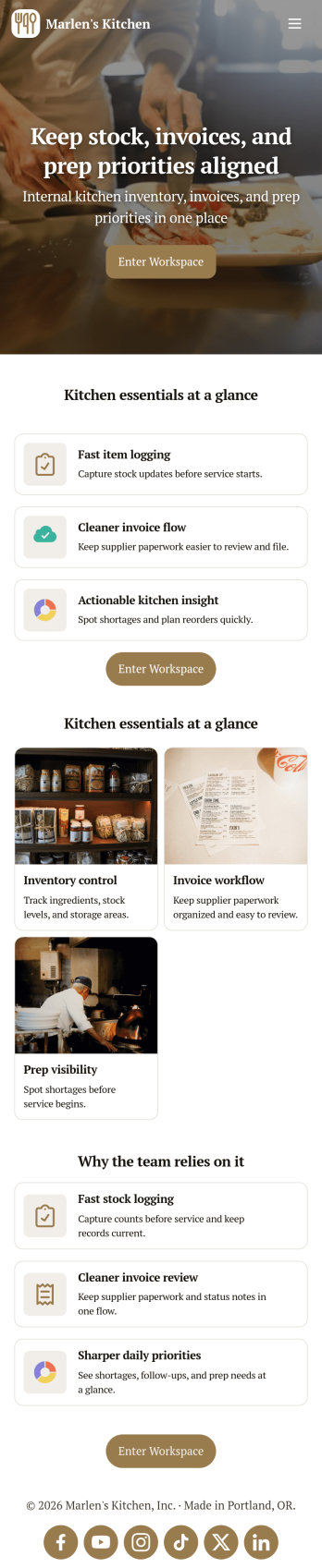
Restaurant Food Inventory App
Restaurant Food Inventory App is an app template designed to optimize the operational workflow of restaurants. It serves as a one-stop solution for restaurant owners, chefs, and kitchen managers to monitor ingredient inventory levels, track usage and expiry dates, manage supplier orders, and optimize food costs through real-time stock visibility. With this app, keeping an eye on food stocks and minimizing waste becomes a hassle-free process. By offering a comprehensive overview of all culinary inventory in one place, it replaces ad-hoc record-keeping practices, leading to more consistent and complete data collection. This app is best suited for those in the food industry who prioritize efficiency, accuracy, and waste reduction in their inventory management.With Jotform's no-code app builder, customizing the Restaurant Food Inventory App to fit your unique requirements is a breeze. The intuitive drag-and-drop interface allows for effortless modifications such as form swapping, font selection, color adjustment, and logo uploading. The result is a tailor-made app that aligns with your restaurant’s branding, without requiring any coding skills. Your app can then be accessed and downloaded onto any smartphone, tablet, or desktop via a shareable link, offering convenient cross-platform compatibility. Furthermore, Jotform Apps provide several publishing options, allowing you to control the accessibility of your app. With Restaurant Food Inventory App from Jotform, streamline your food inventory management and focus on what truly matters: delivering exceptional culinary experiences.
Go to Category:Company Portal Apps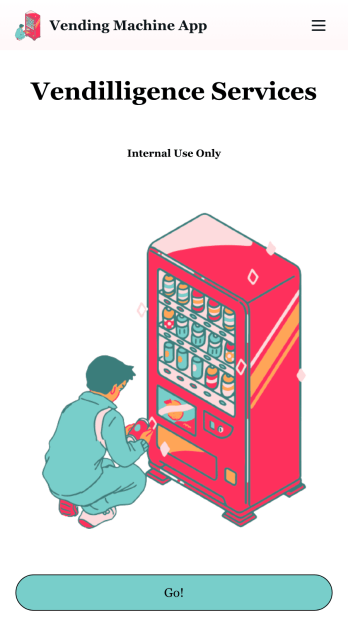
Vending Machine App
Do you have a vending machine business? Equip your employees with the tools they need to take on any request by using the free Vending Machine App from Jotform. In your custom app your employees will be able to request services and inspections, log inventory, and report any issues to the company. All employee data will be stored on your Jotform account in one easy to manage place – making work as seamless as possible for both you and your employees. Need to switch up the look and feel of your Vending Machine App? With Jotform’s no-code drag-and-drop app builder you’ll never have to worry about a tedious brand refresh. Upload your own logo or pick an app icon and background image that works for you. Send your app out to your employees via direct message, email, or even through a scannable QR code. Try Jotform’s free Vending Machine App and revolutionize your business’s workflow.
Go to Category:Inspection Apps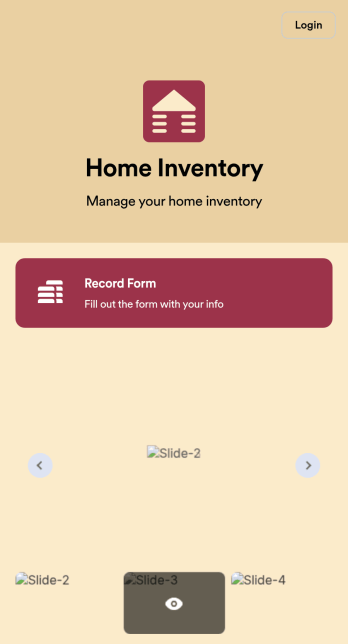
Home Inventory App
Keep track of items in your home with a free Home Inventory App from Jotform. If you’re tracking items for insurance purposes, the app includes a Home Inventory Information Record Form you can use to record details like item name, type, description, year, and more — you can even upload images of items in your home! All submissions through your app are stored securely in your Jotform account, ready to view and access at any time.Need to make changes to this app template? Add more forms, update the app background or icon, and make other design changes with no coding — just drag and drop to get the look you want. Once your app is good to go, download it onto your computer, tablet, or smartphone for quick and easy access. Stop tracking items in your home on paper and enjoy a more efficient way to get it done with this free Home Inventory App.
Go to Category:Inventory Apps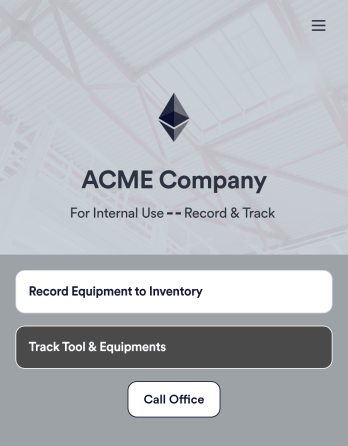
Tool Inventory App
A tool inventory app is used by companies that need to keep track of loaned out tools and equipment. This customizable Tool Inventory App allows you and your employees to record equipment name and type, date of purchase, vendor name, location, number of items, and unit cost. There is also an upload form for attaching pictures and receipts to individual entries. Submissions are stored securely in an easy-to-read database, which you can access directly from your app from any smartphone, tablet, or computer.Looking to personalize this Tool Inventory App? Using our drag-and-drop interface, you can add or change forms, choose fonts and colors, upload your company logo, update the app name, text and splash page, and more — all with zero coding. After you’re done customizing your app can be shared internally via link and then accessed and downloaded on any device. Never lose track of a tool rental again with this Tool Inventory App!
Go to Category:Inventory Apps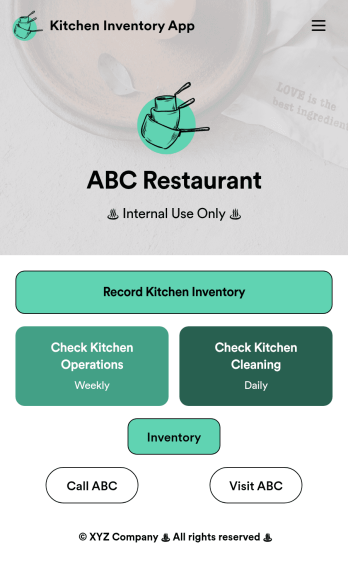
Kitchen Inventory App
Tracking inventory in your kitchen is the key to success for your restaurant. Make inventory a breeze with our free, customizable Kitchen Inventory App! It lets you bundle multiple forms in one app, so you can access our Restaurant Inventory Template and other kitchen forms from anywhere. Supervisors or employees can open the app on any smartphone, tablet, or computer to record stock inventory, report on kitchen operations, and track daily cleaning.This Kitchen Inventory App is ready to use as is, but feel free to make any modifications if necessary. Without any coding, you can add forms, text, images, links, and more. You can even change the name, icon, and splash page for your app for a fully-custom design! Monitor food usage and keep track of your inventory more efficiently with a custom Kitchen Inventory App for your restaurant.
Go to Category:Inventory Apps