Land Surveyor App helps surveying teams keep field work organized from the moment a site is assigned to the day the report is delivered. Use it to capture new survey details with an Add Survey button, maintain a running Survey Log for quick lookups, and route crews to the right pages for each job. It’s a practical fit for independent land surveyors, civil engineering firms, construction teams, and real estate professionals who need a consistent way to document sites and reduce missed details in the field.
Built with Jotform, this app template turns day-to-day surveying workflows into a mobile-friendly self-service experience you can share with your team. Use a no-code app builder and a drag-and-drop interface to tailor pages, control what information is collected, and connect your data collection to forms and tables for easier tracking. As work grows, you can keep survey records and field report activity in one place while staying flexible enough to adjust the workflow for different project types.
Related templates
Job Bidding App
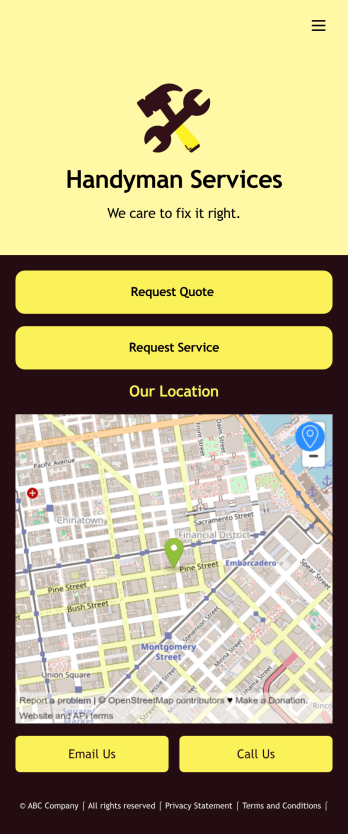
A job bidding app is used by handyman businesses to have their customers request job quotes and services. With this free Job Bidding App, customers can fill out general contact information, describe the work they need done, and upload any relevant photos. Once submitted, a PDF of the customer’s job request is auto-generated with this Handyman Proposal Template. Customers can then use the request service form to schedule a project.This Job Bidding App can be fully customized to match the branding of your business. No coding required — just use our drag-and-drop form builder to add or change forms, upload your logo, choose colors, customize your splash screen, and more. You can then have your customers access and download your app on any smartphone, tablet, or computer with a shareable link. Start receiving job quotes and service requests from your very own app with this Job Bidding App from Jotform!
Go to Category:Construction Apps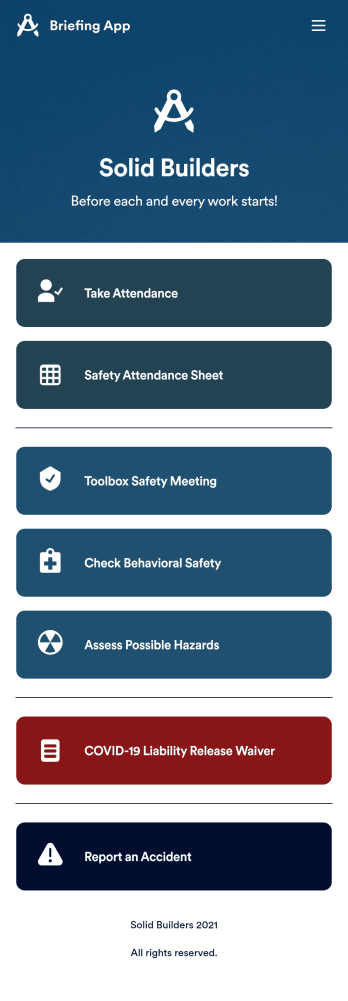
Briefing App
A briefing app is used by worksite safety managers and employees for taking attendance and reviewing safety procedures prior to beginning work. Our readymade Briefing App bundles several forms, including an attendance tracking sheet, and safety guidelines and checklists for tools and equipment, PPE, and hazardous materials and conditions. Employees can also fill out and digitally sign a COVID-19 liability waiver and report worksite accidents directly from the app. Attendance and form submissions are instantly synced and stored in your secure Jotform account, so you can keep everything organized in one convenient location.Make this app template your own in just a few clicks with Jotform’s no-code app builder. Simply drag and drop to add form elements, edit existing forms, attach documents, upload your own branding, and more. You can even use the main page of your app to post work schedules, make announcements, and link to external resources. After you’re done, share your app with employees via email or the app link, and they can download and use it on their preferred devices directly from the jobsite. Build an app to keep everyone safe and accounted for with Jotform’s fully-customizable Briefing App.
Go to Category:Construction Apps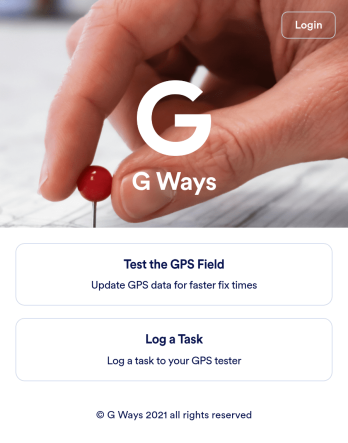
Gps Field Testing App
A GPS field testing app is used by GPS businesses for adjusting and servicing location data. Our GPS Field Testing App is a convenient way for field employees to create on-site GPS testing reports using a Field Testing Form and a Task Log Form. Employees can document device configuration, weather conditions, and note any obstructions. There is also space to record additional notes and upload photos of the sites. Reports are synced and stored in your secure Jotform account so you can keep them organized in one centralized location.Want to make this app template your own? No problem — just use our drag-and-drop app builder to customize the perfect app in seconds. Without any coding, you can add or change form elements, edit text fields and checklist items, choose fonts and colors, upload your branding, and more. Sharing your app by sending email invites or the app link, and employees can start filling out forms right away on any device. Ditch the paperwork and go digital with this free GPS Field Testing App from Jotform.
Go to Category:Engineering Apps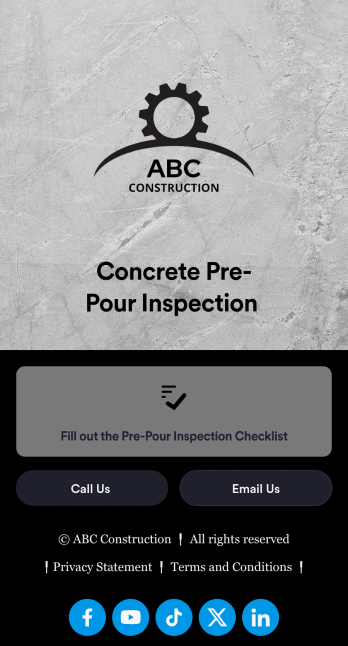
Concrete Pre-Pour Inspection App
A concrete pre-pour inspection app is used by construction companies to allow their employees to conduct pre-pour inspections in the field. Directly from the construction site, this Concrete Pre-Pour Inspection App from Jotform enables your employees to fill out an inspection checklist and submit it to you using their smartphone, with no messy paperwork required.Customize this free app to perfectly match your needs using our drag-and-drop app builder. No need to know how to code — you can add your logo, update the checklist to match your site requirements, and make other design changes in just a few clicks. Once your custom Concrete Pre-Pour Inspection App is ready to go, share it with employees via email so they can download and use it in seconds.
Go to Category:Inspection Apps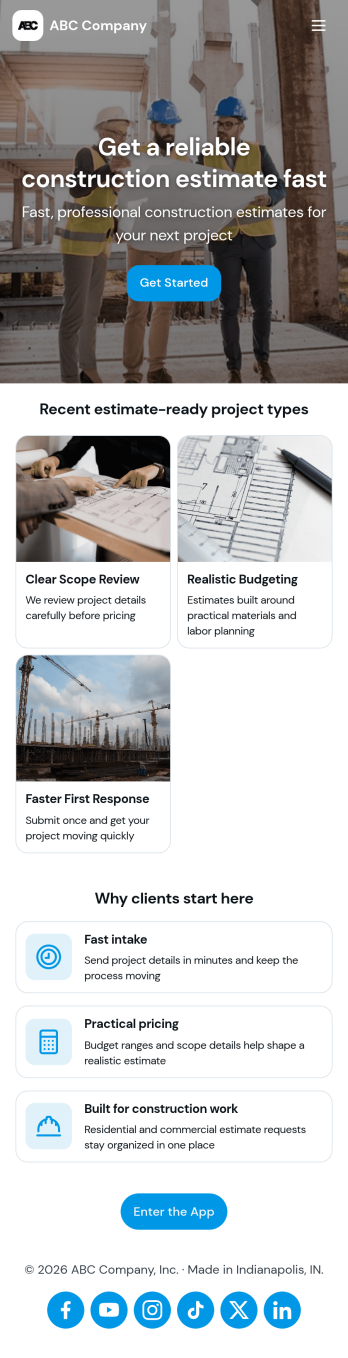
Construction Estimate App
A construction estimate app allows you to calculate the estimated cost of construction projects from any device. Make construction estimates from any smartphone, tablet, or desktop with Jotform’s free Construction Estimate App. This ready-to-use template is easy to customize for your construction business, so you can use your favorite device to collect project requests and calculate costs through a fully-custom mobile app. All entries are stored in your secure Jotform account, where you can view them in a table or turn them into PDFs.In just a few clicks, you can make this Construction Estimate App your own. Simply drag and drop to add forms, documents, links, buttons, and much more. You can also change the app name, icon, and splash screen for a more personalized design. When it’s ready to use, you can download your app onto any device, or share it with others by copying and pasting the app link on your website or sending it via message. Make construction estimates easy anytime, anywhere with a Construction Estimate App for your company.
Go to Category:Construction Apps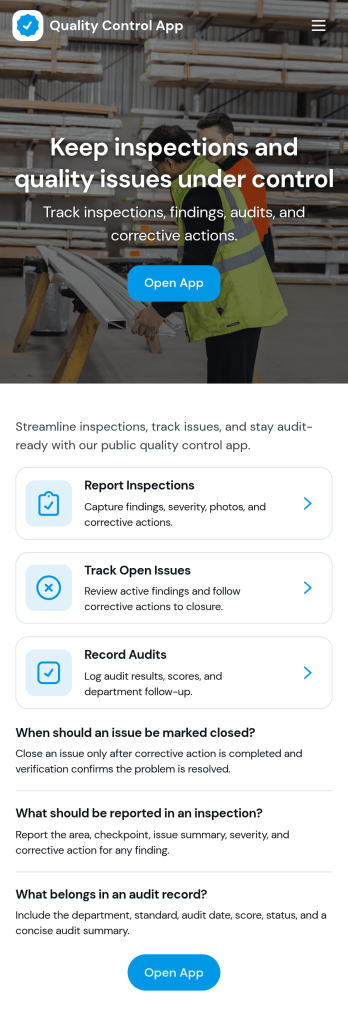
Quality Control App
Quality Control App helps teams run inspections, log issues as they’re found, and review past records in one place. Use it on the production floor, in warehouses, at job sites, or in field operations to capture consistent checks and keep defects from slipping through. With quick navigation to start an inspection, report a problem, and browse inspection and issue lists, it supports supervisors, QA staff, line leads, and contractors who need clear visibility into what was inspected, what failed, and what needs follow-up.Built with Jotform App Templates, this app template can be tailored to your process without coding. Customize pages, update the layout with a drag-and-drop interface, and connect the app to your Jotform forms and data collection workflows so records stay organized and easy to access. Share the app through a link or QR code for self-service reporting, and keep quality documentation centralized as your operation scales.
Go to Category:Engineering Apps