
The Learner Driver Study App is an educational app template that helps new drivers review essential topics, answer practice questions, and open useful learning resources from one organized location. It is suited to learner drivers preparing for a knowledge test, driving instructors supporting lessons, tutors providing road-safety education, and training organizations sharing study material. Clear topic browsing and question-based practice make revision easier to navigate, while linked resources give learners additional context when they need it. This focused experience can encourage independent study, reinforce classroom instruction, and reduce the need to distribute materials across separate channels.
Jotform Apps makes this app template easy to adapt with a no-code app builder and a drag-and-drop interface. Instructors and training teams can update pages, arrange navigation, add branded visual elements, and connect forms for data collection without writing code. The app can also support workflows for feedback, learner check-ins, or resource updates. Once customized, it can be published and shared through a direct link or QR code, giving learners mobile-friendly self-service access to study content wherever they practice.
Related templates
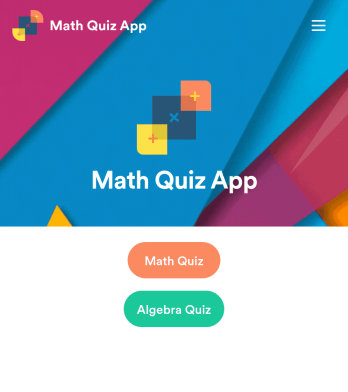
Math Quiz App
Create math quizzes for your students and share them in a free, downloadable app with Jotform. Whether you’re a math teacher or tutor, make quizzes that can be filled out seamlessly on any device — including computers, tablets, or smartphones — to gather responses instantly online. This ready-to-use app provides you with premade quizzes that calculate the submitter's results automatically. You can add your own quizzes or change the existing ones to get started. Once you are done, share the app with your quizzers. Submissions are stored in your secure account and ready to view in Jotform Tables or turn into reports using Jotform Report Builder.Customize this Math Quiz App template with our drag-and-drop builder. Change the app icon or splash screen, add new quizzes or update existing ones, and include as many links, documents, and images as you like. You can even set up calculations to calculate each student’s grade automatically! Save time and paper with a free Math Quiz App from Jotform.
Go to Category:Education Apps
Summer Camp App
A summer camp app is used to collect summer camp registrations, medical information, waivers, and bus registrations. Camp attendants can access and download Jotform’s all-in-one Summer Camp App onto their preferred device and fill out registration forms from anywhere. There’s also a separate form where people can sign up to be camp volunteers! All submissions are instantly synced and stored in your secure Jotform account, which you can easily access and manage from any device.You don’t need to have any coding knowledge to fully customize this app template to your liking. Using Jotform’s intuitive app builder, simply drag and drop to add form elements, create new pages, edit text fields and checklist items, choose fonts and colors, upload your camp’s unique logo, and much more. Share your custom app by sending email invites, embedding it in a website, or linking to it in a social media bio. Go paperless and streamline your camping registration process with Jotform’s free Summer Camp App.
Go to Category:Course & Training Registration Apps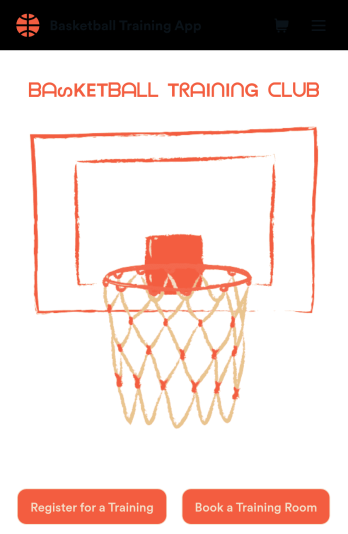
Basketball Training App
Manage all of your basketball training information in a single app with this free Basketball Training App from Jotform! Want to know how to sell your basketball lessons online? Whether you’re running a team or managing a gym, you can use the forms in this app to log practice sessions, gather bookings, collect T-shirt orders, and share your contact information — all from a downloadable app that you can customize and share in seconds.Need to make changes to this Basketball Training App? Add or remove forms, update existing forms, change the app icon or background image, and make other design changes with our drag-and-drop no-code builder. Once your app is ready to go, share it with a link or via email for others to download onto their computer or iOS or Android device for easy access. Create your own app fast with this Basketball Training App template.
Go to Category:Booking Apps
Career Coaching App
Need an easy way to schedule your career coaching sessions? Jotform has you covered with our Career Coaching App. It doesn’t matter if you already have a successful online career coaching business or if you’re just starting out — Jotform offers flexible app customization and templates to get you started. List your schedule for coaching appointments, add session descriptions, and integrate with 25+ easy-to-manage payment gateways to collect and manage appointment bookings.Use our drag-and-drop builder to customize your Career Coaching App! Add or swap out scheduling and payment forms, upload your coaching business logo, change colors and fonts, and integrate with hundreds of useful widgets to make your job easier. After you’re done designing your app to match your branding, share your app’s link via direct message, scannable QR code, or by embedding it directly into your website. You can also link your app on your social media pages to increase engagement and orders. Create your own Career Coaching App today with Jotform.
Go to Category:Consulting Apps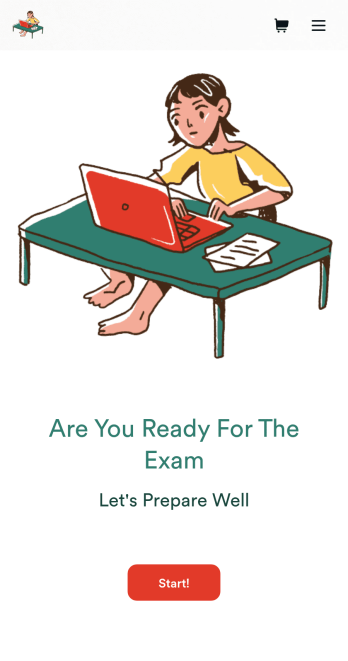
Custom Exam Preparation App
Whether you’re a teacher or a tutor, help students prepare for their exams with Jotform’s free Exam Preparation App. This fully customizable mobile app includes an exam registration form, sample exam questions, and contact buttons for students to easily access from any computer or mobile device. All submissions will be instantly synced to your Jotform account — ready to view, download, share, and approve.You won’t need to take a coding class to customize this Exam Preparation App. Simply drag and drop to add forms, images, documents, links, buttons, pages, and other app elements. Then share your app with students by posting the app link on your website or sending email invites to newly registered students. With a fully custom Exam Preparation App your students can easily access from any device, you can ensure they’ll be ready for their next exam!
Go to Category:Course & Training Registration Apps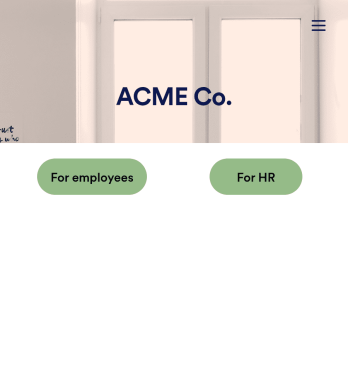
Employee Training App
Monitor your employees’ training progress from a central location with Jotform’s free Employee Training App. Employees can download this app onto any device and document when they’ve completed individual training courses, as well as evaluate the effectiveness of their courses and instructors with a detailed checklist. HR can track employee training statuses and attendance using built-in Jotform Tables spreadsheets.Customize this ready-made app template to match your company’s branding without any coding knowledge. Simply drag and drop to add or change form fields and checklist items, create additional pages, choose fonts and colors, personalize the app icon and splash screen with your unique branding — and much more. After you’re finished, simply embed your app in an internal company website or send out email invites to new employees during the onboarding process. Make sure your employees are getting the training they need with this fully-customizable Employee Training App from Jotform.
Go to Category:Company Portal Apps