
The Learning Log App is a digital record-keeping template for documenting study activities, professional development, training, and independent learning. Students, teachers, tutors, employees, and lifelong learners can add learning entries, review past records, and view progress from one organized space. Reflections can capture key insights, time invested, learning methods, current status, and next steps without relying on scattered notes or spreadsheets. This app template helps individuals build consistent learning habits while giving educators and training teams a clearer view of participation, growth, and areas that may need further attention.
Jotform Apps makes it easy to adapt the Learning Log App to a course, workplace program, tutoring plan, or personal goal. Its no-code app builder and drag-and-drop interface let users update pages, navigation, branding, and connected data collection forms without programming. Learning records can support broader workflows through connected tables, notifications, and other Jotform tools. Start with one of Jotform’s App Templates, personalize the content, and share the finished app through a direct link or scannable code for convenient self-service access on phones, tablets, and computers.
Related templates
Outdoor Activity Log App
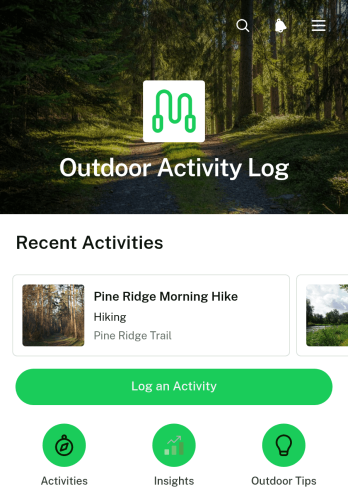
The Outdoor Activity Log App is a ready-to-use app template for hikers, walkers, cyclists, outdoor clubs, fitness groups, and recreation programs that need a convenient way to document activities. It brings activity entry, record browsing, and progress insights into one mobile-friendly experience. Users can record an activity name, duration, location, and notes, then open past entries to review the details. This organized history helps individuals maintain consistent routines while giving coaches, group leaders, and program coordinators better visibility into participation and activity patterns.Jotform makes it easy to adapt this Outdoor Activity Log App with a no-code app builder and a flexible drag-and-drop interface. Add or rearrange pages, update visual elements, connect forms and workflows, and organize collected data without programming. The app can be shared through a direct link or QR code, giving participants quick self-service access from their phones. Whether it supports a personal fitness goal, a recreation challenge, or a community outdoor program, this customizable option among Jotform App Templates simplifies data collection and keeps activity information accessible.
Go to Category:Activity Tracking Apps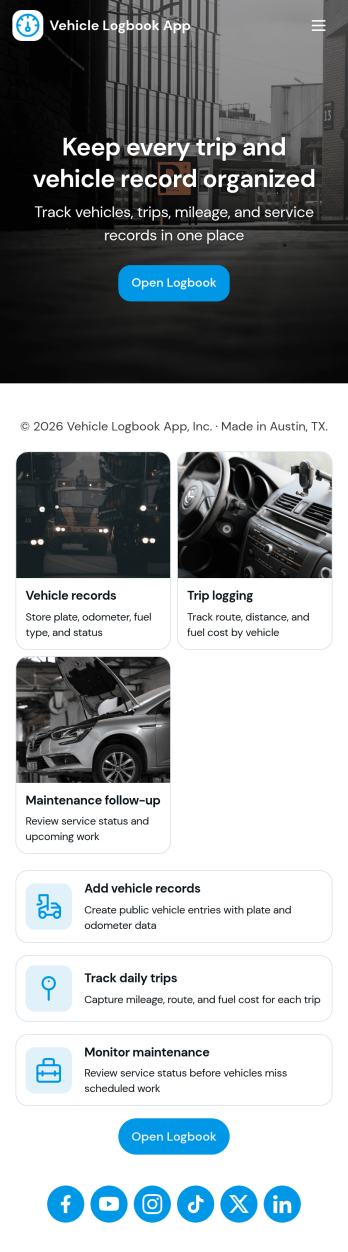
Vehicle Logbook App
Vehicle Logbook App helps individuals and teams keep accurate records of company or personal vehicle activity in one place. Use it to manage vehicle details, log trips as they happen, and capture expenses tied to each vehicle so you can stay organized across day-to-day driving. It fits fleet managers, field service crews, delivery teams, real estate agents, and anyone who needs a reliable driving history for reporting, reimbursements, or internal tracking.With Jotform, you can turn this vehicle logbook app template into a branded, mobile-friendly experience using a no-code app builder and a drag-and-drop interface. Connect the app to forms for adding vehicles, trips, and expenses, then keep entries consistent in a single workflow you can review anytime. Share the app by link or QR code, collaborate with your team, and keep data collection simple whether you’re on the road or at the office.
Go to Category:Automotive Apps
Cookie Sales Tracker App
Wondering how to sell cookies online? A Cookie Sales Tracker App is a great tool for pop-ups and bakeries alike to take cookie orders and track sales. Using this app, customers can place orders online by filling out general contact information, choosing a delivery date, and specifying if the order is for pick-up or delivery. Under order details, there are a variety of customizable options such as flavor, icing, add-ons, cookie shape, and custom order packaging. Your online orders are then stored and compiled in an easy-to-read spreadsheet in Jotform Tables, which you can access from any device.Want to personalize this Cookie Sales Tracker App? Our drag-and-drop interface makes it easy to add or change forms, choose fonts and colors, upload your bakery’s logo, update the app name or text, and more — all without any coding. Once you’re satisfied with the look and feel, just share your app via link on your website or social media and customers can open and download it on any smartphone, tablet, or computer. Sell cookies online with this Cookie Sales Tracker App!
Go to Category:Food & Beverage Apps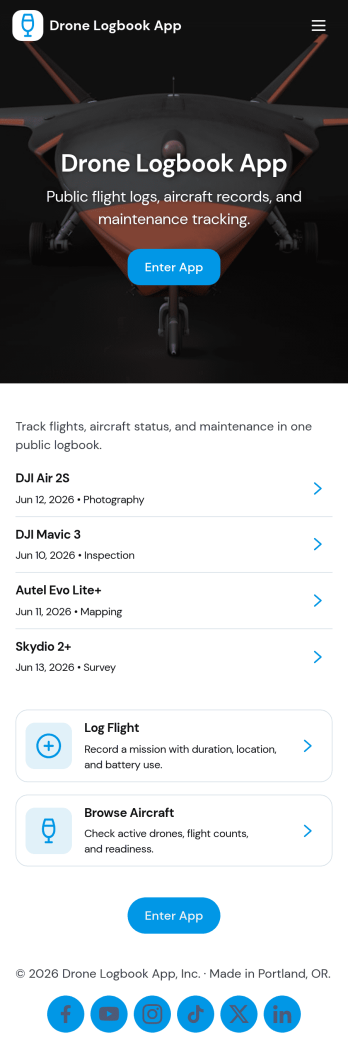
Drone Logbook App
Drone Logbook App helps pilots and teams keep day-to-day operations organized by bringing aircraft records, flight logging, and maintenance history into one place. Use it to register aircraft details, add pilot profiles, document each mission, and review flight entries when you need clear records for internal reporting or client updates. It fits solo operators, aerial photography crews, surveying teams, public safety units, and training programs that want a consistent way to track flights and service activity across multiple drones and pilots.Built with Jotform App Templates, this app template can be tailored in minutes with Jotform’s no-code app builder and drag-and-drop interface. Connect forms to collect data the way your operation works, keep information organized for quick self-service lookup, and share the app with your team using a simple link. As your workflow grows, you can expand pages, update navigation, and keep flight and maintenance logs aligned without adding complexity.
Go to Category:Activity Tracking Apps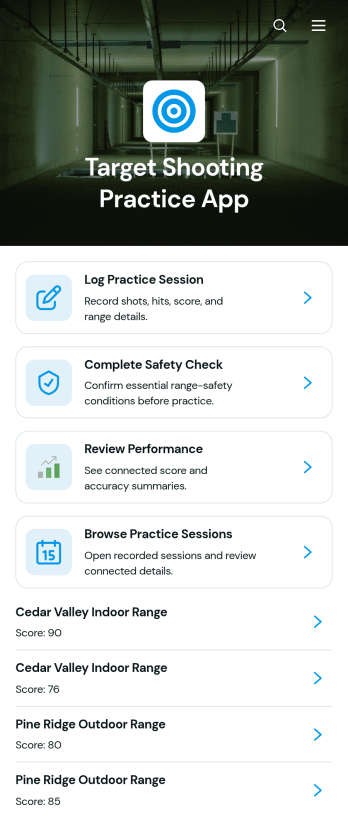
Target Shooting Practice App
The Target Shooting Practice App is a digital practice log for recreational target shooters, coaches, shooting clubs, and range-based training programs that want to keep session information organized. Users can complete a safety check before practice, record session details such as the date, range, firearm type, distance, and shot results, and review past performance from one convenient location. Notes provide context for each visit and help users recognize patterns or set goals for future sessions. By replacing scattered paper records and spreadsheets, this app template makes it easier to maintain consistent records while supporting thoughtful preparation and performance review.Jotform Apps helps organizations and individuals turn these activities into a mobile-friendly experience without writing code. Start with this template, then use the no-code app builder and drag-and-drop interface to adjust pages, update branding, connect forms, and organize data collection around your preferred workflow. Practice logs and related records can be kept together for easier browsing and self-service access. Once the app is ready, share it through a direct link or QR code so authorized participants can open it on a phone, tablet, or computer. Jotform App Templates also make it simple to expand the experience as training needs change.
Go to Category:Sports Apps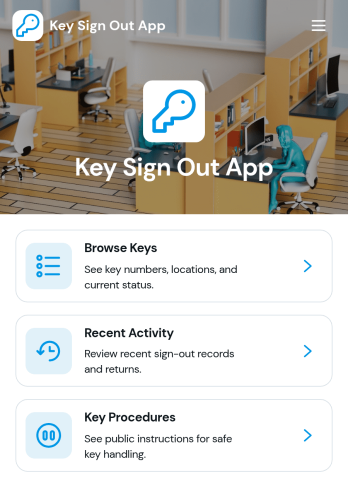
Key Sign Out App
The Key Sign Out App is an app template for recording who has borrowed a key, when it was checked out, and when it was returned. It gives facilities teams, office administrators, property managers, schools, hospitality businesses, warehouses, and service departments a central place to oversee shared keys. Users can browse available keys and review their locations and current status before signing one out. They can also record returns and check recent activity, helping teams maintain clear custody records, resolve questions about missing keys, and replace paper logs or scattered messages. Built-in procedure access can reinforce consistent handoff practices for employees, contractors, and other authorized borrowers.Jotform makes this Key Sign Out App easy to adapt without writing code. Use the no-code app builder and drag-and-drop interface to adjust pages, navigation, colors, fonts, and branding for your organization. You can connect forms and tables to support data collection, organize key records, and create a workflow that fits daily operations. As one of Jotform’s customizable App Templates, it can be shared through a direct link or QR code for convenient mobile access. Teams can publish a polished self-service experience that keeps sign-outs, returns, status checks, procedures, and activity records accessible from one location.
Go to Category:Logbook Apps