
The Life Skills Challenge Tracker App is an interactive resource for browsing practical challenges, recording completed activities, and reviewing personal progress. It supports schools, youth programs, training providers, coaches, mentors, families, and community organizations that want to encourage growth through real-world tasks. Participants can explore challenge details, understand why each activity matters, follow an action prompt, and log a completion with a reflection. Progress views make achievements easier to revisit, helping users build accountability and recognize development over time. This app template can support independent learning, classroom assignments, mentoring programs, readiness initiatives, and personal development activities without relying on scattered documents or manual records.
Jotform App Templates help teams create focused digital experiences with a no-code app builder and an intuitive drag-and-drop interface. Customize the Life Skills Challenge Tracker App with your own challenges, pages, visual style, navigation, and connected forms, then share it by direct link or QR code for convenient mobile access. Jotform can bring data collection, resource navigation, and workflow steps into one app, giving participants a simple self-service experience while organizers maintain a consistent challenge program. Updates can be made without coding, so the app can evolve as learning goals, audiences, and activities change.
Related templates
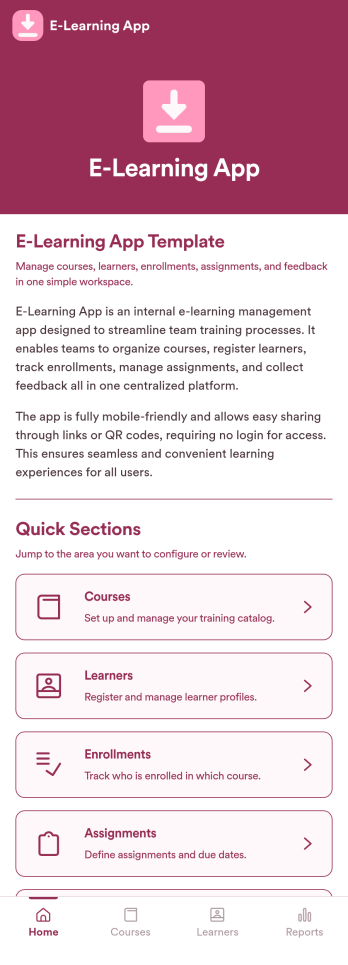
E-Learning App
E-Learning App is an app template designed to foster the creation and management of online learning experiences, specifically tailored for educators, training providers, schools, and organizations. It provides a structured platform for the seamless delivery of educational content and training programs, creating a centralized hub for learning materials, assignments, quizzes, and discussions. The integrated data collection feature ensures the capture of vital learner data, such as enrollment details, progress tracking, and feedback, making it a comprehensive solution for educational and training workflows. It is commonly used for distance learning, corporate training, and continual professional development programs, and is best suited for those needing a ready-to-use, robust platform for delivering a streamlined e-learning experience.Jotform’s intuitive, no-code app builder makes customizing your E-Learning App a breeze. Personalize the app to align with your organizational branding: swap out forms, choose fonts and colors, and upload your logo without a single line of code. Its cross-platform compatibility allows your learners to access the app on any smartphone, tablet, or desktop, ensuring a consistent learning experience across different devices. With the added convenience of electronic signature collection, authentication of important documents such as consent forms and agreements becomes effortless. Take advantage of Jotform's seamless integration with Sheets for easy management and visualization of collected data, and generate comprehensive reports to track learner progress and course effectiveness. With Jotform, managing your online learning program becomes an easy, efficient, and rewarding process.
Go to Category:Activity Tracking Apps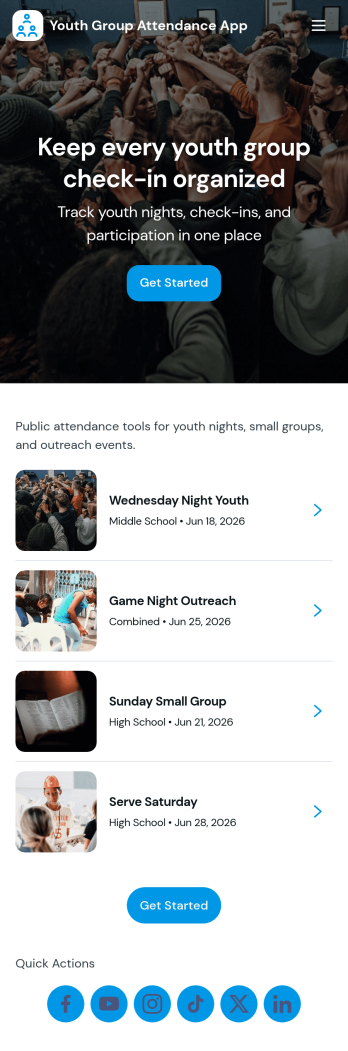
Youth Group Attendance App
Youth Group Attendance App helps youth leaders keep a reliable record of who’s involved and who shows up each week, without juggling paper sign-in sheets or scattered messages. Use it to maintain a simple member list, add new participants as they join, and run a quick check-in flow at meetings, small groups, retreats, or service nights. With dedicated areas for Members, Check-In, and Records, it supports fast attendance capture and easy lookups when you need to confirm participation, follow up with families, or understand engagement trends over time.Built with Jotform, this app template turns attendance tracking into a mobile-friendly self-service experience your team can use anywhere. Start with this app template, then customize pages, branding, and navigation in Jotform’s no-code app builder with a drag-and-drop interface. Connect your check-ins to forms and an Attendance Table to keep data collection organized, reduce manual updates, and support a smoother workflow for volunteers and staff.
Go to Category:Activity Tracking Apps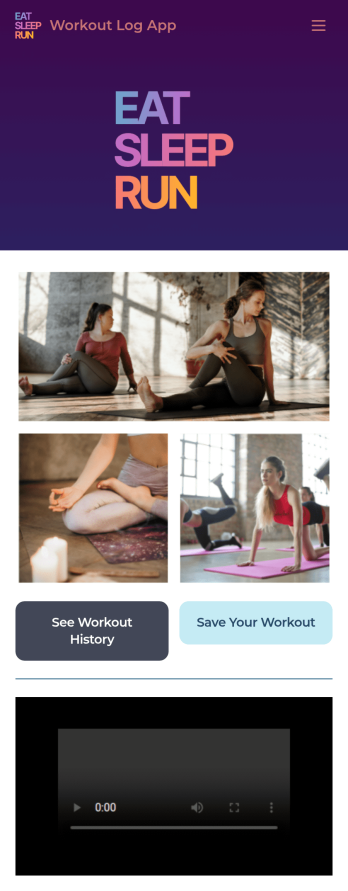
Workout Log App
No matter what your fitness goals are, tracking your workouts will help you reach them — so get started with our free Workout Log App! This readymade app template is already set up for you, so you can add your workouts through the provided form and check your progress by seeing all submitted workouts in Jotform Tables. You can use this app yourself or share it with clients if you’re a personal trainer or coach to help others meet their goals.Want more from this Workout Log App? No problem — using our drag-and-drop interface, you can customize this app to fit your exact requirements or preferences. It’s easy to add more forms, include links or text, upload images, and even change the app name, icon, and splash screen. Once it’s ready, your workout app can be opened and downloaded onto any smartphone, tablet, or desktop computer for easy access. Whether you’re looking to build your strength, improve your speed, or simply make exercise a habit, get fit with a Workout Log App that’s customized just for you.
Go to Category:Sports Apps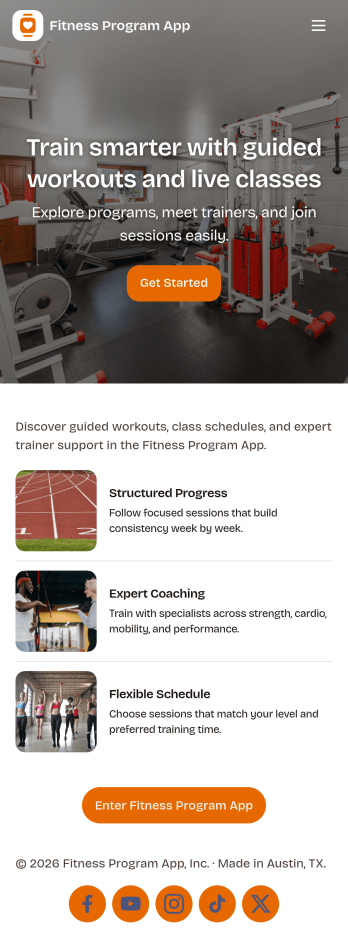
Fitness Program App
A fitness program app brings your training plan into one place so people can find workouts, stay consistent, and see momentum over time. This template fits personal trainers, gyms, wellness coaches, and anyone running a structured program for clients or a community. Participants can browse workouts, log a check-in after each session, and review progress without searching through messages or spreadsheets. It works well for multiweek challenges, small-group coaching, or self-guided routines where you want clear next steps and simple habit tracking.Jotform helps you turn this experience into a branded, shareable app using app templates and a no-code app builder with a drag-and-drop interface. Connect workout lists and check-in forms to keep data collection organized, route updates through a simple workflow, and give clients a self-service way to interact with your program from any device. You can publish quickly, update content as your plan evolves, and keep everything aligned with how your program actually runs.
Go to Category:Activity Tracking Apps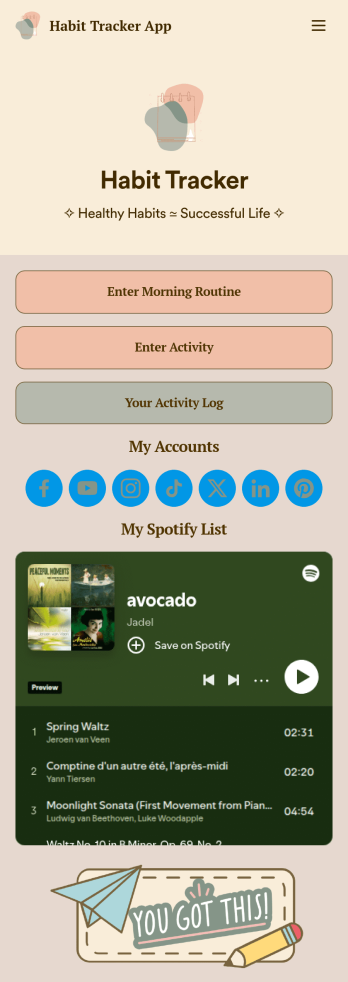
Habit Tracker App
Keep track of your habits — like your morning routine and other activities — in a free Habit Tracker App! By tracking your habits with Jotform, you can hold yourself accountable and make it easier to reach your personal goals. All submissions through the app are stored in your secure Jotform account, which you can view as a spreadsheet, calendar, or individual cards in Jotform Tables.Feel free to make changes to your Habit Tracker app by adding more forms to track other habits, updating the app background and icon for a personal touch, or adding other app elements like documents, links, images, and more. Once your custom Habit Tracker App is ready to go, download it onto your smartphone, tablet, or computer to start tracking your habits instantly on any device.
Go to Category:Activity Tracking Apps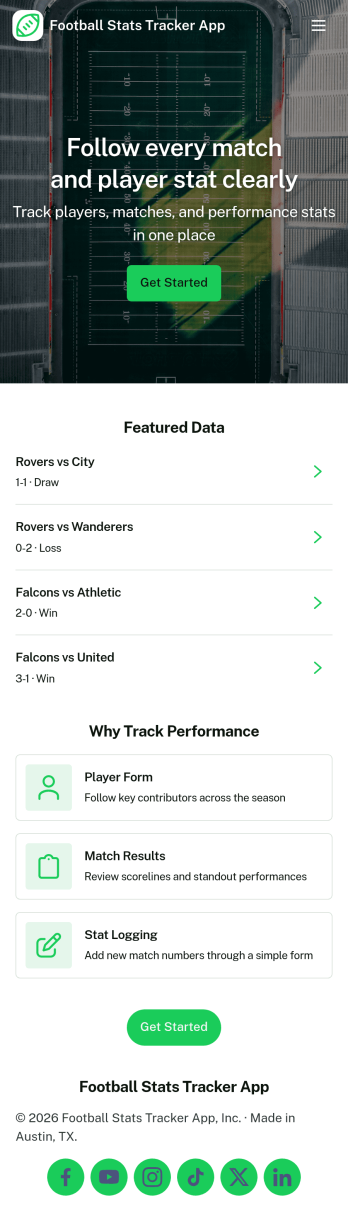
Football Stats Tracker App
Football Stats Tracker App helps teams and organizers record match results, keep player information organized, and stay on top of upcoming fixtures in one easy place. It’s built for coaches, team managers, academies, amateur leagues, and community clubs that need a simple way to log matches, browse game details, and reference key numbers without digging through spreadsheets or scattered messages.With Jotform App Templates, you can publish a mobile-friendly stats hub that connects your pages to forms and data tables for reliable data collection and a smoother workflow. Use Jotform’s no-code app builder and drag-and-drop interface to adjust navigation, add your branding, and share the app through a link or QR code so players, staff, or supporters can access the latest match and fixture info through self-service.
Go to Category:Sports Apps