A Movement Tracker App helps individuals and teams record daily physical movement and review progress over time in one place. Use it to capture movement entries as they happen, keep a clear movement history, and make quick check-ins part of a routine for fitness programs, wellness challenges, personal training, or recovery-focused tracking. It’s a practical option for coaches, HR wellness coordinators, schools, and anyone who wants consistent movement logging without messy notes or scattered spreadsheets.
With Jotform, you can turn this movement tracker app template into a polished self-service experience using a no-code app builder and a drag-and-drop interface. Connect the app to forms for data collection, organize entries so they’re easy to browse, and share the app with a simple link for ongoing use. As your workflow evolves, you can adjust pages, update navigation, and keep all movement tracking in a single, mobile-friendly Jotform app.
Related templates
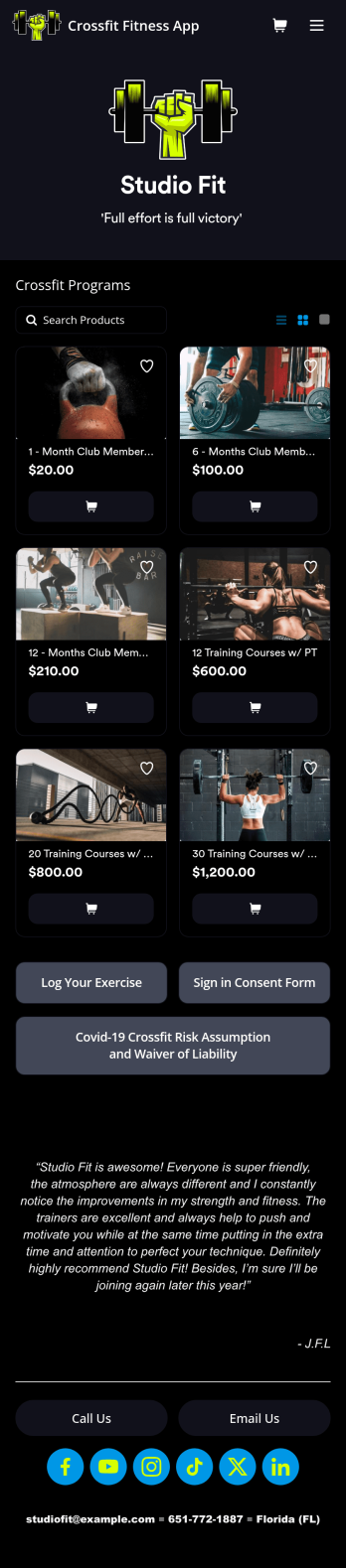
Crossfit Fitness App
CrossFit is a branded fitness regimen consisting of high intensity interval training. Need to know how to sell your gym memberships online? If you run a CrossFit gym, share all your forms in one place using our free CrossFit Fitness App! This ready-made app template comes with an exercise log, consent form, and COVID-19 waiver form. Members of your gym can download the app on any smartphone, tablet, or computer to log in their workouts and sign your agreements.Customize your CrossFit Fitness App in just a few clicks with our easy-to-use builder. No coding necessary — simply drag and drop to add new forms, embed links, update text, upload images, and change the app name and design to match your gym. When it’s ready, share your app with gym members by sending the link via email or adding it to your website. Get your gym management processes in shape with a custom CrossFitness App that works on the go!
Go to Category:Activity Tracking Apps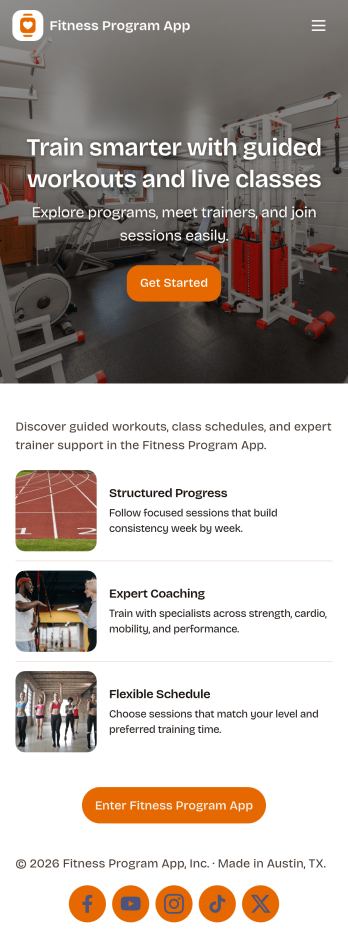
Fitness Program App
A fitness program app brings your training plan into one place so people can find workouts, stay consistent, and see momentum over time. This template fits personal trainers, gyms, wellness coaches, and anyone running a structured program for clients or a community. Participants can browse workouts, log a check-in after each session, and review progress without searching through messages or spreadsheets. It works well for multiweek challenges, small-group coaching, or self-guided routines where you want clear next steps and simple habit tracking.Jotform helps you turn this experience into a branded, shareable app using app templates and a no-code app builder with a drag-and-drop interface. Connect workout lists and check-in forms to keep data collection organized, route updates through a simple workflow, and give clients a self-service way to interact with your program from any device. You can publish quickly, update content as your plan evolves, and keep everything aligned with how your program actually runs.
Go to Category:Activity Tracking Apps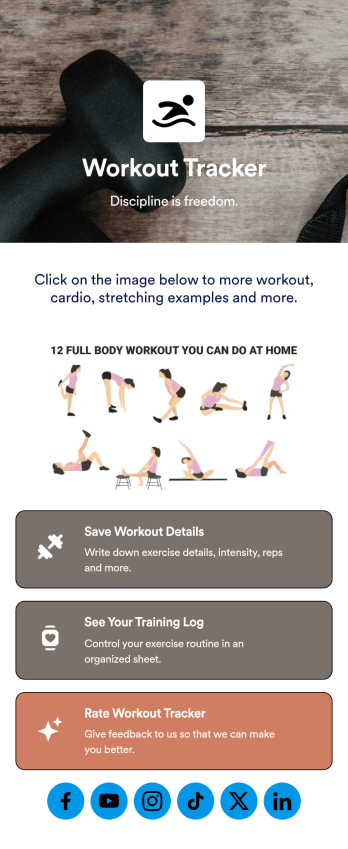
Workout Journal App
Never lose track of your workouts again with this ready-made Workout Journal App from Jotform. Track important things like time spent working out, what types of workouts you did, if you worked out with another person, how strong you felt that day, and more depending on your needs. Share this app with your workout buddies, personal trainers, or other individuals who are following along.Use this Workout Journal App ready-made, or personalize it to fit your needs with Jotform’s easy-to-use app builder. Change up fonts and colors, upload images or videos, integrate with helpful widgets, and much more. Get stronger and hold yourself more accountable with this helpful Workout Journal App from Jotform.
Go to Category:Activity Tracking Apps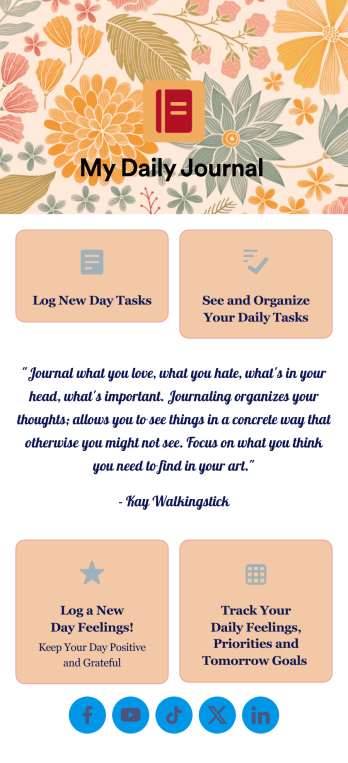
Daily Journal App
A daily journal app lets you keep track of your daily tasks as well as manage important goals and priorities. With the help of this free Daily Journal App from Jotform, you can turn your phone into a quick and convenient journal — easy to fill out and view entries on any device. Simply customize the app if you’d like, then download it onto your iOS or Android device.Feel free to customize this Daily Journal App’s forms, upload images, change fonts and colors, or add a custom background or app icon. If you’d like to send your journal entries to your other accounts — like Google Drive, Dropbox, or Airtable — explore 100+ free integrations to do it automatically. Go from a messy paper to a powerful way to track thoughts and information.
Go to Category:Activity Tracking Apps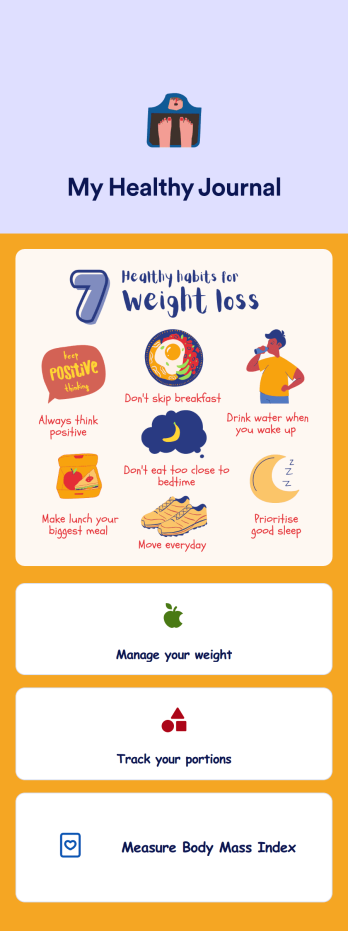
Weight Loss Journal App
A weight loss journal app is used by personal trainers or by individuals to keep track of meals, portion sizes, body mass index (BMI), and more. With this free Weight Loss Journal App, you can stop tracking your weight loss journey with pen and paper and do it in a convenient app that works great on iOS and Android devices! Just customize the app, download it, and start tracking instantly.Feel free to change the app design any way you like. Upload images, choose new fonts and colors, choose a new background or app icon, and make other changes with our drag-and-drop no-code builder. You can then share your custom Weight Loss Journal App with clients or download it instantly onto your smartphone, tablet, or computer.
Go to Category:Activity Tracking Apps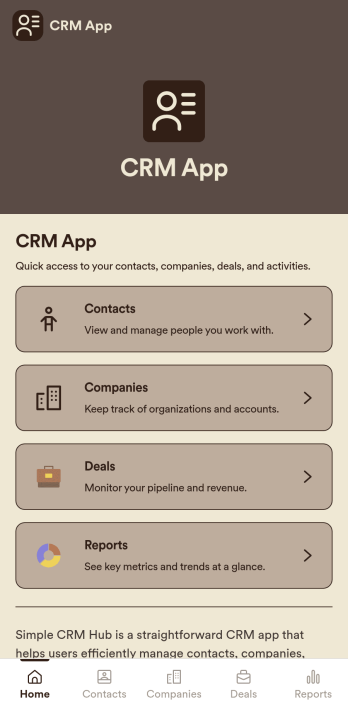
CRM App
CRM App is a practical app template designed to streamline operations for businesses, sales teams, customer support teams, and organizations. It acts as a centralized hub for customer data, allowing easy traceability of every interaction, and supporting sales and service workflows for effective relationship management. This ready-to-use app template is adept at collecting essential data from customers such as contact information, past interactions, preferences, and other crucial details. The CRM App benefits businesses by providing clarity in data management, ensuring consistency across departments, and simplifying data collection processes. It offers a systematic approach to maintaining customer records and is ideal for businesses aiming to eliminate manual data tracking and foster data-driven decision-making.With Jotform’s drag-and-drop interface, customizing the CRM App to match your business requirements is an effortless process. You can integrate electronic signature fields for seamless onboarding of clients, or for validating important transactions. The app proves to be a user-friendly solution for data collection and management, with its intuitive interface making it incredibly easy to use. The CRM App also enables you to generate comprehensive reports and create data sheets for further analysis. Leveraging these features, businesses can efficiently manage and monitor their customer relationships, resulting in improved customer satisfaction and retention. Experience the simplicity and efficiency of Jotform’s CRM App in managing your customer relationships today.
Go to Category:Activity Tracking Apps