
The Multi-Level Approval App gives organizations a central place to submit requests, monitor their progress, and route decisions through multiple reviewers. It is useful for finance, human resources, operations, project management, and administrative teams handling expenses, purchases, leave, access, or project proposals. Requesters can enter key information and track active requests, while authorized reviewers can examine approval items and requester details. This shared process improves visibility, clarifies responsibility, reduces missed decisions, and helps teams manage recurring internal requests without relying on scattered messages.
Jotform makes this app template easy to adapt with a no-code app builder and a flexible drag-and-drop interface. Teams can customize pages, buttons, visual styling, and navigation to reflect their approval workflow, then connect forms, tables, notifications, and approval steps for organized data collection. The Multi-Level Approval App can be published with a personalized link and shared for mobile-friendly access, giving employees and decision-makers a convenient self-service destination. Jotform App Templates also help organizations launch quickly while retaining control over branding, content, and connected processes.
Related templates

Social Media Marketing App
A social media marketing app is used by social media managers or marketing agencies to list their services, accept proposal requests, and list their contact information. With this ready-made Social Media Marketing App, your business can provide clients with a convenient mobile app — which they can instantly download onto their smartphone for easy access.Need to make design changes? Add your company logo and branding, update the listed services, and change the app background, colors, and icon for a personal touch. No coding knowledge is required with our drag-and-drop builder! Give your customers a quicker way to contact you and book your services with a custom Social Media Marketing App.
Go to Category:Consulting Apps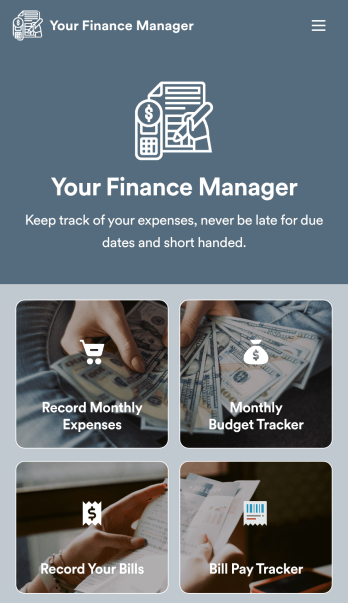
Personal Finance Management App
Manage your personal finances with Jotform’s free Personal Finance Management App. This fully customizable mobile app includes a monthly expense form, budget tracker, bill record form, and bill payment log to help you stay on track when it comes to your finances. Once you’ve downloaded the app to your favorite, you can fill out your forms and view your logs at any time. All entries will be synced instantly and automatically, so you can keep all your important finance info in one easily accessible place.Customize your Personal Finance Management App without any coding. Jotform’s drag-and-drop interface makes it easy to add forms, tables, links, documents, and other elements to your app. Then you can save your app onto any computer, tablet, or smartphone for easy access. Take control of your spending with a custom Personal Finance Management App!
Go to Category:Finance & Accounting Portal Apps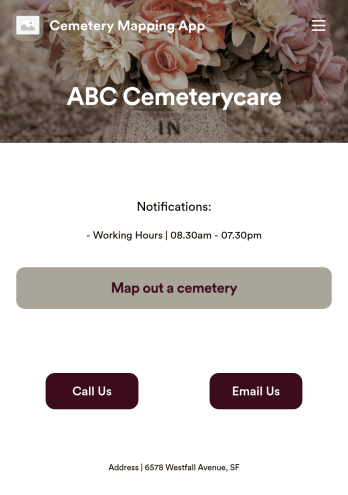
Customizable Cemetery Mapping App
A cemetery mapping app is used by funeral homes to keep track of existing or new plots in their cemetery. Using Jotform’s free Cemetery Mapping App, you can keep track of important information — like plot identification number, date of birth and death, and full name — from any device. App users can even take and upload photos of plots directly from their smartphone or tablet.Want to make changes to this free app template? Add more form fields to gather more information, include your logo and cemetery details, and add links, documents, and more with no coding required. Just drag and drop to get the look you want! Once your app is fully customized and ready to go, share it with a link or via email for members of your team or community to fill out on any device.
Go to Category:Management Apps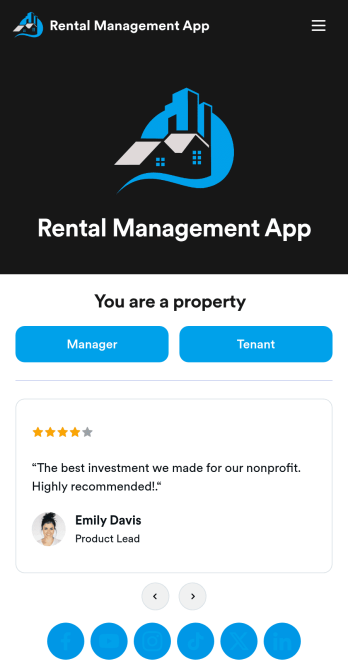
Rental Management App
A rental management app allows property management companies to collect and store tenant information and online paperwork in one convenient location. Property managers can keep track of new tenants, payment logs, and tenant leases through easy-to-understand spreadsheets using Jotform Tables. Tenants can download your rental management app on their preferred device to request maintenance and fill out a move-out checklist and satisfaction survey. They can also call or email the property manager directly from the tenant portal in your app. All data is instantly synced to your secure Jotform account.Want to make this app template your own? No coding is required — simply drag and drop to add form elements, edit text fields and checklist items, choose fonts and colors, upload your property management company’s logo, and much more. After you’re finished making changes, share your app with tenants by sending email invites or embedding the app in your website. Keep all of your tenants’ information in a single location with this all-in-one Rental Management App from Jotform.
Go to Category:Management Apps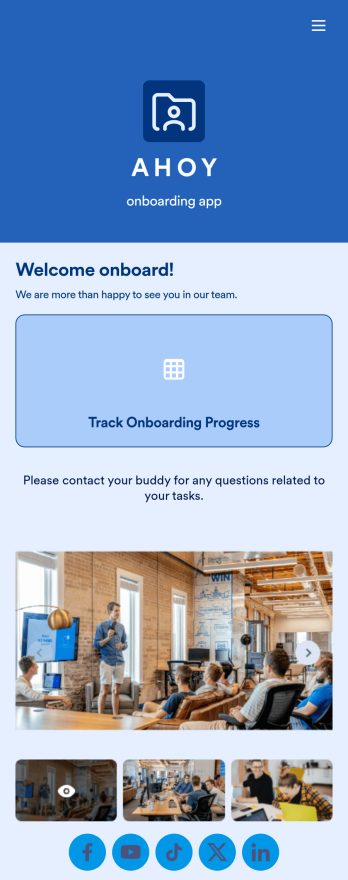
Custom Employee Onboarding App
An employee onboarding app makes it easier to integrate a new employee into your company by making important internal resources available on any device. Simplify the transitional period and successfully onboard new hires with a fully custom Employee Onboard App powered by Jotform. This ready-to-use mobile app includes a table for tracking onboarding progress, company photos and social links, and a separate page with team contact information. New hires can download the app onto their mobile device or computer for easy access at any time.Customize this Employee Onboarding App for your company in just a few clicks. Without coding, you can use our drag-and-drop builder to add forms and tables, embed links, upload documents and training videos, create new pages, update fonts and colors, and much more. When your app is ready to use, it can be sent directly to new hires via email invites or the app link. Successful employee onboarding can be the key to business success — so get started with an efficient, easy-to-use Employee Onboarding App tailored to your company.
Go to Category:Company Portal Apps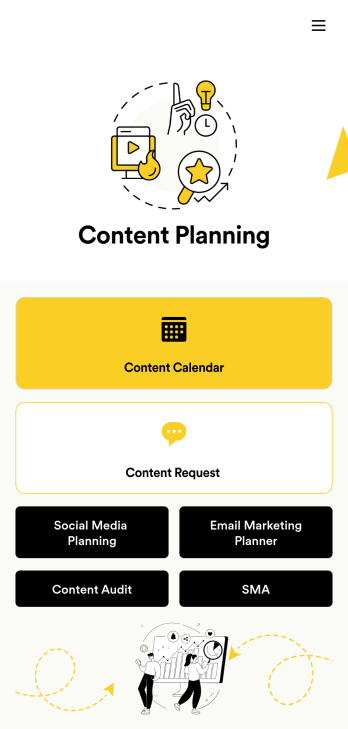
Content Planning App
A content planning app is commonly used by marketing teams to manage content calendars. With Jotform Apps, you can build your own Content Planning App for free. Add a content calendar, brainstorm notes, content audits, and so much more. You can even integrate your app with 250+ platforms to send data straight to your other marketing accounts — all with no coding required.Customizing your Content Planning App is easy and intuitive with Jotform’s drag-and-drop builder. Add or remove forms, switch up fonts and colors, choose a unique app icon, upload branding assets and images, and so much more. Once you’re happy with your app, all you need to do is share it with your team. Embed it in your online workspace or send it via link so your team members can download it to their mobile, tablet, or desktop device.
Go to Category:Company Portal Apps