
The Office Equipment Request App is an app template for employees who need a clear way to request workplace equipment and for operations, HR, facilities, and IT teams that manage those requests. Staff can submit requests for items such as monitors, keyboards, mice, and headsets, then track progress without relying on scattered emails or messages. An equipment guide helps requesters choose suitable items, while request details give reviewing teams quick access to quantities, urgency, status, and review notes. This employee self-service experience supports offices, hybrid workplaces, growing businesses, and distributed teams that want consistent data collection and better visibility across equipment requests.
With Jotform Apps, organizations can tailor this Office Equipment Request App through a no-code app builder and an intuitive drag-and-drop interface. Teams can update pages, branding, navigation, and request options, then connect forms, tables, approvals, notifications, and other workflow steps. The finished app can be shared by link or QR code for convenient mobile access. Starting with Jotform App Templates reduces setup work while giving administrators the flexibility to create a branded resource that fits internal purchasing and equipment allocation processes.
Related templates
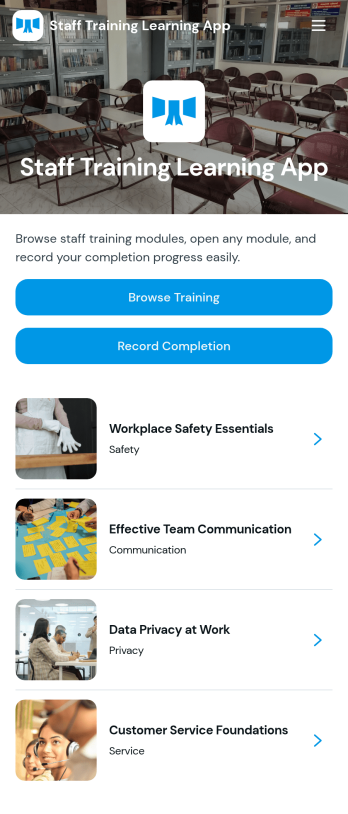
Staff Training Learning App
Staff Training Learning App helps teams share internal training in one place so employees can browse available courses, open a course page to review key details, and request enrollment when they’re ready. It’s a practical fit for HR teams, operations managers, and department leads who need a clear way to roll out onboarding lessons, role-based training, or refresher learning across locations without relying on scattered documents and links.Built with Jotform, this app template can be customized with a no-code app builder and a drag-and-drop interface, so you can organize course information and connect the enrollment request form to your workflow. Publish a branded self-service experience, share it by link or QR code, and keep data collection consistent as training offerings change over time.
Go to Category:Employee Self Service Apps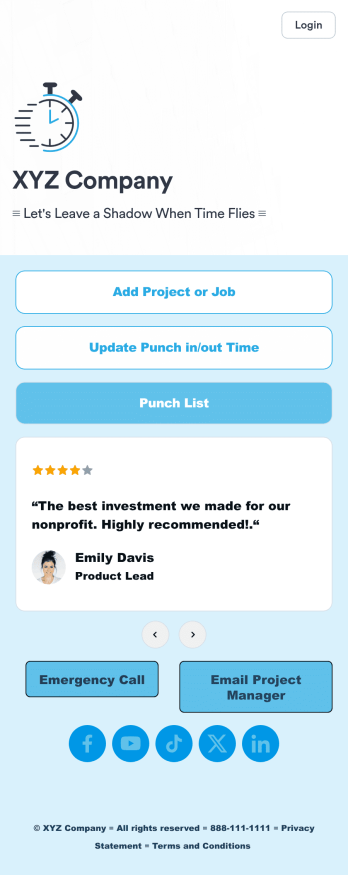
Customizable Punch In Out Timesheet App
Ditch paper timesheets with our free Punch In/Out Timesheet App! Employees can clock in or out for their shifts using the app on a company tablet or computer. As account owner, you’ll receive instant notifications for each new form submission, so you’ll know if any employee is late or leaving before their scheduled time. You can see all entries in spreadsheet, calendar, or card view using the attached Punch List Template for Jotform Tables.Customize your Punch In/Out Timesheet App in just a few minutes. Without any coding, you can use our drag-and-drop interface to add new forms, include a link to your timesheet, update the app text and design, embed links, and more. When your app is ready to use, keep it open on a company device for employees to use as they start their shift. Make employee management a breeze with a Punch In/Out Timesheet App for your company.
Go to Category:Company Portal Apps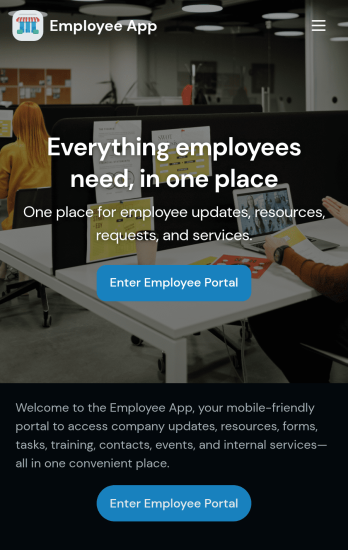
Custom Employee App
An employee app allows employees to access important company information and submit their own data from any device. Create an employee portal for your company with Jotform’s free Employee App. This ready-to-use template includes multiple forms such as employee referral forms, leave request forms, meeting reservation forms, COVID-19 screening forms, expense reimbursement forms, and more. Thanks to the role-based visibility condition, only selected admin users can see certain forms, such as department rotation. Using the app, employees can access and fill out any of the included forms from any smartphone, tablet, laptop, or desktop.Customize your Employee App to match your company in just a few clicks. With our drag-and-drop builder, you can easily add as many forms, links, documents, buttons, pages, and other app elements as you need. Plus, you can update fonts and colors, upload logos, and change the app icon and name to better represent your company. With Jotform’s Role-based feature, you can control access so tutors, admins, and other users see only the parts of the app relevant to them. Share your app with employees to download onto their own devices by sending email invites or the app link. Keep important company forms all in one secure, easily accessible Employee App!
Go to Category:Company Portal Apps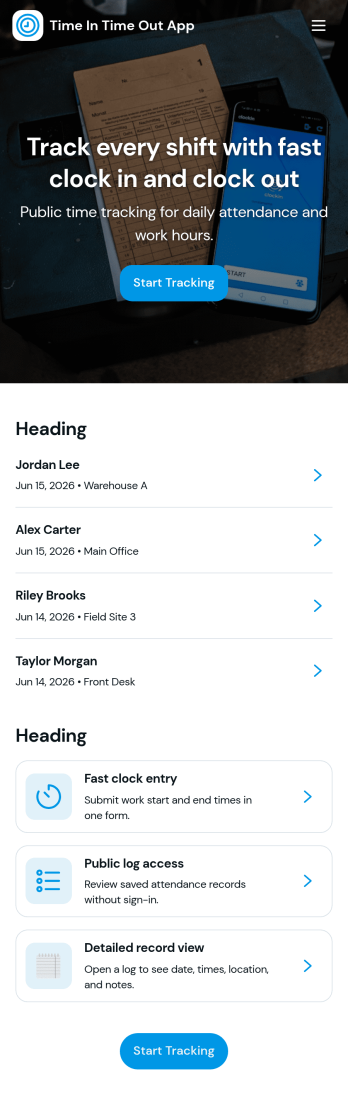
Time In Time Out App
Time In Time Out App helps teams record work hours with a simple clock entry flow and a clear history view. It fits hourly workplaces that need consistent time tracking across shifts, including retail, hospitality, field services, clinics, and small offices. Employees can add new clock entries when they start or finish work, then review their own entries and time records later. Supervisors can use the app to encourage accurate habits, reduce missed punches, and keep day-to-day attendance details organized without relying on scattered messages or paper logs.Built with Jotform, this app template works with a no-code app builder and a drag-and-drop interface, so you can tailor the pages, labels, and navigation to match your workflow. Connect the app to a form for data collection, store records in connected tables, and keep self-service access straightforward for staff who just need to clock in, clock out, and confirm what was recorded. Share the app by link or QR code, update it anytime, and keep everyone using the same source of truth for time entries.
Go to Category:Activity Tracking Apps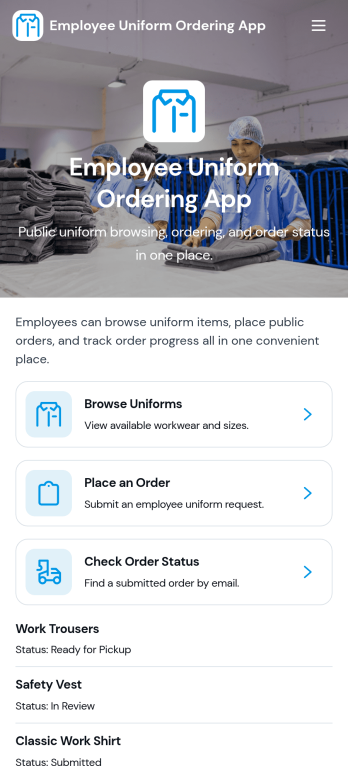
Employee Uniform Ordering App
Employee Uniform Ordering App helps teams manage workplace uniform requests in one place, so employees can browse available uniform options, place an order, and check order status without chasing emails or paper forms. It fits retail stores, restaurants, hotels, healthcare offices, warehouses, and field service organizations that need consistent attire across roles and locations. Use it to reduce ordering mistakes, keep sizing details organized, and give staff a clear path for reorders when items wear out, seasons change, or new hires come onboard.Built with Jotform App Templates, this app template is easy to tailor to your uniform process using Jotform’s no-code app builder and drag-and-drop interface. Connect ordering forms and connected data collection to keep records centralized, then share the app via link or QR code for fast self-service access on any device. As your workflow evolves, you can update pages, adjust categories, and guide employees to the right actions while keeping uniform ordering and status checks simple and consistent.
Go to Category:Employee Self Service Apps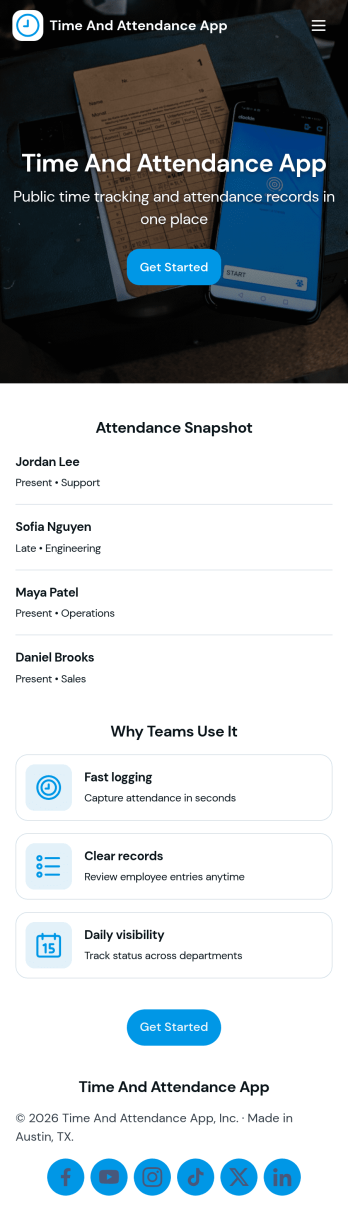
API Time and Attendance App
API Time and Attendance App helps teams track time and attendance in a simple, shareable workspace that supports API-driven processes. Use it to review employee lists, keep visibility into who is clocking time, and maintain a reliable history of clock entries for payroll checks, staffing decisions, and internal audits. It’s a strong fit for HR, operations, and IT teams that need consistent time records across locations, shifts, or job sites while keeping the experience easy for managers and admins to navigate.Jotform makes it easy to build and publish app templates like this one with a no-code app builder and a drag-and-drop interface. Connect your app to forms and tables to support data collection and ongoing workflow needs, then share it as a self-service destination for supervisors or internal stakeholders. As your process evolves, you can update pages, reorganize navigation, and keep all time and attendance activity accessible from one place.
Go to Category:Activity Tracking Apps