Options Tracker App helps you log and review options ideas in one place, so you can keep your research, updates, and outcomes organized over time. It’s built for individual traders, finance students, and small teams who want a consistent way to add a new option record, browse a running tracker, and open a detailed view when they need context before the next decision.
With Jotform, you can turn this options tracking workflow into a shareable, self-service experience using App Templates and a no-code app builder. Use the drag-and-drop interface to adjust pages and navigation, connect your tracker to your data collection form and records table, and share the app by link for quick access on desktop or mobile as your workflow evolves.
Related templates
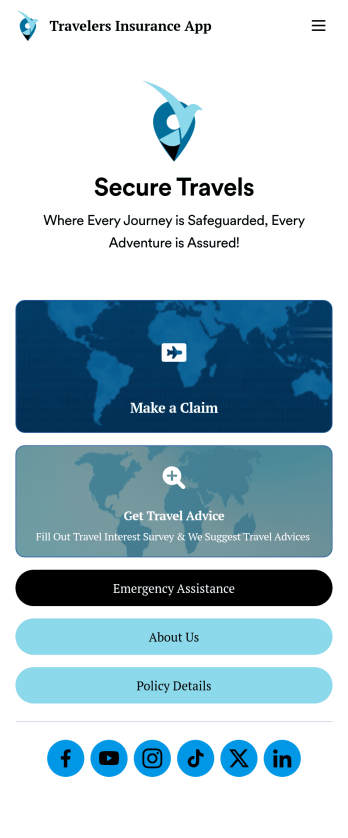
Travelers Insurance App
A travelers insurance app is used by travel insurance companies to provide information for and collect important information from their clients. With this ready-made Travelers Insurance App, your company can start collecting insurance claims from your clients in just a few clicks! Simply update the app design to perfectly match your needs, then share it to be used seamlessly on any device.Make changes to the design with Jotform’s drag-and-drop builder — no coding required. Add your company branding, include intake forms or other types of forms, and add resources for your clients to access. Once the design is ready to go, your custom Travelers Insurance App is easy to share on social media, via email, or to be downloaded for iOS and Android.
Go to Category:Finance Apps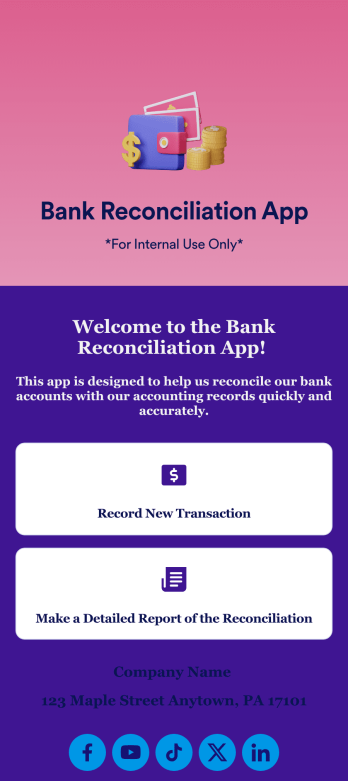
Bank Reconciliation App
Bank reconciliation is the process in which a bank account’s balance is reconciled to the amount reported by a financial institution according to the account’s most recent statement. To carry out this process in the easiest way possible, consider using Jotform to create a Bank Reconciliation App for internal use. Add forms to record new transactions, make detailed reports, and more! To share this app with others, simply link to it directly, share via QR code, or embed it in your online workspace.Need to make changes to how your Bank Reconciliation App looks? Just use our drag-and-drop app builder to do so. Upload personal branding assets, change fonts and colors, integrate with helpful payment or scheduling tools, edit letter text, and more depending on your needs. Make bank reconciliation easier for all parties with Jotform.
Go to Category:Finance Apps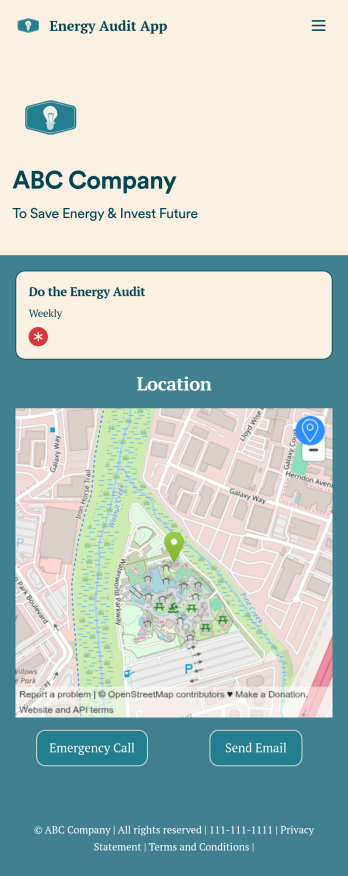
Energy Audit App
An energy audit app is used by auditors to perform energy inspections of buildings. With Jotform’s free Energy Audit App, your company can complete audits seamlessly on any device — making it easier than ever for your team to identify and address energy efficiency issues in the field. The app can be downloaded onto any device in a single click!Feel free to update the design of the app by creating and adding other online forms with our drag-and-drop builder, uploading your company logo, or making other changes with no coding. All information you collect is stored safely in your secure Jotform account. Make the switch from paper forms to online forms with the help of a free Energy Audit App for your team.
Go to Category:Finance & Accounting Portal Apps
Employee Travel Management App
Employee Travel Management App is an app template designed to transform the way companies and their employees handle business travel. This innovative application provides an all-inclusive platform to streamline trip requests, approval workflows, itinerary management, and expense tracking. The app is ideal for companies of all sizes, enabling employees to submit travel plans and receive approval in a systematic, efficient manner. It offers a central location for tracking all travel-related activities, significantly reducing the time spent on coordinating and managing business trips. The Employee Travel Management App also promotes adherence to travel policies, maintaining compliance while saving time and money. It is best suited for travel coordinators, financial administrators, and operations teams who are tasked with managing and optimizing their company's business travel.With Jotform's no-code app builder, customizing the Employee Travel Management App to fit the specific needs of your organization is effortless. The drag-and-drop interface allows you to tailor the app's features, elements, and layouts to perfectly mirror your company's brand and workflow. Whether it's adding new forms or widgets or adjusting the colors and fonts, Jotform provides a seamless, code-free experience. Furthermore, the app's cross-platform compatibility means it can be accessed and utilized on any device, be it a smartphone, tablet, or desktop, offering convenience and accessibility. The Employee Travel Management App from Jotform delivers a streamlined, efficient solution for business travel management, simplifying processes and enhancing productivity.
Go to Category:Company Portal Apps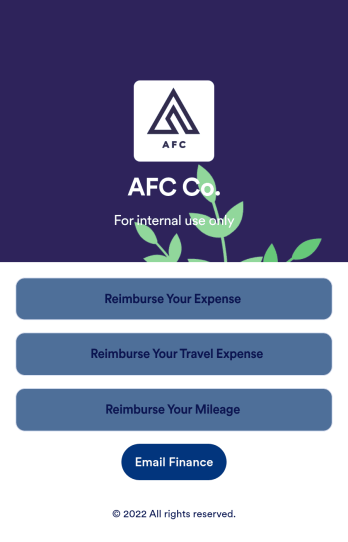
Reimbursement App
Jotform's Reimbursement App template is designed to streamline the process of submitting and managing expense reports. Ideal for corporate employees, freelancers, and small business owners, this no-code app builder allows users to easily log business or travel expenses, upload and organize receipts, and submit reports for approval. The Reimbursement App allows users to customize forms, add e-signature fields, and integrate with payment gateways, simplifying the reimbursement process for all users. Looking for a hassle-free way to manage expense reports and reimbursements? Look no further than Jotform's Reimbursement App. With a drag-and-drop builder, powerful app elements, and over 70 widgets to choose from, creating a customized app has never been easier. Add e-signature documents for quick approvals, connect with payment gateways for seamless transactions, and enjoy the flexibility of building a unique app that fits your specific needs. Plus, with features like advanced sharing options, custom URLs, and push notifications, staying on top of expense management has never been more convenient.
Go to Category:Finance Apps
Expense Report App
An expense report app is used by companies for keeping track of employee expenses. This free Expense Report App allows employees to log business expenses by filling out a form with general contact information, cost, description, date and time, and payment and expense type. There is also an upload form for employees to attach any relevant documents and receipts. Expense reports are immediately synced and stored securely in your account, and can be sorted, filtered, and exported from any device.Customize this app template in no time using Jotform’s drag-and-drop form builder. You can easily add or swap out form elements, change text, customize your app icon and splash page, and more — no coding necessary. Share a link to your app in an email or embed it in your website, and employees can access and download it on any smartphone, tablet, or computer for future use. Keep track of all your employees’ business expenses with this Expense Report App.
Go to Category:Company Portal Apps