Pharmacy E-commerce App brings your pharmacy’s online shopping and prescription intake into one mobile-friendly experience. Customers can browse pharmacy products by category, view featured services, and quickly choose the next step with clear navigation for shopping, submitting a prescription, or contacting the pharmacy. It’s a practical fit for independent pharmacies, small chains, and clinic-adjacent dispensaries that want to reduce phone traffic, keep requests organized, and offer a consistent digital front door for repeat customers.
Built with Jotform, this app template combines product browsing with guided data collection through connected forms, so you can capture prescription details, questions, and customer requests in one place. Use Jotform’s no-code app builder and drag-and-drop interface to adjust pages, reorder categories, and match your branding, then share the app through a link or QR code for fast self-service. As your workflow grows, you can connect additional steps like approvals, notifications, and tables to keep pharmacy operations moving without adding complexity.
Related templates

Local Food App
Whether you’re in charge of the local farmer’s market or run a local food business, you may be wondering how to sell local food online. Use this free Local Foods App to sell local food online with ease! The app includes a product list for ordering local foods, Farm Business Registration Form, Product Feedback Survey, and Contact Form so you can collect all the information you need. Once you receive responses, you’ll be able to view them in your secure Jotform account instantly.Need to make changes to this Local Foods App template? Change the background image or app icon, integrate your form with your preferred payment processor, and make other changes with no coding. Your app can then be shared with a link or via email to be downloaded onto any computer, tablet, or smartphone. Sell local food products online with a free Local Foods App from Jotform.
Go to Category:Delivery Apps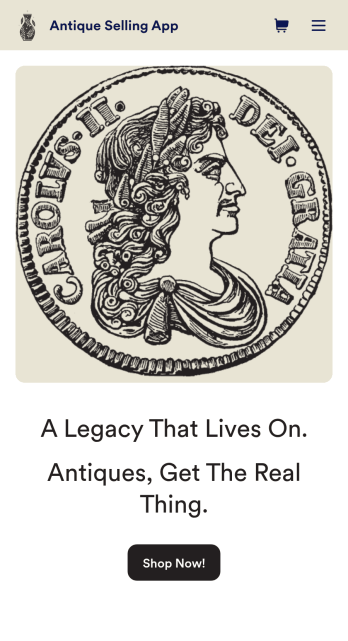
Antique Selling App
Need an easy way to sell antiques online? If you’re looking to sell things from your antique stall or the personal collection and want to reach a wider audience – now is the time. Try Jotform’s easily customizable Antique Selling App today. Customers can download your app from any iOS or Android device and make purchases instantly. All data will be stored in your Jotform account so you’ll never lose track of an order again.Get creative with your Antique Selling App and customize it with our easy-to-use app builder. Our no-code builder makes app design accessible and intuitive – no prior experience is needed. You can add your logo, list your amazing one-of-a-kind items, and integrate with 30+ payment integrations to receive online payments — while paying no extra transaction fees to Jotform. Share your app with your customers and start gathering orders today. Meaningful upcycling starts here.
Go to Category:Online Store Apps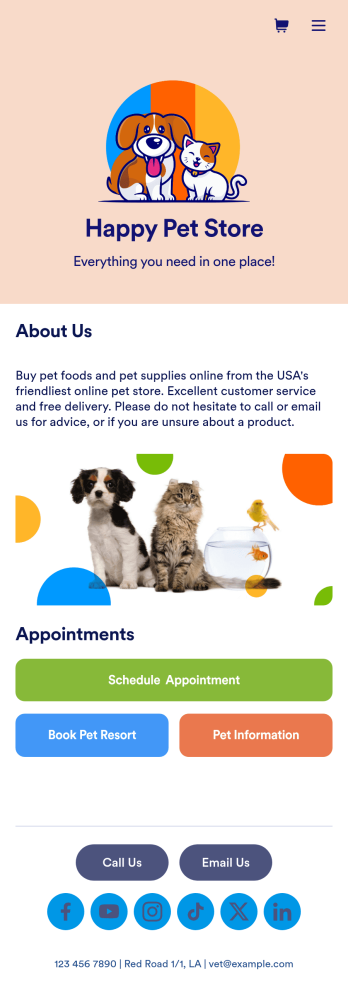
Pet Store App
Pets are always on the move — so shouldn’t your pet store be available on the go too? With our free Pet Store App, you can let customers bring your services with them wherever they are. This ready-to-use app template bundles multiple forms together including a pet information form, pet hotel booking form, pet supply order form, and grooming appointment form, so you can sell pet supplies online and gather any other information you need. Customers will be able to access all of your forms at once from any smartphone, tablet, or computer.You won’t need any training to customize your Pet Store App. In just a few clicks, you can add new forms, tables, links, text, images, and more. You can even update app settings and change the name, icon, and splash page to match your store branding. Once your app is ready, share the app link on your website or social media accounts — customers will be able to download it onto their favorite devices. Stop wondering how to sell pet supplies online and take your pet care business to the next level with a fully-custom Pet Store App!
Go to Category:E-commerce Apps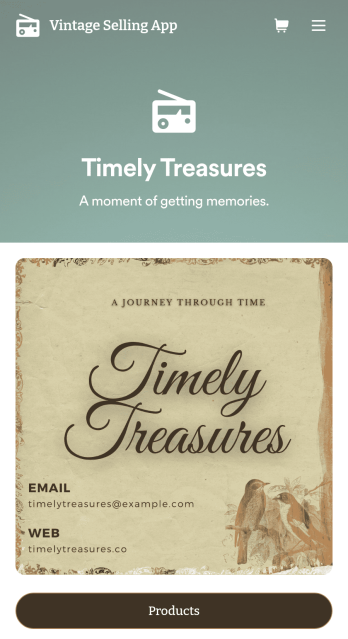
Vintage Selling App
Sell vintage items online with your very own Vintage Selling App. Create a custom app in seconds either from scratch or by choosing one of our ready-made templates — then drag and drop to add products, descriptions, and shipping information. You can also customize your product listings by adding images, videos, customer reviews, and more. Customers can make purchases and payments directly through your app from any smartphone, tablet, or desktop computer.Make this Vintage Selling App your own with Jotform’s intuitive app builder. No coding knowledge required — simply drag and drop to get the look and feel you want. Add form elements, choose fonts and color schemes, install widgets and integrations, link to your social media, and more. Connect to one of our 25+ payment gateways and collect payments without any additional transaction fees. Share your custom app by including a link in your social media bios, generating a scannable QR code, or seamlessly embed it in your website with a copy-paste embed code. Give your vintage items a new home with a fully customizable Vintage Selling App from Jotform.
Go to Category:Online Store Apps
Art Selling App
Once you’ve built up your art collection, you’ll need to know how to sell art online. Jotform’s free Art Selling App lets you add your art pieces to a mobile app that customers can download onto their iOS or Android devices! They can then select which art pieces they’d like to add to their cart, then check out using your choice of 30+ popular payment processors — including Square, Stripe, and PayPal.Feel free to personalize the app design however you’d like with our drag-and-drop no-code builder. Add photos of your art, descriptions, and pricing, or update app elements like the app’s background, icon, fonts, and color scheme. Then when you’re ready to share your custom Art Selling App, add it to your social media bio or share it with a link to be downloaded by your patrons instantly, so they can enjoy easy access to your online art store.
Go to Category:Entertainment Apps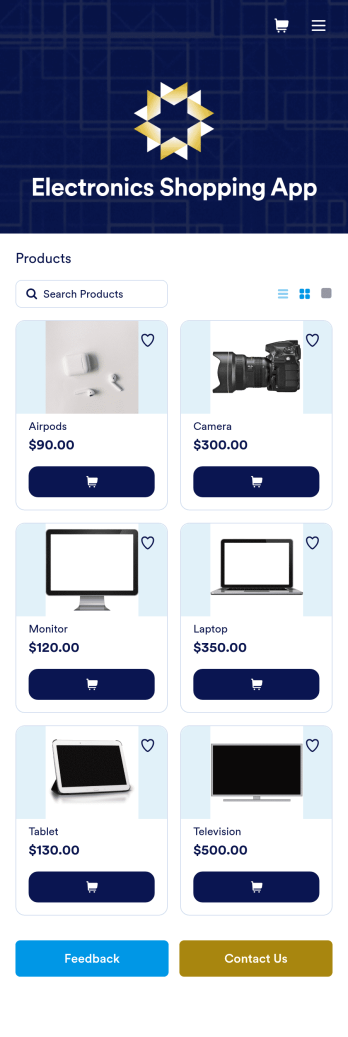
Electronics Shopping App
Whether you own an electronics store or work as an independent seller of new or refurbished devices, you can easily sell electronics online in a free Electronics Shopping App from Jotform. Personalize this online store app template with our drag-and-drop builder to add your products, pricing, and integrate with one of 25+ payment gateways — including Square, Stripe, and PayPal — to receive payments from any device.Make this Electronics Shopping App better match your business with our no-code store builder. You can add product descriptions and images, update the app icon and background, and make other changes with no coding knowledge required! You can then publish your custom Electronics Shopping App by embedding it in your website or sharing it with a link to be downloaded onto any iOS or Android device.
Go to Category:Electronics Selling App