Physics Practice Quiz App is an interactive study resource for students who want to strengthen their understanding of physics through guided question practice. It is well suited to schools, tutoring programs, science teachers, independent tutors, and learners preparing for lessons or assessments. Users can start practice quizzes, review quiz insights, and explore supporting explanations with core concepts, worked solutions, and practical examples. By bringing practice and learning materials into one accessible experience, the app helps learners identify knowledge gaps, revisit challenging topics, and build confidence at their own pace.
Jotform Apps makes this app template easy to adapt without coding. Educators can use the no-code app builder and drag-and-drop interface to update pages, organize topic navigation, adjust branding, and connect forms or workflows for data collection. Jotform App Templates can be shared through a direct link or QR code, giving students convenient mobile-friendly and self-service access wherever they study. Teachers and tutors can maintain a focused learning experience while managing quiz resources and related processes from one customizable app builder.
Related templates
In Class Quiz App
An in-class quiz app is a mobile application used by teachers and educators to quiz their students during in-person lessons. Use this ready-made In-Class Quiz App to facilitate quizzes seamlessly. Simply create and customize your quiz, add your quiz questions, and send them to your students for them to fill out on any device. Send quizzes to students via direct link or by displaying a QR code for them to scan.Customizing your In-Class Quiz App is simple with Jotform’s no-code builder. All you need to do is drag and drop to make any design or content changes. Edit your quiz questions, switch up fonts and colors, add or remove app sections, upload videos and images, and more. You can even connect your app with 200+ platforms to send quiz data straight to other platforms like Google Drive, OneDrive, and Box for added convenience.
Go to Category:Education Apps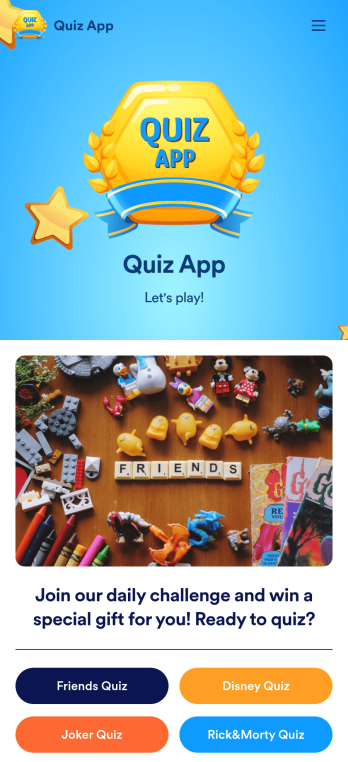
Quiz App
A quiz app lets you take quizzes and submit answers from any device. Whether you need a place to share quizzes for your classroom, office party, or friend group, get started with Jotform’s free Quiz App! This ready-to-use template includes four premade quizzes that you can fill out using any device and share with others. Using our drag-and-drop builder, you can create and add your own quizzes. All responses will be instantly synced to your secure and easily-accessible Jotform account for quick and easy scoring.Make this Quiz App your own in just a few clicks. All you need to do is drag and drop to build and add quizzes, upload tables to see results, embed links and documents, create new pages and buttons, upload photos and videos, and much more. When your app is ready to use, download it onto your favorite device and share it with others via the app link or by sending email invites. Take your online quizzes to the next level with a fully custom and engaging Quiz App that works anywhere.
Go to Category:Education Apps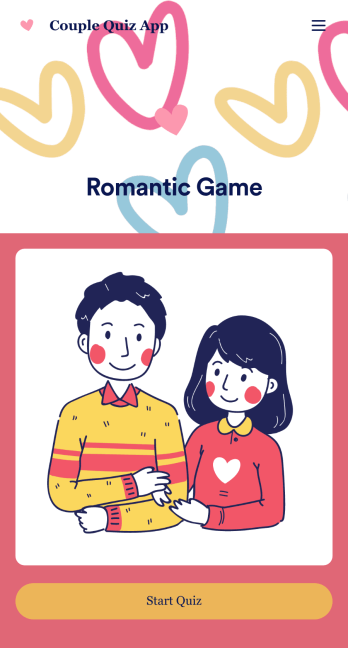
Couple Quiz App
Want to make a sweet and romantic game for your partner for an upcoming anniversary or birthday? Create your own Couple Quiz App with Jotform to show your appreciation for your loved one in just a few clicks. Add photos of you two together or places you’ve been, include cheeky questions, link to songs you both love, and more.This Couple Quiz App is ready to be used instantly, however that shouldn’t stop you from personalizing it to your liking if you feel so inclined. Upload images and videos, change fonts and colors, integrate with useful widgets, and more. Then share your app with your partner via direct link, email, or QR code.
Go to Category:Entertainment Apps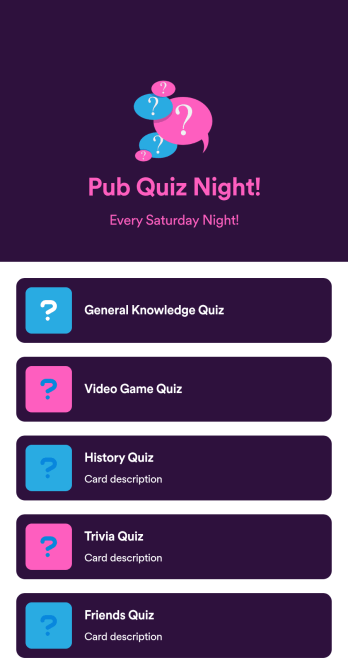
Pub Quiz App
A pub quiz app is a mobile application used to help run pub quiz events. Looking for a convenient way for your pub quiz participants to submit their answers? With this free Pub Quiz App from Jotform, you can create a shareable, downloadable app that participants can use on their own personal devices. Once they submit their answers, you’ll be able to review them instantly from your secure Jotform account.This Pub Quiz App already includes quizzes on general knowledge, video games, history, and more, but you can add your own quizzes in a few easy clicks with our drag-and-drop app builder. No coding required! Feel free to also update fonts and colors, change the app icon and splash screen, and make other design changes to get the exact look you want.
Go to Category:Entertainment Apps
Customizable Kids Quiz App
A kids quiz app is a mobile application used by preschool or elementary school teachers to quiz their students. With an easy-to-use interface and customizable design, this app is perfect for kids! Just add your own questions, customize to match your needs, and share with your students to start collecting responses.Personalize this Kids Quiz App seamlessly with our no-code app builder. Simply drag and drop to make any design or content changes you need. Add or remove app elements, choose a unique app icon, upload videos or images, and more. You can even integrate your app with 200+ platforms to send quiz data straight to your other accounts. Make learning fun with this free app from Jotform.
Go to Category:Entertainment Apps
Math Quiz App
Create math quizzes for your students and share them in a free, downloadable app with Jotform. Whether you’re a math teacher or tutor, make quizzes that can be filled out seamlessly on any device — including computers, tablets, or smartphones — to gather responses instantly online. This ready-to-use app provides you with premade quizzes that calculate the submitter's results automatically. You can add your own quizzes or change the existing ones to get started. Once you are done, share the app with your quizzers. Submissions are stored in your secure account and ready to view in Jotform Tables or turn into reports using Jotform Report Builder.Customize this Math Quiz App template with our drag-and-drop builder. Change the app icon or splash screen, add new quizzes or update existing ones, and include as many links, documents, and images as you like. You can even set up calculations to calculate each student’s grade automatically! Save time and paper with a free Math Quiz App from Jotform.
Go to Category:Education Apps