Plant Disease Detection App helps growers, gardeners, and field teams document potential plant health issues and keep a clear record of what was observed in the moment. Users can submit a plant photo, note observed symptoms and location details, then review recent plant reports to spot patterns across crops, beds, or sites. The built-in disease reference section supports faster on-the-ground decisions by giving teams a consistent place to browse names and context before taking next steps.
Jotform makes it easy to turn this app template into a practical self-service workflow without coding. With Jotform’s no-code app builder and drag-and-drop interface, you can tailor pages, buttons, and lists to match your crops and processes, then connect the app to forms, tables, and notifications for reliable data collection. Share the app with a link or QR code so anyone in the field can submit reports and view updates from a mobile-friendly hub.
Related templates
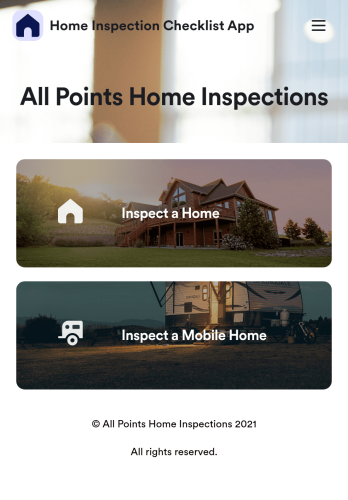
Home Inspection Checklist App
A home inspection checklist app is used by home inspectors to perform inspections from their mobile device. Whether you run a home inspection company or are inspecting your own home, use this free Home Inspection Checklist App to complete inspections on the go! You can record information like dimensions, property condition, the date of the inspection, and sign off your inspection report with an e-signature.Customize this app template in minutes with our drag-and-drop app builder. Add forms, spreadsheets, links, images, and more with no coding required — or customize visual elements like font type, app icon, and splash screen. Then download the app onto your mobile device or share it with members of your team to download onto theirs. Ditch messy paper forms and complete your inspections with a Home Inspection Checklist App from Jotform.
Go to Category:Checklist Apps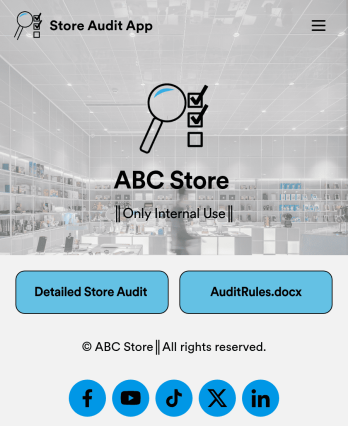
Store Audit App
A store audit app is used by store owners and managers for recording store audits. Jotform’s Store Audit App allows employees to create daily and monthly inspection audits by filling out a form detailing store standards, presentation, and security. Audits are automatically synced to an archive in your secure Jotform account, which you can access from any device for ease of use.Make this app template your own with our intuitive app builder. Drag and drop to add or change form elements, choose color schemes, upload images, and more — no coding required. You can also modify audit headers and textboxes to fit the needs of your store. Once you’re finished, simply download your app onto your store’s tablet or desktop, or share it with employees using a link. Ditch the paperwork and keep all your store audits in one place with this Store Audit App from Jotform.
Go to Category:Checklist Apps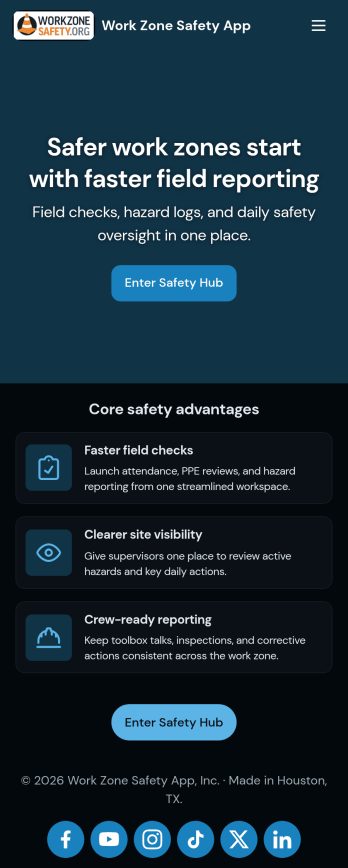
Work Zone Safety App
A work zone safety app is used by occupational health and safety (OHS) inspectors to keep track of work zone safety inspections. With Jotform’s free Work Zone Safety App, you can track attendance, analyze job hazards, assess PPE, and perform other important tasks straight from your mobile device — no messy paperwork required. Submissions are securely stored in your Safety Meeting Sign In Sheet and easy to access on any computer, tablet, or smartphone.If you’d like to customize this app template by adding new forms, uploading your logo, choosing new fonts and colors, or changing the splash screen, do it fast with our drag-and-drop builder. Your custom app can then be shared with employees and downloaded directly onto their devices for easy access whenever they need it. Speed up the way your company conducts safety checks with a free Work Zone Safety App.
Go to Category:Inspection Apps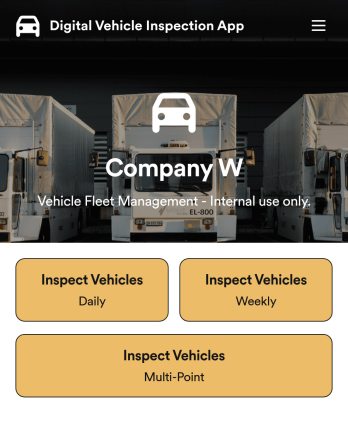
Custom Digital Vehicle Inspection App
A digital vehicle inspection app is used by fleet management companies for inspecting company vehicles. Create a fully-custom Digital Vehicle Inspection App in seconds with Jotform’s app builder. Inspectors can download this app onto any smartphone, tablet, or desktop to record and compile daily, weekly, and multi-point inspection reports for fleet vehicles. No need for paperwork — your digital inspection reports are automatically compiled and synced to your secure Jotform account, where you can manage them all from one location.Want to make this Digital Vehicle Inspection App Template your own? No coding necessary — just use Jotform’s drag-and-drop app builder to add or change form elements, edit form text and fields, upload your company’s logo and branding, choose fonts and colors, and more. When you’re done customizing your app, share it with the rest of the company by sending a link to the app or generating an invitation email. Manage all your fleet vehicles and inspection reports from one convenient app with this Digital Vehicle Inspection App from Jotform.
Go to Category:Inspection Apps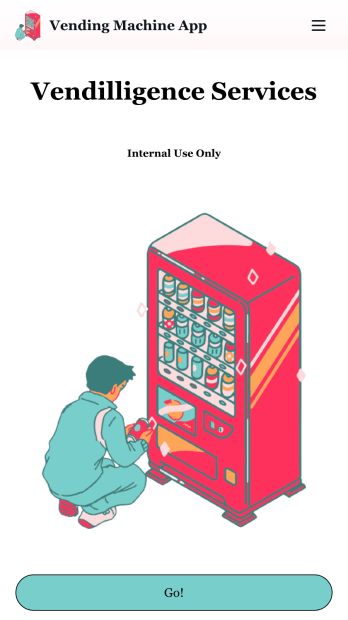
Vending Machine App
Do you have a vending machine business? Equip your employees with the tools they need to take on any request by using the free Vending Machine App from Jotform. In your custom app your employees will be able to request services and inspections, log inventory, and report any issues to the company. All employee data will be stored on your Jotform account in one easy to manage place – making work as seamless as possible for both you and your employees. Need to switch up the look and feel of your Vending Machine App? With Jotform’s no-code drag-and-drop app builder you’ll never have to worry about a tedious brand refresh. Upload your own logo or pick an app icon and background image that works for you. Send your app out to your employees via direct message, email, or even through a scannable QR code. Try Jotform’s free Vending Machine App and revolutionize your business’s workflow.
Go to Category:Inspection Apps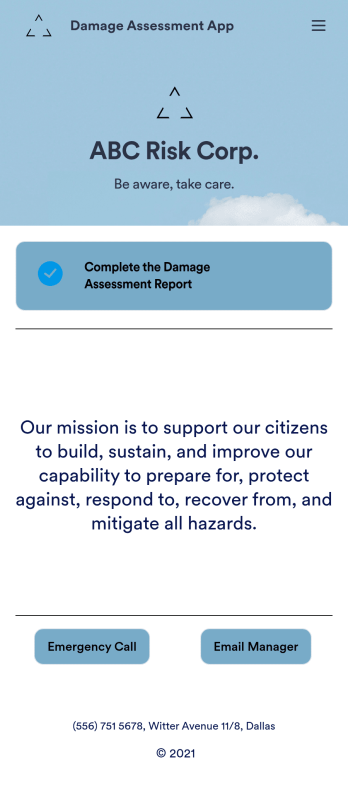
Damage Assessment App
A damage assessment app allows emergency management agencies to create and submit reports from any device. Use our free Damage Assessment App Template to create an app for your own emergency management program in just a few clicks. This fully-customizable template includes an online damage assessment report form where inspectors can describe the damage, take photos, and provide their e-signature from any smartphone or tablet.Need to modify this Damage Assessment app? Customize the template to better suit your needs with our drag-and-drop builder. It’s easy to add more forms, include links to other resources, change text and images, and update app settings such as name, icon, and splash screen. When it’s ready to use, download the app onto your preferred device or share it with others in your organization via app link. Streamline the inspection process for your emergency management agency with an efficient online Damage Assessment App that works anywhere.
Go to Category:Inspection Apps