
The Portfolio Showcase App is a ready-to-use digital portfolio for freelancers, creative studios, designers, developers, consultants, and agencies that want to present their work in one polished destination. It brings branding and web projects together so prospective clients can browse featured work, open detailed case studies, and submit a project inquiry. Project details such as the client, year, and project type give visitors useful context without overwhelming them. This app template is ideal for pitching services, supporting sales conversations, replacing scattered portfolio files, and giving leads a convenient self-service way to assess relevant experience.
With Jotform Apps, you can adapt the Portfolio Showcase App using a no-code app builder and an intuitive drag-and-drop interface. Customize pages, cards, images, buttons, fonts, and colors to reflect your visual identity, then connect the inquiry form to your data collection and workflow. You can publish the finished app with a direct link, share it through a QR code, or embed it on a website for mobile-friendly access. Jotform App Templates provide a practical starting point, while flexible app builder tools make it easy to add new projects and refine the experience as your portfolio grows.
Related templates
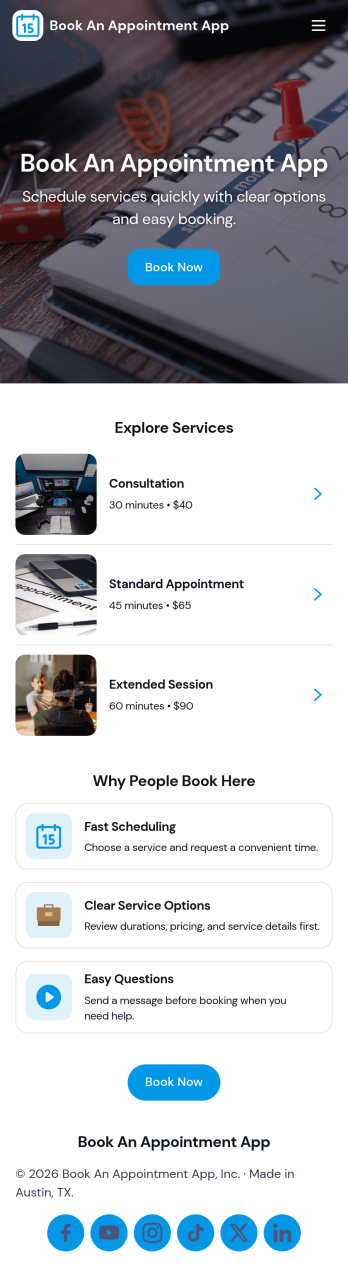
Book an Appointment App
Book an Appointment App helps service-based businesses offer a simple, self-service way for clients to request appointments and review what they’ve scheduled. Use it to guide visitors from booking to confirmation in a few taps, while also giving them a clear place to browse services and view bookings when they need to reschedule, double-check details, or book another visit. It’s a strong fit for salons, clinics, personal services, consultants, and local providers that want a clean booking experience without relying on phone calls.With Jotform, you can publish this app template and tailor it to your workflow using a no-code app builder and drag-and-drop interface. Connect the booking flow to your form for data collection, keep appointment info organized, and create a smoother workflow from request to follow-up. Share your app through a link or QR code, update services as your offerings change, and give customers a consistent self-service experience across devices.
Go to Category:Appointment & Booking Apps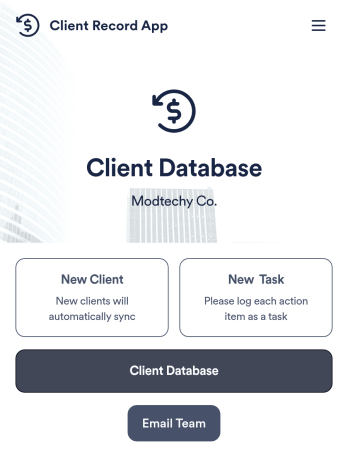
Client Record App
A client record app is used by companies to keep track of clients in a Jotform Tables database. With our Client Record App, you can add general contact information for new clients and view a list of existing clients. There is also a separate task form for employees to log projects. Submissions are stored securely in your online account and can be accessed directly through your app from any smartphone, tablet or computer.This Client Record App can be easily customized without any coding. Our drag-and-drop builder allows you to add and change forms, upload your logo, choose fonts and colors, create a custom app icon and splash screen, and more. When you’re finished, your team can access and download your app on any device with a share link. Keep all your business contacts in one convenient location with this Client Record App!
Go to Category:Freelancer Apps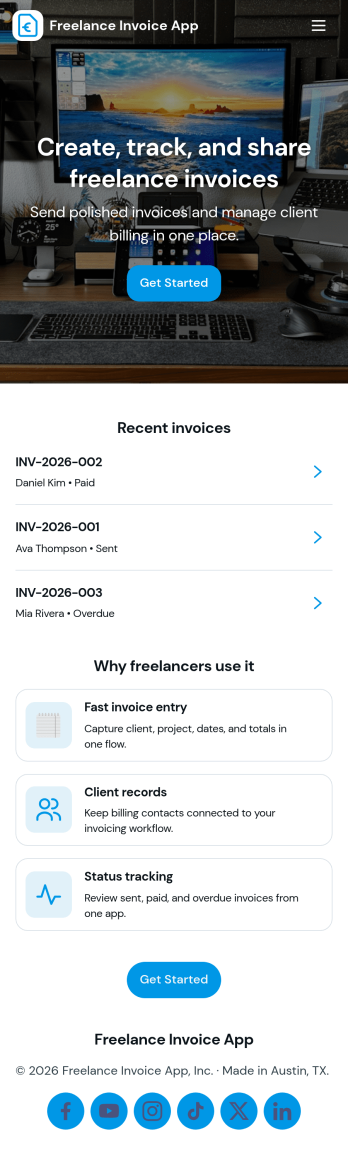
Freelance Invoice App
Freelance Invoice App helps independent professionals create invoices, keep client details organized, and review past invoices from one place. It fits freelancers, consultants, and small service providers who need a simple way to move from client work to getting paid without juggling scattered notes and documents. With pages for creating a new invoice and browsing an invoice list, it supports day-to-day billing tasks, quick lookups, and cleaner recordkeeping when you’re managing multiple clients at once.Built with Jotform, this app template can be tailored to match your billing workflow and the way you work with clients. Use the no-code app builder and drag-and-drop interface to adjust the layout, connect your invoice form, and centralize data collection so invoices and client info stay easy to access. Once published, you can share your self-service invoice experience with a link, helping you stay consistent, organized, and ready to send the next invoice faster.
Go to Category:Finance & Accounting Portal Apps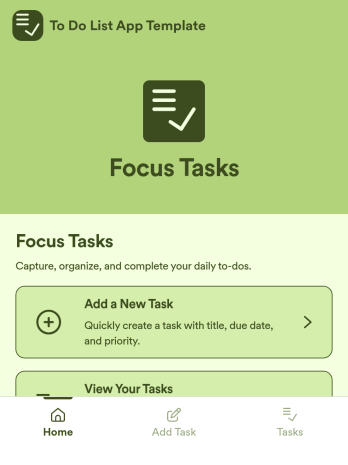
To Do List App Template
To Do List App Template is an app template designed to simplify task management for individuals, teams, productivity enthusiasts, and organizations. It facilitates the organization of daily activities in a structured, straightforward manner, maximizing efficiency and productivity. Whether it's for personal task tracking or managing team projects, this ready-to-use template is ideal, offering a comprehensive platform for data collection. It can be utilized to assign tasks, set deadlines, and monitor progress, fostering a clear view of responsibilities and priorities. With the ability to customize, it captures specific task details, deadlines, and status updates, ensuring a consistent and complete approach to task management. It's best suited for those seeking a streamlined, efficient way to manage tasks and activities.Jotform's To Do List App Template is designed for ease of use, making it simple for anyone to organize their tasks effectively. The inherent versatility of Jotform's no-code, drag-and-drop interface allows users to tailor the template to their specific needs, without the need for technical expertise. Fine-tuning the interfaces, adding new fields, or modifying existing ones is remarkably straightforward. Moreover, the addition of electronic signatures facilitates the confirmation of task completion in a clear, verifiable manner. Visualizing tasks and activities has never been easier, and with Jotform's ability to generate comprehensive reports, you can transform your task management process into a data-driven practice. The seamless experience offered by Jotform ensures your tasks stay organized, managed, and easily accessible, enhancing productivity across the board.
Go to Category:Management Apps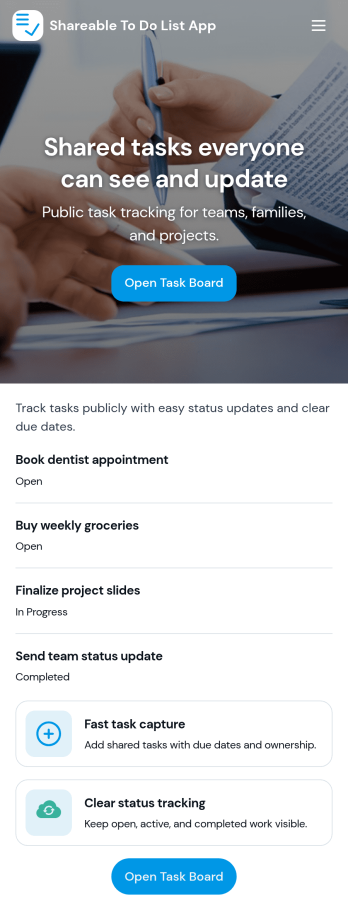
Sharable To Do List App
Sharable To Do List App helps teams, households, and small organizations keep everyday work visible and moving without relying on scattered messages. Use it to publish open tasks, add new items as they come up, and give everyone a simple place to check what needs attention. It fits group projects, volunteer coordination, event prep, and internal admin work where priorities change quickly and people need a shared view of what is still open.Built with Jotform, this app template turns a connected task form into a simple self-service experience you can share with a link. Use Jotform’s no-code app builder and drag-and-drop interface to tailor pages, labels, and navigation, then track updates in one workflow with real-time data collection. Add your branding, control who can access the app, and keep tasks organized so contributors can focus on getting work done.
Go to Category:Checklist Apps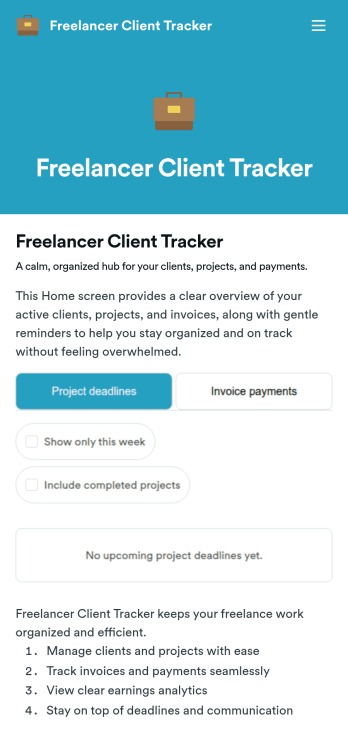
Freelancer Client Tracker
Freelancer Client Tracker is an app template designed to streamline the management of multiple client projects for independent professionals. This robust template simplifies the complexities of client relationship management, centralizing all relevant information into one accessible interface. It is specifically tailored to freelancers and small teams — designers, developers, writers, marketers, consultants — who need a structured yet straightforward approach to manage their client projects. The app captures essential client details, project statuses, files, and communication history, making it a trusted ally in the freelancer’s workflow. It also assists in tracking deadlines, sending invoices, and monitoring payments. Freelancers will find it to be a valuable asset in assessing their business performance, understanding their most profitable clients, and identifying where their time is most effectively spent.With Jotform, creating your own customized Freelancer Client Tracker is a breeze. Our No-Code App Builder, with its intuitive drag-and-drop interface, allows you to personalize the app to your liking. Tweak the app, add elements, customize layouts, all without writing a single line of code. The cross-platform compatibility of Jotform Apps means your clients and team can access the app seamlessly on any device — smartphones, tablets, or desktops. For enhanced user experience, the app can be downloaded directly to the device's home screen for instant access. Jotform's Freelancer Client Tracker provides the structure and simplicity you need to manage your clients effectively and grow your freelance business with confidence.
Go to Category:Activity Tracking Apps