Pricing Checker App gives teams and customers one place to look up pricing guidance, run quick price checks, and save results for later review. It’s a practical fit for retail counters, sales and marketing teams, service providers, and e-commerce operations that want to reduce pricing confusion and keep quotes consistent across channels. Use it to help staff respond faster to price questions, guide customers to the right price range, and support day-to-day decisions with clear category context and recommendations.
Built with Jotform, this app template can be tailored without coding using a drag-and-drop interface so you can match your pricing workflow and brand. Connect the experience to your data collection needs, organize pricing guides in a browseable format, and keep a running log of saved checks your team can reference. Share the app with a link or QR code, and update pricing content anytime so everyone sees the latest information in a simple self-service format.
Related templates
Vendor App
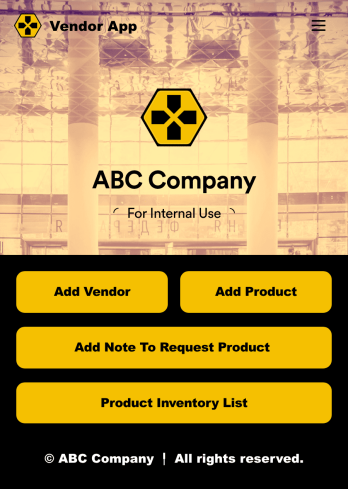
This ready-to-use app comes with a product inventory list via Jotform Tables, as well as forms for adding vendors or products and collecting product requests. You’ll be able to access, share, and download the app from any smartphone, tablet, or computer.Make modifications to your Vendor App in just a few clicks with our drag-and-drop interface. Feel free to create and add new forms, upload your company branding, and change the app icon, name, and splash page for a more personalized look and feel. When it’s ready, you can share your app with others by sending a link that can be opened on any device. Make vendor management a breeze!
Go to Category:Retail Apps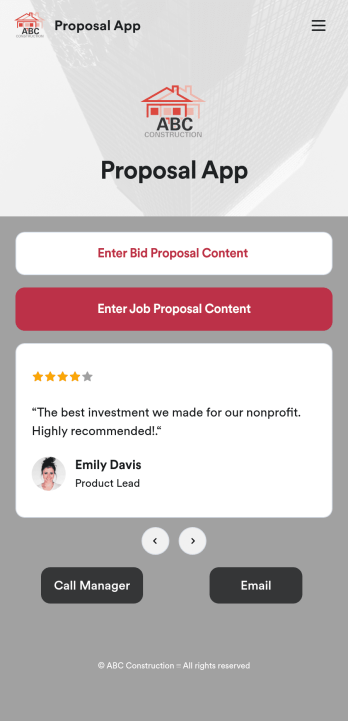
Custom Proposal App
Proposals are necessary for assuring clients that your construction services are the right fit for the job. Share and fill out your proposal forms in one place with our free Proposal App for construction companies and contractors. This ready-made app template includes a bid proposal form and job proposal form where users can enter client, contractor, and project details from any device. Since this app works with our Job Proposal PDF Template, form submissions will automatically turn into professional PDFs!Customizing your Proposal App only takes a few minutes with our drag-and-drop builder. Without any coding, you can create and add new forms, embed links to other pages, include images, and update app details such as name, icon, and splash page for a fully-custom design. When your app is ready to use, it can be downloaded from any smartphone, tablet, or computer. Make a good impression on your clients with a professional and personalized Proposal App for your services!
Go to Category:Finance Apps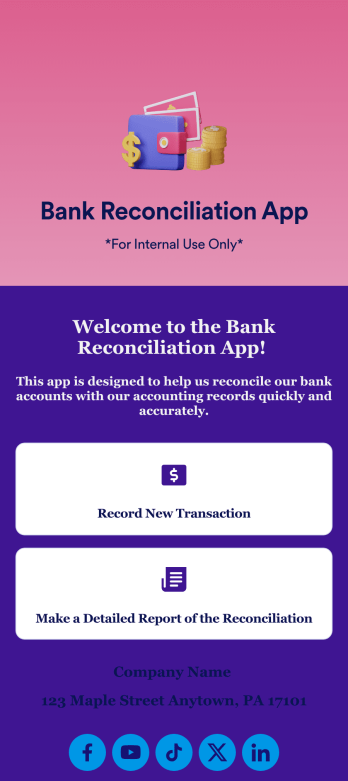
Bank Reconciliation App
Bank reconciliation is the process in which a bank account’s balance is reconciled to the amount reported by a financial institution according to the account’s most recent statement. To carry out this process in the easiest way possible, consider using Jotform to create a Bank Reconciliation App for internal use. Add forms to record new transactions, make detailed reports, and more! To share this app with others, simply link to it directly, share via QR code, or embed it in your online workspace.Need to make changes to how your Bank Reconciliation App looks? Just use our drag-and-drop app builder to do so. Upload personal branding assets, change fonts and colors, integrate with helpful payment or scheduling tools, edit letter text, and more depending on your needs. Make bank reconciliation easier for all parties with Jotform.
Go to Category:Finance Apps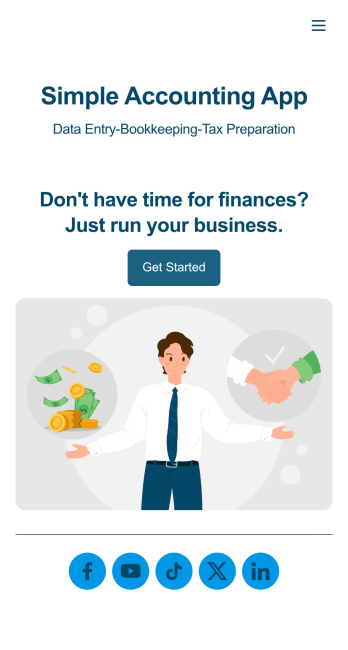
Simple Accounting App
Looking for an easy and convenient way to manage your accounting clients? With Jotform’s Simple Accounting App, you can create a bookkeeping app that works seamlessly for both you and your clients. Build your app from scratch or pick one of our ready-made app templates to spark your creativity. Add pricing information, contact forms, showcase past client reviews, and more.Customize your Simple Account App with Jotform’s easy-to-use app builder. Use our drag-and-drop app builder to change up the look and feel of your app, add powerful app elements, install helpful app widgets, and integrate with one of our 30+ payment processors, including Stripe and Square to collect fees and payments. Share your customized app via email or embed it directly into your own website. Help your clients reach their finance goals with your very own Simple Accounting App.
Go to Category:Company Portal Apps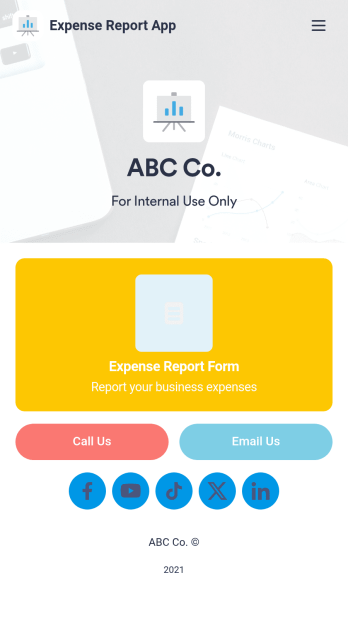
Expense Report App
An expense report app is used by companies for keeping track of employee expenses. This free Expense Report App allows employees to log business expenses by filling out a form with general contact information, cost, description, date and time, and payment and expense type. There is also an upload form for employees to attach any relevant documents and receipts. Expense reports are immediately synced and stored securely in your account, and can be sorted, filtered, and exported from any device.Customize this app template in no time using Jotform’s drag-and-drop form builder. You can easily add or swap out form elements, change text, customize your app icon and splash page, and more — no coding necessary. Share a link to your app in an email or embed it in your website, and employees can access and download it on any smartphone, tablet, or computer for future use. Keep track of all your employees’ business expenses with this Expense Report App.
Go to Category:Company Portal Apps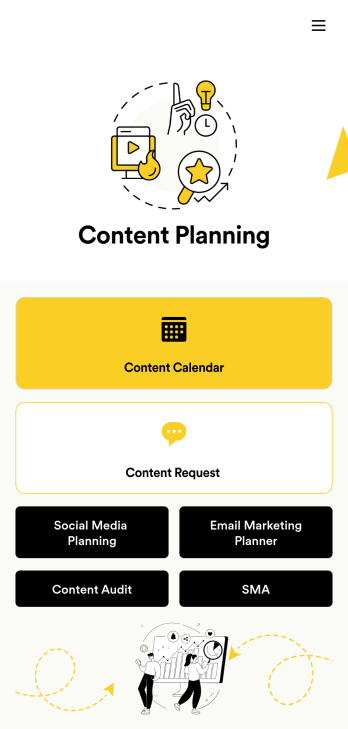
Content Planning App
A content planning app is commonly used by marketing teams to manage content calendars. With Jotform Apps, you can build your own Content Planning App for free. Add a content calendar, brainstorm notes, content audits, and so much more. You can even integrate your app with 250+ platforms to send data straight to your other marketing accounts — all with no coding required.Customizing your Content Planning App is easy and intuitive with Jotform’s drag-and-drop builder. Add or remove forms, switch up fonts and colors, choose a unique app icon, upload branding assets and images, and so much more. Once you’re happy with your app, all you need to do is share it with your team. Embed it in your online workspace or send it via link so your team members can download it to their mobile, tablet, or desktop device.
Go to Category:Company Portal Apps