
Printing Services Booking App gives commercial print shops, in-house print departments, copy centers, and independent print providers a customer-friendly place to present services and accept requests. Customers can browse printing options, review service summaries with turnaround and pricing notes, submit a booking, and return to view their booking records. This app template suits business materials, promotional pieces, event collateral, educational handouts, and other scheduled print jobs. By gathering the requested service, preferred date, quantity, and contact details through one guided experience, teams receive clearer job information, reduce incomplete requests, and help customers or employees arrange printing without lengthy email exchanges.
With Jotform Apps, teams can adapt this ready-made option from the App Templates collection using a no-code app builder and drag-and-drop interface. Update pages, service cards, buttons, colors, fonts, and branding to match how your printing operation works. Connected forms and tables support organized data collection, while notifications and workflow tools help staff respond to incoming bookings. Publish the app through a direct link or QR code to provide convenient mobile-friendly self-service access without writing code.
Related templates
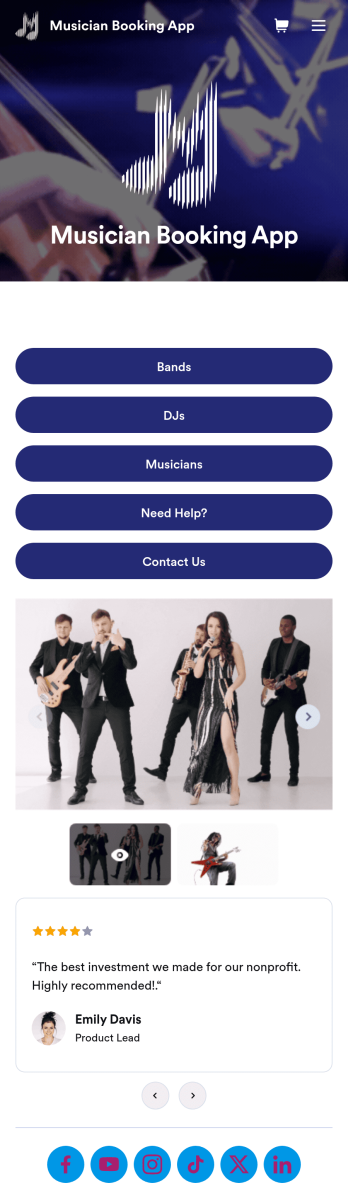
Musician Booking App
A musician booking app is a way to request and schedule performances by bands, DJs, and entertainers. A must-have for musicians looking to book more gigs, as well as managers, event organizers, and performers who want to streamline scheduling, this free Musician Booking App lets clients request a performance in just a few clicks. Add artist photos and bios, list their availability, and collect payments directly through your online store. You don’t need any coding or design expertise to create your own app — this Musician Booking App template is easy to customize in minutes. Update the design with the intuitive drag-and-drop builder to add sections, upload your logo, post photos and videos from shows, and link to your social media. You can easily automate bookings with integrations like Google Calendar and Calendly that add events to your calendar automatically, or collect payments using one of Jotform’s 30+ payment gateways without any additional fees. When you’re ready, share your app with a link or embed it in your website for clients to download to any smartphone, tablet, or desktop and start booking gigs immediately.
Go to Category:Appointment & Booking Apps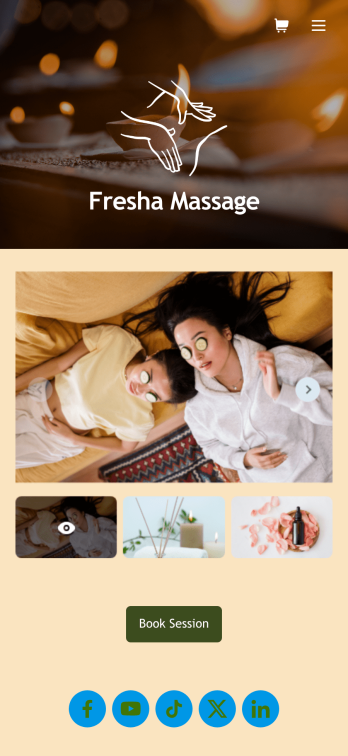
Massage Therapist Booking App
A massage therapist booking app is used by massage therapy businesses and freelance massage therapists for scheduling appointments. Want to know how to sell massage therapy appointments online? With Jotform’s free Massage Therapist Booking App, clients can access and download your custom app on their favorite device and book massage services by choosing a date from an interactive calendar and entering their general contact information. Appointments and confidential client information are stored in your secure Jotform account, so you can keep track of everything from one convenient location.Make this Massage Therapist Book App your own with Jotform’s intuitive app builder. No coding knowledge necessary — simply drag and drop to add or edit form elements and text fields, choose fonts and colors, upload your own branding, and install widgets and payment integrations. You can also create an image carousel on your app’s main page and showcase images of your business and services offered. Once you’re done customizing, share your app with clients by sending email invites, embedding the app link in your website or social media, or by generating a QR code to print on business cards. Create a one-stop-shop for clients to book massage services with this Massage Therapist Booking App that works on any device.
Go to Category:Appointment & Booking Apps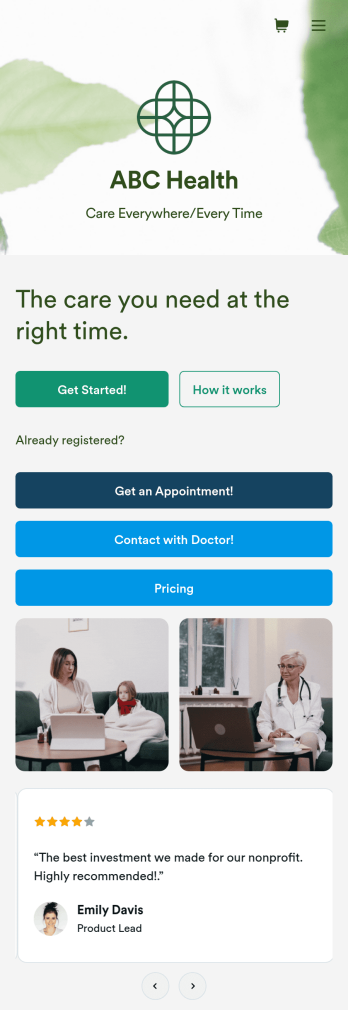
Telehealth App
Gather appointment bookings and patient information with ease using this Telehealth App from Jotform. Simple customize the app to match your needs, share it with patients using a link, and have them download it onto their computer, tablet, or smartphone for easy access. The app includes a Zoom Scheduler that lets patients select a time slot that works for them and generates a new Zoom meeting for each new booking.Need to customize this Telehealth App template? Drag and drop to rearrange the design, add your logo and branding, update existing forms, or connect them to 100+ popular app integrations. Jotform protects form data with a 256-bit SSL connection, GDPR and CCPA friendly features, but you can also optionally upgrade your forms to be HIPAA friendly. Save time with a free Telehealth App that your patients can use on any device.
Go to Category:Appointment & Booking Apps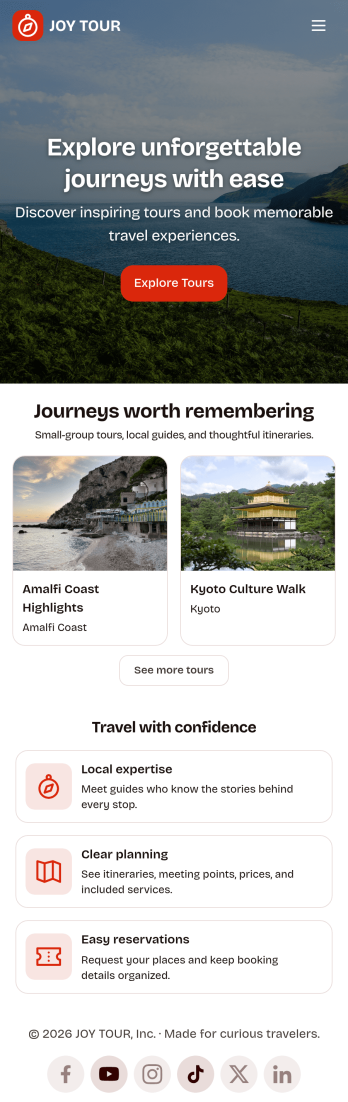
Touring App
Touring App is an app template designed to enhance the travel experience of tourists, travelers, and tour operators by facilitating destination exploration, tour booking, itinerary access, and real-time travel information delivery. Ideal for travel organizers and agencies, this mobile-friendly interface acts as a central hub for all your travel-related needs, providing all the necessary details and updates for a seamless touring experience. The app enables travelers to discover and compare destinations, plan and book tours, access detailed itineraries, and get live updates on travel information. As a result, it eliminates the need for multiple platforms and scattered information, providing a comprehensive and cohesive platform that takes your travel experience to a higher level. The Touring App is best suited for travel coordinators, guides, and touring companies seeking to offer their clients a hassle-free, all-in-one travel solution.With Jotform’s no-code app builder, you can easily tailor the Touring App to align with your brand. The drag-and-drop interface allows you to modify forms, select fonts and colors, and upload your logo, transforming the app into a unique reflection of your brand without any coding knowledge required. The app offers cross-platform compatibility, ensuring it functions flawlessly across smartphones, tablets, and desktops. Downloadable as a Progressive Web App (PWA), travelers can add the app directly to their device's home screen for instant access. No extra transaction fees are applied when collecting payments through the app, and the app's publish options can be customized to suit your needs, making the Touring App not just a travel companion, but also a sound business solution. Create your custom Touring App with Jotform today and elevate your travel business to new heights.
Go to Category:Appointment & Booking Apps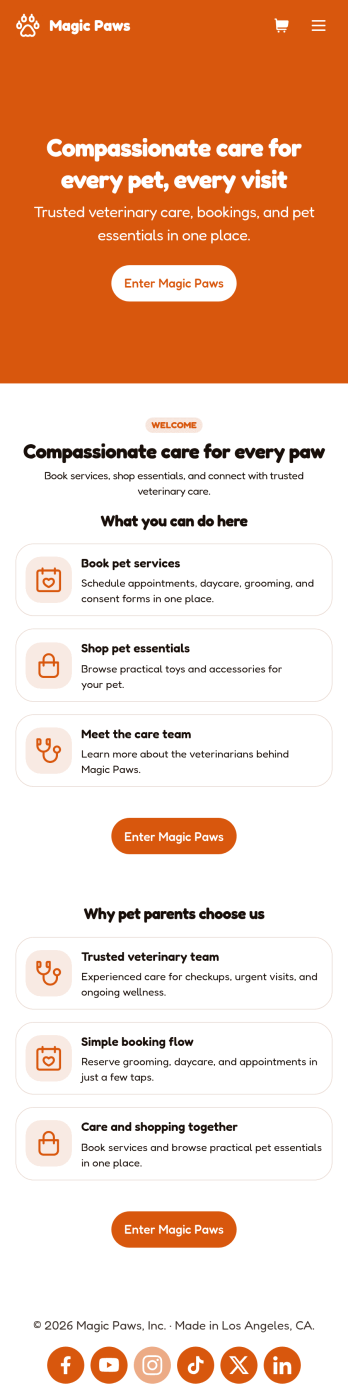
Veterinarian App
A veterinarian app is used by veterinary hospitals and clinics for scheduling appointments and services. This free Veterinarian App from Jotform allows pet owners to schedule appointments for general care and checkups with a Veterinarian Appointment Form, pet grooming with a Pet Grooming Registration Form, and dog daycare with a Dog Daycare Reservation Form. There is a separate Pet Vaccination Consent Form for collecting consent, which includes a digital signature box. Appointments are compiled in an easy-to-read table in your account, and can be sorted, filtered, and exported from any device. You can also convert consent forms into professional-looking PDFs with just a few clicks.With our drag-and-drop interface, it’s easy to create an app to suit your individual needs. You can add or change form elements and text, choose fonts and colors, customize your splash page and app icon, and more — no coding required. After you’re done, simply share a link to your app via email or embed it in your website and your clients can use it right away. Make scheduling vet appointments quick and easy with this customizable Veterinarian App from Jotform.
Go to Category:Appointment & Booking Apps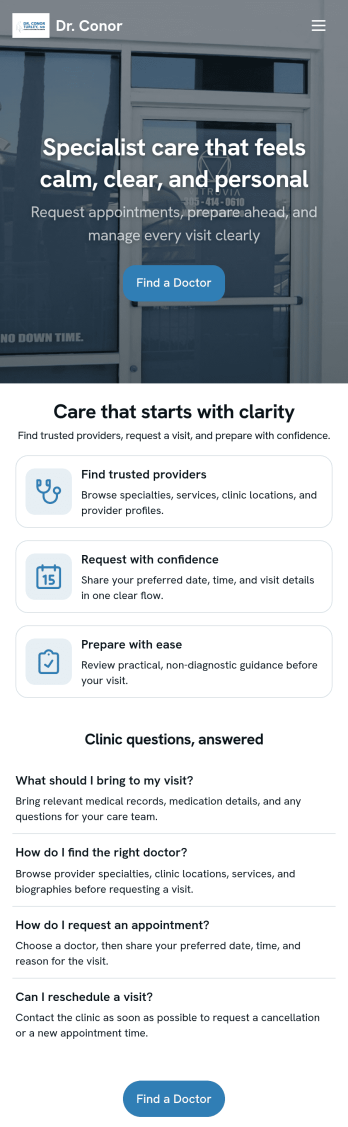
Doctor Appointment App
A doctor appointment app is used by healthcare providers to book appointments and collect patient information. Using Jotform’s Doctor Appointment App — complete with forms for collecting medical history, informed consent, and appointment requests—doctors or nurses can collect and manage patient information and store it securely online. With Jotform’s advanced security measures, you can even further protect data with HIPAA compliance features.Need to customize this app template to better match your practice? Include more links or forms, add your branding and logo, change the background or app icon, and make other changes with our simple drag-and-drop builder. Use Jotform’s easily trainable AI Chatbot guides users through your app and answers questions in real time. Once your app is ready to go, share it with a link to download instantly onto your office’s computer or tablet for easy access. Give your patients a cleaner alternative to messy paper forms with a powerful Doctor Appointment App.
Go to Category:Appointment & Booking Apps