
Private App Launcher App gives employees, contractors, and approved partners a central place to find and open the internal apps they use for daily work. It suits information technology teams, operations departments, and growing businesses that want to replace scattered bookmarks and hard-to-maintain link lists with an organized launcher. Users can browse available apps, move through productivity and operations categories, review an app’s description and status, and follow its launch link. A connected submission form also gives teams a consistent way to recommend additions. This app template supports faster resource discovery, clearer app ownership, and a more convenient self-service experience for distributed teams.
Jotform App Templates help organizations create mobile-friendly destinations without writing code. With Jotform’s no-code app builder and drag-and-drop interface, teams can tailor pages, cards, buttons, navigation, colors, fonts, and branding to fit their internal workflow. Forms, tables, approvals, and notifications can be connected to support data collection and follow-up tasks. Once the Private App Launcher App is ready, it can be published and shared through a direct link, QR code, or embedded experience, giving authorized audiences a practical way to reach current tools from computers, phones, and tablets.
Related templates
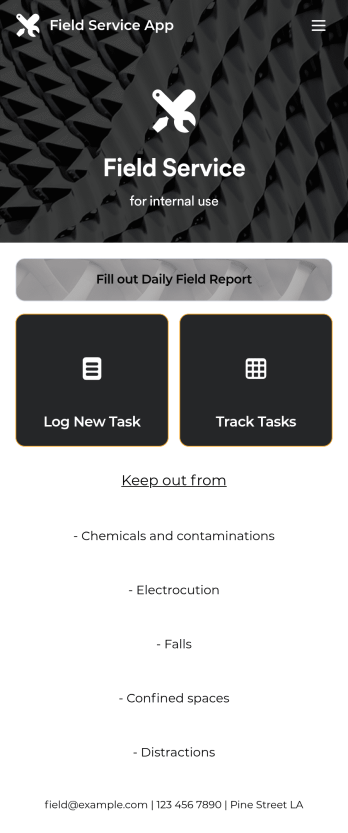
Custom Field Service App
A field service app makes it easier for technicians and other employees who work offsite to submit reports while in the field. Instead of using paper forms or waiting until you’re back at your office computer to submit reports, use this free Field Service App powered by Jotform to work anywhere, anytime. This customizable app template includes forms for submitting daily reports, logging new tasks, and tracking completed tasks. All submissions are instantly synced to your secure Jotform account.Need to modify this Field Service App to meet your needs? Just use our drag-and-drop builder to add forms, links, documents, buttons, pages, text, images, videos, tables, data grids, and much more. When it’s ready to use, download your app onto your smartphone, tablet, laptop, or computer for easy access. You can also share it with others via the app link or email invites. Get work done wherever you are with a custom, easy-to-use Field Service App.
Go to Category:Company Portal Apps
Employee Training App
Monitor your employees’ training progress from a central location with Jotform’s free Employee Training App. Employees can download this app onto any device and document when they’ve completed individual training courses, as well as evaluate the effectiveness of their courses and instructors with a detailed checklist. HR can track employee training statuses and attendance using built-in Jotform Tables spreadsheets.Customize this ready-made app template to match your company’s branding without any coding knowledge. Simply drag and drop to add or change form fields and checklist items, create additional pages, choose fonts and colors, personalize the app icon and splash screen with your unique branding — and much more. After you’re finished, simply embed your app in an internal company website or send out email invites to new employees during the onboarding process. Make sure your employees are getting the training they need with this fully-customizable Employee Training App from Jotform.
Go to Category:Company Portal Apps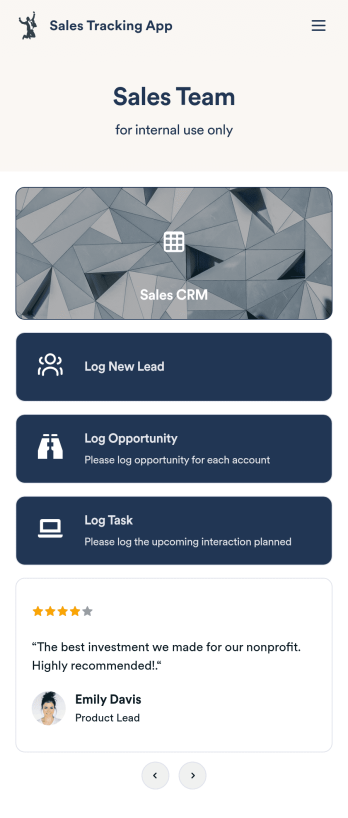
Customizable Sales Tracking App
A sales tracking app enables you to track your sales from any device. Get started with our free Sales Tracking App for businesses of all sizes. This ready-to-use app bundles multiple forms that you can sync to your CRM, so you can create a seamless workflow for generating leads and logging tasks. To get started, customize the template for your company using our drag-and-drop app builder. When you’re satisfied with the look and feel of your app, download it on your smartphone, tablet, or desktop computer, or share it with other members of your sales team to save onto their own devices.Customizing this Sales Tracking App for your sales team won’t require any coding. In just a few clicks, you can create new forms, integrate them with your CRM, embed links, add images and buttons, and change app settings such as name, icon, and splash screen for a fully-custom experience. To share it, just copy and paste the app link in emails or messages to your sales team members. Your Sales Tracking App will be easy to pull up on any device, so you can track and grow sales no matter where you are — even on the go.
Go to Category:Company Portal Apps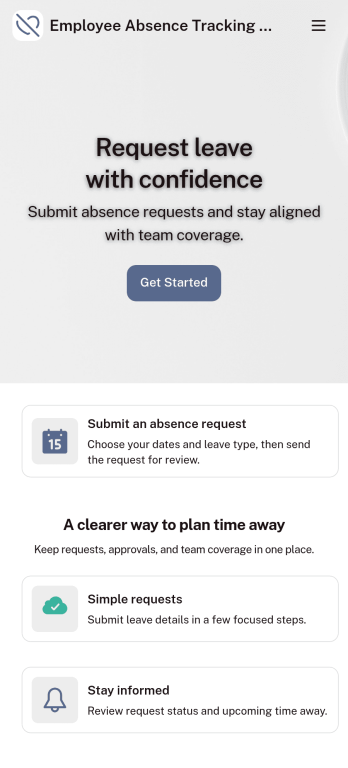
Customizable Employee Absence Tracking App
This Employee Absence Tracking App helps employees request time off and helps HR, managers, and employers track absences from any device. It includes submission tracking, with Admin-only access to view and manage requests and keep information organized and relevant based on the type of leave. All submissions are automatically available in Jotform Tables where admins can review them as a spreadsheet, calendar, or cards for faster follow-up and reporting.The app can be customized with multiple request forms for different leave types, a personalized splash screen or icon, and guidance text to support employees while submitting requests. With Jotform’s Role-based feature, you can control access so tutors, admins, and other users see only the parts of the app relevant to them. For privacy and compliance, sick leave request forms require employee login, ensuring only authenticated users can submit sensitive absence information. Save time and simplify leave management with a secure, streamlined way to handle employee absences.
Go to Category:Company Portal Apps
Custom Employee Onboarding App
An employee onboarding app makes it easier to integrate a new employee into your company by making important internal resources available on any device. Simplify the transitional period and successfully onboard new hires with a fully custom Employee Onboard App powered by Jotform. This ready-to-use mobile app includes a table for tracking onboarding progress, company photos and social links, and a separate page with team contact information. New hires can download the app onto their mobile device or computer for easy access at any time.Customize this Employee Onboarding App for your company in just a few clicks. Without coding, you can use our drag-and-drop builder to add forms and tables, embed links, upload documents and training videos, create new pages, update fonts and colors, and much more. When your app is ready to use, it can be sent directly to new hires via email invites or the app link. Successful employee onboarding can be the key to business success — so get started with an efficient, easy-to-use Employee Onboarding App tailored to your company.
Go to Category:Company Portal Apps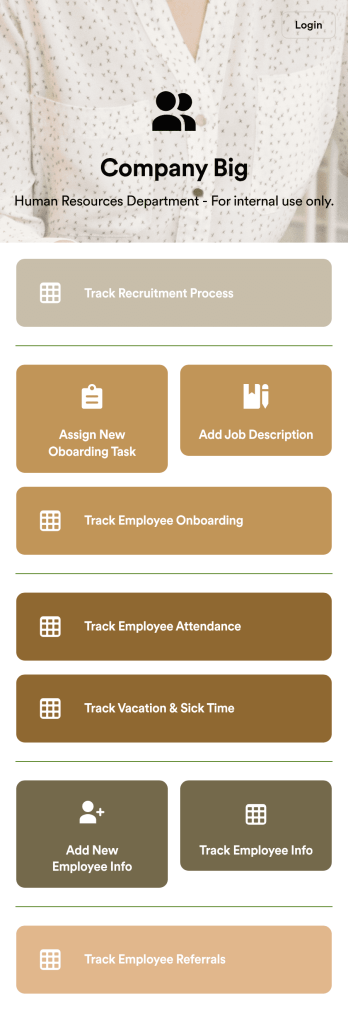
HR Management App
An HR management app keeps all your recruiting tools in one place that can be accessed from any device. Support your human resources team with a fully custom HR Management App powered by Jotform. This ready-to-use template includes multiple HR forms and tables to help you keep all of your data organized in one central location. You and your HR team can download the app onto any smartphone, tablet, or computer for easy access to your forms, tables, and other resources.Want to modify this app template for your company? You won’t need any coding knowledge – with our intuitive builder, all you need to do is drag and drop to add or update forms, tables, links, documents, pages, buttons, and other app elements. You can even change the app name, icon, fonts, colors, and splash screen to match your branding. When it’s ready to use, share it with your HR team by sending email invites or the app link. Manage new and existing employees effectively with a HR Management App built just for your HR team.
Go to Category:Company Portal Apps