
Product Growth Case Studies App gives product, growth, marketing, and research teams a central place to document and explore experiments that influenced product performance. Users can browse a case study library, review product context alongside experiments and outcomes, and submit new stories through a connected form. It is well suited to growing companies, consulting teams, internal knowledge groups, and educational programs that want to preserve practical lessons, showcase successful initiatives, and help colleagues learn from previous tests. Keeping these insights in one accessible resource reduces scattered documentation and supports better planning for future growth work.
With Jotform, this app template can be adapted without coding to match an organization’s content, branding, and workflow. The drag-and-drop app builder makes it easy to rearrange pages, update case study cards, add useful resources, and connect forms for consistent data collection. Teams can publish their customized Product Growth Case Studies App through a direct link or QR code, giving contributors and readers convenient mobile-friendly access. Jotform App Templates also connect with tables, approvals, notifications, and other workflows, helping teams turn submitted insights into an organized, collaborative knowledge experience.
Related templates
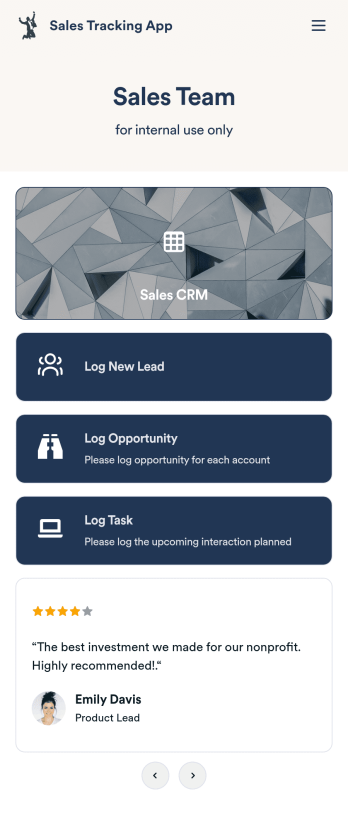
Customizable Sales Tracking App
A sales tracking app enables you to track your sales from any device. Get started with our free Sales Tracking App for businesses of all sizes. This ready-to-use app bundles multiple forms that you can sync to your CRM, so you can create a seamless workflow for generating leads and logging tasks. To get started, customize the template for your company using our drag-and-drop app builder. When you’re satisfied with the look and feel of your app, download it on your smartphone, tablet, or desktop computer, or share it with other members of your sales team to save onto their own devices.Customizing this Sales Tracking App for your sales team won’t require any coding. In just a few clicks, you can create new forms, integrate them with your CRM, embed links, add images and buttons, and change app settings such as name, icon, and splash screen for a fully-custom experience. To share it, just copy and paste the app link in emails or messages to your sales team members. Your Sales Tracking App will be easy to pull up on any device, so you can track and grow sales no matter where you are — even on the go.
Go to Category:Company Portal Apps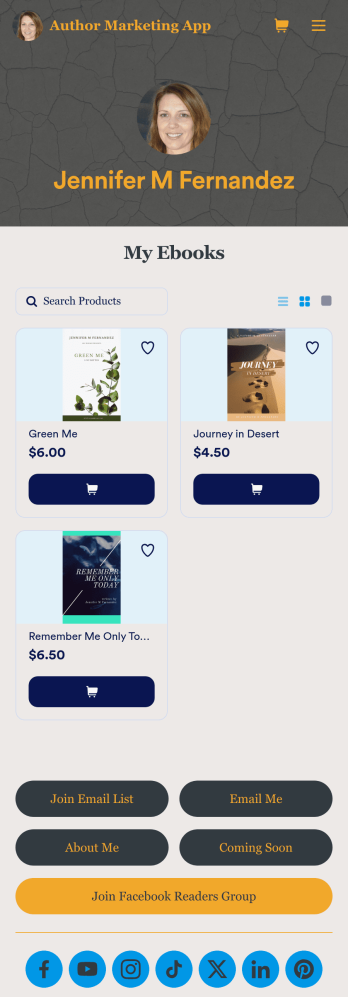
Author Marketing App
An author marketing app is used by authors and writers for sharing their work with their readers. Want to know how to sell books online? This Author Marketing App from Jotform allows authors to create a one-stop-shop for their readers to order books, message the author, follow the author’s social media accounts, or join an email list. Authors can also create a bio page, announce upcoming books, and showcase other titles on the app’s main page by uploading book covers to an image carousel.Personalize this app template with just a few clicks using Jotform’s no-code app builder. Simply drag and drop to add or change form elements, choose fonts and colors, upload a custom avatar and background image, add payment integrations, and much more. Once you’re satisfied, easily share your app with your readers by embedding it in your website or social media, or by sharing the app link in a newsletter email. Create a fully customizable app for marketing your writing and connecting with your readers with this Author Marketing App from Jotform.
Go to Category:Online Store Apps
Reimbursement App
Jotform's Reimbursement App template is designed to streamline the process of submitting and managing expense reports. Ideal for corporate employees, freelancers, and small business owners, this no-code app builder allows users to easily log business or travel expenses, upload and organize receipts, and submit reports for approval. The Reimbursement App allows users to customize forms, add e-signature fields, and integrate with payment gateways, simplifying the reimbursement process for all users. Looking for a hassle-free way to manage expense reports and reimbursements? Look no further than Jotform's Reimbursement App. With a drag-and-drop builder, powerful app elements, and over 70 widgets to choose from, creating a customized app has never been easier. Add e-signature documents for quick approvals, connect with payment gateways for seamless transactions, and enjoy the flexibility of building a unique app that fits your specific needs. Plus, with features like advanced sharing options, custom URLs, and push notifications, staying on top of expense management has never been more convenient.
Go to Category:Finance Apps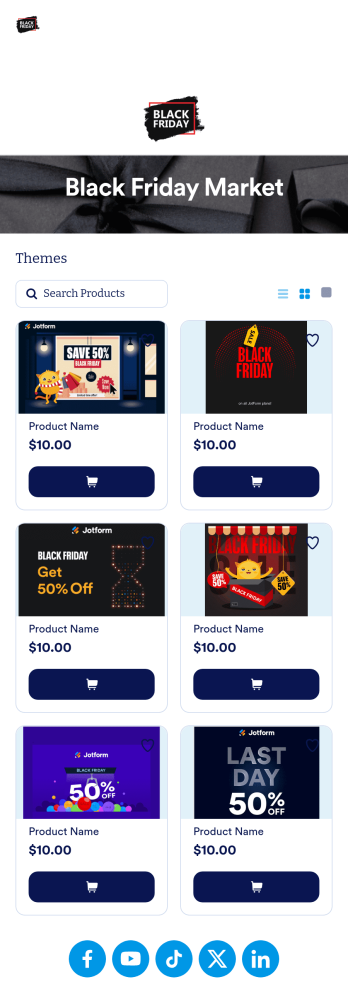
Black Friday App
Does your store need an easy way to sell your Black Friday merchandise and notify shoppers of hot deals? Look no further than this ready-made Black Friday App from Jotform. Add items, item descriptions, current deals and coupons, and more depending on your business’ needs. Then simply share your app with customers via email, QR code, or by linking straight to your mobile app in your social media bios.Use this Black Friday App ready-made, or customize it to match your store’s look and feel in just a few clicks. Our drag-and-drop builder makes it simple to add your own personal touch. Pick fonts and colors you like, upload images, integrate with helpful payment processors, and more. Engage smarter with your customers with this Black Friday App from Jotform.
Go to Category:Product Selling Apps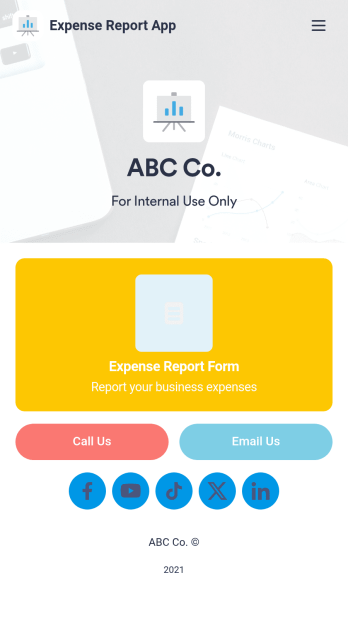
Expense Report App
An expense report app is used by companies for keeping track of employee expenses. This free Expense Report App allows employees to log business expenses by filling out a form with general contact information, cost, description, date and time, and payment and expense type. There is also an upload form for employees to attach any relevant documents and receipts. Expense reports are immediately synced and stored securely in your account, and can be sorted, filtered, and exported from any device.Customize this app template in no time using Jotform’s drag-and-drop form builder. You can easily add or swap out form elements, change text, customize your app icon and splash page, and more — no coding necessary. Share a link to your app in an email or embed it in your website, and employees can access and download it on any smartphone, tablet, or computer for future use. Keep track of all your employees’ business expenses with this Expense Report App.
Go to Category:Company Portal Apps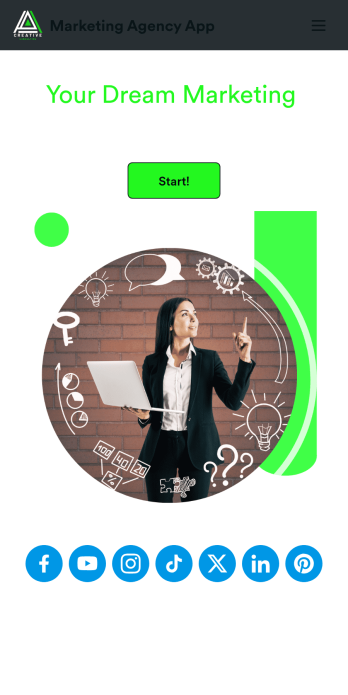
Marketing Agency App
Reach a wider audience and take your marketing agency online with a branded app from Jotform Apps. With this ready-made Marketing Agency App, you can showcase your offered services, marketing portfolio, and link to your social media accounts. Clients can access and download your app onto any smartphone, tablet, or desktop computer in seconds.Want to personalize this Marketing Agency App to suit your needs? No problem! Jotform’s drag-and-drop builder makes it easy to add form elements, install helpful widgets and integrations, change fonts and colors, upload your agency’s unique branding, and much more without any coding or design knowledge. Share your app by sending email invitations, including the app link in social media accounts and posts, or by seamlessly embedding it in your company website with a simple copy-paste code.
Go to Category:Consulting Apps