Product Tracking App helps teams capture product details in one place, browse a simple catalog, and review key updates over time. It’s a practical fit for small retailers, warehouse staff, ecommerce operators, and operations teams that need a clear view of what products are being added and how the product list is evolving. With an add product flow, an easy-to-open catalog, and an insights area for quick visibility, this app supports consistent product recordkeeping without relying on scattered spreadsheets or long message threads.
Built with Jotform App Templates, this app template is easy to tailor for your workflow using Jotform’s no-code app builder and drag-and-drop interface. Connect the app to your form and table data collection so product entries stay organized, searchable, and accessible to the right people. Share the finished app by link for self-service updates, keep your catalog current, and use connected workflows to standardize how product information is submitted and reviewed.
Related templates
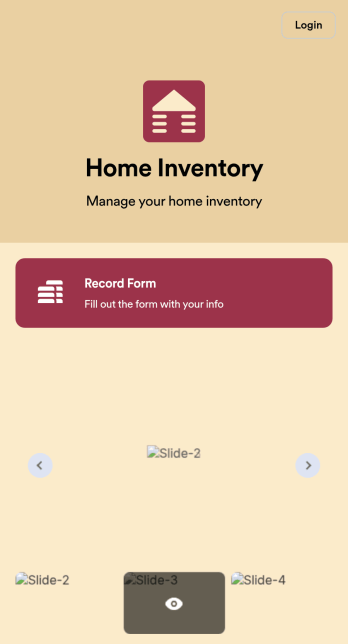
Home Inventory App
Keep track of items in your home with a free Home Inventory App from Jotform. If you’re tracking items for insurance purposes, the app includes a Home Inventory Information Record Form you can use to record details like item name, type, description, year, and more — you can even upload images of items in your home! All submissions through your app are stored securely in your Jotform account, ready to view and access at any time.Need to make changes to this app template? Add more forms, update the app background or icon, and make other design changes with no coding — just drag and drop to get the look you want. Once your app is good to go, download it onto your computer, tablet, or smartphone for quick and easy access. Stop tracking items in your home on paper and enjoy a more efficient way to get it done with this free Home Inventory App.
Go to Category:Inventory Apps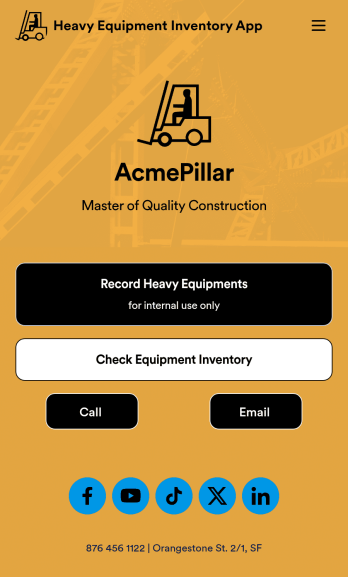
Heavy Equipment Inventory App
A heavy equipment inventory app is used by warehouse companies that need to keep track of incoming equipment purchases. With this customizable Heavy Equipment App, your drivers can record equipment name and type, date of purchase, vendor name, location, number of items, and unit cost. There is also an upload form for attaching pictures and receipts to individual entries. Entries are stored securely in an easy-to-read database, which you can view and manage from any device.This Heavy Equipment Inventory App is fully customizable and doesn’t require any coding. Using our drag-and-drop interface, you can add or change forms, choose fonts and colors, upload your company logo, update the app name, text, splash page, and more. After you’re done customizing, your app can be shared internally via the link and then accessed and downloaded on any device. Record and track warehouse inventory purchases with this Heavy Equipment Inventory App. No coding is required!
Go to Category:Inventory Apps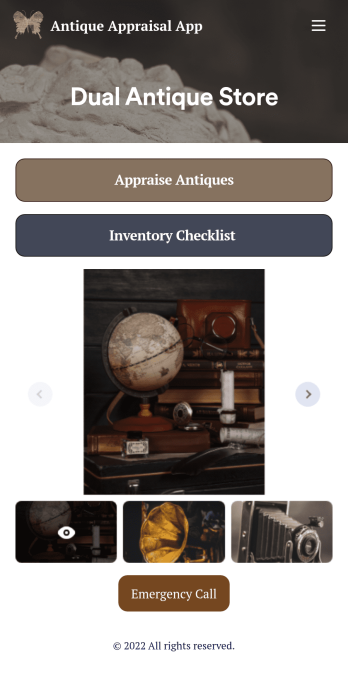
Antique Appraisal App
An antique appraisal app allows antique dealers and appraisers to record antique information from any device. If you’re an antique expert, Jotform’s free Antique Appraisal App will improve the way you conduct and track appraisals. This readymade template includes an antique appraisal form and inventory checklist that can be viewed and filled out using any iOS or Android device. Entries will be stored in your secure Jotform account, where they can be downloaded, printed, and shared with others in just one click.Make your Antique Appraisal App look exactly how you want in just a few clicks. With our drag-and-drop builder, you won’t have to do any coding to add forms, images, links, documents, text, and other app elements, as well as your branding. When you’re happy with your app, download it onto your favorite device or share it with others via link or email invite. Streamline appraisals for your antique store or upcoming auction with a fully-custom Antique Appraisal App that works anywhere.
Go to Category:Inventory Apps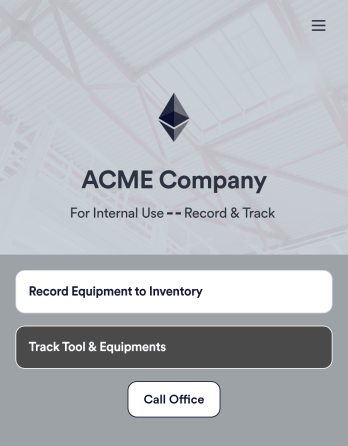
Tool Inventory App
A tool inventory app is used by companies that need to keep track of loaned out tools and equipment. This customizable Tool Inventory App allows you and your employees to record equipment name and type, date of purchase, vendor name, location, number of items, and unit cost. There is also an upload form for attaching pictures and receipts to individual entries. Submissions are stored securely in an easy-to-read database, which you can access directly from your app from any smartphone, tablet, or computer.Looking to personalize this Tool Inventory App? Using our drag-and-drop interface, you can add or change forms, choose fonts and colors, upload your company logo, update the app name, text and splash page, and more — all with zero coding. After you’re done customizing your app can be shared internally via link and then accessed and downloaded on any device. Never lose track of a tool rental again with this Tool Inventory App!
Go to Category:Inventory Apps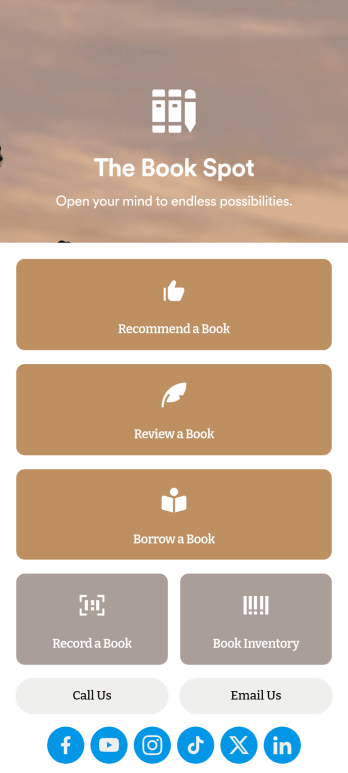
Book Recommendation App
Create an all-in-one app for your bookstore, library, or book club with Jotform’s Book Recommendation App. With this free app, you can accept submissions for book recommendations and reviews from any device. You can also record book sales and keep track of inventory and loaned books in an easy-to-understand spreadsheet with Jotform Tables.Want to make this Book Recommendation App your own? No coding required — simply drag and drop to create additional forms and pages, choose fonts and colors, link to your social media accounts, add a contact page, and anything else you want to include. Share your app with customers and readers by sending email invitations, generating scannable QR codes to place on placards or receipts, or by seamlessly embedding it in your website with a simple copy-paste code. Consolidate your forms in one convenient location with this fully customizable Book Recommendation App.
Go to Category:Inventory Apps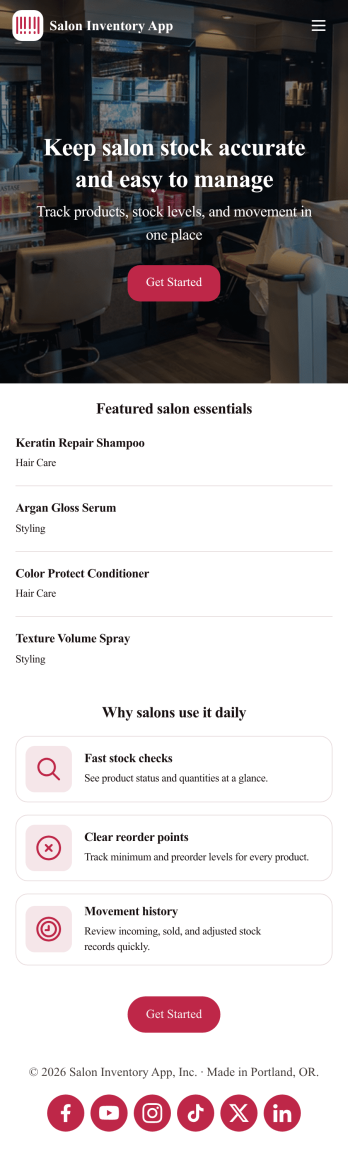
Salon Inventory App
Introducing our Salon Inventory App template, a comprehensive tool designed specifically for beauty salon owners, barbers, and nail technicians to streamline inventory tracking. Jotform App's ready-to-use template will save you time, money, and energy by simplifying your inventory process without any coding required. Whether you are managing a small local barber shop or running a chain of beauty salons, this app template is designed to cater to your needs. It makes the inventory process more efficient, making it easier to track products, manage stock levels, identify best-selling items, and avoid product shortages. The Salon Inventory app template aids in managing stock, preventing overstocking or under-stocking, and ultimately enhancing customer satisfaction by ensuring that the products they need are always available.Explore the capabilities of the Jotform App, a free, no-code app builder that makes it easy to create fully customized apps for your business needs. It combines an intuitive drag-and-drop builder with powerful app elements and over 70+ widgets, offering unparalleled flexibility and ease of customization. By using the Salon Inventory App template, you'll have intricate inventory control at your fingertips, complete with data collection sheets and reports for accurate record-keeping. Are you tired of keeping track of your inventory manually? Or perhaps you are looking for a way to digitize your inventory management for ease of access and real-time updates? Look no further. Jotform App's Salon Inventory template offers a smart, all-in-one solution, giving you access to your stock data anytime, anywhere right from your smartphone, tablet, or computer. Embrace the power of Jotform Apps and take your inventory management to the next level with our Salon Inventory App template.
Go to Category:Inventory Apps