Repair Windows App helps window repair businesses and field technicians capture new service requests and keep jobs moving from scheduled to completed. It’s built for everyday work like collecting customer details, organizing incoming repair needs, and giving your team a clear place to check what’s on the calendar. With an easy path to start a new request and a simple way to review existing requests, it supports faster response times and fewer missed appointments for residential and commercial calls.
Jotform makes it simple to turn this Repair Windows App into a branded self-service experience using a no-code app builder and a drag-and-drop interface. Connect the app to your request form and data collection workflow, then share it with staff through a link or QR code so they can access schedules and job history from anywhere. You can update pages, adjust navigation, and keep request records organized as your service operation grows.
Related templates
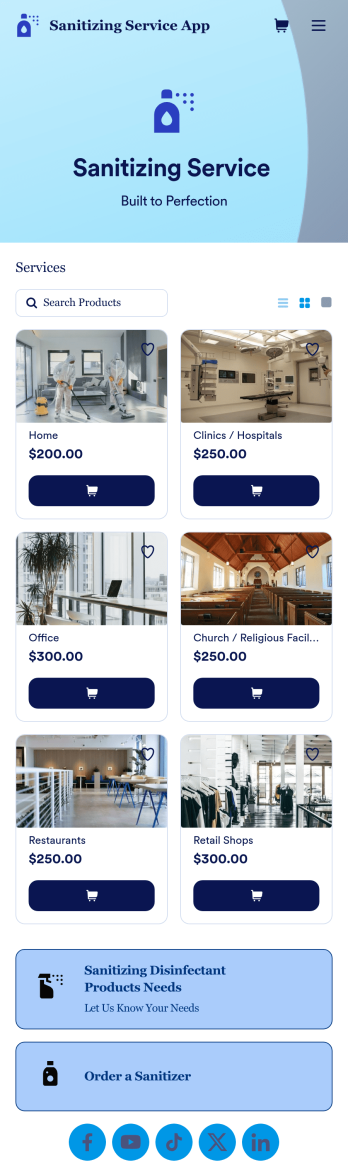
Sanitizing Service App
Sanitizing service apps are used by clients to book services from companies that offer sanitization and cleaning services. If you’re looking to build a professional app for your sanitization business, look no further than this ready-made Sanitizing Service App from Jotform. Upload available booking times, detail your different services, link to company reviews, add product descriptions, and more!Customize the look and feel of your Sanitizing Service App with Jotform’s easy-to-use online app building tool. Pick colors and fonts you like, integrate with payment services to collect fees up front, upload branding assets, pick a backsplash, and more. Create the perfect app for your services with Jotform Apps today.
Go to Category:Customer Portal Apps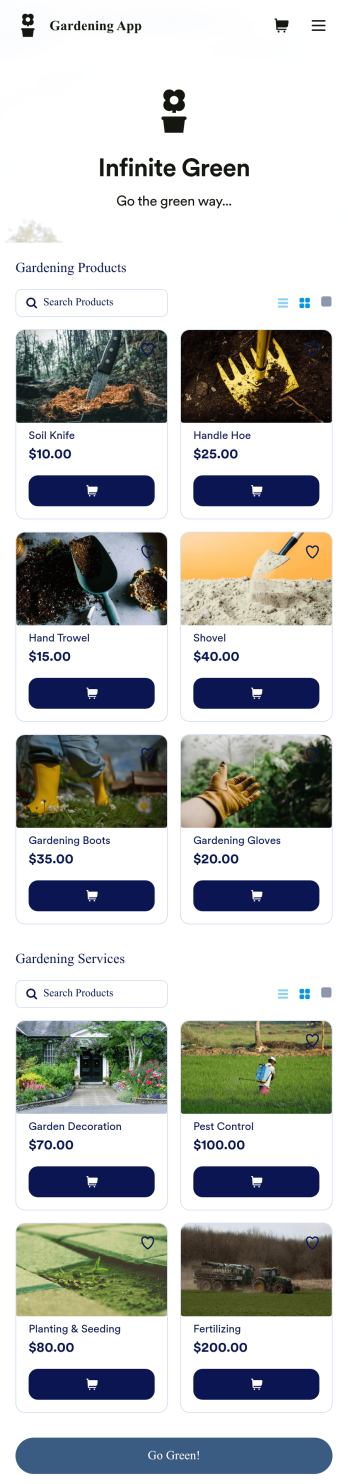
Gardening App
Looking to sell gardening tools and landscaping services online? Create a one-stop shop for your business with a free Gardening App from Jotform. Whether you already run a business or are just getting started, Jotform Store Builder makes it easy to build a custom online store in seconds without any coding knowledge. Choose a ready-made template and add products and services, list pricing, and upload your own branding.Make this Gardening App your own with Jotform’s intuitive builder. Simply drag and drop to add images and videos, choose fonts and colors, install helpful widgets, and integrate with our 25+ payment gateways — including PayPal, Stripe, and Square. Share your custom online store by posting a link in your social media bios, or seamlessly embed it in your website with a copy-paste embed code. Reacher a wider audience and start taking payments online with your very own Gardening App.
Go to Category:Service Apps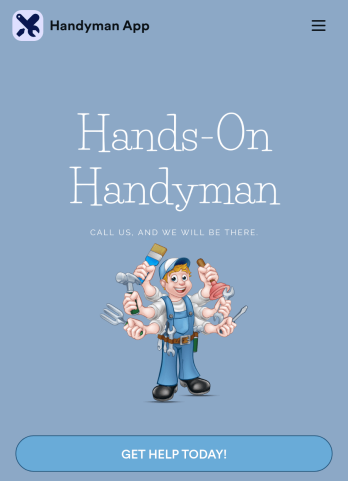
Custom Handyman App
Let clients book your handyman services or request quotes from any device with Jotform’s free downloadable Handyman App. Once you’ve customized the app to match your service offerings and branding, you can share the app to be saved onto any iOS or Android device or accessed instantly in a web browser via your site. You’ll be notified of each response instantly, so you can respond to service requests fast!Make this app match your business with our drag-and-drop builder. No coding required — quickly add your logo, choose your favorite colors and fonts, personalize the app background and icon, and make other changes in seconds. You can even integrate with 25+ payment processors to receive payments while paying no extra transaction fees to Jotform. Switch from time-consuming phone calls and emails to a powerful mobile Handyman App.
Go to Category:Online Service Apps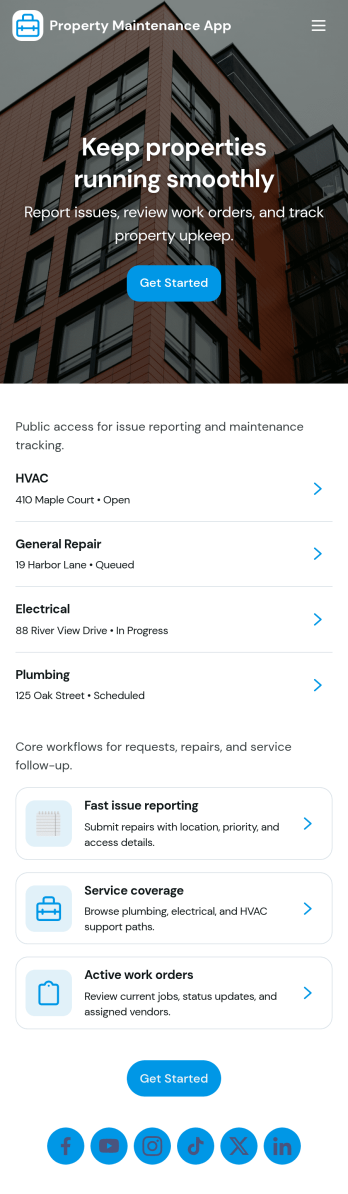
Property Maintenance App
Property Maintenance App gives teams a clear place to log maintenance issues, route them to the right property, and keep work moving without losing context. It’s a practical fit for property managers, landlords, HOAs, and service coordinators who handle recurring repairs across multiple locations and need an easy way to capture new requests, review properties, and follow what’s already been reported.Built with Jotform, this app template brings together self-service request intake and ongoing request visibility in one mobile-friendly experience. Using Jotform’s no-code app builder and drag-and-drop interface, you can tailor pages for your process, connect requests to your data collection, and centralize updates so your maintenance workflow stays organized as volume grows.
Go to Category:Equipment Maintenance Software
Home Buying Checklist App
When renting or selling a house, it is important to know the preferences of potential buyers and sellers. How about collecting the necessary information with the Home Buying Checklist App? The Home Buying Checklist App includes forms used by real estate agents to collect information about home buyers' preferences, show their portfolios to potential buyers, and inform them about contact and location information through maps where customers can easily find the home addresses. Use the Home Buying Checklist App to better serve customers and find solutions for their needs!Would you like to make this app your own with Jotform’s easy-to-use drag-and-drop form builder? You can add or switch form elements' places, choose fonts and colors, and upload your logo. Moreover you can customize the splash page. After you’re done with the look, you can embed it in your website or share it with a link so your customers can download it on any smart devices. No coding is necessary.
Go to Category:Checklist Apps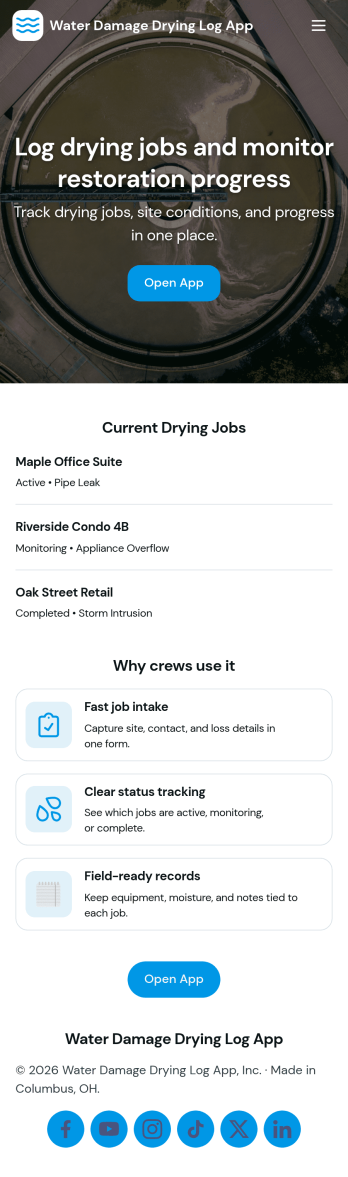
Water Damage Drying Log App
Water Damage Drying Log App helps restoration crews document drying progress across jobs and sites in a consistent, field-ready format. Use it to add drying logs on the spot, review job entries by job ID and site name, and keep notes organized for supervisors, project managers, and office staff who need quick visibility into what happened and when. It’s a practical fit for water mitigation teams, property services companies, and contractors managing multiple active locations, where missed details can slow down decisions and follow-ups.With Jotform, you can turn this app template into a branded, self-service experience using a no-code app builder and a drag-and-drop interface. Connect the app to forms and tables to support ongoing data collection, route updates through your workflow, and keep information easy to browse from a phone or tablet. Share the app by link or QR code so teams can log updates, check equipment, and stay aligned without switching between scattered tools.
Go to Category:Home Services Apps