
The Research Methodology Assessment App is an interactive learning and knowledge-check app template for universities, schools, training providers, tutors, instructors, and research teams. It gives learners a clear starting point for assessing their understanding of research questions, participant protection, evidence quality, and core study designs. Users can move through focused resources covering experimental, observational, qualitative, and mixed-methods approaches, then review data collection and analysis topics such as surveys, interviews, descriptive statistics, and qualitative analysis. By bringing assessment access and methodology guidance into one organized experience, it supports classroom instruction, independent study, course preparation, and staff development.
Jotform App Templates help educators and organizations turn learning materials and connected workflows into accessible digital experiences. With Jotform’s no-code app builder and drag-and-drop interface, teams can customize pages, navigation, colors, fonts, and content without programming. They can also connect forms for data collection, organize supporting resources, and share the finished app through a direct link or QR code. This app template makes it easier to create a branded, mobile-friendly learning resource that supports self-service review and can be updated as curricula or training needs change.
Related templates
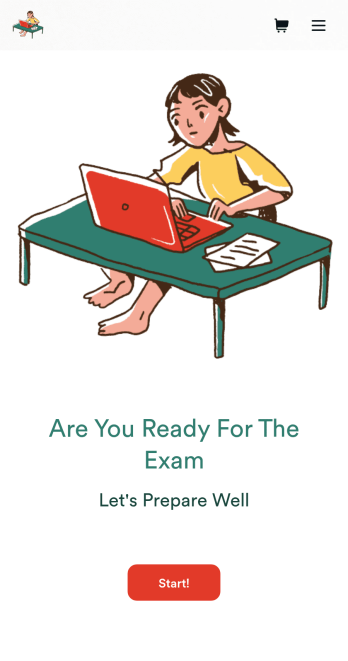
Custom Exam Preparation App
Whether you’re a teacher or a tutor, help students prepare for their exams with Jotform’s free Exam Preparation App. This fully customizable mobile app includes an exam registration form, sample exam questions, and contact buttons for students to easily access from any computer or mobile device. All submissions will be instantly synced to your Jotform account — ready to view, download, share, and approve.You won’t need to take a coding class to customize this Exam Preparation App. Simply drag and drop to add forms, images, documents, links, buttons, pages, and other app elements. Then share your app with students by posting the app link on your website or sending email invites to newly registered students. With a fully custom Exam Preparation App your students can easily access from any device, you can ensure they’ll be ready for their next exam!
Go to Category:Course & Training Registration Apps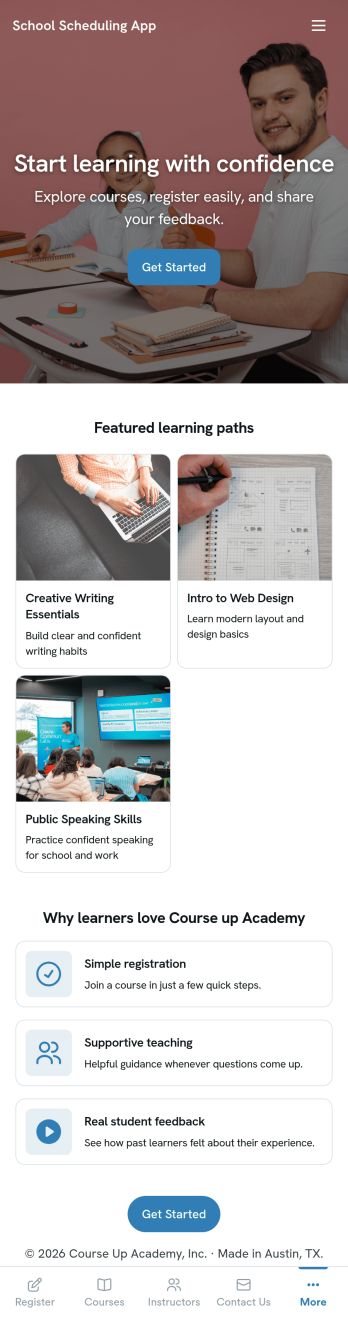
School Scheduling App
School Scheduling App is an app template designed to systemize and optimize the complex process of academic scheduling. Its primary function is to simplify and expedite the creation and management of class schedules for both small and large academic institutions. In its operational context, the app provides a systematic approach to allocating classrooms and teachers, reducing potential conflicts and inefficiencies in timetable planning. This holds immense value for school administrators, academic coordinators, and teachers who are tasked with harmonizing multiple variables in the scheduling process. The app collects relevant information about class timings, rooms, teachers, and subjects and presents it in a structured manner, aiding in the efficient distribution of resources. It brings clarity and consistency to the timetabling process, offering a superior alternative to ad hoc collection methods. Commonly used in primary, secondary, and higher education institutions, the School Scheduling App is best for those seeking a centralized platform to manage and monitor academic scheduling.With Jotform's No-Code App Builder, customizing the School Scheduling App is an intuitive process that requires no coding skills. The drag-and-drop interface allows alterations to forms and layouts to suit institutional brand requirements. The app offers cross-platform compatibility, so users can access and download the app onto any smartphone, tablet, or desktop via a shareable link. This seamless experience extends to the app's publishing options and sharing methods, providing flexibility in access controls and distribution. Users can choose to keep the app public or private and share it via direct link, email, QR code, or social media. With Jotform, creating a cohesive, user-friendly academic scheduling solution is made simple and efficient with the School Scheduling App.
Go to Category:Education Apps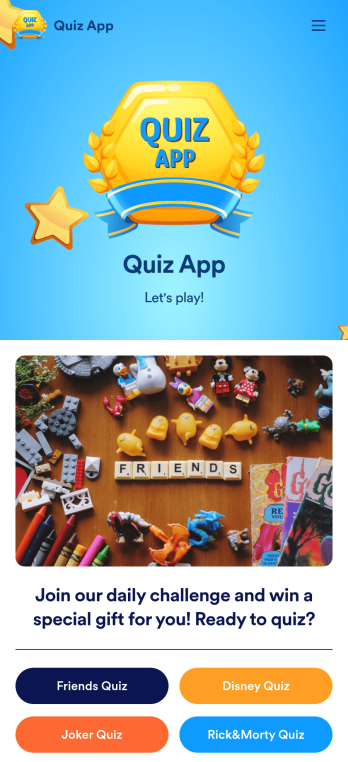
Quiz App
A quiz app lets you take quizzes and submit answers from any device. Whether you need a place to share quizzes for your classroom, office party, or friend group, get started with Jotform’s free Quiz App! This ready-to-use template includes four premade quizzes that you can fill out using any device and share with others. Using our drag-and-drop builder, you can create and add your own quizzes. All responses will be instantly synced to your secure and easily-accessible Jotform account for quick and easy scoring.Make this Quiz App your own in just a few clicks. All you need to do is drag and drop to build and add quizzes, upload tables to see results, embed links and documents, create new pages and buttons, upload photos and videos, and much more. When your app is ready to use, download it onto your favorite device and share it with others via the app link or by sending email invites. Take your online quizzes to the next level with a fully custom and engaging Quiz App that works anywhere.
Go to Category:Education Apps
Community Membership App
A community membership app allows community members to connect to each other from any device. Build your own Community Membership App without any coding with our free template. It includes a membership application form and a list of qualifications that can be accessed from any smartphone, tablet, or desktop computer. Submitted applications will be received instantly and stored in your secure Jotform account, ready to view, share, and approve.Make this Community Membership App your own by customizing it with our drag-and-drop builder. You can easily add more forms, upload logos, change the qualifications, embed links to other resources, and update the app name, icon, and splash page. Share your app by adding the link in your website, posting it on social media accounts, or sending it directly to interested applicants. Keep your community connected with an easy-to-use Community Membership App that works on the go.
Go to Category:Booking Apps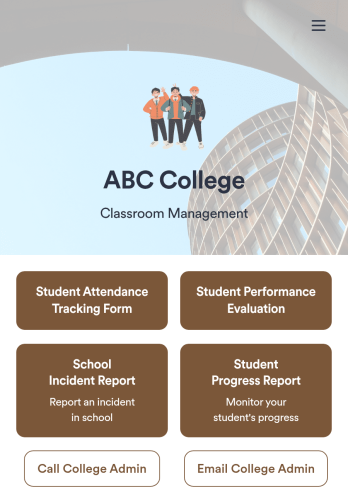
Classroom Management App
A classroom management app is used by schools and educational institutions for recording students’ attendance and progress. This all-in-one Classroom Management App contains four useful forms: teachers can mark attendance with a Student Attendance Tracking Form, record student progress with a Student Progress Report Form, keep track of student evaluations with a Student Performance Evaluation Form, and report incidents with a School Incident Report Form.This app template can be easily customized to suit your school or classroom’s particular needs. Using our drag-and-drop interface, you can add or swap out form elements, change text, choose fonts and colors, upload images, and more — all without any coding. After you’re done, you can share your app with a link or embed it in an internal website for teachers to access and download on any device. Stay on top of your students’ progress and performance with this free Classroom Management App from Jotform.
Go to Category:Classroom Management Apps
Lesson Planner App
Create and manage your classroom lesson plan with this free Lesson Planner app from Jotform. Download this app onto any device and start adding courses, start and end dates, lesson titles and objectives, tasks, resources, and more. There are also separate forms for entering student information and creating daily assignment checklists. Submissions are aggregated and stored in a color-coded and easy-to-understand spreadsheet using Jotform Tables.Want to make changes to this Lesson Planner App? No problem! With Jotform’s no-code app builder, you can build a custom app that meets your classroom’s needs in seconds. Simply drag and drop to add or change form elements, edit text fields and checklist items, install integrations and widgets, change fonts and colors, and more. When you’re done, you can access and download your app onto any smartphone, tablet, or desktop and start using it right away. Manage all your lesson plans and assignments from a single location with this mobile-friendly Lesson Planner App.
Go to Category:Daily Planner Apps