Safety Notes App helps teams capture, review, and act on safety observations in one place, whether you’re running a jobsite, managing a facility, or coordinating daily operations across multiple locations. Staff can add a note on the spot, browse a recent note log, and categorize entries by details like date and category so patterns are easier to spot. Built-in prompts for location, severity, and action required support clearer reporting, while a simple safety checklist reinforces consistent habits such as confirming PPE readiness and keeping walkways clear.
Jotform makes it easy to publish this kind of self-service experience with App Templates you can tailor to your process. Using Jotform’s no-code app builder and drag-and-drop interface, you can adjust pages, update wording, connect the app to a form and tables for data collection, and route updates through a workflow for follow-ups. Share the app by link or QR code so crews, supervisors, and site leads can document issues quickly and keep safety notes organized over time.
Related templates
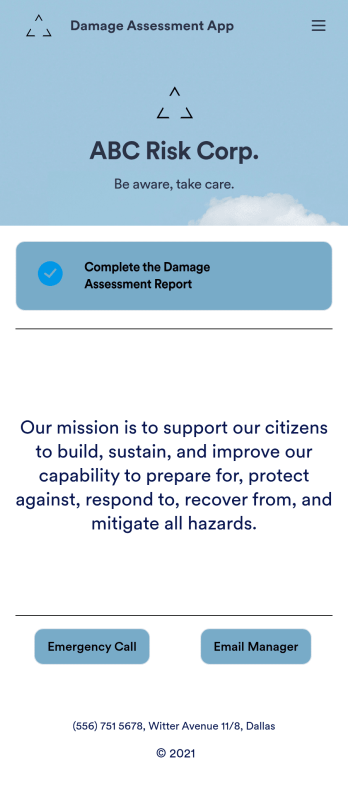
Damage Assessment App
A damage assessment app allows emergency management agencies to create and submit reports from any device. Use our free Damage Assessment App Template to create an app for your own emergency management program in just a few clicks. This fully-customizable template includes an online damage assessment report form where inspectors can describe the damage, take photos, and provide their e-signature from any smartphone or tablet.Need to modify this Damage Assessment app? Customize the template to better suit your needs with our drag-and-drop builder. It’s easy to add more forms, include links to other resources, change text and images, and update app settings such as name, icon, and splash screen. When it’s ready to use, download the app onto your preferred device or share it with others in your organization via app link. Streamline the inspection process for your emergency management agency with an efficient online Damage Assessment App that works anywhere.
Go to Category:Inspection Apps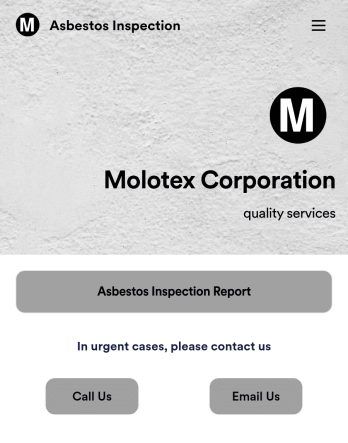
Asbestos Inspection App
An asbestos inspection app is used by asbestos inspection companies to complete and track inspection reports electronically. With this free downloadable Asbestos Inspection App, members of your team can save the app to their personal device — be it a smartphone, tablet, or computer — for quick access to your company’s inspection report form in the field.If you need to add additional forms, update the splash screen or icon, or make other design changes, just drag and drop fields until you get the look you want. No coding knowledge needed! Your custom app will then be shareable with a link, so you can get it in front of your inspection team in no time. Power up your inspection workflow with this free Asbestos Inspection App from Jotform.
Go to Category:Inspection Apps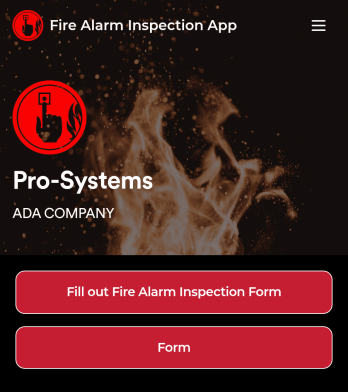
Fire Alarm Report App
A fire alarm report app allows fire inspectors to conduct inspections and submit reports from any device. Get a head start creating your own mobile app with our free Fire Alarm Report App for fire inspectors. This fully customizable app template includes a fire alarm inspection form and risk assessment form that can easily be filled out from any smartphone or tablet. Submitted reports will be safe and sound in your Jotform account and can even be turned into secure PDFs automatically.Without any coding, you can update this Fire Alarm Report App to meet your fire department’s needs. To customize the template, simply drag and drop to add or remove forms, include links to tables or external websites, change text and images, and modify app settings. When your app is ready to be used, download it onto your preferred device or share it with other fire inspectors via the app link.
Go to Category:Inspection Apps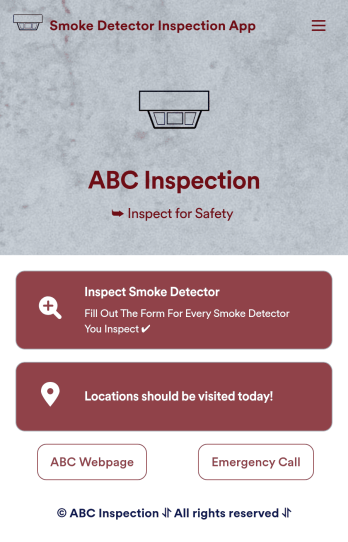
Smoke Detector Inspection App
A smoke detector inspection app is used by safety inspectors to log the working condition of smoke detectors within a building. This free Smoke Detector Inspection App allows inspectors to fill out a form with identification details for each smoke detector, as well as detail the overall condition of the smoke detector and any maintenance that was performed. There is a digital signature form at the bottom where inspectors can sign off on individual reports. These reports are compiled and stored securely in your account and can be viewed on any device.This app template is ready-made and requires no coding, but you can fully customize it with just a few clicks. Our drag-and-drop form builder enables you to add or change forms and text, choose fonts and colors, upload your logo, and more. Your app is easy to share, and can be accessed and downloaded on any smartphone, tablet, or desktop for future use. Keep your building safe with this customizable Smoke Detector Inspection App.
Go to Category:Inspection Apps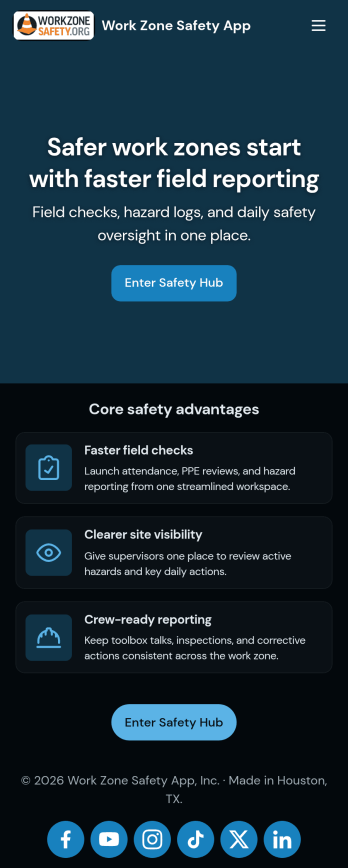
Work Zone Safety App
A work zone safety app is used by occupational health and safety (OHS) inspectors to keep track of work zone safety inspections. With Jotform’s free Work Zone Safety App, you can track attendance, analyze job hazards, assess PPE, and perform other important tasks straight from your mobile device — no messy paperwork required. Submissions are securely stored in your Safety Meeting Sign In Sheet and easy to access on any computer, tablet, or smartphone.If you’d like to customize this app template by adding new forms, uploading your logo, choosing new fonts and colors, or changing the splash screen, do it fast with our drag-and-drop builder. Your custom app can then be shared with employees and downloaded directly onto their devices for easy access whenever they need it. Speed up the way your company conducts safety checks with a free Work Zone Safety App.
Go to Category:Inspection Apps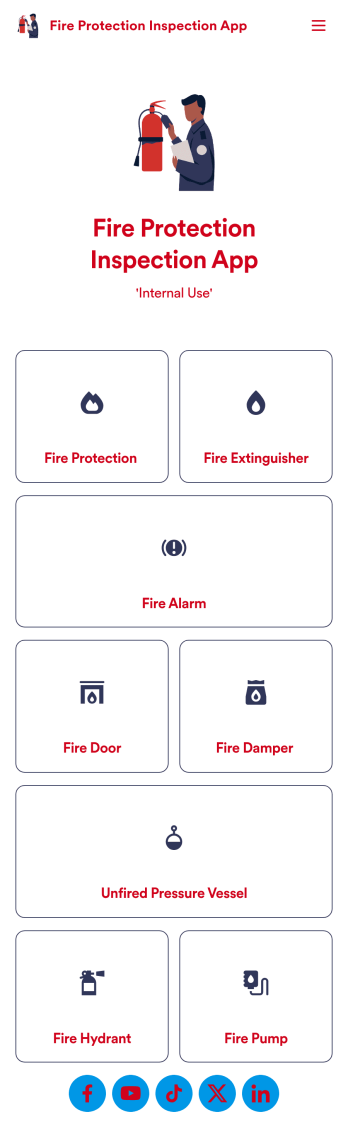
Fire Protection Inspection App
A fire protection inspection app is used to perform fire inspections on any device. Jotform’s free Fire Protection Inspection App allows members of your inspection company or organization to take note of what processes a building has in place to protect themselves from a fire disaster — such as fire extinguishers, fire alarms, and exit routes. Instead of completing inspections with paper forms, you can be more efficient and enter them directly into your mobile device.Want to make changes to the app design? Drag and drop to personalize the app icon or splash screen, add or remove forms, and make other updates with no coding. Every inspection collected through your custom Fire Protection Inspection App will be stored securely in your Jotform account, which you can use to view inspections in a spreadsheet in Jotform Tables, convert inspections into PDF documents with Jotform PDF Editor, and do more with a powerful suite of data management tools.
Go to Category:Inspection Apps