Safety Tracking App helps teams record, review, and follow up on safety incidents in one place, especially for day-to-day operations where issues need to be captured quickly and referenced later. It works well for construction sites, warehouses, manufacturing floors, field service crews, schools, events, and any workplace that wants a consistent way to log what happened, when it happened, and where it happened. With a simple incident form and an easy-to-browse history list, staff can submit incident details and managers can open each record to view the incident date and location before taking next steps.
Built with Jotform, this app template turns safety reporting into a mobile-friendly self-service experience you can share with the right people in minutes. Use Jotform’s no-code app builder and drag-and-drop interface to adjust pages, update text, and connect the app to the form that collects incident information. As reports come in, you can keep your workflow organized, standardize data collection, and make it easier for teams to stay informed without relying on scattered messages or spreadsheets.
Related templates
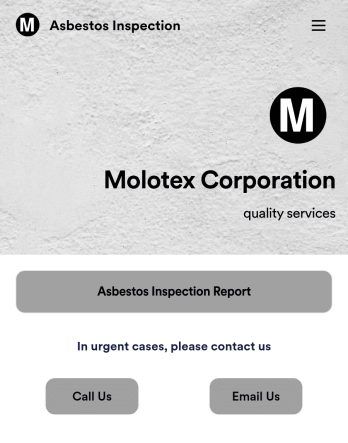
Asbestos Inspection App
An asbestos inspection app is used by asbestos inspection companies to complete and track inspection reports electronically. With this free downloadable Asbestos Inspection App, members of your team can save the app to their personal device — be it a smartphone, tablet, or computer — for quick access to your company’s inspection report form in the field.If you need to add additional forms, update the splash screen or icon, or make other design changes, just drag and drop fields until you get the look you want. No coding knowledge needed! Your custom app will then be shareable with a link, so you can get it in front of your inspection team in no time. Power up your inspection workflow with this free Asbestos Inspection App from Jotform.
Go to Category:Inspection Apps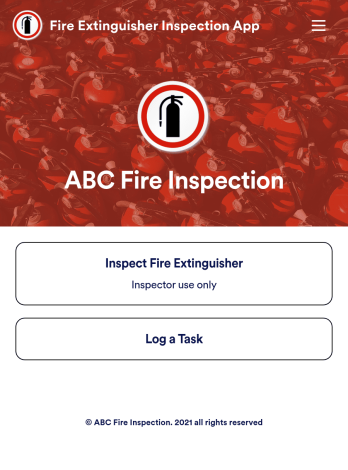
Fire Extinguisher Inspection App
A fire extinguisher inspection app is used by safety inspectors to record the working condition of fire extinguishers within a building. Jotform’s free Fire Extinguisher Inspection App allows inspectors to fill out a form with their name and company, inspection date, and report number. Inspectors can then provide a detailed assessment of a fire extinguisher’s condition by noting the general quality of the tubes, hoses, brackets, and seals — as well as provide any additional comments. There is a digital signature form at the bottom where inspectors can sign off on individual reports.This app template is ready-made and requires no coding, but you can fully customize it with just a few clicks. Our drag-and-drop interface allows you to add or change forms and text, choose fonts and colors, upload your logo, and more. After you’re done customizing, your app can be embedded on your website or shared with a link and then opened on any device. Make sure your fire extinguishers are in good working order with this customizable Fire Extinguisher Inspection App.
Go to Category:Inspection Apps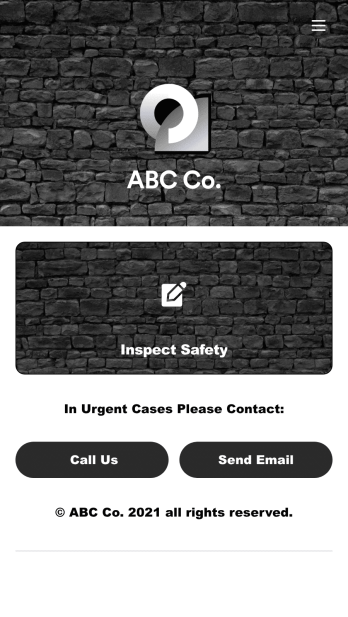
Safety Audit App
A safety audit app is used by safety auditors to perform safety inspections from their mobile devices. Have members of your inspection team perform audits without any messy paperwork using this free Safety Audit App. The app can be downloaded onto any computer, tablet, or smartphone to gather important data in the field — such as checks for fire prevention, equipment, first aid, and more.Customize this app template’s design without coding using our drag-and-drop app builder. Update items on your inspection checklist, include your company logo, change the app icon or background, and make other changes in seconds. You can then share the app via link or email to be downloaded onto iOS or Android devices. Save time and paper performing safety checks with a free Safety Audit App from Jotform.
Go to Category:Construction Apps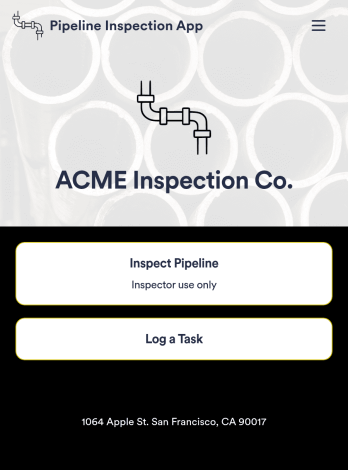
Pipeline Inspection App
A pipeline inspection app is used by safety inspection companies to record the condition of pipelines. With this ready-made Pipeline Inspection App, inspectors can fill out a form with details for each pipeline inspection, including location, type, dimensions, quadrangle, and watershed. There is also space to write down any additional information — for example, if a pipeline needed to be flagged for maintenance. Submissions are compiled and stored securely in your online account, and can be viewed in an easy-to-understand database from any device.This Pipeline Inspection App can be fully customized with no coding. Using our drag-and-drop form builder, it’s easy to swap out forms, change text, choose fonts and colors, upload your logo, and more. Employees can access and download your app with a shareable link, or you can embed it in your website. Keep all your pipeline inspection reports in one place with our free Pipeline Inspection App.
Go to Category:Inspection Apps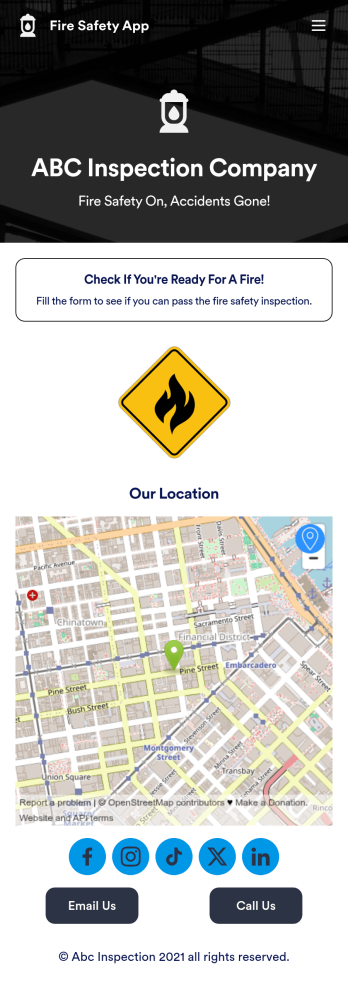
Fire Risk Assessment App
A Fire Risk Assessment App is used by fire safety inspection companies to perform inspections for homes, buildings, or businesses. With Jotform’s free Fire Risk Assessment App, members of your team can download the app onto their smartphone, tablet, or computer to submit safety inspection reports electronically. All information is stored securely and protected with Jotform’s advanced security protocols.Customizing this app is simple. Without coding, you can drag-and-drop fields to add your logo, update the splash screen, include more forms, or change fonts and colors. To get your app in front of team members, share it in seconds by copying and pasting the auto-generated app link. Make paper inspection forms a thing of the past and gets organized with a free Fire Risk Assessment App.
Go to Category:Inspection Apps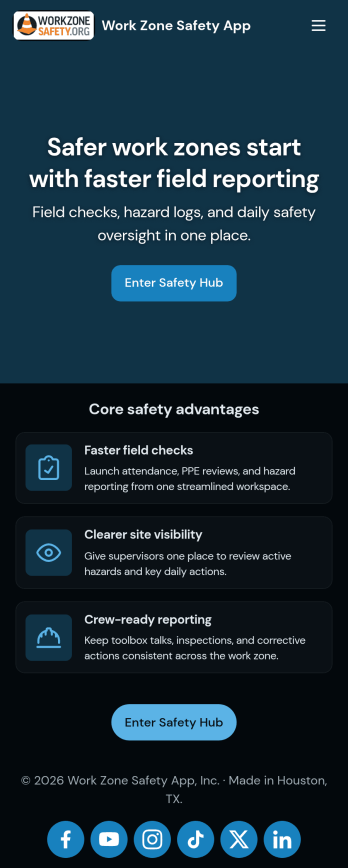
Work Zone Safety App
A work zone safety app is used by occupational health and safety (OHS) inspectors to keep track of work zone safety inspections. With Jotform’s free Work Zone Safety App, you can track attendance, analyze job hazards, assess PPE, and perform other important tasks straight from your mobile device — no messy paperwork required. Submissions are securely stored in your Safety Meeting Sign In Sheet and easy to access on any computer, tablet, or smartphone.If you’d like to customize this app template by adding new forms, uploading your logo, choosing new fonts and colors, or changing the splash screen, do it fast with our drag-and-drop builder. Your custom app can then be shared with employees and downloaded directly onto their devices for easy access whenever they need it. Speed up the way your company conducts safety checks with a free Work Zone Safety App.
Go to Category:Inspection Apps