Saftey App helps teams centralize safety actions and information in one place so employees can respond quickly and report issues with confidence. It supports incident and hazard reporting through connected report buttons and makes it easy to find key safety guidance through a dedicated safety resources area. With an emergency quick action panel and clear emergency steps and contacts, it fits fast-moving environments like construction sites, warehouses, schools, field services, and busy offices where every second matters.
Built with Jotform, this app template can be tailored in a no-code app builder with a drag-and-drop interface to match your organization’s workflows and reporting needs. Link buttons to forms for consistent data collection, organize safety resources into simple navigation, and share the app by link or QR code for self-service access across teams. As reports come in, your workflow can stay organized by keeping information connected and easy to manage in Jotform.
Related templates
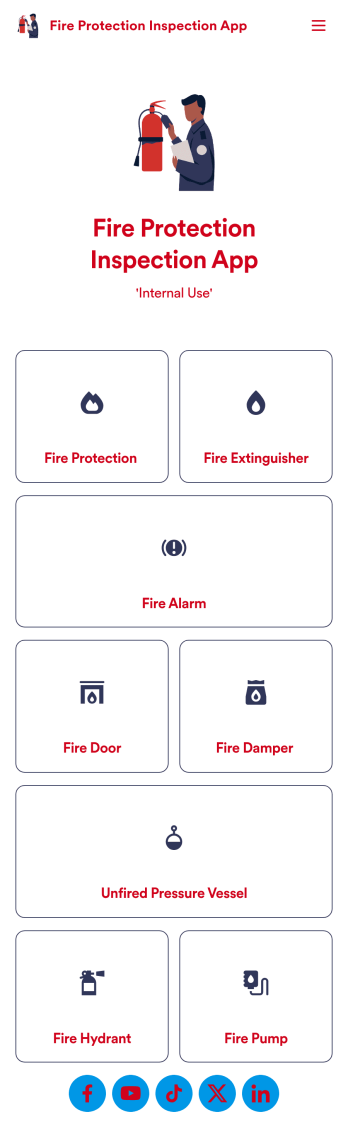
Fire Protection Inspection App
A fire protection inspection app is used to perform fire inspections on any device. Jotform’s free Fire Protection Inspection App allows members of your inspection company or organization to take note of what processes a building has in place to protect themselves from a fire disaster — such as fire extinguishers, fire alarms, and exit routes. Instead of completing inspections with paper forms, you can be more efficient and enter them directly into your mobile device.Want to make changes to the app design? Drag and drop to personalize the app icon or splash screen, add or remove forms, and make other updates with no coding. Every inspection collected through your custom Fire Protection Inspection App will be stored securely in your Jotform account, which you can use to view inspections in a spreadsheet in Jotform Tables, convert inspections into PDF documents with Jotform PDF Editor, and do more with a powerful suite of data management tools.
Go to Category:Inspection Apps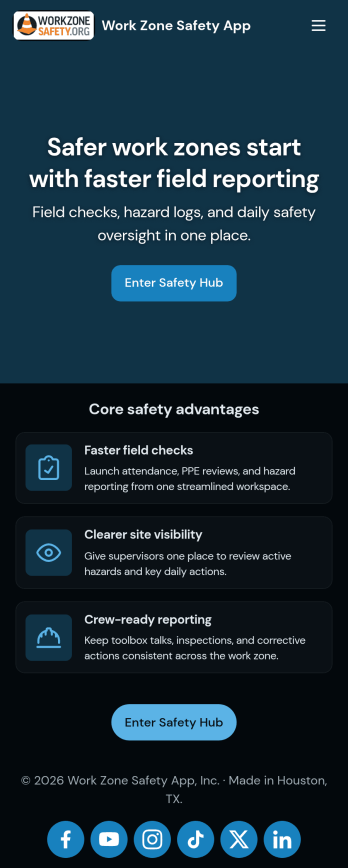
Work Zone Safety App
A work zone safety app is used by occupational health and safety (OHS) inspectors to keep track of work zone safety inspections. With Jotform’s free Work Zone Safety App, you can track attendance, analyze job hazards, assess PPE, and perform other important tasks straight from your mobile device — no messy paperwork required. Submissions are securely stored in your Safety Meeting Sign In Sheet and easy to access on any computer, tablet, or smartphone.If you’d like to customize this app template by adding new forms, uploading your logo, choosing new fonts and colors, or changing the splash screen, do it fast with our drag-and-drop builder. Your custom app can then be shared with employees and downloaded directly onto their devices for easy access whenever they need it. Speed up the way your company conducts safety checks with a free Work Zone Safety App.
Go to Category:Inspection Apps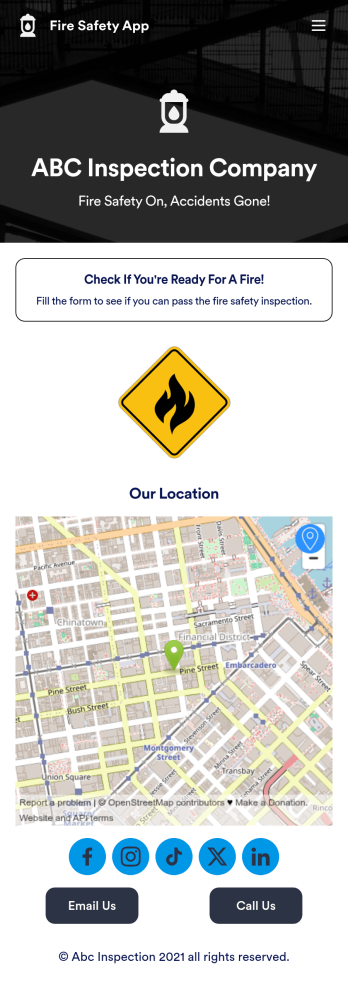
Fire Risk Assessment App
A Fire Risk Assessment App is used by fire safety inspection companies to perform inspections for homes, buildings, or businesses. With Jotform’s free Fire Risk Assessment App, members of your team can download the app onto their smartphone, tablet, or computer to submit safety inspection reports electronically. All information is stored securely and protected with Jotform’s advanced security protocols.Customizing this app is simple. Without coding, you can drag-and-drop fields to add your logo, update the splash screen, include more forms, or change fonts and colors. To get your app in front of team members, share it in seconds by copying and pasting the auto-generated app link. Make paper inspection forms a thing of the past and gets organized with a free Fire Risk Assessment App.
Go to Category:Inspection Apps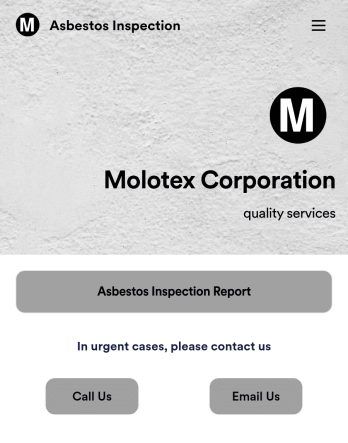
Asbestos Inspection App
An asbestos inspection app is used by asbestos inspection companies to complete and track inspection reports electronically. With this free downloadable Asbestos Inspection App, members of your team can save the app to their personal device — be it a smartphone, tablet, or computer — for quick access to your company’s inspection report form in the field.If you need to add additional forms, update the splash screen or icon, or make other design changes, just drag and drop fields until you get the look you want. No coding knowledge needed! Your custom app will then be shareable with a link, so you can get it in front of your inspection team in no time. Power up your inspection workflow with this free Asbestos Inspection App from Jotform.
Go to Category:Inspection Apps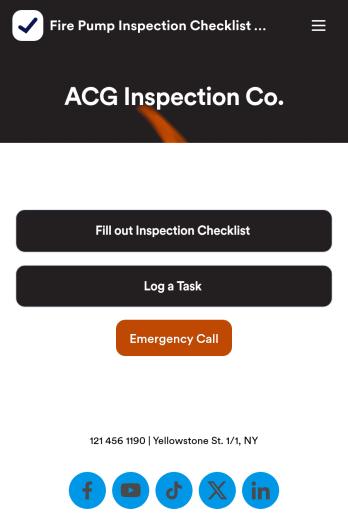
Fire Pump Inspection Checklist App
A fire pump inspection checklist is used by municipal workers to conduct fire pump inspections. Workers can download this readymade app template on any device and fill out a Fire Pump Inspection Form with inspection details. This form includes safety checklists and an e-signature form for workers to sign off on after completing an inspection. A separate Task Log Form allows managers to assign specific tasks to employees with start and end dates. Reports are instantly synced and compiled in your secure Jotform account.Make this app template your own in seconds with Jotform’s app builder. No coding required — simply drag and drop to add form elements, edit text fields and checklist items, install widgets and integrations, customize the app’s look and feel, upload your own branding, and much more. Download your custom app on your favorite device to perform on-site fire pump inspections, and share it with others by sending email invites or by embedding a link in an internal website. Make sure fire pumps are in good working order with this free Fire Pump Inspection Checklist App that works anywhere.
Go to Category:Checklist Apps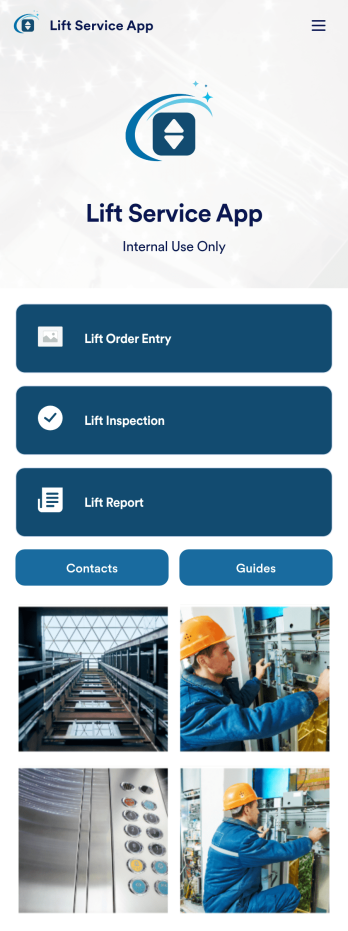
Lift Service App
A lift service app is used by lift operators to keep track of inspections, orders, reports, and more. With this ready-made Lift Service App by Jotform, your company can switch from paper forms to efficient online forms that can be filled out seamlessly on any device. Once you customize this app template to your liking with our drag-and-drop builder, you can share it to start collecting form submissions instantly.Need to update the design of this Lift Service App? Add your company logo, add or remove forms, split your app into separate pages, and make other changes with no coding required. You can even integrate with 200+ other platforms to sync submissions to your other accounts automatically — no manual data entry required.
Go to Category:Company Portal Apps