Looking to streamline meal ordering for your school cafeteria? The School Lunch App template from Jotform Apps is the perfect solution for school administrators, cafeteria managers, and catering companies. This no-code app builder allows you to create a fully customized app without any coding skills. With features like menu lists, online payment options, surveys, and contact forms, you can simplify the meal ordering process for students and staff. Say goodbye to paper order forms and hello to a more efficient and organized lunch service.
With Jotform Apps, you can take your school lunch ordering system to the next level. Explore features like the drag-and-drop builder, powerful app elements, and over 70 app widgets to create a seamless user experience. Customize your app with ready-to-use layouts, embeddable forms, and advanced privacy settings. With the ability to collect payments, manage data with Jotform Tables, and track user engagement with push notifications, the School Lunch App template offers ease of use and customization for busy school administrators and cafeteria managers. Enhance your meal ordering process today with Jotform Apps!
Related templates
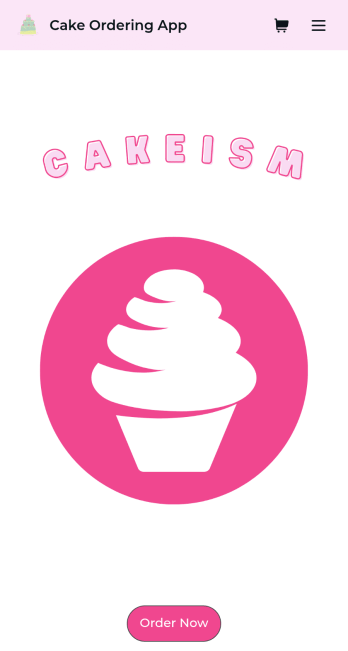
Cake Ordering App
Need an easy way to sell your gourmet cakes online? Try Jotform’s easily customizable Cake Ordering App today. Customers can download your app from any iOS or Android device and purchase or favorite products they’re interested in. All cake ordering data will be stored in your centralized Jotform account for easy reference and access.Decorate your Cake Ordering App to your liking with our easy drag-and-drop feature. Our no-code builder makes app store design intuitive — no previous experience in app design is needed. You can add your cake company’s logo, list all your cake flavors, and integrate with 25 payment integrations to receive payments quickly while paying no extra transaction fees to Jotform. Share your app with your customers directly or embed a link in your website for easy access. Treat yourself and take your Cake Ordering App to the next level with Jotform.
Go to Category:Delivery Apps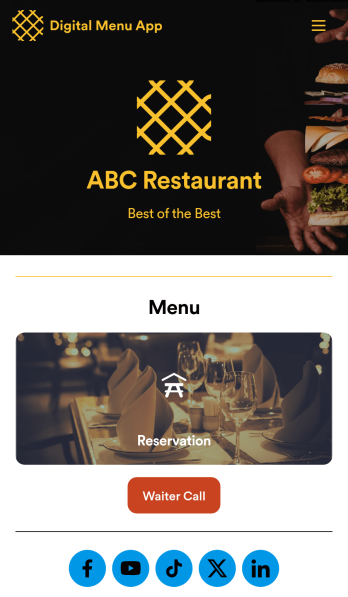
Digital Menu App
A digital menu app is used by restaurant owners to gather food orders or reservations from customers. Need to know how to sell things off your digital menu online? With this free Digital Menu App from Jotform, your restaurant can create a custom app that includes your unique menu items, reservation slots, and even a button that lets customers call your restaurant in a single click. All responses through the app are stored in your Jotform account, ready to view instantly from your own mobile device.Want to change the design of this free app template? Add your logo, update the form designs, include photos of your dishes, update the app’s background and icon, and make other changes with no coding required. Just drag and drop to get the look you want! Then customers can download your custom Digital Menu App onto their smartphone, tablet, or computer to submit orders or reservation requests whenever they like.
Go to Category:Online Store Apps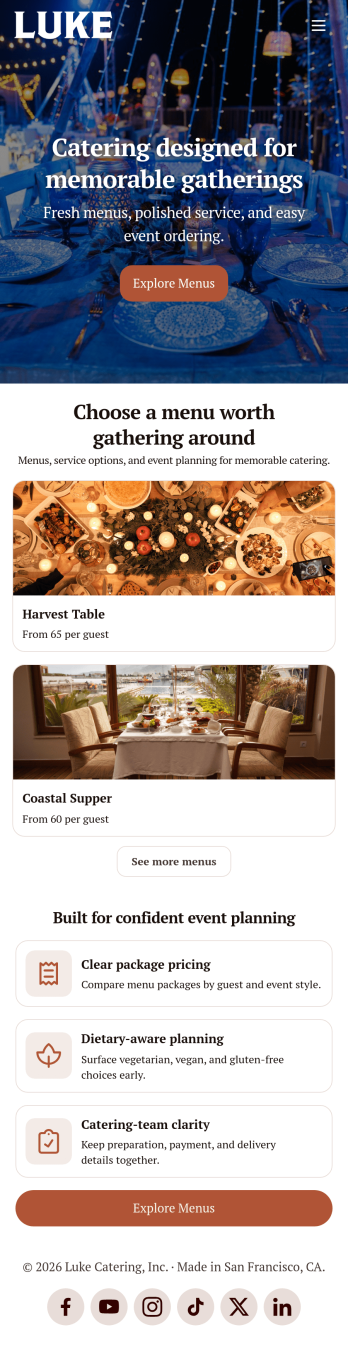
Catering App
Need to find out how to sell catering items online? A catering app allows customers to quickly and easily hire caterers and order food for their events. Get a head start creating an app for your own catering company with our free Catering App. This pre-made template includes a menu and order form for customers to access from their smartphone, tablet, or computer. Customers can easily place their orders from any device, and you’ll receive submissions instantly in your secure Jotform account.Customize your Catering App in just a couple of clicks with our no-code app builder. Simply drag and drop to add more forms, update text, upload images, embed links, and change app settings. When it’s ready, embed the app link in your website or share it on social media to start receiving orders from customers. Take your catering business to the next level and sell catering items online with a professional Catering App.
Go to Category:Delivery Apps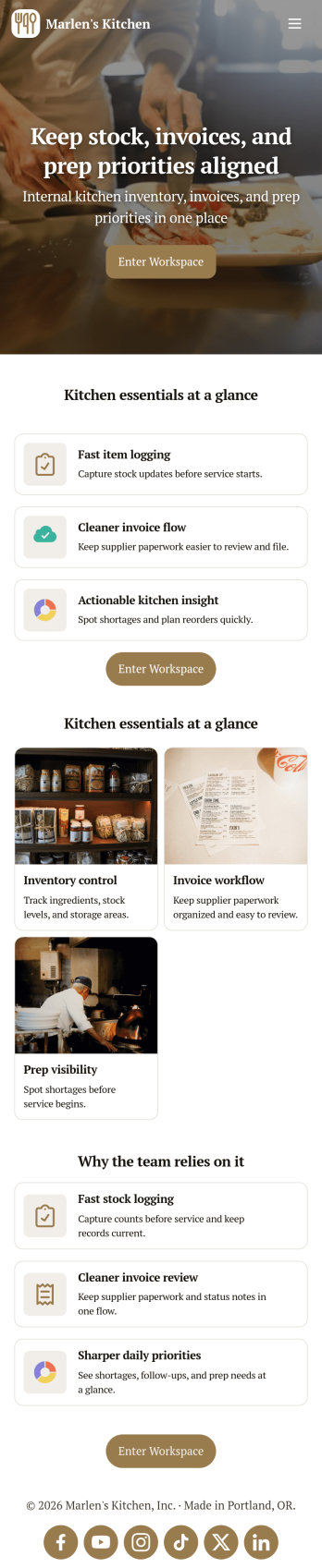
Restaurant Food Inventory App
Restaurant Food Inventory App is an app template designed to optimize the operational workflow of restaurants. It serves as a one-stop solution for restaurant owners, chefs, and kitchen managers to monitor ingredient inventory levels, track usage and expiry dates, manage supplier orders, and optimize food costs through real-time stock visibility. With this app, keeping an eye on food stocks and minimizing waste becomes a hassle-free process. By offering a comprehensive overview of all culinary inventory in one place, it replaces ad-hoc record-keeping practices, leading to more consistent and complete data collection. This app is best suited for those in the food industry who prioritize efficiency, accuracy, and waste reduction in their inventory management.With Jotform's no-code app builder, customizing the Restaurant Food Inventory App to fit your unique requirements is a breeze. The intuitive drag-and-drop interface allows for effortless modifications such as form swapping, font selection, color adjustment, and logo uploading. The result is a tailor-made app that aligns with your restaurant’s branding, without requiring any coding skills. Your app can then be accessed and downloaded onto any smartphone, tablet, or desktop via a shareable link, offering convenient cross-platform compatibility. Furthermore, Jotform Apps provide several publishing options, allowing you to control the accessibility of your app. With Restaurant Food Inventory App from Jotform, streamline your food inventory management and focus on what truly matters: delivering exceptional culinary experiences.
Go to Category:Company Portal Apps
Order Ahead App
Wondering how to let customers order ahead online? Giving customers the freedom to order ahead makes everything easier for both parties. With this Order Ahead App, you can collect orders for pick-up or delivery, and take payments with debit or credit cards, or even with PayPal. Customers can open your app from any device, contact your restaurant or leave reviews, and download your app to their smartphone, tablet, or computer.Want to customize your Order Ahead App to match your restaurant’s branding? Our drag-and-drop interface makes it easy to add or change forms, choose fonts and colors, upload your logo or menu thumbnail images, update the app name or text, and more — all with zero coding. After that, simply share the link on your website or social media, and you’re off and running! Make ordering ahead a breeze and sell orders online with your own personal Order Ahead App.
Go to Category:Restaurant Apps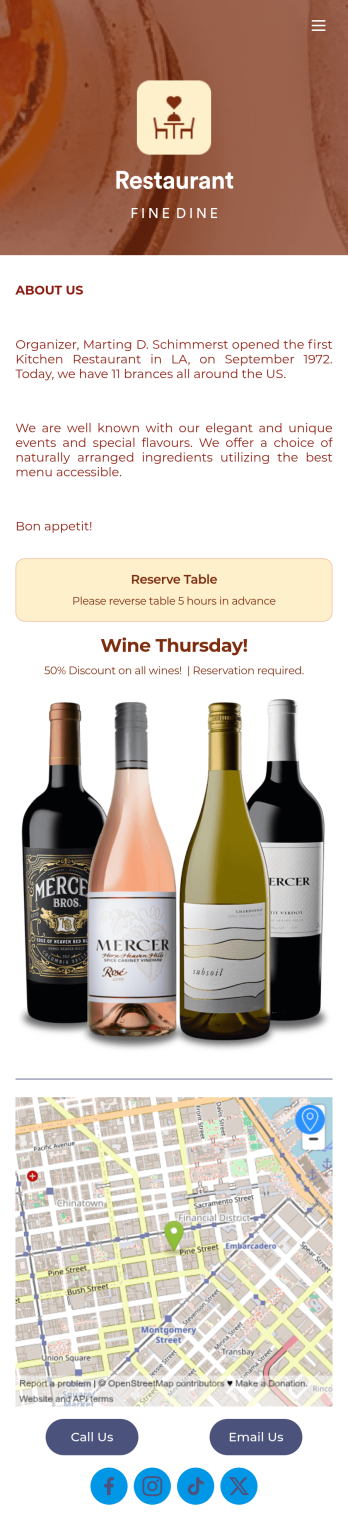
Restaurant Reservation Mobile App
Ditch the pen and paper and keep all your table reservations in one convenient location with our Restaurant Reservation Mobile App. This readymade app template allows guests to easily reserve a table online using their name, email, and phone number. Tapping on the embedded calendar displays all available reservation slots for a particular day. Your reservations are then compiled and stored securely in your account, and viewable in an easy-to-read database from any device.Want to customize this Restaurant Reservation Mobile App to match your restaurant’s branding? Our drag-and-drop interface makes it easy to add or change forms, choose fonts and colors, upload your logo, update the app name or text, and more — all with zero coding. You can even display signature dishes and inform customers of discounts or happy hours on your splash page. Just share a link to your app on your website or social media, and customers can access and download it on any smartphone, tablet, or computer. Start taking online table reservations today with this Restaurant Reservation Mobile App!
Go to Category:Booking Apps