Shared Budget App helps households, roommates, couples, and small teams manage a common budget without confusion. From a central budget overview, people can add expenses as they happen, review what’s been spent, and open the history to understand where the money is going over time. It also supports simple settlements, so groups can see who owes what and keep shared spending fair after trips, recurring bills, or group purchases.
Built with Jotform, this app template can be tailored to match how your group tracks spending, from categories and notes to payer details and reimbursement preferences. Use Jotform’s no-code app builder and drag-and-drop interface to adjust pages, connect your expense form for data collection, and keep the workflow organized in one self-service place you can share by link or QR code for quick access on any device.
Related templates
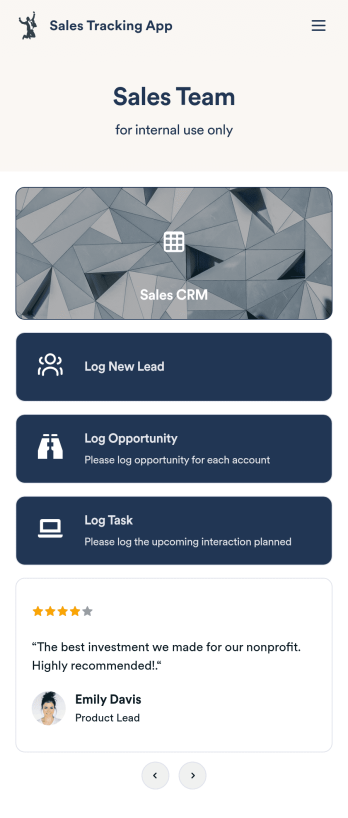
Customizable Sales Tracking App
A sales tracking app enables you to track your sales from any device. Get started with our free Sales Tracking App for businesses of all sizes. This ready-to-use app bundles multiple forms that you can sync to your CRM, so you can create a seamless workflow for generating leads and logging tasks. To get started, customize the template for your company using our drag-and-drop app builder. When you’re satisfied with the look and feel of your app, download it on your smartphone, tablet, or desktop computer, or share it with other members of your sales team to save onto their own devices.Customizing this Sales Tracking App for your sales team won’t require any coding. In just a few clicks, you can create new forms, integrate them with your CRM, embed links, add images and buttons, and change app settings such as name, icon, and splash screen for a fully-custom experience. To share it, just copy and paste the app link in emails or messages to your sales team members. Your Sales Tracking App will be easy to pull up on any device, so you can track and grow sales no matter where you are — even on the go.
Go to Category:Company Portal Apps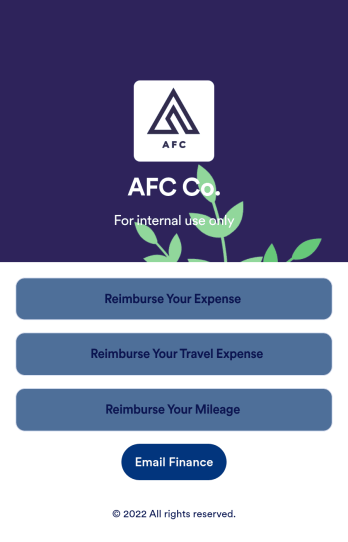
Reimbursement App
Jotform's Reimbursement App template is designed to streamline the process of submitting and managing expense reports. Ideal for corporate employees, freelancers, and small business owners, this no-code app builder allows users to easily log business or travel expenses, upload and organize receipts, and submit reports for approval. The Reimbursement App allows users to customize forms, add e-signature fields, and integrate with payment gateways, simplifying the reimbursement process for all users. Looking for a hassle-free way to manage expense reports and reimbursements? Look no further than Jotform's Reimbursement App. With a drag-and-drop builder, powerful app elements, and over 70 widgets to choose from, creating a customized app has never been easier. Add e-signature documents for quick approvals, connect with payment gateways for seamless transactions, and enjoy the flexibility of building a unique app that fits your specific needs. Plus, with features like advanced sharing options, custom URLs, and push notifications, staying on top of expense management has never been more convenient.
Go to Category:Finance Apps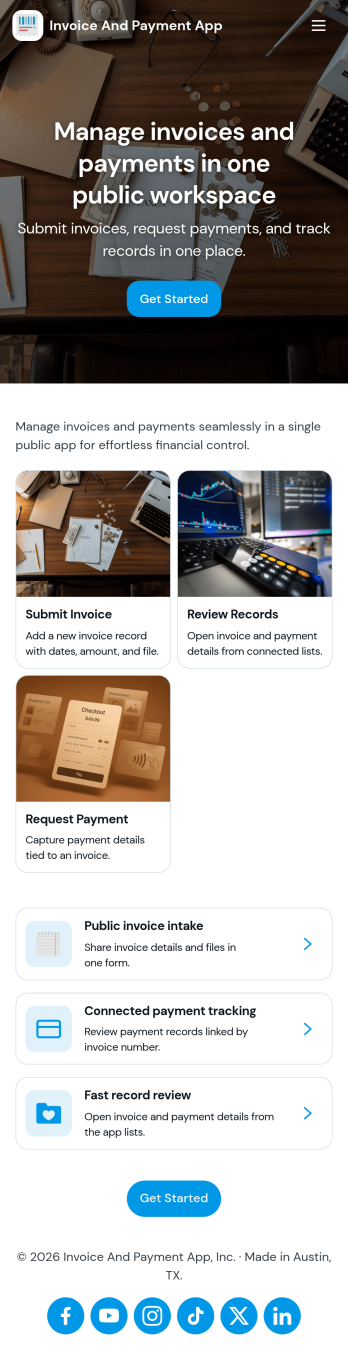
Invoice and Payment App
Invoice and Payment App helps small businesses and teams create invoices, record payments, and keep a clear view of what’s been billed versus what’s been paid. It’s a practical fit for freelancers, agencies, consultants, contractors, and service providers who need a consistent way to issue invoices and log incoming payments without digging through spreadsheets or scattered emails. With quick navigation for creating a new invoice and recording a payment, you can keep billing tasks moving and reduce missed follow-ups when multiple people handle finance admin.Built with Jotform App Templates, this app template can be customized in minutes using Jotform’s no-code app builder and drag-and-drop interface. Connect it to your existing Jotform forms to support reliable data collection, then publish a self-service experience your team can access from anywhere to manage invoicing and payment workflows. As your process grows, you can adjust pages, add steps, and keep all records organized in one place while staying aligned with how your business actually bills clients.
Go to Category:Finance & Accounting Portal Apps
Retirement Planning App
A retirement planning app is used by retirement planners to gather important information from their clients. With this ready-made Retirement Planning App, your business can quickly and efficiently collect contact details, payments, e-signatures, and more from any device. Simply customize the app and share it with a link or via social media to start collecting responses!Add your company logo and branding, update forms within the app, and change fonts and colors in seconds with our intuitive drag-and-drop builder — no coding knowledge required. You can include a retirement calculator for clients to use, plus your contact information so they can get in touch. Take your retirement services to the next level with a free Retirement Planning App that works great on any device.
Go to Category:Consulting Apps
Expense Report App
An expense report app is used by companies for keeping track of employee expenses. This free Expense Report App allows employees to log business expenses by filling out a form with general contact information, cost, description, date and time, and payment and expense type. There is also an upload form for employees to attach any relevant documents and receipts. Expense reports are immediately synced and stored securely in your account, and can be sorted, filtered, and exported from any device.Customize this app template in no time using Jotform’s drag-and-drop form builder. You can easily add or swap out form elements, change text, customize your app icon and splash page, and more — no coding necessary. Share a link to your app in an email or embed it in your website, and employees can access and download it on any smartphone, tablet, or computer for future use. Keep track of all your employees’ business expenses with this Expense Report App.
Go to Category:Company Portal Apps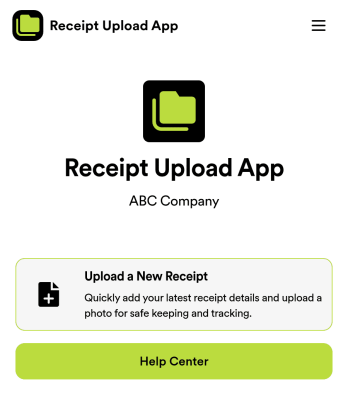
Receipt Upload App
Are you tired of manually tracking receipts for expense purposes? Look no further than the Receipt Upload App template by Jotform. This no-code app builder allows users to easily upload receipts for expense tracking, reimbursement, or tax purposes without any coding knowledge. Simply add forms, widgets, products, and branding to create a fully customized app that can be downloaded onto any smartphone, tablet, or computer. Say goodbye to paper receipts and hello to digital organization with this convenient app template.With Jotform's Receipt Upload App template, managing expenses has never been easier. Explore the top features of Jotform Apps, such as the drag-and-drop builder that allows for quick customization, powerful app elements like forms and images, and 70+ app widgets for added functionality. With flexible app design options and ready-to-use layouts, creating a personalized app for receipt management is a breeze. Enhance user engagement with push notifications and access data securely with Jotform Tables, all while enjoying the ease of use and customization that Jotform offers. Say goodbye to paper clutter and hello to digital efficiency with Jotform's Receipt Upload App template.
Go to Category:Company Portal Apps