
Social Video Brief App is an app template for planning short-form social videos and giving creators, marketers, and production teams a shared source of direction. Teams can start a new brief, browse a reusable brief library, and review essential creative guidance covering the audience, format, core message, production notes, and due date. It supports agencies managing client campaigns, in-house marketing departments coordinating content calendars, and creators preparing sponsored or organic videos. By keeping concepts, hooks, key messages, calls to action, and review steps together, the app reduces missing details, unclear expectations, and production delays.
Jotform makes this Social Video Brief App easy to adapt with a no-code app builder and a flexible drag-and-drop interface. Add branded pages, reorganize navigation, update content, or connect forms and approval workflows without writing code. Brief information can feed organized data collection processes, while direct links and QR codes make the finished app simple to share with employees, clients, creators, or production partners. Jotform App Templates help teams create mobile-friendly self-service experiences that bring resources and actions into one accessible location.
Related templates
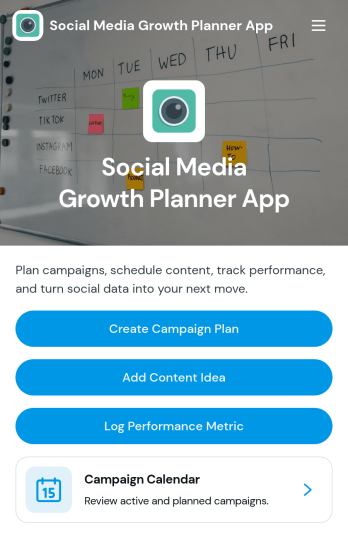
Social Media Growth Planner App
Social Media Growth Planner App helps you plan campaigns, organize content ideas, and keep a clear record of performance metrics so social efforts don’t get lost across notes, chats, and spreadsheets. It’s a practical fit for creators, influencers, marketing teams, and small businesses that need a simple way to map campaigns on a calendar, connect posts to the right initiative, and build repeatable habits for consistent publishing and improvement.With Jotform, you can turn this app template into a branded self-service planning space using a no-code app builder and a drag-and-drop interface. Link buttons to forms to capture campaign plans, content ideas, and metrics in one workflow, then share the app with your team for quick updates from any device. As your strategy evolves, you can adjust pages, navigation, and connected data collection without slowing down execution.
Go to Category:Social Media Management Apps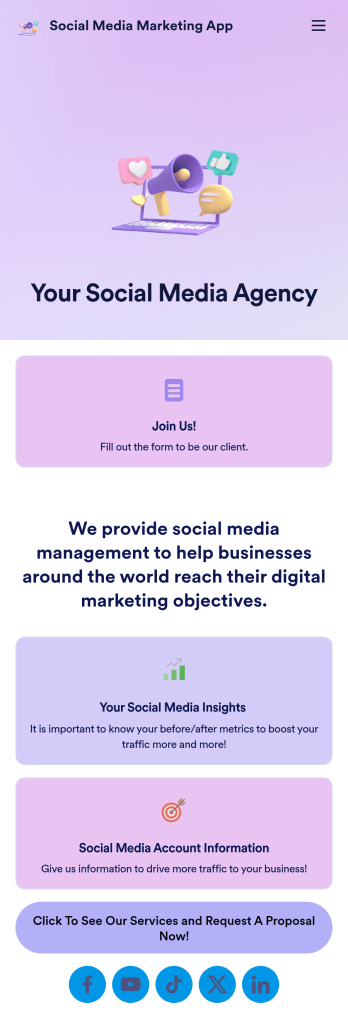
Social Media Marketing App
A social media marketing app is used by social media managers or marketing agencies to list their services, accept proposal requests, and list their contact information. With this ready-made Social Media Marketing App, your business can provide clients with a convenient mobile app — which they can instantly download onto their smartphone for easy access.Need to make design changes? Add your company logo and branding, update the listed services, and change the app background, colors, and icon for a personal touch. No coding knowledge is required with our drag-and-drop builder! Give your customers a quicker way to contact you and book your services with a custom Social Media Marketing App.
Go to Category:Consulting Apps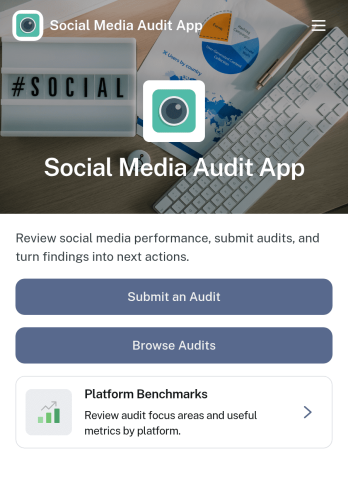
Social Media Audit App
Social Media Audit App helps marketers, creators, and agencies review social profiles with a repeatable process, so you can spot what’s working, what’s holding performance back, and what to fix next. Use it to kick off a new audit from one place, browse previous audits by platform, and capture consistent scoring across areas like content quality, engagement quality, and profile optimization. It’s a practical fit for monthly reporting, onboarding new clients, refreshing a brand’s channel strategy, or running periodic checks across multiple accounts without losing context.With Jotform, you can turn this app template into a client-ready workflow using a no-code app builder and a drag-and-drop interface. Connect your audit form to tables for organized data collection, keep audit histories easy to search, and share the app as a self-service experience for your team or stakeholders. As your process evolves, update fields, add guidance content, and refine navigation so every audit follows the same workflow while still matching each platform’s goals.
Go to Category:Audit Apps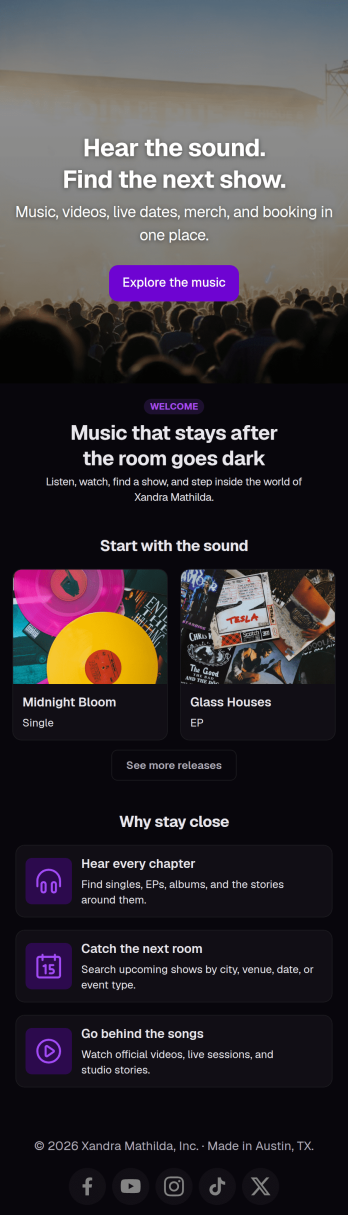
Musician Instagram Bio Link App
Wondering how to sell music online through Instagram? Add ordering links, forms, and more to your Instagram bio with a free Musician Instagram Bio Link App from Jotform. Whether you want to list upcoming concerts, collect orders for your merch store, or share album releases or other announcements, do it in a free downloadable app that followers can access in a single click. All orders and submissions through your Musician Instagram Bio Link App, and forms are stored in your secure Jotform account, ready to view on any device.Need to customize this app template? Add order forms for concert tickets, merch, or to sell music online, links to your website, or other app elements like images, documents, or text boxes at the touch of a button with our drag-and-drop builder. No coding knowledge necessary. Once your Musician Instagram Bio Link App is ready to go, add it to the bio of your music page to give your followers an easy way to access all of your important links at once.
Go to Category:Online Store Apps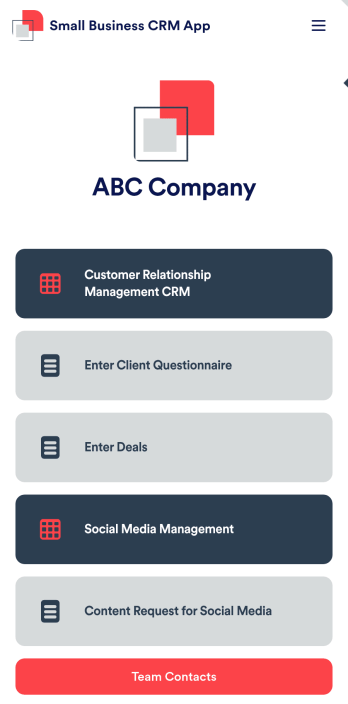
Small Business CRM App
A small business CRM app is used by small businesses for customer relationship management (CRM). This Small Business CRM App lets you receive client questionnaires, track and manage deals, submit content requests for social media, and more. Simply customize the app to perfectly match your needs with no coding required, then share the app to start collecting form submissions.Need to customize this free app template? Drag and drop to get the design you want. Add your company logo and branding, update the included forms, split your app into multiple pages, and make other changes in seconds. You can even integrate the app with 200+ other platforms to automatically sync submissions to your other accounts! Streamline your business’ workflow with a ready-made Small Business CRM App from Jotform.
Go to Category:Company Portal Apps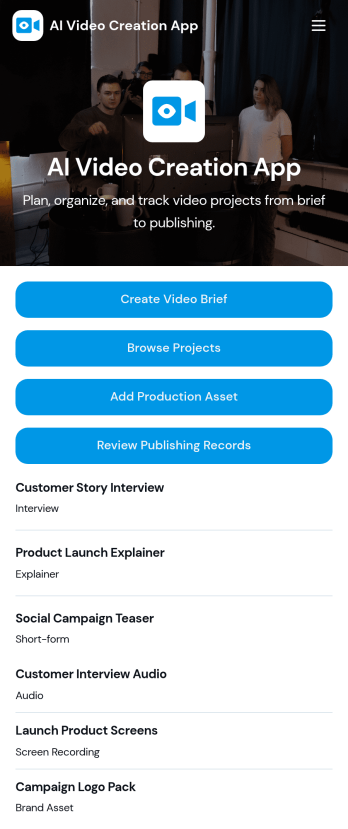
AI Video Creation App
AI Video Creation App brings your video production workflow into one place, so teams can move from concept to publish-ready content without scattered docs and endless status checks. Use it to capture consistent video briefs, organize projects, and maintain a shared library of production assets like scripts, brand guidelines, and creative references. It’s a practical fit for marketing teams, content creators, agencies, and social media managers who juggle multiple campaigns and need a dependable way to track what’s being made, what assets are approved, and what’s ready to go live.With Jotform, you can turn this AI Video Creation App into a branded self-service experience using a no-code app builder and a drag-and-drop interface. Connect buttons to forms for fast data collection, keep project and asset records organized, and build a repeatable workflow that teammates can follow across launches. Share your app with a link or QR code, update pages as your process evolves, and keep everyone aligned from brief intake to publishing records.
Go to Category:Sales & Marketing Portal Apps