
The Speech Therapy Knowledge Quiz App is a ready-to-use app template for testing and reinforcing knowledge of foundational concepts, assessment practices, and intervention approaches in speech therapy. It gives educators, clinical supervisors, training coordinators, tutors, students, and professional development teams one organized place to deliver focused knowledge checks and guide learners between quiz topics. Use it in coursework, staff training, study sessions, onboarding, or skills reviews to reveal learning gaps, encourage recall, and support consistent instruction. Clear quiz access, topic-based navigation, and supporting educational content help participants find relevant material without searching across separate resources.
With Jotform Apps, this App Template can be adapted using a no-code app builder and an intuitive drag-and-drop interface. Add or revise quiz forms, reorganize pages, apply custom visual styling, and connect data collection to a broader training workflow. The completed app can be shared by direct link or QR code for convenient mobile-friendly self-service access. Jotform also helps teams organize responses, notify collaborators, and maintain a central learning experience as training needs change.
Related templates
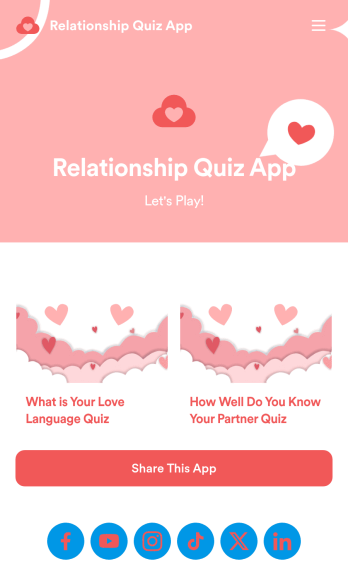
Relationship Quiz App
A relationship quiz app is a mobile application used to take relationship quizzes. Whether you’re a couples therapist or looking to spice up your dating life, this ready-made Relationship Quiz App is a great way to take or conduct relationship quizzes on any device. It already includes “love language” and “how well you know your partner” quizzes, but can be easily updated with our drag-and-drop app builder.Customize this Relationship Quiz App with no coding required. Add a new quiz, update fonts and colors, change the app icon or background, and make other design changes in seconds. You can even sync quiz results to 200+ other platforms like Google Drive, Dropbox, and more. Enjoy a more fun and efficient way to take relationship quizzes with Jotform!
Go to Category:Entertainment Apps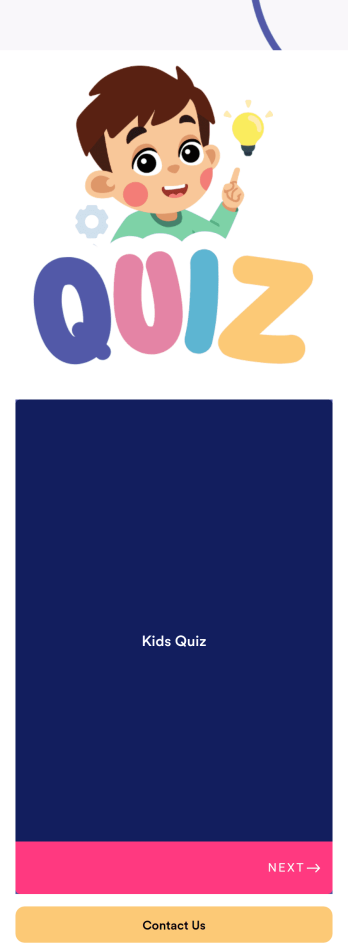
Customizable Kids Quiz App
A kids quiz app is a mobile application used by preschool or elementary school teachers to quiz their students. With an easy-to-use interface and customizable design, this app is perfect for kids! Just add your own questions, customize to match your needs, and share with your students to start collecting responses.Personalize this Kids Quiz App seamlessly with our no-code app builder. Simply drag and drop to make any design or content changes you need. Add or remove app elements, choose a unique app icon, upload videos or images, and more. You can even integrate your app with 200+ platforms to send quiz data straight to your other accounts. Make learning fun with this free app from Jotform.
Go to Category:Entertainment Apps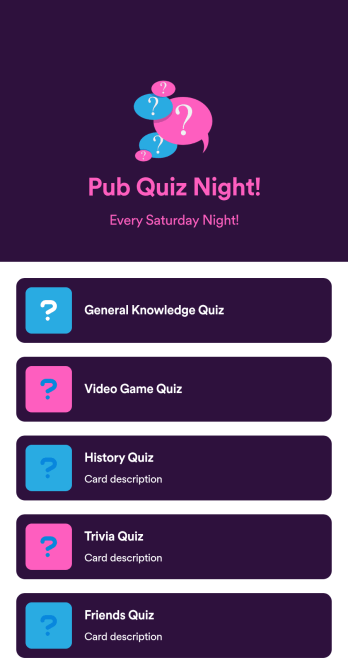
Pub Quiz App
A pub quiz app is a mobile application used to help run pub quiz events. Looking for a convenient way for your pub quiz participants to submit their answers? With this free Pub Quiz App from Jotform, you can create a shareable, downloadable app that participants can use on their own personal devices. Once they submit their answers, you’ll be able to review them instantly from your secure Jotform account.This Pub Quiz App already includes quizzes on general knowledge, video games, history, and more, but you can add your own quizzes in a few easy clicks with our drag-and-drop app builder. No coding required! Feel free to also update fonts and colors, change the app icon and splash screen, and make other design changes to get the exact look you want.
Go to Category:Entertainment Apps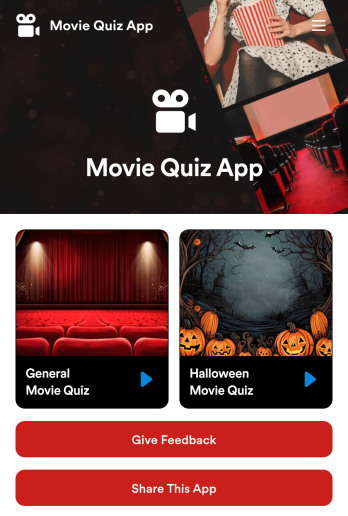
Custom Movie Quiz App
A movie quiz app is a type of mobile application used to test knowledge about movies and other related media. Use this ready-made Movie Quiz App from Jotform to test your film students or trivia night guests on their movie knowledge. Simply create and customize your app with no coding required, then send it straight to your audience via email, direct link, or scannable QR code.Changing up the look of your Movie Quiz App is a breeze with Jotform’s drag-and-drop builder. Add or remove sections from your app, change fonts and colors, upload images and videos, and more. You can even choose to integrate with 200+ form integrations like Discord, OneDrive, and Google Drive for added efficiency.
Go to Category:Entertainment Apps
Anatomy Quiz App
An anatomy quiz app is a mobile app used to quiz students in an anatomy class. If you teach anatomy, improve the way you create quizzes with this free Anatomy Quiz App from Jotform! This free app includes a human body quiz and a body systems quiz, but you can easily add your own quizzes and share the app for your students to take on any device.Need to customize this Anatomy Quiz App template? Add your own quizzes, update fonts and colors, change the app icon and splash screen, and make other design changes in seconds with our drag-and-drop app builder. No coding required! You can even integrate with 200+ platforms to automatically sync quiz results to your other accounts.
Go to Category:Quiz Apps
Song Quiz App
A song quiz app is a mobile application used to quiz people on their song knowledge. Whether you’re hosting a pub quiz or other event, this ready-made Song Quiz App gives you a convenient and fun way to quiz people on any device! Just customize and share the app to collect responses — you’ll be able to view them all from your Jotform account.Need to customize this Song Quiz App? Drag and drop elements to get the design you want. Add photos, include your logo and branding, update the existing quiz or add your own, and make other changes with no coding required. You can even integrate your app with 200+ platforms to sync quiz results to them automatically!
Go to Category:Quiz Apps