
The Standards Evidence Assessment App gives quality teams, auditors, assessors, program managers, educational institutions, and service organizations one place to evaluate standards and document supporting evidence. Users can browse standards, review evidence guidance, submit supporting records, and record new or updated assessments. Status overviews and evidence distribution charts help teams identify documentation gaps, prepare for internal reviews, monitor upcoming review dates, and maintain a clear history of assessment activity. This app template supports consistent data collection while making standards easier to interpret and assess across departments or locations.
Jotform helps organizations turn this process into an accessible digital workflow without writing code. Its no-code app builder and drag-and-drop interface make it easy to customize pages, navigation, branding, and connected forms. Teams can link app activity with tables, notifications, and other workflows, then share the finished experience through a direct link or scannable code. Among Jotform App Templates, the Standards Evidence Assessment App offers a practical starting point for building a mobile-friendly assessment resource that promotes self-service, supports collaboration, and keeps evidence and review actions organized.
Related templates
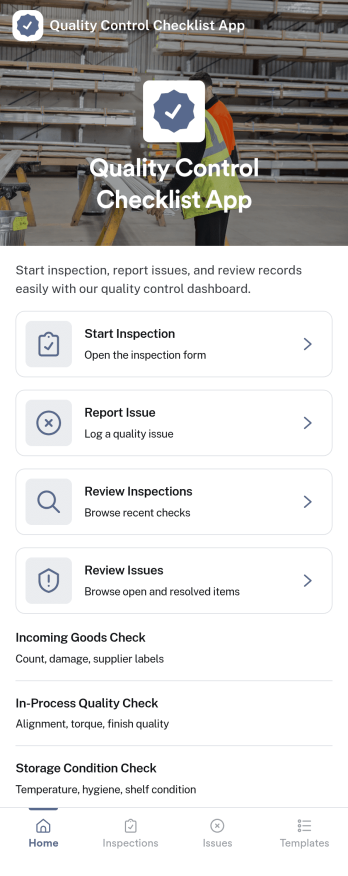
Quality Control Checklist App
Quality Control Checklist App helps teams run consistent inspections, document findings, and follow up on problems without hunting through paper checklists or scattered messages. It fits manufacturing lines, warehouses, construction sites, food production, and any operation where repeatable checks matter. Staff can start an inspection from a single home screen, log an issue the moment it’s spotted, and later review past inspections and reported issues to keep work moving and standards clear across shifts and locations.With Jotform, you can turn this quality control app template into a mobile-friendly self-service experience using a no-code app builder and a drag-and-drop interface. Connect inspection and issue forms to your data collection workflow, keep records organized for faster reviews, and share the app by link or QR code so the right people can complete checks and report problems from the field, the floor, or the office.
Go to Category:Checklist Apps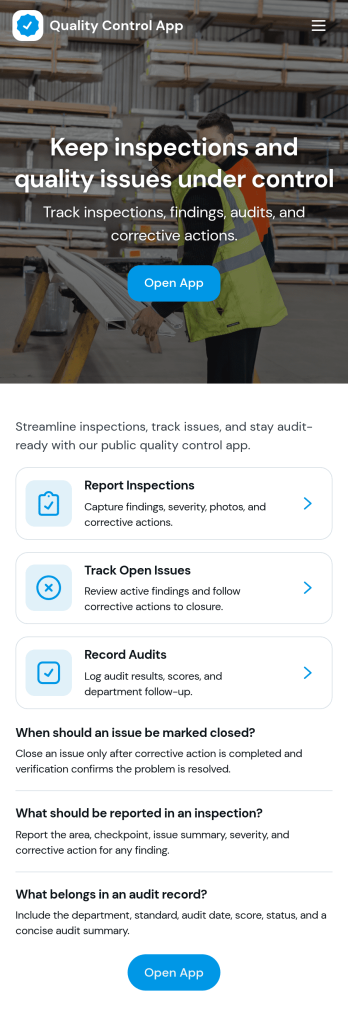
Quality Control App
Quality Control App helps teams run inspections, log issues as they’re found, and review past records in one place. Use it on the production floor, in warehouses, at job sites, or in field operations to capture consistent checks and keep defects from slipping through. With quick navigation to start an inspection, report a problem, and browse inspection and issue lists, it supports supervisors, QA staff, line leads, and contractors who need clear visibility into what was inspected, what failed, and what needs follow-up.Built with Jotform App Templates, this app template can be tailored to your process without coding. Customize pages, update the layout with a drag-and-drop interface, and connect the app to your Jotform forms and data collection workflows so records stay organized and easy to access. Share the app through a link or QR code for self-service reporting, and keep quality documentation centralized as your operation scales.
Go to Category:Engineering Apps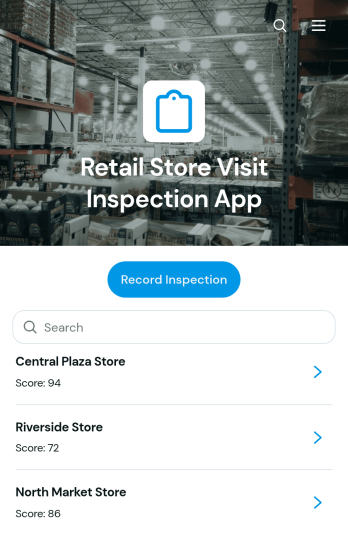
Retail Store Visit Inspection App
Retail Store Visit Inspection App is a ready-to-use app template for retail operations teams, regional managers, store auditors, franchise supervisors, and field inspectors who need a consistent way to evaluate store visits. Users can record an inspection, browse previous inspection records, review findings by location, and monitor follow-up actions with priorities, due dates, and statuses. It helps teams document merchandising, cleanliness, customer experience, inventory presentation, operational practices, and other store conditions without relying on scattered notes. Managers gain clearer visibility across locations, while inspectors can capture observations and communicate required actions during routine visits, internal audits, or performance reviews.Jotform App Templates make it easy to adapt this app to existing retail workflows without writing code. Using Jotform’s no-code app builder and drag-and-drop interface, teams can update pages, navigation, branding, inspection questions, and connected forms. Inspection data can feed organized tables, notifications, approvals, and other workflow steps, helping staff coordinate follow-up work from one accessible location. Publish the finished app with a direct link or QR code so inspectors and managers can use it on phones, tablets, or computers while supporting convenient data collection and self-service access.
Go to Category:Inspection Apps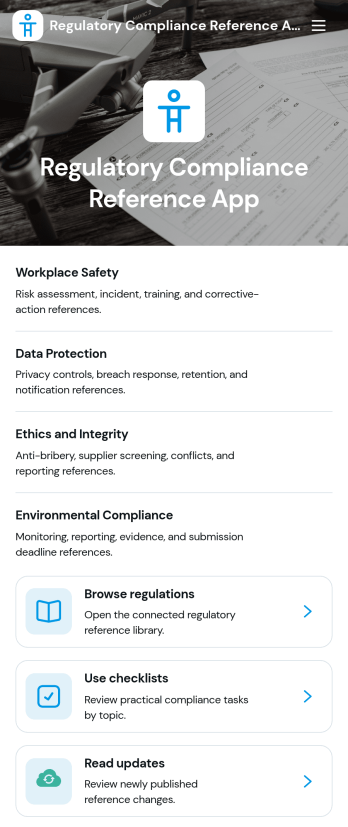
Regulatory Compliance Reference App
Regulatory Compliance Reference App brings your organization’s key regulations, checklists, and update notes into one easy-to-browse reference library. It’s built for compliance leads, operations managers, risk teams, and distributed departments that need a reliable place to review requirements by topic, confirm jurisdictions and effective dates, and keep internal guidance aligned with the latest reference status. With quick navigation to browse regulations, open source references, and use checklists tied to real responsibilities like owners and review frequency, teams can reduce time spent hunting for the right information and keep day-to-day decisions consistent.Jotform makes it simple to publish this app template as a self-service resource without coding. Using a drag-and-drop interface, you can tailor pages, organize your reference lists, and connect the app to a form for ongoing data collection when new regulations, checklist updates, or internal notes need to be added. Share the finished app with a link or QR code, keep content current in one place, and support clearer workflows across teams with Jotform.
Go to Category:Safety and Compliance Apps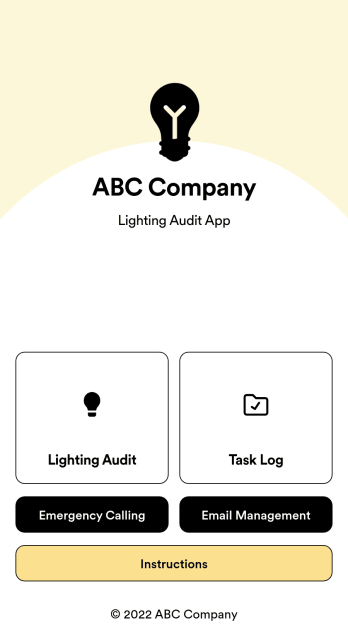
Lighting Audit App
Looking to conduct paperless lighting audits? Jotform’s free Lighting Audit App allows auditors to create audit reports from any device by filling out their name, date, and the facility name and location. Auditors can then make note of existing features, wattage, quantity, interior/exterior lights, and leave additional notes at the bottom if necessary. Reports are instantly synced and stored in your secure Jotform account, where you can review and share them with others in your organization.You don’t need to have any coding knowledge to customize this Lighting Audit App. With Jotform’s no-code app builder, simply drag and drop to add or change form fields and checklist items, install helpful widgets and integrations, add your business’ unique branding, and much more. Share your custom app by sending email invites or the app link, or by embedding it in an internal website. Auditors can then download your app and conduct on-site lighting audits from any smartphone or tablet.
Go to Category:Audit Apps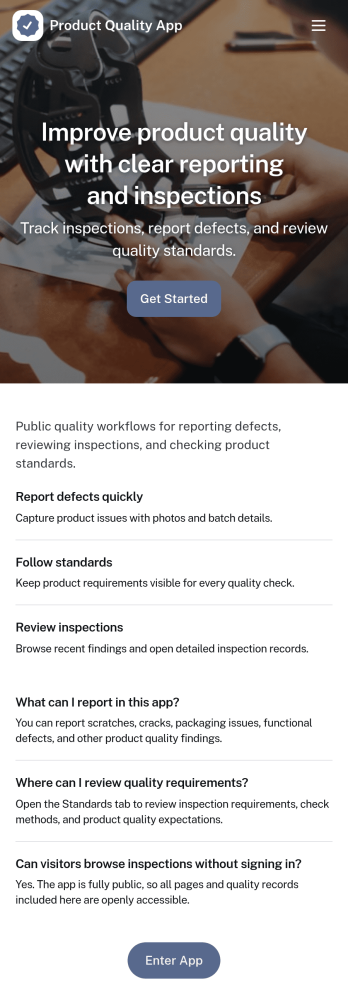
Product Quality App
Product Quality App brings your quality workflow into one place so teams can add inspections, log issues, and review quality metrics tied to specific products. It’s a practical fit for manufacturing, retail operations, warehouses, and growing product teams that need consistent checks across batches, suppliers, or locations. With quick actions for capturing inspection details and issue reports, it helps standardize day-to-day QA work, reduce missed follow-ups, and keep product records easy to find when questions come up.Built with Jotform, this app template can be customized with a drag-and-drop interface and connected to the forms and lists that power your data collection. Route information to the right people, keep records organized, and create a self-service experience for staff who need to submit inspections or report defects from the floor. Publish and share the app in minutes, then adjust the layout, branding, and connected workflow as your quality process evolves.
Go to Category:Inspection Apps