
Storefront Decoration Program App gives retail operations teams, visual merchandising coordinators, property managers, contractors, and installation crews one place to manage decoration projects across multiple locations. Users can submit decoration requests, review storefront details, add installation schedules, monitor schedule status, and record completion reviews with relevant notes and images. This app template is useful for seasonal displays, promotional window updates, new-location openings, brand refreshes, and recurring decoration programs. It replaces scattered emails and spreadsheets with a consistent workflow, helping office teams and field crews coordinate timelines, document progress, and confirm that each storefront has been completed.
Jotform App Templates make it easy to adapt this experience without writing code. With Jotform’s no-code app builder and drag-and-drop interface, teams can customize pages, navigation, colors, fonts, and connected forms to match their operating process. Information collected through requests, schedules, and reviews can support organized data collection and timely follow-up. Publish the app with a shareable link or QR code so coordinators and crews can access the latest information from phones, tablets, or computers. It can also connect with tables, approvals, notifications, and other workflow tools, creating a practical self-service resource for managing decoration projects from initial request through completion.
Related templates
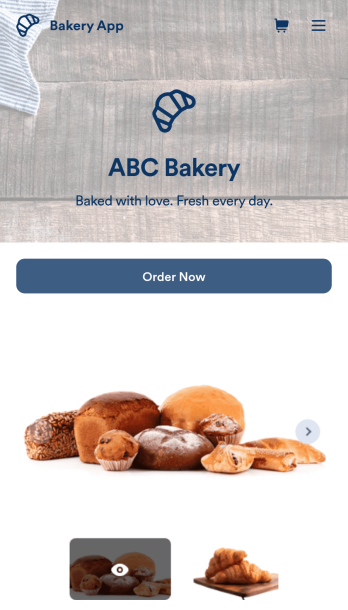
Bakery App
Need to sell pastries online, sell cakes online, or sell bread online? No matter what your bakery specializes in, create a custom online app for your business with our free Bakery App. This ready-to-use template makes it easy to share all your order forms, customer feedback surveys, and reviews in one place. All you have to do is customize the app template to match your bakery and share the link on your website or social media. Customers can then open and download your Bakery App on any smartphone, tablet, or desktop.Want to decorate our Bakery App to match your bakery’s branding? Using our drag-and-drop interface, it only takes a few clicks to add forms, surveys, images, text, logos, links, and more. You’ll even be able to customize your app’s settings, icon, name, and splash screen. Sell bakery products online and make it more convenient for customers to place orders with a professional and fully-customized Bakery App!
Go to Category:Delivery Apps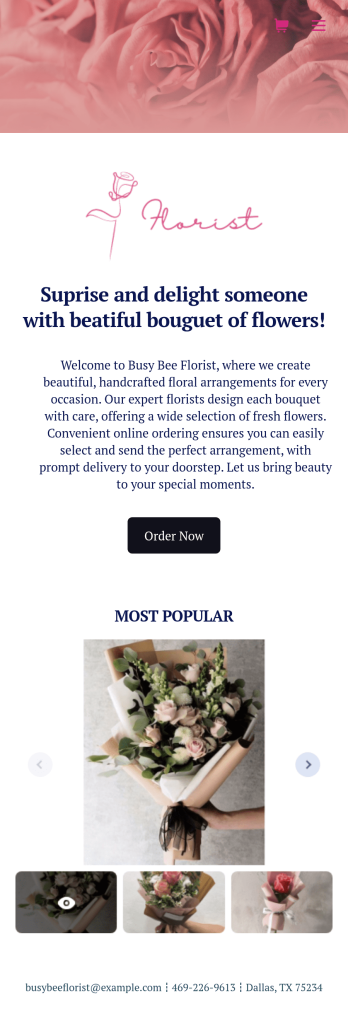
Flower Ordering App
As a florist, you’re a pro at making beautiful bouquets and flower arrangements — but are you wondering how to sell flowers online? With our free Flower Order App, you can easily make your flower shop’s very own app too! This ready-to-use app template includes an order form and feedback form, so you can easily store and share all your forms in one place. Customers can open your app from any device, place orders or leave reviews, and even download your app to their smartphone, tablet, or computer for future use.You’re already familiar with custom orders, so why not customize your Flower Ordering App too? No coding necessary — simply drag and drop to add more forms, change the background or splash screen, upload images or a new icon, update the app name or text, and more. When you’re satisfied with your app’s design, just share the link on your website or social media to start collecting orders from customers. Watch your business bloom with a custom Flower Ordering App that makes it easy to manage your forms, sell flowers online, track orders, and promote your shop all in one place.
Go to Category:E-commerce Apps
Grocery Delivery App
A grocery delivery app is used by grocery stores for online grocery orders. Need to find out how to sell groceries online? With this Grocery Delivery App, customers can browse your inventory, purchase items, and fill out a form with their general contact information and delivery address. From your splash screen, you can run promotional campaigns and showcase various items, as well as display pick-up and delivery hours. Grocery orders are instantly synced to your secure Jotform account, where you can browse, sort, filter, and search them from any device.Make this app template your own with no coding using our drag-and-drop form builder. You can add or change form elements, choose fonts and colors, upload your logo or thumbnail images of your products, connect an online payment form, and more. After you’re finished customizing your app, simply share it on your website or social media with a link, and customers can download it on any smartphone, tablet, or desktop. Sell grocery orders online for delivery with this Grocery Delivery App from Jotform.
Go to Category:Delivery Apps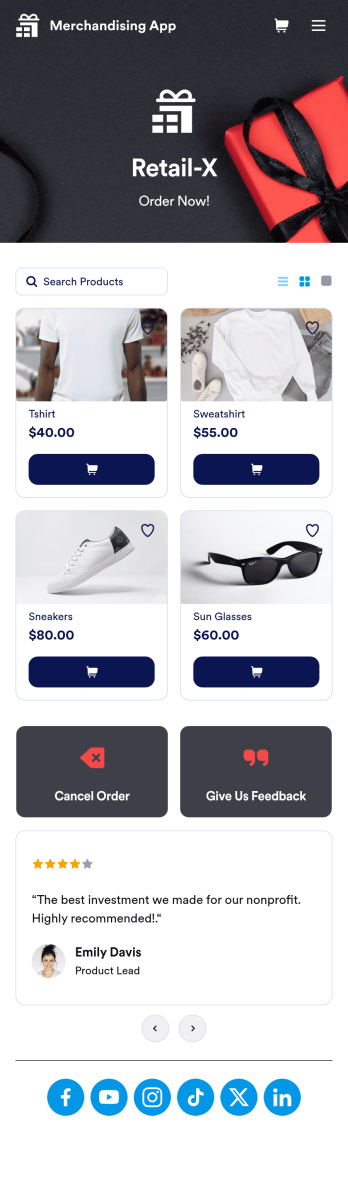
Merchandising App
A merchandising app is used by retail store owners to sell merchandise online. Want to know how to sell your merchandise online? With this Merchandising App, customers can place orders by adding items to their cart, filling out their contact and shipping information, and paying using any of our 30+ payment gateways. Customers can also cancel orders and leave feedback directly through your app. Orders are instantly synced to your secure Jotform account, where you can keep track of them in an easy-to-understand spreadsheet.Make this free app template your own with Jotform’s intuitive no-code app builder. Simply drag and drop to add or change form elements, upload your logo, attach thumbnail images to products, customize your splash screen with customer testimonials, and more. Once you’re satisfied with the look and feel, share your app by including a link in your website or social media bio. Customers can then access and download your app from any smartphone, tablet, or desktop. Start taking online orders and selling merchandise with your very own Merchandising App from Jotform.
Go to Category:Online Store Apps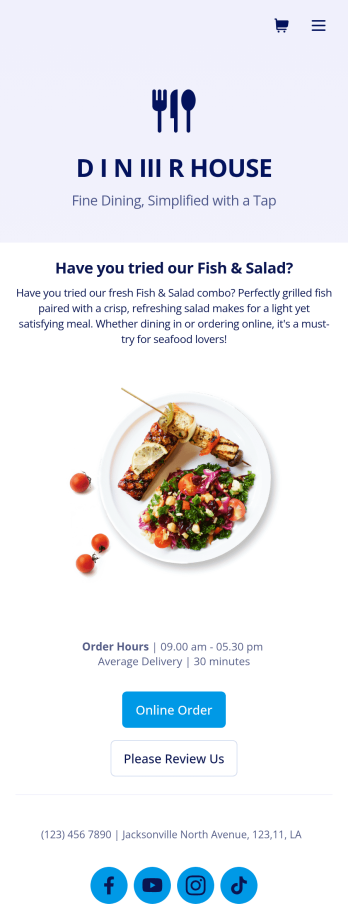
Food Delivery App
A food delivery app is used by food delivery services to communicate with customers, and drivers, while also providing an enhanced customer experience. This template is ideal for restaurants, food trucks, or anyone who may deliver the food ordered by their customers. Wondering how to sell food deliveries online? Whether you've got a restaurant, diner, or small cafe, our Food Delivery App is the perfect way to take online delivery orders and payments. This app template comes readymade with a product list where customers can view your menu and input their delivery address and payment information. You can even showcase signature and seasonal dishes, run promotional campaigns, and gather feedback. Customers can open and download your app on any smartphone, tablet, or computer.Want to make this Food Delivery App your own? Our drag-and-drop interface allows you to add forms, change fonts and colors, upload your logo and thumbnail images for menu items, and completely customize the look of your app icon — with no coding necessary. After that, simply share the link on your website or social media and you’re off and running. Start taking online delivery orders today to sell food deliveries online with this free Food Delivery App!Please refer to our article for further tips on creating a food ordering and delivery app.
Go to Category:Delivery Apps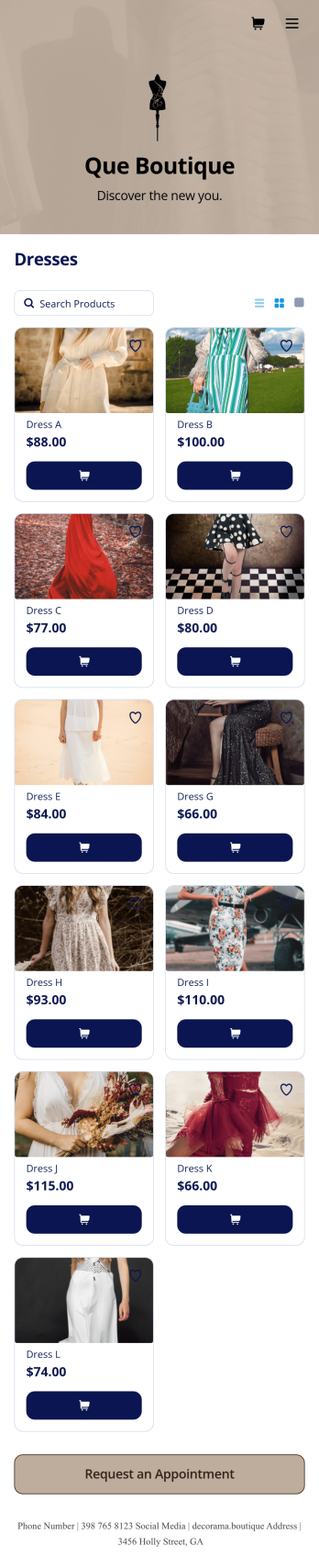
Boutique App
A boutique app is used by small specialty shops that sell limited types of fashionable clothing and accessories. Want to learn how to sell boutique products online? No matter what type of specialized products you sell, you can create a fully-custom app for your boutique with our free Boutique App Template. Using your app, customers can access and fill out your boutique’s appointment request form or product list from any device. You’ll instantly receive form submissions in your Jotform account, so you can respond to customers and fill orders without delay.Customize this Boutique App to match the look and feel of your boutique — no coding required. Simply drag and drop to create and add forms, update text and images, embed links, and change app settings such as name, icon, and splash screen. Once it’s ready to use, share the app link on your website or social media accounts. Customers will be able to download the app onto their smartphone, tablet, or computer. Sell boutique products online and keep your customers coming back for more with a professional Boutique App for your store.
Go to Category:Apparel Selling Apps