
Teacher Leave Credit Management App gives schools, academic departments, and education administrators a central place to handle teacher leave requests and credit records. Teachers can submit a leave request, review previous requests, and check how requested days may affect their available credits. Administrators and human resources teams can monitor request status, access connected leave records, and open reports without relying on scattered emails or separate spreadsheets. This app template is especially useful for schools seeking clearer recordkeeping, faster access to leave information, and a more convenient self-service experience for faculty members.
Jotform App Templates make it easy to adapt this experience to an institution’s existing workflow. Using Jotform’s no-code app builder and drag-and-drop interface, teams can update pages, navigation, colors, fonts, and branding without programming. Forms and tables can be connected to support data collection, record organization, notifications, and ongoing reporting. Once customized, the app can be shared through a direct link or QR code, giving teachers and authorized staff mobile-friendly access to the resources and actions they need.
Related templates
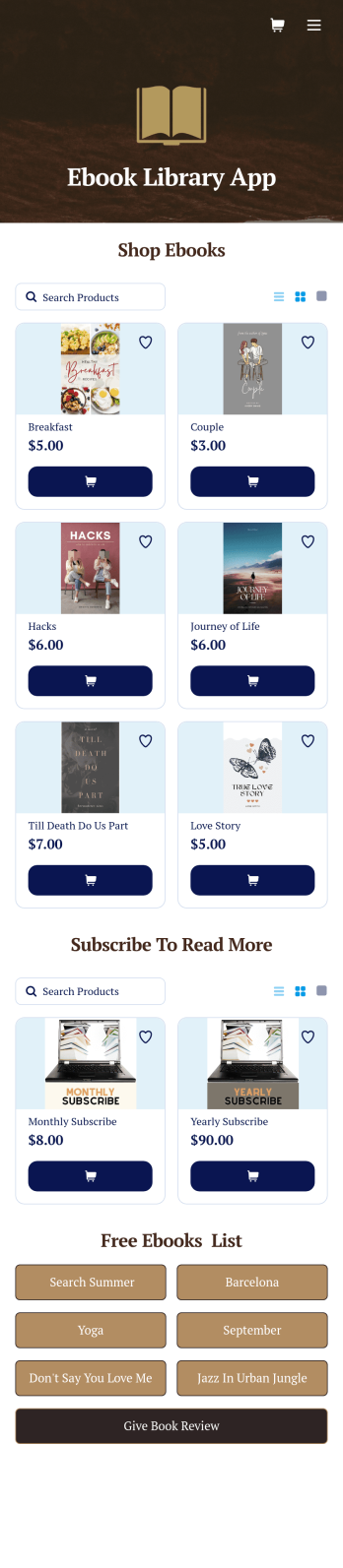
Ebook Library App
An e-book library app is used by teachers, schools, and small libraries for sharing free e-books with others. Need to know how to sell e-books online? With Jotform’s E-book Library App, you can upload multiple e-books as PDF documents to the app, and display them in a list of available titles on the main page. Users can browse and read e-books directly through the app’s interface, or download them onto their device with the tap of a button. This app template can also be used by individuals who wish to create a private library for storing their e-books in one convenient location.Want to make changes to this app template? Jotform's intuitive app builder makes it easy for anyone to customize the look and feel of their app with just a few clicks. No coding required — just drag and drop to add or change form elements, choose custom color schemes and backgrounds, add widgets, upload images, and more. Once you’re satisfied, share your app with others by sending email invites or the app link, and they can then access and download your app on any smartphone, tablet, or computer right away. Create a digital library of downloadable e-books with Jotform’s E-book Library App that works anywhere.
Go to Category:Education Apps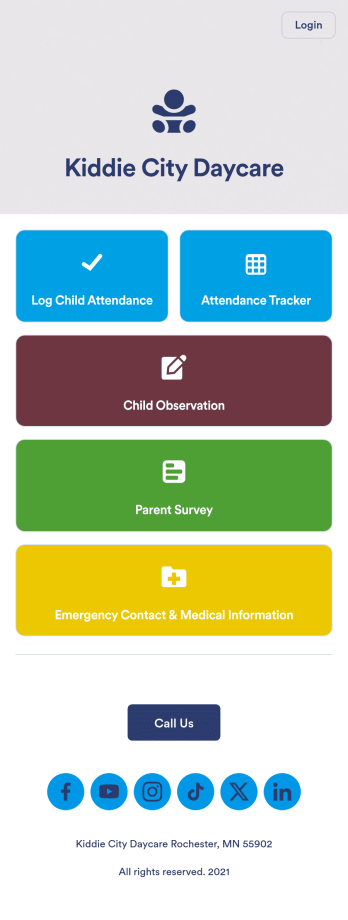
Daycare App
A daycare app is used by childcare providers to track attendance, complete child observation forms, and track and store emergency contact information. With this free Daycare App from Jotform, your daycare can ditch messy paper forms and seamlessly log information on any device. All submissions are protected with advanced security measures and easy to view in a spreadsheet directly from the app.Drag and drop to change elements of this app template in seconds. Add your business logo, rearrange the layout, add helpful forms or links, and make other changes with no coding knowledge or fancy developer team needed. Once your app is ready to go, share it with your staff to download onto their smartphone for easy access. Save time and paper with a custom Daycare App from Jotform.
Go to Category:Education Apps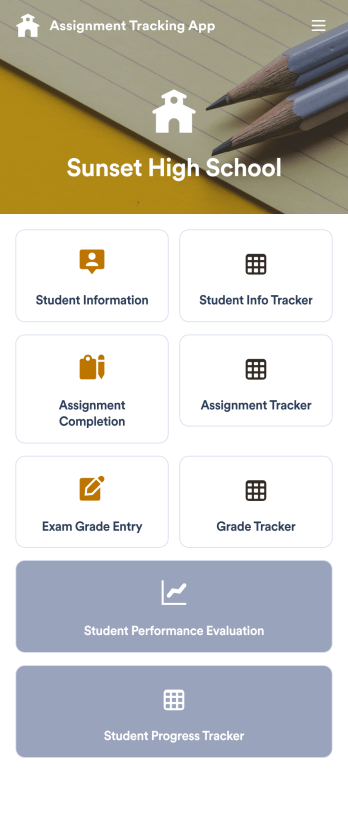
Assignment Tracking App
An assignment tracking app is used by teachers as an all-in-one classroom app for keeping track of students’ assignments and assessments. With Jotform’s Assignment Tracking App, teachers can record student information, completed assignments, test scores, and performance evaluations. Form submissions are automatically compiled in a companion spreadsheet, where teachers can sort, filter, and search through grades and test scores in an easy-to-understand format from any device.This app template works right out of the box, but you can easily customize it to meet your classroom’s needs with our intuitive app builder. No coding necessary — just drag and drop to add or swap out form elements, edit individual forms, upload images and documents, choose a custom app icon and splash screen, and more. When you’re done, you can access and download your very own app on any smartphone, tablet, or desktop for ease of use. Ditch the paperwork and manage your classroom from a single app with this fully-customizable Assignment Tracking App from Jotform!
Go to Category:Education Apps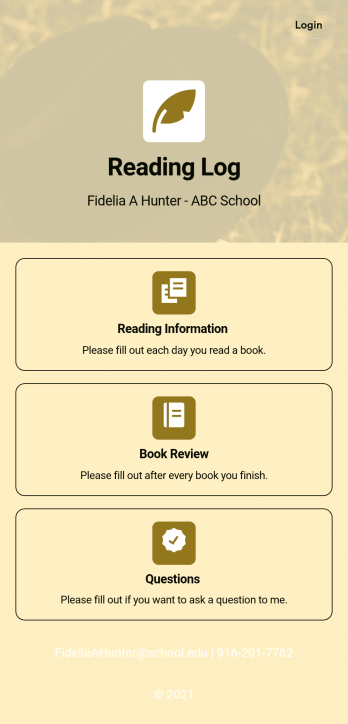
Reading Log App
As a teacher, staying on top of your students’ reading habits can be a headache. So why not create one central place to keep track of it all? With this Reading Log App, teachers can easily track, monitor, and review students’ assigned reading progress. This ready-to-use template also comes with a place for your students to send questions, and a digital signature form for parents to sign off on readings. This app works in tandem with our Reading Log Template, which allows you to easily sort through entries in a searchable spreadsheet.Want to customize this Reading Log App and make it your own? With our simple drag-and-drop interface, you can add or change forms, choose fonts and colors, update the app name or text, and more — all with zero coding. Once you’re satisfied with the look and feel of your app, simply share the link through email and have your students start filling out their assigned readings from any smartphone, tablet, or desktop. Make your job outside of the classroom easier with this customizable Reading Log App!
Go to Category:Classroom Management Apps
Career Coaching App
Need an easy way to schedule your career coaching sessions? Jotform has you covered with our Career Coaching App. It doesn’t matter if you already have a successful online career coaching business or if you’re just starting out — Jotform offers flexible app customization and templates to get you started. List your schedule for coaching appointments, add session descriptions, and integrate with 25+ easy-to-manage payment gateways to collect and manage appointment bookings.Use our drag-and-drop builder to customize your Career Coaching App! Add or swap out scheduling and payment forms, upload your coaching business logo, change colors and fonts, and integrate with hundreds of useful widgets to make your job easier. After you’re done designing your app to match your branding, share your app’s link via direct message, scannable QR code, or by embedding it directly into your website. You can also link your app on your social media pages to increase engagement and orders. Create your own Career Coaching App today with Jotform.
Go to Category:Consulting Apps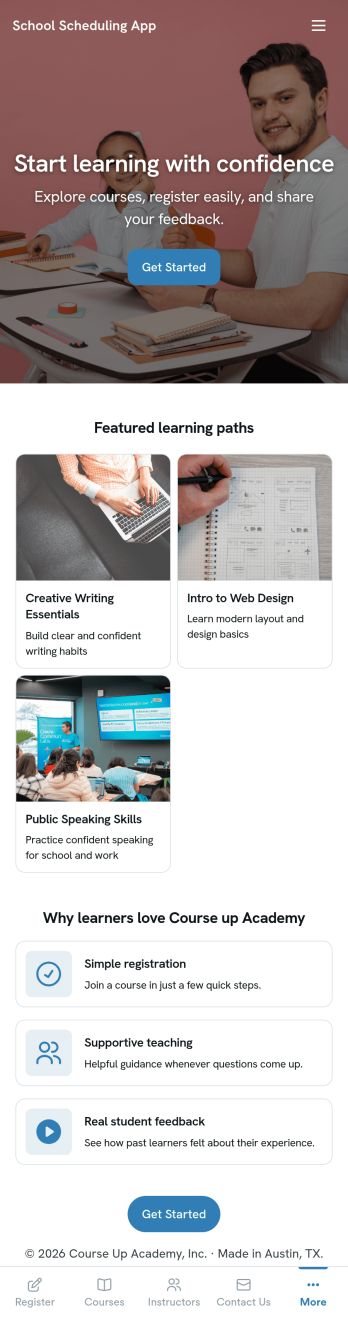
School Scheduling App
School Scheduling App is an app template designed to systemize and optimize the complex process of academic scheduling. Its primary function is to simplify and expedite the creation and management of class schedules for both small and large academic institutions. In its operational context, the app provides a systematic approach to allocating classrooms and teachers, reducing potential conflicts and inefficiencies in timetable planning. This holds immense value for school administrators, academic coordinators, and teachers who are tasked with harmonizing multiple variables in the scheduling process. The app collects relevant information about class timings, rooms, teachers, and subjects and presents it in a structured manner, aiding in the efficient distribution of resources. It brings clarity and consistency to the timetabling process, offering a superior alternative to ad hoc collection methods. Commonly used in primary, secondary, and higher education institutions, the School Scheduling App is best for those seeking a centralized platform to manage and monitor academic scheduling.With Jotform's No-Code App Builder, customizing the School Scheduling App is an intuitive process that requires no coding skills. The drag-and-drop interface allows alterations to forms and layouts to suit institutional brand requirements. The app offers cross-platform compatibility, so users can access and download the app onto any smartphone, tablet, or desktop via a shareable link. This seamless experience extends to the app's publishing options and sharing methods, providing flexibility in access controls and distribution. Users can choose to keep the app public or private and share it via direct link, email, QR code, or social media. With Jotform, creating a cohesive, user-friendly academic scheduling solution is made simple and efficient with the School Scheduling App.
Go to Category:Education Apps