
The Team Performance Analytics App gives managers, human resources teams, department leaders, and project supervisors a central place to assess employee performance and act on the results. Users can add performance reviews, open analytics, browse team member records, and monitor follow-up actions without moving between disconnected resources. It is well suited to recurring review cycles, project evaluations, coaching programs, and team development initiatives. By keeping performance submissions and next steps accessible in one experience, the app helps leaders identify trends, maintain accountability, prepare more informed conversations, and ensure that agreed actions receive attention.
Jotform makes this app template easy to adapt with a no-code app builder and an intuitive drag-and-drop interface. Organizations can adjust pages, navigation, colors, and branding while connecting forms, tables, approvals, and automated workflows. Review data can be collected through linked forms, organized in connected tables, and made available to authorized users through a mobile-friendly app. Once customized, the Team Performance Analytics App can be shared by direct link, custom app link, or QR code, giving teams convenient access to performance information and self-service review tools from nearly any device.
Related templates
Staff App
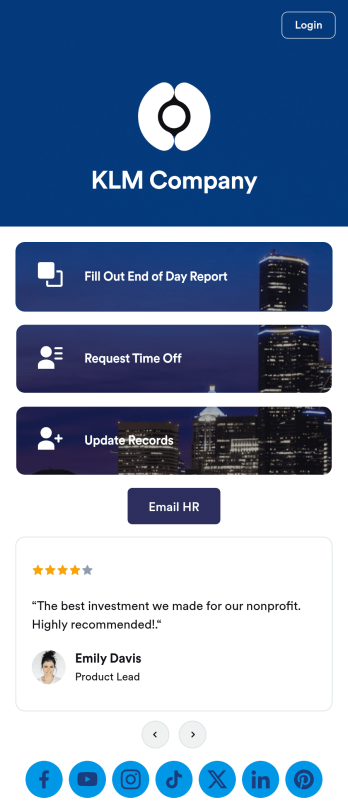
A staff app is used by companies as a central location for recording and storing employee data. Our Staff App is a convenient way for employees to request time off from work, log their daily activities using an end of day report, and update their personal contact information for HR purposes. All sensitive information is immediately synced to your secure Jotform account.Make this staff app template match your company’s branding with just a few clicks using Jotform’s no-code app builder. Drag and drop to add form elements, edit individual forms, upload your logo, attach documents, and more. You can also use your app’s splash screen to announce company holidays and introduce new team members. Once you’re satisfied with the look and feel, share your app with employees by sending an invitation email or embedding a link in your company’s HR portal, and employees can then access and download it on any device. Create an all-in-one Staff App for employees to log tasks and request time off with this free app template from Jotform.
Go to Category:Human Resources Apps
Job Application App
A job application app is used by HR teams to post open positions for the company and collect applications from any device. No matter what roles you’re hiring for, find top candidates fast with our free Job Application App. This ready-to-use app includes separate job application forms for various manager positions as well as internship opportunities. You’ll receive submissions instantly, ready to view and share in your Jotform account.Customize this Job Application App Template in just a few clicks. No coding required — simply drag and drop to create and add new job application forms, update the provided text, upload a different background image, and even include your company branding. When you’re ready to share it, embed the link in your company careers page so prospective employees can download the app onto their smartphone, tablet, or computer. Make the application process easier for applicants and your HR team with a fully-custom Job Application App for your company.
Go to Category:HR Portal Apps
Employee Training App
Monitor your employees’ training progress from a central location with Jotform’s free Employee Training App. Employees can download this app onto any device and document when they’ve completed individual training courses, as well as evaluate the effectiveness of their courses and instructors with a detailed checklist. HR can track employee training statuses and attendance using built-in Jotform Tables spreadsheets.Customize this ready-made app template to match your company’s branding without any coding knowledge. Simply drag and drop to add or change form fields and checklist items, create additional pages, choose fonts and colors, personalize the app icon and splash screen with your unique branding — and much more. After you’re finished, simply embed your app in an internal company website or send out email invites to new employees during the onboarding process. Make sure your employees are getting the training they need with this fully-customizable Employee Training App from Jotform.
Go to Category:Company Portal Apps
Work Schedule App
A work schedule app is used by employees for logging work shifts and completed tasks. With this Work Schedule App, employees can log their shifts by filling out a form with their name, scheduled hours, and hourly wage. A separate task tracking form allows employees to log individual tasks they’ve completed throughout the week. Submissions are stored in two easy-to-read spreadsheets in your Jotform account, which you can sort, filter, and search from any smartphone, tablet, or computer.Want to customize this app template to match your company’s branding? No problem — just use our drag-and-drop builder to add or change form elements, choose fonts and colors, change your app icon or splash screen, and more. Once you’re finished, share your app by sending email invites to employees, or by embedding a link in your company’s HR portal. Employees will be able to access and download your app on any device, making it easy to log shifts and tasks from anywhere. Streamline employee scheduling with this Work Schedule App from Jotform.
Go to Category:Human Resources Apps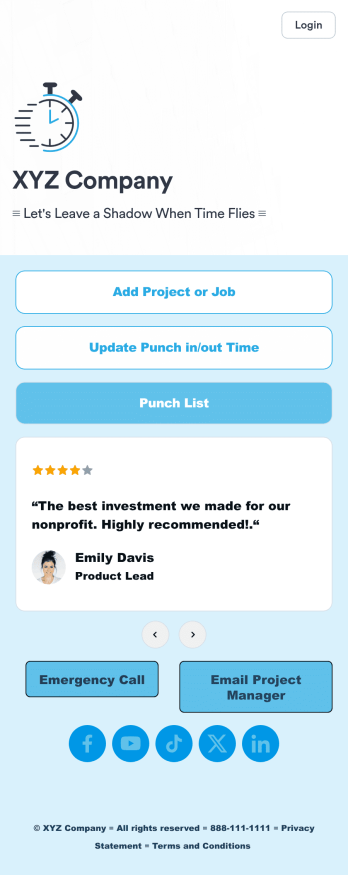
Customizable Punch In Out Timesheet App
Ditch paper timesheets with our free Punch In/Out Timesheet App! Employees can clock in or out for their shifts using the app on a company tablet or computer. As account owner, you’ll receive instant notifications for each new form submission, so you’ll know if any employee is late or leaving before their scheduled time. You can see all entries in spreadsheet, calendar, or card view using the attached Punch List Template for Jotform Tables.Customize your Punch In/Out Timesheet App in just a few minutes. Without any coding, you can use our drag-and-drop interface to add new forms, include a link to your timesheet, update the app text and design, embed links, and more. When your app is ready to use, keep it open on a company device for employees to use as they start their shift. Make employee management a breeze with a Punch In/Out Timesheet App for your company.
Go to Category:Company Portal Apps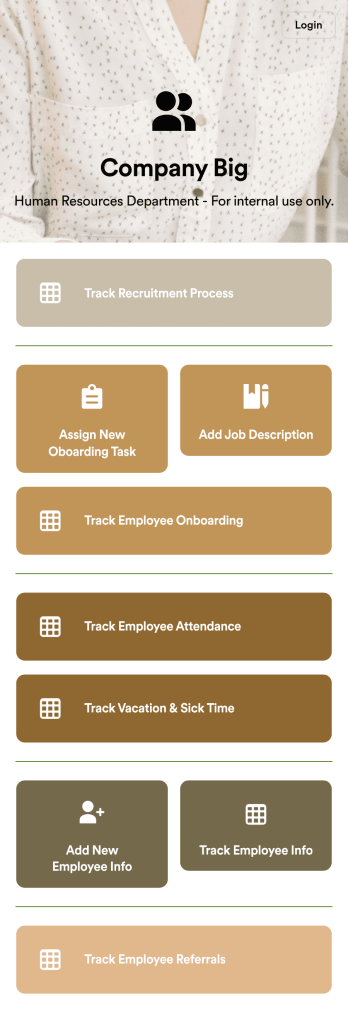
HR Management App
An HR management app keeps all your recruiting tools in one place that can be accessed from any device. Support your human resources team with a fully custom HR Management App powered by Jotform. This ready-to-use template includes multiple HR forms and tables to help you keep all of your data organized in one central location. You and your HR team can download the app onto any smartphone, tablet, or computer for easy access to your forms, tables, and other resources.Want to modify this app template for your company? You won’t need any coding knowledge – with our intuitive builder, all you need to do is drag and drop to add or update forms, tables, links, documents, pages, buttons, and other app elements. You can even change the app name, icon, fonts, colors, and splash screen to match your branding. When it’s ready to use, share it with your HR team by sending email invites or the app link. Manage new and existing employees effectively with a HR Management App built just for your HR team.
Go to Category:Company Portal Apps