Tech News CMS App gives tech publishers and content teams one place to gather story ideas, collect draft submissions, and move articles through editorial review before they go live. Use it to keep contributors aligned on what’s in progress, help editors evaluate pitches with consistent criteria, and let writers browse published or queued pieces for context. It’s a practical fit for tech blogs, startup media sites, newsletters, community publications, and internal comms teams covering product and engineering updates.
Built with Jotform App Templates, this app template can be tailored in minutes using Jotform’s no-code app builder and drag-and-drop interface. Connect submission forms and data tables to centralize data collection, route entries into an approval-style workflow for reviews and feedback, and share a self-service experience with your team through a link or QR code. Update the layout, add pages, and adjust branding so the app matches your editorial process without writing code.
Related templates
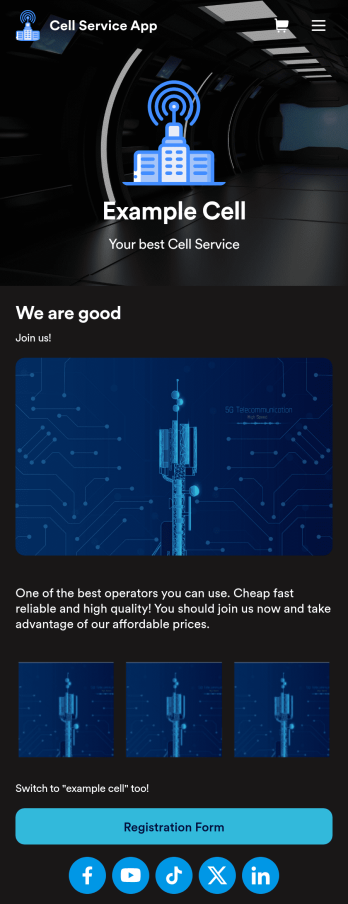
Cell Service App
If you sell cell phones or are a cell phone service provider, use this free Cell Service App to give customers an easy way to contact you and purchase your products or services! Start by customizing the app template to match your needs and branding — then share the app to be downloaded onto any iOS or Android tablet or smartphone. Customers can then submit orders, feedback, and other form responses on the go.Want to customize the design of this Cell Service App template? Drag and drop to get the look you want. Add your logo and products, update the app icon and background, split the app into multiple pages, and make other design changes in seconds with no coding required. All submissions through your custom Cell Service App are stored securely in your Jotform account, ready to view and respond to fast.
Go to Category:Customer Portal Apps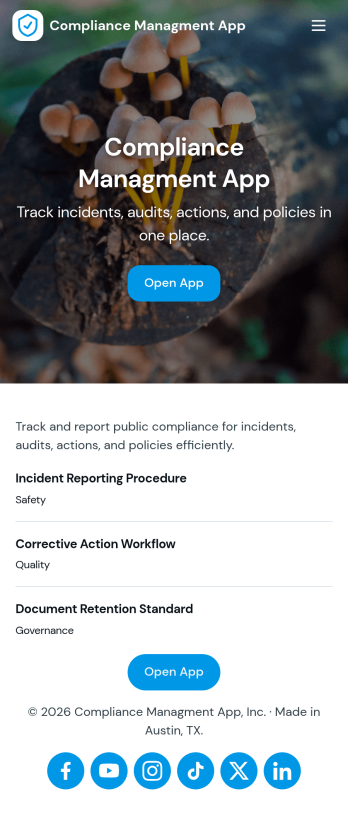
Compliance Managment App
Compliance Managment App brings your day-to-day compliance work into one place so teams can keep controls visible, document what happened, and stay ready for reviews. It’s built for operations leaders, IT and security teams, HR, and managers who need a practical way to organize controls, report incidents as they occur, log audits, and maintain supporting documents without hunting across folders or email threads.With Jotform you can turn this app template into a branded self-service workspace using a drag-and-drop interface and a no-code app builder. Connect the app to forms and tables to support ongoing data collection, route key steps through a workflow, and keep updates consistent across controls, incidents, audits, and documents. Share it with internal stakeholders through a link, tailor pages to your process, and keep information easy to access on any device.
Go to Category:Information Technology Apps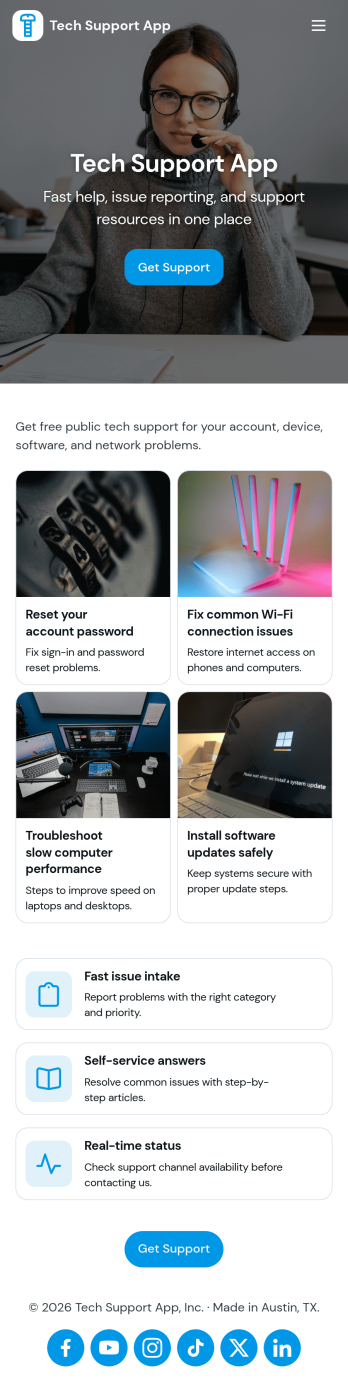
Tech Support App
Tech Support App helps teams centralize IT help requests so users can open a ticket, track progress, and find their place in the support queue without chasing updates. It’s a practical fit for internal IT departments, MSPs, SaaS support teams, and school or nonprofit tech offices that need a clear intake path and a simple way for requesters to check status. With quick actions like Submit Ticket and New Ticket plus a dedicated My Tickets area, the app supports fast reporting of issues, consistent triage, and fewer repeated emails about the same problem.Built with Jotform App Templates, this app template can be tailored in minutes using Jotform’s no-code app builder and drag-and-drop interface. Connect the ticket form to your existing workflow, organize requests in one place, and share the app through a link or QR code for easy self-service. As your volume grows, you can refine pages for different support needs, keep your process consistent across locations, and manage data collection in a way that works for both requesters and support staff.
Go to Category:Information Technology Apps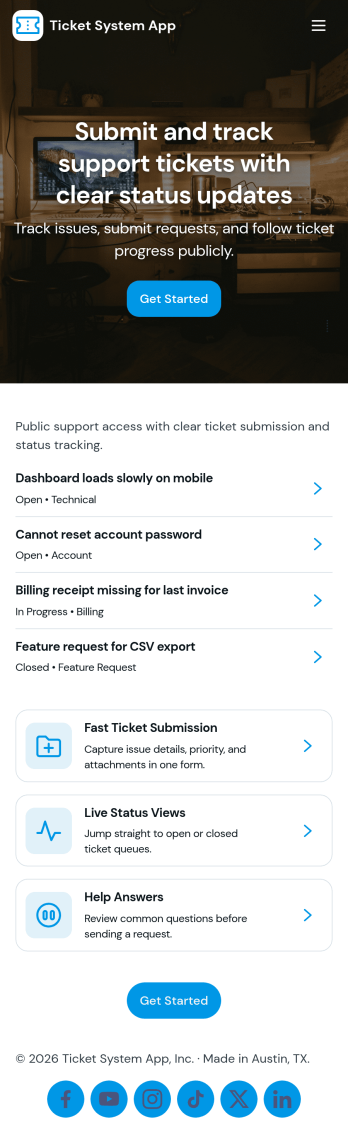
Ticket System App
A ticket system app gives teams one place to capture requests, track progress, and keep support work organized from the first report to the final resolution. This Ticket System App works well for IT help desks, customer support teams, facilities departments, and internal operations groups that handle recurring issues and questions. Users can submit new tickets, browse open tickets, and review resolved tickets so nothing gets lost in email threads. It’s especially useful when multiple people need visibility into what’s being worked on and which requests still need follow-up.Jotform makes it easy to turn this workflow into a shareable, branded experience using App Templates and a no-code app builder. With a drag-and-drop interface, you can adjust navigation, add helpful content, and connect your ticket form to the app for consistent data collection. Publish the app as a self-service hub for employees or customers, keep ticket details accessible in one place, and update the experience as your workflow evolves.
Go to Category:Information Technology Apps
Security Service App
Want a quick and efficient way for your clients to book your security services? With Jotform’s Security Service App, you can create an online security booking app in minutes. Make your app from scratch or choose one of our ready-made templates to get started. Add a contact form, list your security team’s availability, showcase past customer reviews, and more. Once you’ve customized your app to your liking, share with clients — downloadable onto any computer or iOS or Android device.Design your Security Service App to your liking with Jotform’s no-code app builder. Just drag and drop to change the look and feel of your app, add powerful app elements, install helpful app widgets, and integrate with one of our 25+ payment processors, including PayPal and Google & Apple Pay. Share your app via email or embed it directly into your website for easy client access and bookings. Create your own Security Service App today — free on Jotform.
Go to Category:Online Service Apps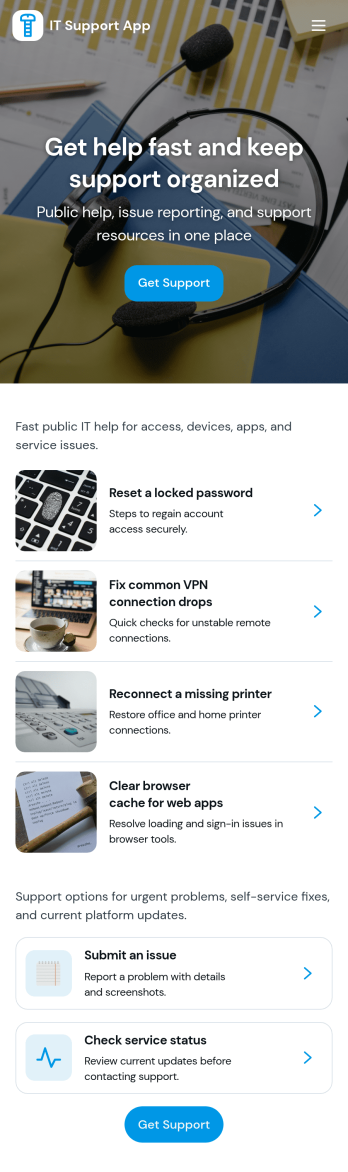
It Support App
It Support App helps teams centralize everyday IT help desk requests so employees can report issues, check service status, and find answers without guessing who to contact. It works well for internal IT departments, MSPs supporting multiple clients, and operations teams that need a simple front door for support. With clear entry points for creating a new ticket, browsing a knowledge base, and viewing service status updates, the app reduces repeated questions and keeps requests organized from the start.Built with Jotform App Templates, this app template can be tailored in a no-code app builder with a drag-and-drop interface, so you can adjust pages, labels, and navigation to match your support process. Connect ticket intake to Jotform forms and route responses into workflows your team already follows, then share the app via link or QR code for easy self-service on any device. As requests grow, Jotform helps you keep data collection consistent and make support interactions faster for both employees and IT staff.
Go to Category:Information Technology Apps