
The Technology Stack Guide App is an app template for helping engineering teams, information technology departments, consultants, and project leaders evaluate technologies and architecture patterns before starting or updating a digital project. Users can browse technology options, review key strengths and tradeoffs, and explore patterns with guidance on suitable use cases, core layers, and important considerations. A built-in recommendation request gives decision-makers a clear route to seek additional guidance. This organized reference reduces scattered research, supports more consistent evaluations, and helps technical and nontechnical stakeholders discuss choices using shared information.
Jotform makes this guide easy to adapt with a no-code app builder and a flexible drag-and-drop interface. Teams can update pages, cards, navigation, and branding to reflect their preferred evaluation process, then connect forms and workflows for data collection, follow-up, or internal review. The finished app can be shared through a direct link or QR code for convenient mobile access. Starting with Jotform App Templates also saves setup time while giving organizations the freedom to create a polished self-service resource for technology planning and collaborative decision-making.
Related templates
IT Operation Checklist App
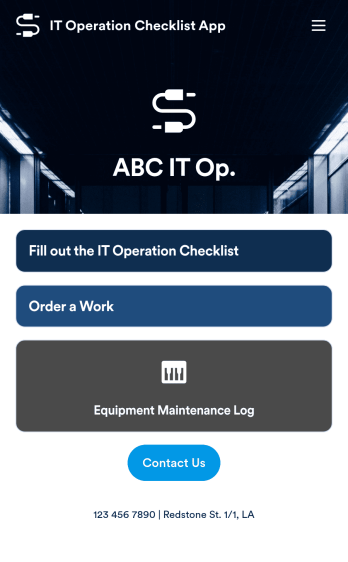
An IT operation checklist app is used by IT departments for documenting routine operations and maintenance. This free app template from Jotform is a great way for IT departments to keep track of system servers, network status, and equipment maintenance. With an included IT Operation Checklist Form, IT associates can fill out and digitally sign a daily, weekly, or monthly general operations checklist. Supervisors and employees can also request new IT jobs with a Job Work Order Form, and specify a starting date, tools and requirements, and upload any relevant images and documentation. Equipment maintenance submissions are stored in an Equipment Maintenance Log, which you can sort, filter, and search from your secure Jotform account.You can easily make changes to this IT Operation Checklist App with Jotform’s intuitive app builder. No coding required — simply drag and drop to add or swap out form elements, edit checklist items, choose fonts and colors, create a custom app icon and splash screen, upload your own branding, and much more. Once you’re finished, share your custom app with other IT associates by sending email invites, or by embedding it in an internal website. Create an all-in-one app for routine IT work with this IT Operation Checklist App that works on any device.
Go to Category:Checklist Apps
Security Service App
Want a quick and efficient way for your clients to book your security services? With Jotform’s Security Service App, you can create an online security booking app in minutes. Make your app from scratch or choose one of our ready-made templates to get started. Add a contact form, list your security team’s availability, showcase past customer reviews, and more. Once you’ve customized your app to your liking, share with clients — downloadable onto any computer or iOS or Android device.Design your Security Service App to your liking with Jotform’s no-code app builder. Just drag and drop to change the look and feel of your app, add powerful app elements, install helpful app widgets, and integrate with one of our 25+ payment processors, including PayPal and Google & Apple Pay. Share your app via email or embed it directly into your website for easy client access and bookings. Create your own Security Service App today — free on Jotform.
Go to Category:Online Service Apps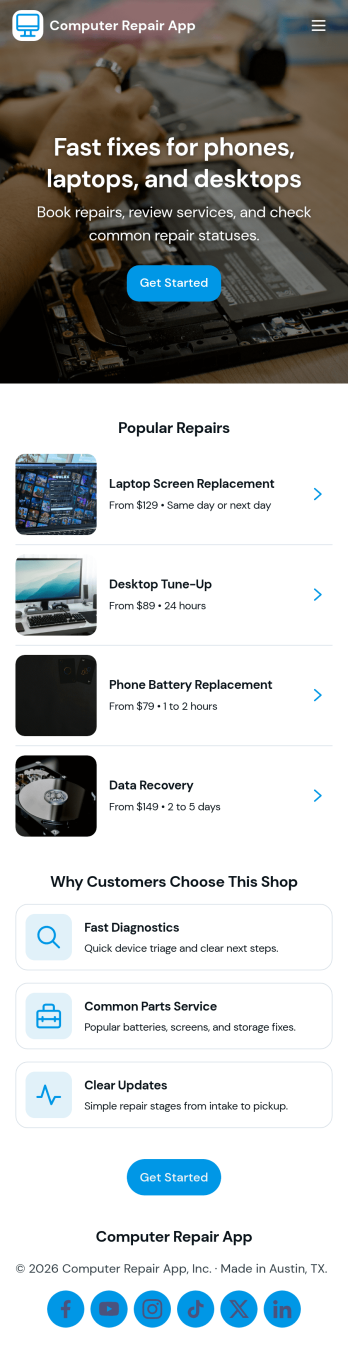
Computer Repair App
Computer Repair App brings your repair shop’s front desk and workbench into one place so you can capture new repair requests, create tickets fast, and keep jobs moving without losing track of device details. It’s built for computer repair businesses, IT service counters, and technicians who need a clear way to open intake, start a new repair, and follow each customer job from check-in to pickup. With quick intake and job tracking in the same experience, teams can reduce missed information and keep customers updated with fewer manual handoffs.Jotform makes it easy to turn this computer repair app template into a branded, self-service workflow using a drag-and-drop no-code app builder. Connect buttons and pages to your intake form, organize job records for faster lookups, and use dashboards to monitor repair operations at a glance. Share the app by link or QR code, refine it as your process evolves, and keep your data collection and daily workflow consistent across the whole team.
Go to Category:Information Technology Apps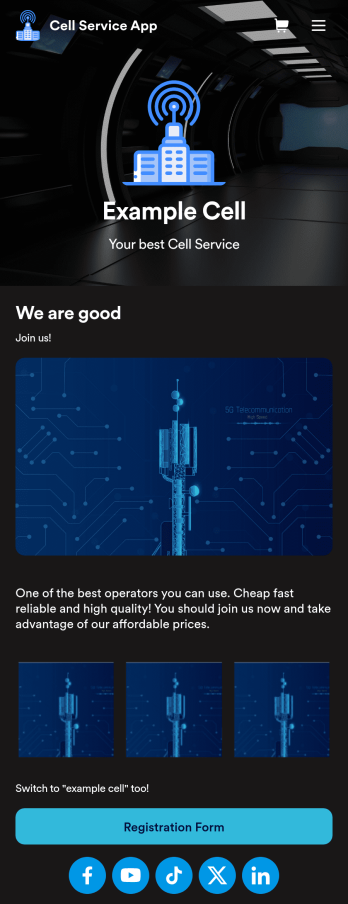
Cell Service App
If you sell cell phones or are a cell phone service provider, use this free Cell Service App to give customers an easy way to contact you and purchase your products or services! Start by customizing the app template to match your needs and branding — then share the app to be downloaded onto any iOS or Android tablet or smartphone. Customers can then submit orders, feedback, and other form responses on the go.Want to customize the design of this Cell Service App template? Drag and drop to get the look you want. Add your logo and products, update the app icon and background, split the app into multiple pages, and make other design changes in seconds with no coding required. All submissions through your custom Cell Service App are stored securely in your Jotform account, ready to view and respond to fast.
Go to Category:Customer Portal Apps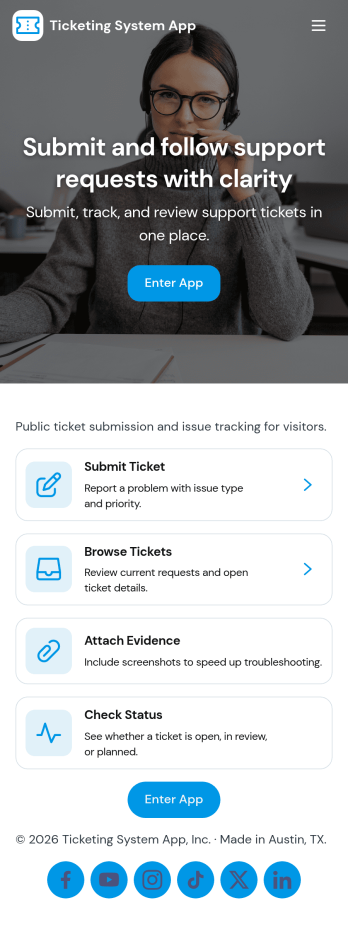
Ticketing System App
A ticketing system app gives teams a central place to capture requests, organize incoming issues, and guide people to the right next step. With this Ticketing System App, users can submit a new ticket, browse existing tickets, and review their own submissions without relying on scattered emails or chat threads. It’s a practical fit for IT help desks, internal ops teams, customer support groups, facilities, and any department that needs a clear way to intake problems, track progress, and keep request details consistent from start to finish.Jotform makes it easy to publish this experience as a branded, self-service app using a no-code app builder and a drag-and-drop interface. Connect your ticket form to the app so requests flow into a single workflow, then share the app link with employees or customers for faster data collection and better visibility. As needs change, you can update pages, navigation buttons, and the ticket list view in minutes, keeping your support process organized and accessible on any device.
Go to Category:Service & Support Portal Apps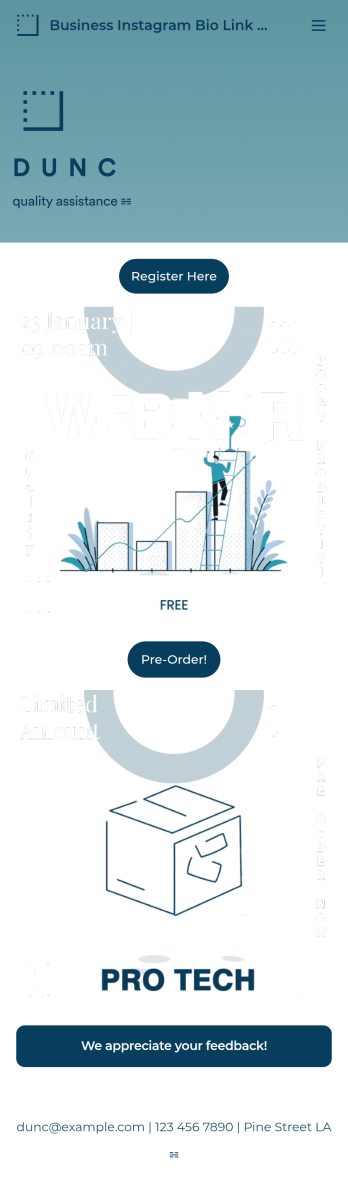
Business Instagram Bio Link App
Create an app to add to your company’s Instagram bio with Jotform’s Business Instagram Bio Link App. With this app template, you can make company announcements, showcase webinars and events, create pre-order forms, and have your followers submit feedback — all accessible from a single app in your Instagram bio. Submissions made to your app are stored in your secure Jotform account, which you can view on any smartphone, tablet, or desktop.Make this Business Instagram Bio Link App your own by adding your own branding. Just use Jotform’s drag-and-drop form builder to upload your logo or a background image, choose a custom app icon, change fonts and colors, and more — no coding required. You can also fully customize your app’s splash screen by adding or changing form elements or installing widgets. After you’re finished, simply copy and paste a link to your app in your Instagram bio and you’re off and running. Create an all-in-one app that your followers can access on any device with this free Business Instagram Bio Link App.
Go to Category:Information Technology Apps