
The Train Simulator Route Library App is a central browsing and planning resource for simulation enthusiasts, route creators, community groups, and hobby clubs. Users can explore a visual route library, review profiles covering region, era, traction, and route length, open reference links, and read planning notes before choosing their next experience. A connected submission form also gives contributors a convenient way to suggest routes for inclusion. By keeping discovery, reference material, and community contributions together, this app template reduces scattered research and makes route collections easier to navigate and maintain.
Jotform Apps helps you adapt this ready-made app template without writing code. Use the drag-and-drop interface to update pages, cards, buttons, images, and navigation while applying a visual style that fits your community. The no-code app builder can connect data collection forms and related workflows to create a more interactive experience. Once finished, publish the app with a direct link or QR code so users can browse it from phones, tablets, or computers. Jotform App Templates offer a practical starting point for creating organized self-service resources that can grow alongside your route library.
Related templates
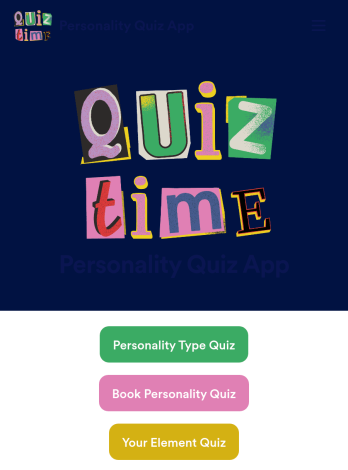
Customizable Personality Quiz App
A personality quiz app is a mobile app used to share personality quizzes. This ready-made Personality Quiz App can be shared with friends or customers to download instantly onto their iOS or Android device — ready for them to use to determine their personality type! You don’t need to know how to code to create your own mobile app with Jotform, so it only takes a few steps to get started.Feel free to update questions, add or remove forms, and make other design updates with our drag-and-drop builder. You can then share your custom app with a link, add it to your social media bio, or generate a QR code for it to get it in front of your audience. Whether you’re looking to create and share personality quizzes or fill one out yourself, do it with this ready-made Personality Quiz App.
Go to Category:Entertainment Apps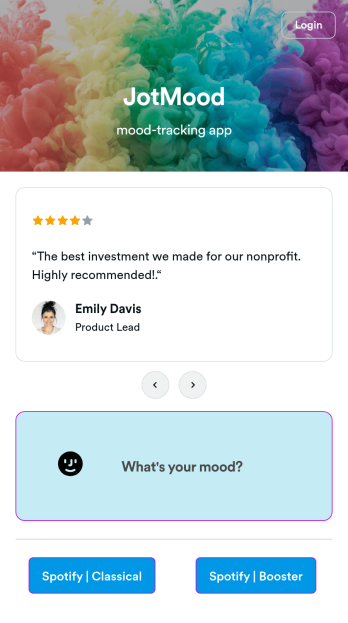
Mood Tracker App
Tracking your mood is a great way to learn how to manage your emotions and understand triggers. Start tracking your moods or help patients track theirs with our free Mood Tracker App you can customize in just a few clicks! This ready-to-use app provides a single place for users to add their moods through a form and view all their submissions at once in order to see any recurring patterns. You can use this app yourself, or share it with patients to help them monitor their progress in therapy.Want to customize your Mood Tracker App? With our drag-and-drop interface, you can create and add more forms to your app and even change its icon, name, splash screen, and background. Feel free to upload images, include links, update the text, and more. You’ll be able to access and download your app from any smartphone, tablet, or desktop. Make it easier to keep track of how you’re feeling with a custom Mood Tracker App you can easily use from any device.
Go to Category:Entertainment Apps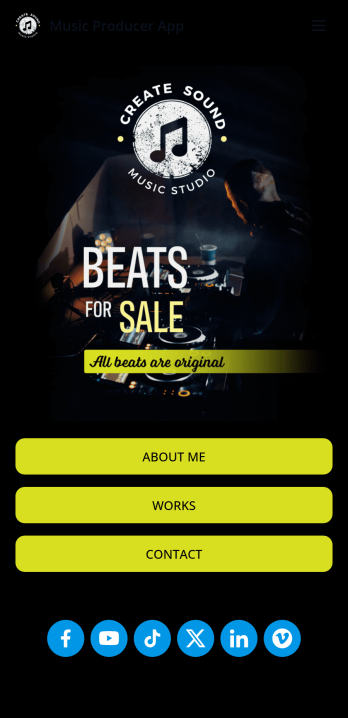
Music Producer App
Looking for an easy way to consolidate all your music production projects? Create a fully customizable Music Producer App in seconds without any coding knowledge. This ready-made app template includes multiple pages and forms to get started right away. Users can access and download your app onto any smartphone, tablet, or desktop computer. Messages sent through the included contact page are automatically synced to your secure online account for ease of access.Make changes to this free template without any coding using Jotform’s intuitive builder. Drag and drop to add text and images, create new pages, upload your personal branding, include social media buttons, and anything else you want — the customization options are limitless. You can even include audio samples of your music projects. After you’re satisfied with the look and feel, share your custom Music Producer App with others by sending email invites, including the link in social media posts and bios, or by seamlessly embedding it in your personal website with a simple copy-paste embed code. Show off your music production skills and find new clients with Jotform’s free Music Producer App.
Go to Category:Entertainment Apps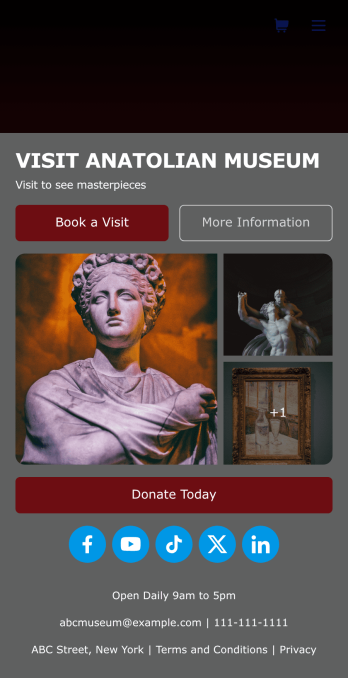
Museum App
A museum app makes it easier for visitors or members to book visits, submit donations, and more. Whether you manage a natural history museum, science center, or art gallery, make a mobile app for your museum with Jotform’s free Museum App. This customizable app template includes a homepage with a booking form and donation form, as well as menu pages containing exhibit details and FAQs. Visitors can easily download the app onto their computer or mobile device, so they can schedule their visits, pay for tickets, give donations, and submit feedback no matter where they are.Customize this Museum App for your museum or gallery in just a few clicks. With Jotform’s drag-and-drop builder, you won’t need to do any coding to add or remove forms, update text and images, upload logos, and include other app elements such as links, documents, or tables. Once your app is ready to use, share it on your museum website or social media accounts for visitors to save onto their own devices. With a fully-custom Museum App, you’ll make it easier for visitors to plan their next visit, helping to increase museum attendance!
Go to Category:Booking Apps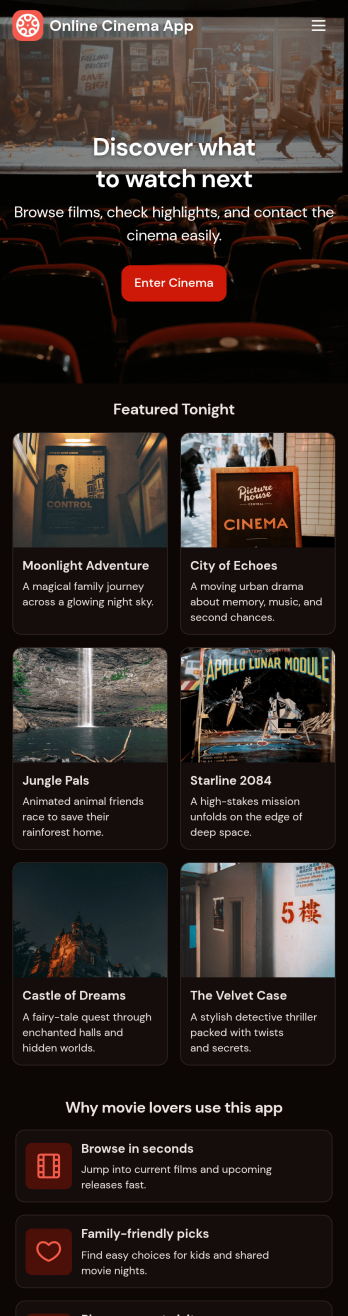
Custom Online Cinema App
An online cinema app is used by movie theaters to allow customers to purchase tickets and watch movie trailers from any smartphone, tablet, or desktop computer. Jotform’s Online Cinema App is the perfect way to create an all-in-one app for processing online ticket sales ahead of time to gauge audience attendance numbers. Ticket sales are instantly stored in your secure Jotform app for ease of use.Make this app template your own with Jotform’s intuitive app builder. No coding knowledge is required—just drag and drop to add or change form elements, choose fonts and colors, upload your branding, attach movie posters, and more. Jotform’s List Element feature lets you connect Tables and add actions, making it easy to organize data and manage your app’s flow. You can also choose from 30+ of Jotform’s popular payment gateways to process tickets directly from your app. When you’re finished, share your app by posting the app link on your website or social media, or generate a QR code to affix to the outside of your theater. Create a custom theater portal and start selling movie tickets online with this free Online Cinema App that works on any device.
Go to Category:Booking Apps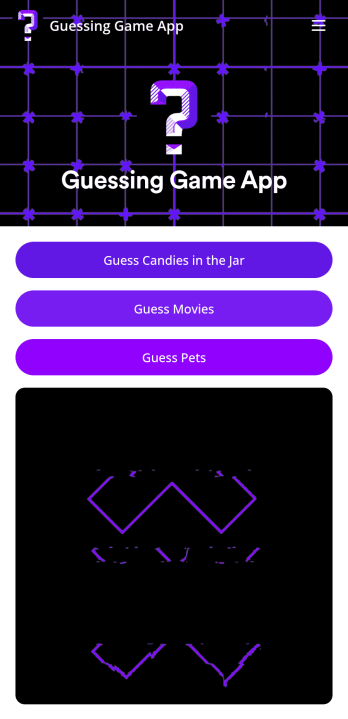
Customizable Guessing Game App
A guessing game app lets you run guessing games — such as movie guessing games, pet guessing games, or guessing how many candies are in a jar — from any mobile device. With Jotform’s free Guessing Game App, you can use built-in guessing games or customize them to make them your own. Then share your app with a link for others to download onto their own devices and play instantly!Make changes to this app template by adding more guessing games, personalizing existing ones, or adding images, links, documents, forms, and more. All changes with our drag-and-drop form builder require zero coding, so you can make your own app in minutes. Once your app is ready to go, share it for others to download onto their computer, tablet, or smartphone — including both iOS and Android devices.
Go to Category:Entertainment Apps