
The Username Availability Guide App helps individuals, marketing teams, community managers, and small businesses organize potential usernames before creating an account or launching a new online presence. Users can save a username idea, note its intended service, review saved entries, and compare candidates from one accessible location. This app template is useful when planning campaign identities, creator profiles, community accounts, or consistent naming across several services. It replaces scattered notes and spreadsheets with a focused process that makes promising options easier to evaluate, revisit, and discuss. It can also support preliminary research before separate availability checks are completed.
Jotform makes the Username Availability Guide App easy to adapt with a no-code app builder and an intuitive drag-and-drop interface. Add instructions, update pages, adjust branding, or connect forms and tables to support data collection and a broader workflow. Jotform App Templates provide a ready-made foundation, while flexible sharing options let you publish the finished app through a direct link, QR code, or embedded experience. Whether used for individual planning or team collaboration, the app builder creates a mobile-friendly self-service resource without requiring programming knowledge.
Related templates
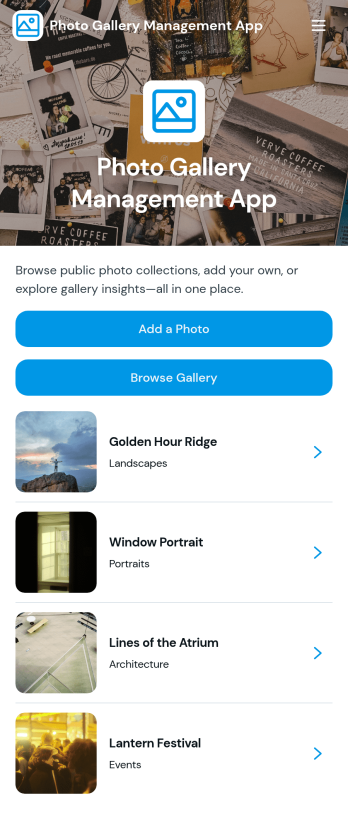
Photo Gallery Management App
Photo Gallery Management App helps teams collect, organize, and share images in one place, making it easier to keep photo libraries current and accessible. Use it to accept new uploads through an add-photo flow, publish a public-facing collection for browsing, and open individual photo pages to review key details like description, category, and photographer. It’s a practical fit for marketing and content teams, schools, event organizers, nonprofits, and small businesses that need a simple way to manage recurring photo submissions and keep galleries easy to navigate.Jotform makes it simple to turn this app template into a branded, self-service experience with a no-code app builder and a drag-and-drop interface. Connect the app to your existing Jotform forms and workflows to support consistent data collection, keep entries organized, and update your gallery without extra overhead. Share the app with a link so contributors can add photos and viewers can browse the full gallery from desktop or mobile.
Go to Category:Social Media Management Apps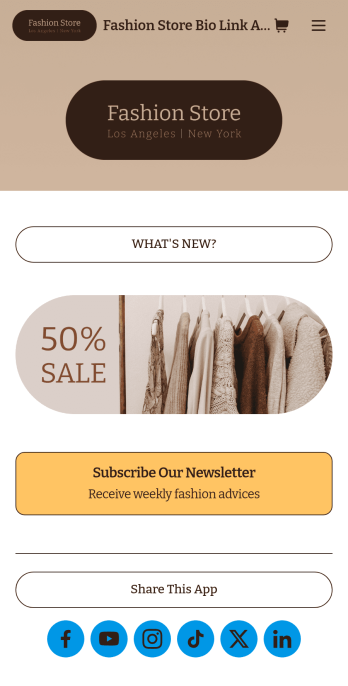
Brand Instagram Bio Link App
Add an app to your Instagram bio with a free Brand Instagram Bio Link App from Jotform. Whether you’re looking to share company promotions, campaigns, announcements, or sell products through your Instagram bio, bundle it all together in an app that your followers can view or download on any device. Any responses submitted through your app’s forms will be stored securely in your Jotform account, so you can view them and get in touch with your customers fast.Make this Brand Instagram Bio Link App template match your branding by uploading your logo, changing the app icon, uploading a new background image, and adding as many links, forms, images, documents, and buttons as you’d like. You can then copy and paste the app link directly into your bio for easy access. Create a custom app to gather information and sell products through your Instagram bio in a few quick clicks with Jotform’s free Brand Instagram Bio Link App.
Go to Category:Influencer Apps
Restaurant Instagram Bio Link App
Want to add a mobile app for your restaurant to your Instagram bio? Get started with our free Restaurant Instagram Bio Link App! This ready-to-use app template includes an online order form and feedback survey that customers can easily fill out from any device. You can add the app link to your Instagram bio, so customers can always access your restaurant’s forms and information while on the go. Stop wondering how to sell restaurant dishes online and start doing it today.Customize this Restaurant Instagram Bio Link App for your restaurant without any coding. Using our drag-and-drop builder, it will only take a few clicks to add or remove forms, include your branding and links to your website, and update the app name and icon to better represent your website. When it’s ready, just copy and paste the app link into your restaurant’s Instagram bio for followers to open and download onto their mobile smartphone or tablet. Save time creating a mobile app for your restaurant to share on social media with this Restaurant Instagram Bio Link App — you'll be able to sell restaurant dishes online in no time.
Go to Category:Social Bio Link Apps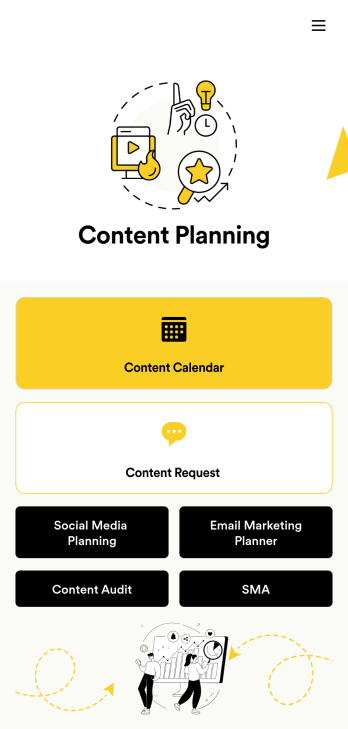
Content Planning App
A content planning app is commonly used by marketing teams to manage content calendars. With Jotform Apps, you can build your own Content Planning App for free. Add a content calendar, brainstorm notes, content audits, and so much more. You can even integrate your app with 250+ platforms to send data straight to your other marketing accounts — all with no coding required.Customizing your Content Planning App is easy and intuitive with Jotform’s drag-and-drop builder. Add or remove forms, switch up fonts and colors, choose a unique app icon, upload branding assets and images, and so much more. Once you’re happy with your app, all you need to do is share it with your team. Embed it in your online workspace or send it via link so your team members can download it to their mobile, tablet, or desktop device.
Go to Category:Company Portal Apps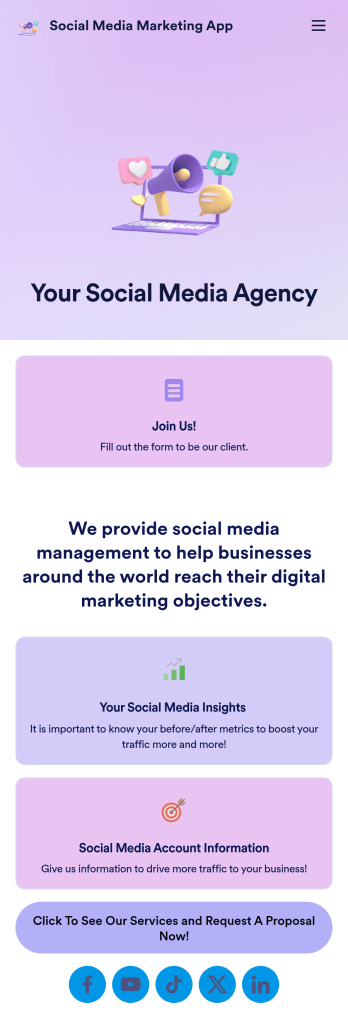
Social Media Marketing App
A social media marketing app is used by social media managers or marketing agencies to list their services, accept proposal requests, and list their contact information. With this ready-made Social Media Marketing App, your business can provide clients with a convenient mobile app — which they can instantly download onto their smartphone for easy access.Need to make design changes? Add your company logo and branding, update the listed services, and change the app background, colors, and icon for a personal touch. No coding knowledge is required with our drag-and-drop builder! Give your customers a quicker way to contact you and book your services with a custom Social Media Marketing App.
Go to Category:Consulting Apps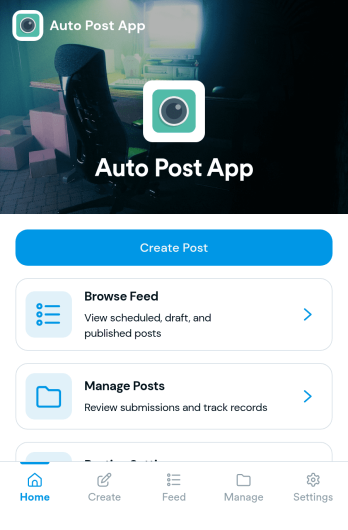
Auto Post App
Auto Post App brings your social content workflow into one place so teams can draft posts, organize what’s coming up, and keep a clear record of what’s already gone out. It’s a practical fit for social media managers, small business owners, creators, and marketing teams who want a simple way to build drafts, move them into a queue, and reference past publishing activity without relying on scattered notes or multiple tools.With Jotform App Templates, you can publish a branded, self-service app experience powered by Jotform’s no-code app builder and drag-and-drop interface. Connect your draft form to collect content details, use lists to review items in your queue and history, and share the app with teammates so everyone follows the same workflow from planning to tracking.
Go to Category:Sales & Marketing Portal Apps