
The Vignette Ordering App is a ready-to-use digital catalog and ordering experience for creators, retailers, studios, and other teams that offer curated vignettes. Customers can browse the collection by category, review essential details such as price and availability, and place an order with a selected quantity. Teams can also accept new vignette submissions and review customer order information from the same organized app. This app template replaces scattered product lists and manual requests with a clear path from discovery to ordering, making it useful for seasonal collections, limited releases, custom selections, and ongoing sales.
With Jotform Apps, you can adapt this Vignette Ordering App to match your catalog and workflow without writing code. The drag-and-drop interface makes it easy to update pages, cards, buttons, images, and navigation while maintaining a polished experience on phones, tablets, and computers. Connect forms for data collection, organize order records, add approval or payment steps when needed, and provide customers with convenient self-service access. Jotform App Templates can be published quickly and shared through a direct link, QR code, or embedded experience, helping teams manage product discovery and order intake in one branded destination.
Related templates

Grocery Delivery App
A grocery delivery app is used by grocery stores for online grocery orders. Need to find out how to sell groceries online? With this Grocery Delivery App, customers can browse your inventory, purchase items, and fill out a form with their general contact information and delivery address. From your splash screen, you can run promotional campaigns and showcase various items, as well as display pick-up and delivery hours. Grocery orders are instantly synced to your secure Jotform account, where you can browse, sort, filter, and search them from any device.Make this app template your own with no coding using our drag-and-drop form builder. You can add or change form elements, choose fonts and colors, upload your logo or thumbnail images of your products, connect an online payment form, and more. After you’re finished customizing your app, simply share it on your website or social media with a link, and customers can download it on any smartphone, tablet, or desktop. Sell grocery orders online for delivery with this Grocery Delivery App from Jotform.
Go to Category:Delivery Apps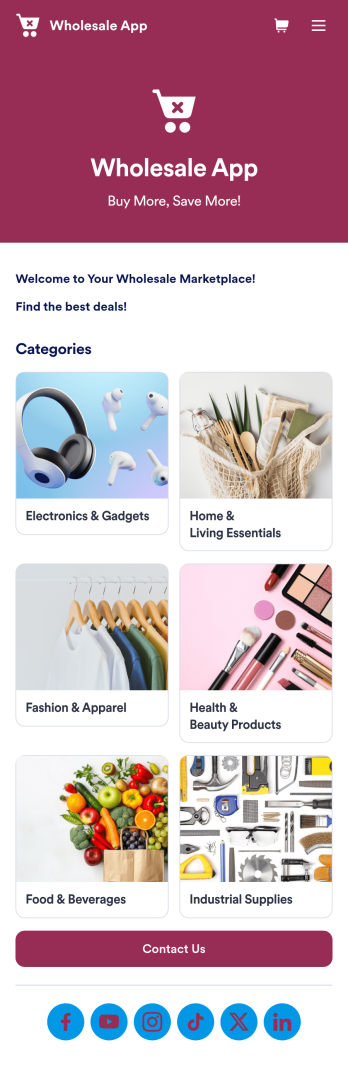
Wholesale App
Jotform's Wholesale App template is designed to streamline operations for wholesalers, retailers, manufacturers, and sales representatives. With this no-code app builder, users can easily manage bulk orders, track inventory, and deal with clients all in one place. The Wholesale App template allows users to create a fully customized app without any coding knowledge, making it quick and convenient to use on any device.Explore the top Jotform Apps features that make creating your own Wholesale App a breeze. With the drag-and-drop builder, you can quickly add forms, products, and branding to your app. Utilize powerful app elements like forms, images, links, and documents to enhance user experience. Take advantage of the 70+ app widgets available to add checklists, videos, maps, and more. Plus, with flexible app designer, ready-to-use layouts, and advanced sharing options, you can create a professional app tailored to your business needs. Enhance user engagement with push notifications to keep clients informed and engaged. With Jotform's Wholesale App template, managing bulk orders has never been easier.
Go to Category:E-commerce Apps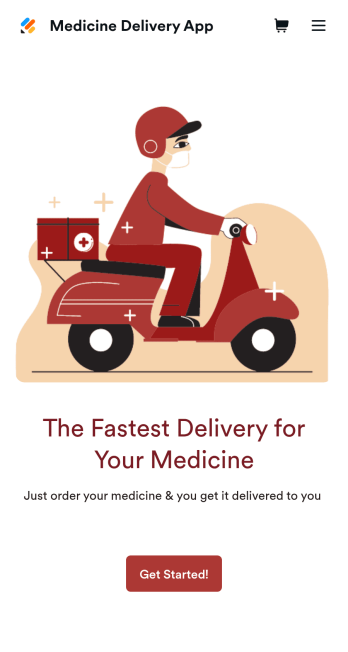
Medicine Delivery App
If your pharmacy offers medicine delivery services and is wondering how to sell medicine deliveries online, collect orders and payments from any device with Jotform’s free Medicine Delivery App. This customizable app includes a medicine order form as well as a feedback form that patients can fill out using any computer, tablet, or smartphone. Submitted orders will be received instantly, so you and your pharmaceutical staff can begin filling prescriptions without any delay.Customize this Medicine Delivery App for your pharmacy without coding. Simply drag and drop to add forms, tables, links, documents, text, images, logos, and other app elements. Then share your app with patients by sending them email invites to download it onto their own devices, or by posting the app link on your website. With a fully-custom Medicine Delivery App that works anywhere, you can sell medicine deliveries online and ensure that patients can refill their prescriptions with ease.
Go to Category:Delivery Apps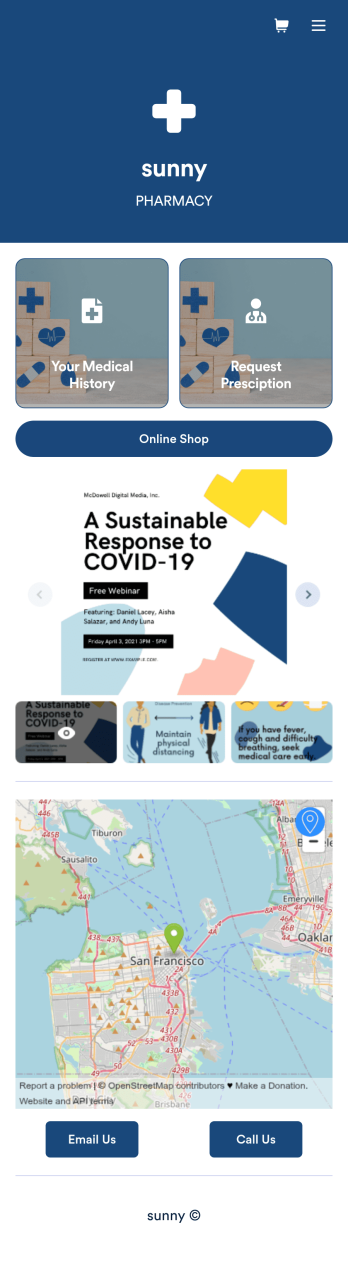
Pharmacy App
A pharmacy app is used by pharmacies for logging patient data and filling prescriptions. Need to know how to sell prescriptions online? Patients can download this Pharmacy App on any device and fill out a form with their personal and medical information, make prescription requests, and schedule COVID-19 vaccination appointments. This app also includes a COVID-19 consent form that patients can digitally sign prior to their appointment. Patient data and prescription refill requests are stored in your secure Jotform account for ease of access.Want to make this app template your own? No problem — just use Jotform’s no-code app builder to drag and drop form elements, choose fonts and colors, upload images, customize your app icon, and more. You can also use your splash screen to add informative content and make announcements. When you're finished customizing, share your app by embedding a link in your website or email newsletter. Manage your pharmacy from one convenient location with this free Pharmacy App from Jotform.
Go to Category:Delivery Apps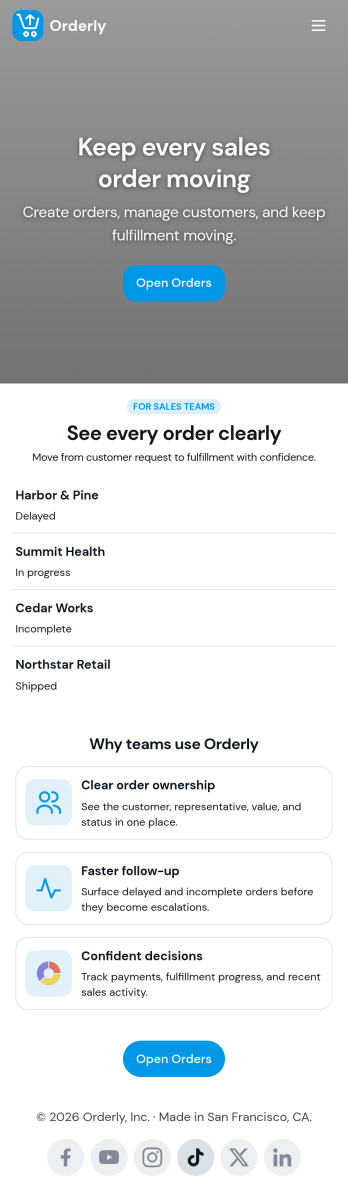
Sales Order App
This Sales Order App provides one convenient location for your customers to place and cancel sales orders. From this readymade app, customers can fill out account and shipping information, choose item and quantity numbers, and pay for their orders by card or PayPal. There is also a separate form for leaving feedback, and you can share testimonials on your splash page. Customers can access and download your app to their smartphone, tablet, or desktop computer for future use.Want to change the look of your Sales Order App? Our drag-and-drop interface makes customization a snap! With a few clicks, you can add forms, choose fonts and colors, upload your own logo, update the app icon and splash page, and more—no coding necessary. With Jotform’s Require Login feature, you can secure your app pages by requiring users to sign in before accessing certain content or features. Once you’re satisfied with your app’s design, simply share a link with your customers and they can start making orders from any device. Simplify your ordering process with this free Sales Order App!
Go to Category:Customer Portal Apps
Alcohol Delivery App
Wondering how to sell alcohol online? With an Alcohol Delivery App from Jotform, your customers can submit delivery details and alcohol orders through a convenient mobile app they’ve downloaded onto their iOS or Android devices. All orders are sent straight to your Jotform account, which sends you automated email notifications — so you and your team can jump on new delivery orders instantly.Customize this Alcohol Delivery App in seconds with our drag-and-drop builder. No coding is required! You can add your products and pricing, including product descriptions or images, and even update the app’s icon, background, fonts, and more for a personalized touch. Sell alcohol online to take your business to the next level and reach a bigger audience with a free Alcohol Delivery App from Jotform.
Go to Category:Delivery Apps