
The Visit Verification Correction App gives field service teams, operations managers, contractors, and mobile workers a central place to record visits and resolve inaccurate information. Users can submit visit details, browse existing visit records, request corrections with supporting evidence, and review the status of each request. This app template is useful when organizations need to address errors involving visit dates, locations, outcomes, or other recorded details without relying on scattered messages and documents. It creates a clearer workflow for workers who report issues and administrators who review changes, helping teams maintain more accurate records, document requested updates, and improve accountability across recurring site visits.
Jotform App Templates make it easy to adapt this experience to an organization’s processes without coding. With Jotform’s no-code app builder and drag-and-drop interface, teams can customize pages, navigation, colors, fonts, and branding while connecting forms and tables for data collection and record organization. The app can be shared through a direct link or QR code for convenient mobile access, giving authorized users a practical self-service resource wherever visits take place. Notifications and connected workflows can also help staff respond to correction requests and keep operational records current.
Related templates
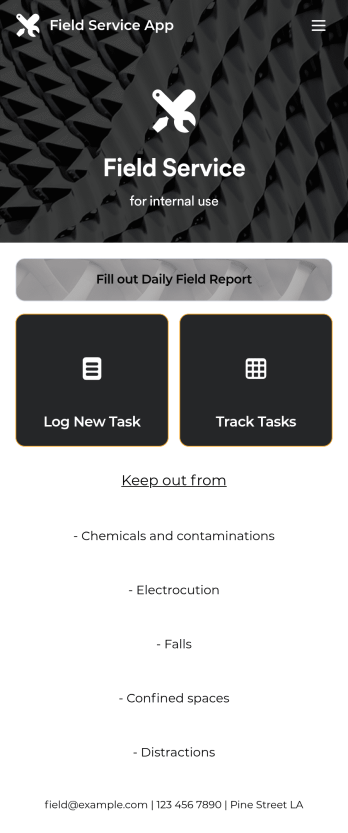
Custom Field Service App
A field service app makes it easier for technicians and other employees who work offsite to submit reports while in the field. Instead of using paper forms or waiting until you’re back at your office computer to submit reports, use this free Field Service App powered by Jotform to work anywhere, anytime. This customizable app template includes forms for submitting daily reports, logging new tasks, and tracking completed tasks. All submissions are instantly synced to your secure Jotform account.Need to modify this Field Service App to meet your needs? Just use our drag-and-drop builder to add forms, links, documents, buttons, pages, text, images, videos, tables, data grids, and much more. When it’s ready to use, download your app onto your smartphone, tablet, laptop, or computer for easy access. You can also share it with others via the app link or email invites. Get work done wherever you are with a custom, easy-to-use Field Service App.
Go to Category:Company Portal Apps
Forest Metrics Calculator App
The Forest Metrics Calculator App is an app template for recording field measurements and reviewing calculated forest indicators in one accessible workspace. Forestry consultants, land managers, field crews, researchers, educators, and conservation teams can use it to document new measurements, browse practical guidance, and view results by tree species. It supports consistent data collection across plots while bringing key figures such as plot area, tree count, average dimensions, and carbon estimates into a clear results view. Formula and notes sections also help users review how each metric is interpreted before using findings in assessments, planning, teaching, or project reports.Jotform makes this App Template easy to adapt with a no-code app builder and an intuitive drag-and-drop interface. Teams can update pages, navigation, visual branding, guidance, and connected forms without programming, then organize the complete measurement workflow for convenient self-service access. The app can be shared through a direct link or QR code and opened on mobile devices, helping crews collect information in the field while office teams access the same connected process. Jotform also supports tables, notifications, approvals, and other workflows when broader review or recordkeeping is needed.
Go to Category:Estimation Apps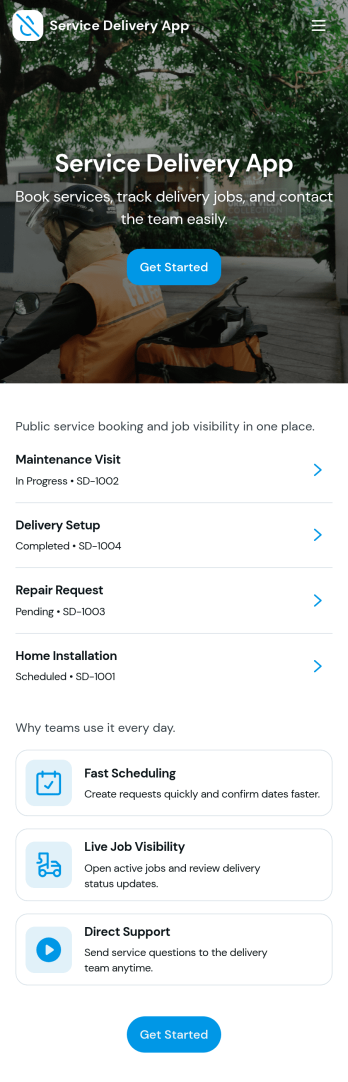
Service Delivery App
Service Delivery App helps service teams capture new requests, keep active jobs organized, and close out completed work without losing track of details. It fits field service providers, internal operations teams, and managed service groups that need one place to collect incoming work and monitor progress from start to finish. With quick navigation to a new request flow and clear sections for active and completed jobs, it supports everyday service delivery when volume is high and turnaround time matters.Jotform makes it easy to turn service workflows into a mobile-friendly self-service experience using App Templates and a no-code app builder. With a drag-and-drop interface, you can tailor pages, buttons, and lists to match how your team works, then connect the app to Jotform forms and tables for consistent data collection and smoother workflow handoffs. Share the app with a link or QR code so customers or staff can submit requests and review updates in one streamlined space.
Go to Category:Online Service Apps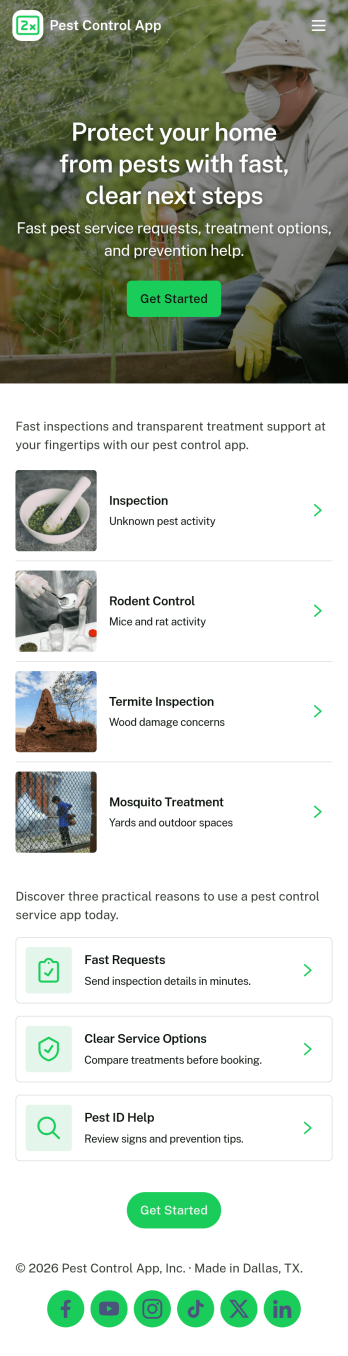
Pest Control App
Pest Control App helps pest control businesses and home service teams offer a simple, customer-friendly way to request treatment, explore common pests, and understand pricing before booking. Visitors can submit a service request, browse pest information to identify what they’re dealing with, and quickly reach your team using built-in contact options like phone, email, and a website link. It’s a practical fit for local exterminators, property managers, and facilities teams who want to reduce missed calls, standardize intake details, and guide customers to the right service faster.With Jotform, you can customize this app template using a no-code app builder and a drag-and-drop interface, then connect it to your forms for consistent data collection. Update service offerings, adjust pricing details, and route requests to the right workflow without rebuilding your process. Share the app through a link or QR code so customers can self-service from any device while your team stays organized with a central place for requests and updates.
Go to Category:Customer Portal Apps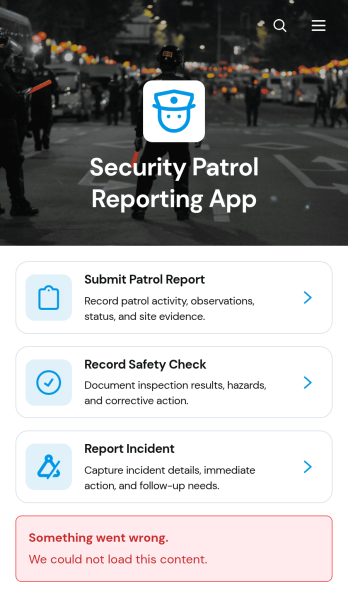
Security Patrol Reporting App
The Security Patrol Reporting App is an app template for documenting patrol activity, safety checks, and incidents across offices, residential properties, construction sites, warehouses, campuses, and other monitored locations. Security officers can submit patrol reports from the field, record inspection findings, and report incidents while details are still current. Supervisors, property managers, facility teams, and security service providers can review records by date, officer, location, status, severity, and follow-up needs. Bringing these activities into one accessible reporting experience reduces missing information, improves visibility across shifts, and helps teams respond to identified concerns.Jotform App Templates make it easy to adapt this reporting experience to an organization’s procedures without writing code. With Jotform’s no-code app builder and drag-and-drop interface, teams can update pages, branding, navigation, and connected forms to suit different properties or patrol assignments. Collected data can feed into tables, notifications, approvals, and related workflows, giving managers a central place to organize reports and monitor next steps. Once ready, the app can be shared with officers through a direct link or QR code for convenient mobile access and field-based self-service.
Go to Category:Report Apps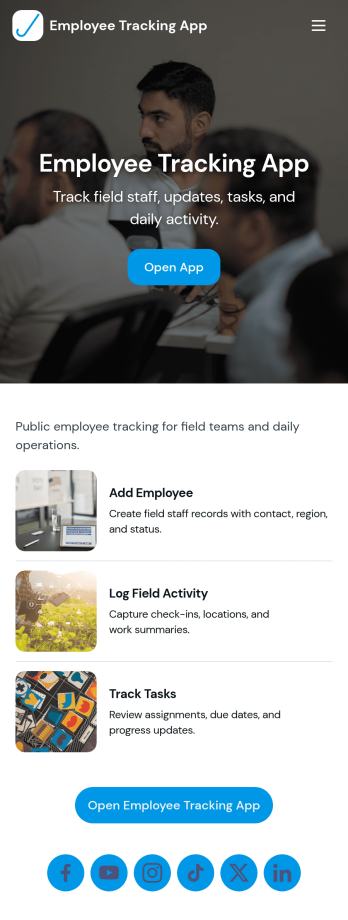
Field Employee Tracking App
Field Employee Tracking App helps teams monitor and coordinate employees who work off-site by keeping key details, check-ins, and daily activity in one place. Use it to maintain an employee list, capture new check-ins from the field, and review activity records without relying on scattered messages or spreadsheets. It fits supervisors managing mobile crews, operations teams overseeing routes or service calls, and HR or admin staff who need a clear view of who is working where and when.With Jotform, you can turn this app template into a branded self-service experience using a no-code app builder and a drag-and-drop interface. Connect the app to forms and tables for ongoing data collection, keep records organized for fast lookup, and share access with the right people through a simple link. As your workflow evolves, you can adjust pages, buttons, and navigation so the app matches how your field team actually works.
Go to Category:Activity Tracking Apps