
The Visual Content Submission App is a ready-to-use app template for collecting, reviewing, and organizing images, graphics, artwork, photography, and other visual materials. Marketing teams can gather campaign assets, event organizers can accept attendee media, educators can receive creative assignments, and nonprofits can collect community stories or promotional content. Contributors can submit visual content through a connected form, while reviewers can browse categorized entries, open submission details, view submission insights, and contact contributors when clarification is needed. This central access point reduces scattered email attachments, makes content easier to find, and supports a more consistent review workflow.
Jotform helps teams turn this App Template into a branded experience without writing code. Using the no-code app builder and its drag-and-drop interface, creators can adjust pages, navigation, cards, buttons, images, and colors to suit an organization or campaign. Forms and connected data collection workflows keep submissions organized, while links and notifications can guide follow-up tasks. Once the Visual Content Submission App is ready, it can be shared by a direct link or QR code for convenient mobile access. The result is a flexible self-service submission channel that brings contributors, reviewers, and visual resources together in one accessible place.
Related templates
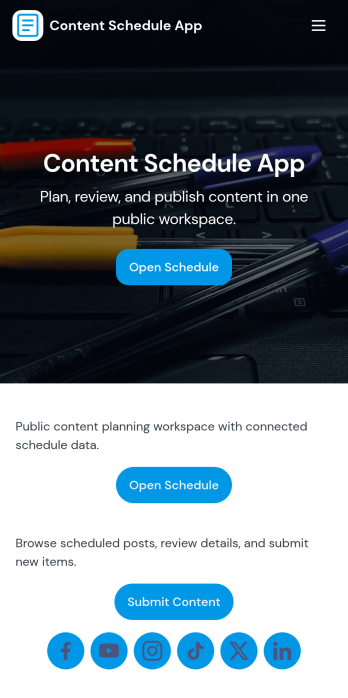
Content Schedule App
A content schedule app brings your publishing plan into one place so teams can create content requests, keep a clear review queue, and see what’s going live next. Use it to organize blog posts, newsletters, social updates, videos, and campaign assets with clear titles and publish dates, then quickly browse planned items in a list view as priorities change. It’s a practical fit for marketing teams, agencies, founders, and comms groups that need simple oversight across multiple channels without losing track of drafts, approvals, or deadlines.With Jotform, you can tailor this app template to match your workflow using a no-code app builder and a drag-and-drop interface. Link the in-app actions to your Content Plan form for consistent data collection, route entries to views like All Submissions and My Submissions, and share a single self-service hub that keeps stakeholders aligned. As your process evolves, you can update pages, navigation, and connected workflows so planning, reviewing, and scheduling stay easy to manage.
Go to Category:Sales & Marketing Portal Apps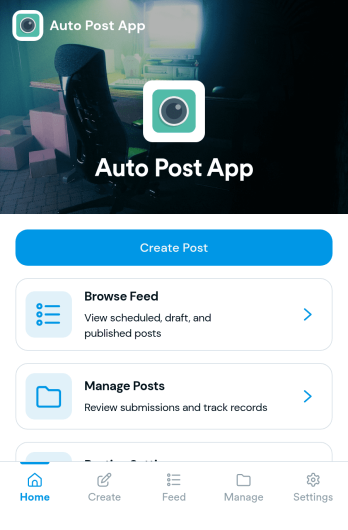
Auto Post App
Auto Post App brings your social content workflow into one place so teams can draft posts, organize what’s coming up, and keep a clear record of what’s already gone out. It’s a practical fit for social media managers, small business owners, creators, and marketing teams who want a simple way to build drafts, move them into a queue, and reference past publishing activity without relying on scattered notes or multiple tools.With Jotform App Templates, you can publish a branded, self-service app experience powered by Jotform’s no-code app builder and drag-and-drop interface. Connect your draft form to collect content details, use lists to review items in your queue and history, and share the app with teammates so everyone follows the same workflow from planning to tracking.
Go to Category:Sales & Marketing Portal Apps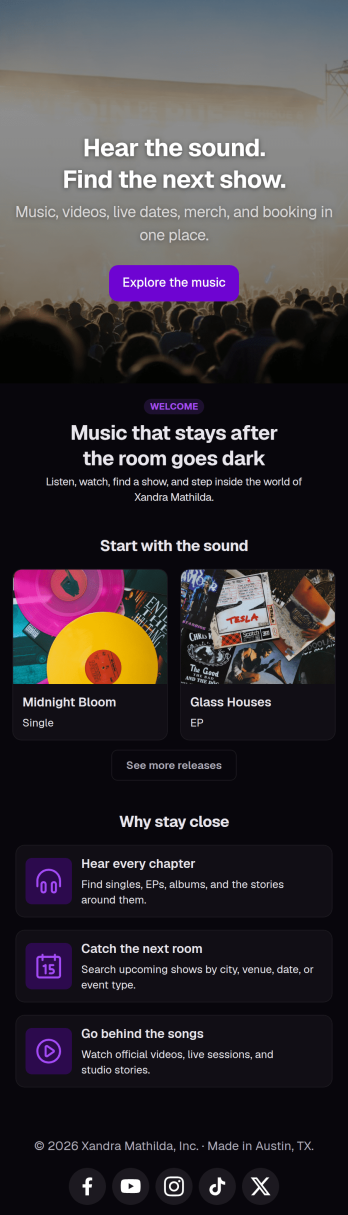
Musician Instagram Bio Link App
Wondering how to sell music online through Instagram? Add ordering links, forms, and more to your Instagram bio with a free Musician Instagram Bio Link App from Jotform. Whether you want to list upcoming concerts, collect orders for your merch store, or share album releases or other announcements, do it in a free downloadable app that followers can access in a single click. All orders and submissions through your Musician Instagram Bio Link App, and forms are stored in your secure Jotform account, ready to view on any device.Need to customize this app template? Add order forms for concert tickets, merch, or to sell music online, links to your website, or other app elements like images, documents, or text boxes at the touch of a button with our drag-and-drop builder. No coding knowledge necessary. Once your Musician Instagram Bio Link App is ready to go, add it to the bio of your music page to give your followers an easy way to access all of your important links at once.
Go to Category:Online Store Apps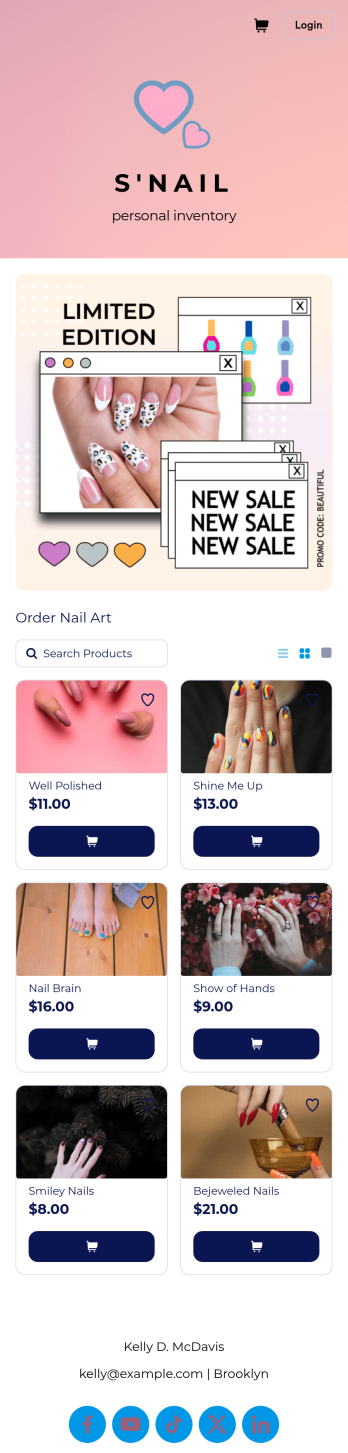
Nail Art Bio Link App
Looking to find out how to sell nail art online? Give your customers an easy way to order nail art through your social media profile page with a free Nail Art Bio Link App from Jotform. By including a custom order form or pre-order form in your app link, you can gather orders and payments seamlessly from your customers on any device. Simply customize this app template to match your branding, add the link into your Instagram bio, and start collecting responses instantly.Make this Nail Art Bio Link App look as flawless as your nail designs with our drag-and-drop app builder. With no coding, you can upload your logo, change colors to match your branding, integrate your payment forms with 30+ popular payment processors to sell nail art online, and make other changes in a matter of minutes. Then just copy and paste your custom Nail Art Bio Link App into your Instagram bio, and you’re good to go!
Go to Category:Social Bio Link Apps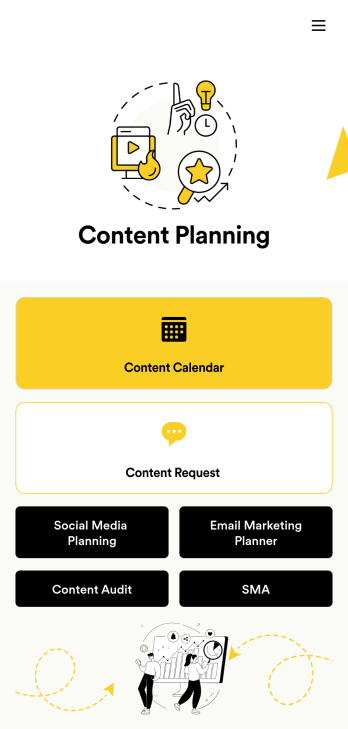
Content Planning App
A content planning app is commonly used by marketing teams to manage content calendars. With Jotform Apps, you can build your own Content Planning App for free. Add a content calendar, brainstorm notes, content audits, and so much more. You can even integrate your app with 250+ platforms to send data straight to your other marketing accounts — all with no coding required.Customizing your Content Planning App is easy and intuitive with Jotform’s drag-and-drop builder. Add or remove forms, switch up fonts and colors, choose a unique app icon, upload branding assets and images, and so much more. Once you’re happy with your app, all you need to do is share it with your team. Embed it in your online workspace or send it via link so your team members can download it to their mobile, tablet, or desktop device.
Go to Category:Company Portal Apps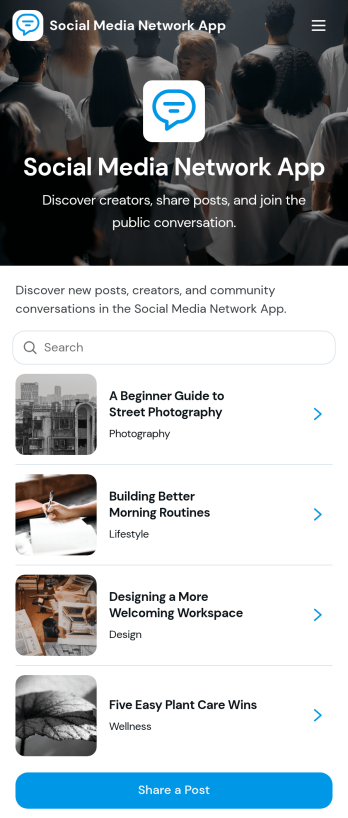
Social Media Network App
Social Media Network App brings a community-style social space into one simple, shareable experience so people can post updates, explore creators, and discover new messages as they’re published. It works well for creator communities, clubs, nonprofits, internal culture groups, alumni networks, and niche interest spaces that want a lightweight feed where members can share posts, publish profiles, and browse what others are talking about without complicated setup.Built with Jotform, this app template helps you launch a mobile-friendly social hub using App Templates and a no-code app builder with a drag-and-drop interface. Connect your app to forms and workflows for data collection, then organize posts and creator profiles into scrollable lists and cards that are easy to navigate. Share your Social Media Network App with a link, keep content organized in one place, and update the experience anytime as your community grows.
Go to Category:Community & Engagement Portal Apps