
The Voice Response Collection App provides a central place for collecting, reviewing, and organizing spoken feedback from respondents. It is useful for researchers, educators, customer experience teams, community organizations, consultants, and managers who want more context than a written answer may provide. Participants can submit a voice response through a connected form, while authorized users can browse all responses and open individual records containing the respondent name, prompt, email address, and recording. This setup supports interviews, testimonials, classroom reflections, qualitative research, employee feedback, and audience engagement without scattering recordings across separate channels.
Jotform Apps helps teams turn this process into a mobile-friendly experience without writing code. Start with this app template, personalize its pages and navigation through the drag-and-drop app builder, and adjust colors, fonts, and visual elements to suit your organization. Connected forms and data collection tools keep incoming responses organized within a practical workflow, while buttons and lists make submission and review easy to navigate. The finished app can be shared by direct link or QR code, giving participants convenient self-service access and helping teams maintain one consistent destination for voice input.
Related templates
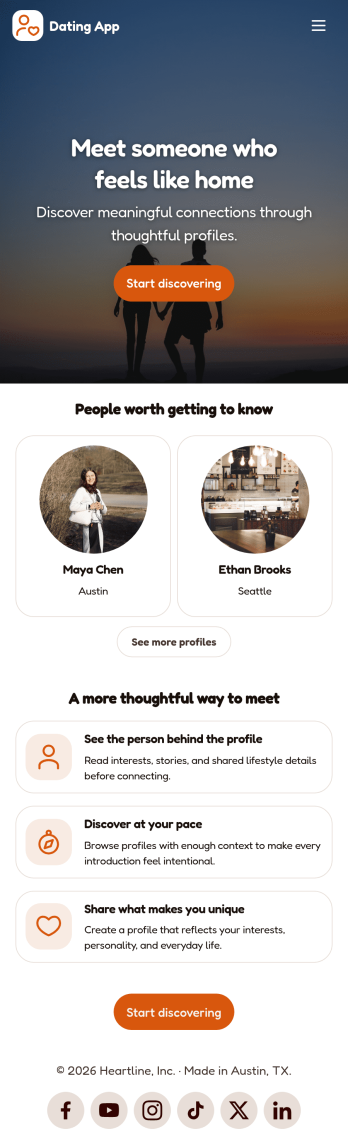
Dating App
Dating App helps you create a simple, mobile-friendly space where people can discover profiles, learn the basics at a glance, and take the next step to connect. It’s a practical choice for community organizers, niche social groups, matchmakers, and entrepreneurs who want a lightweight way to present dating or connection information without building complex features. Use it to highlight introductions, share guidelines, and point users to the right place to start a conversation or request more details.With Jotform, you can publish polished App Templates using a no-code app builder and a drag-and-drop interface that makes updates easy as your community grows. Customize the look and feel, adjust your page content in minutes, and support your workflow with connected data collection when you add forms later. Share your app with a link or QR code so users can access it anytime for quick self-service.
Go to Category:Community & Engagement Portal Apps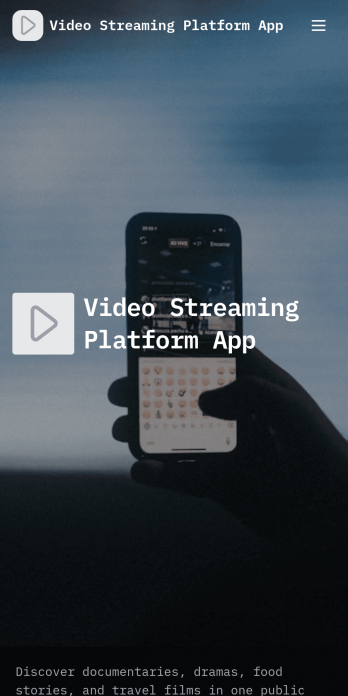
Video Streaming Platform App
Video Streaming Platform App brings your video library into one place so viewers can discover content and creators can contribute new uploads without confusion. Use it to publish a public video collection for a community, classroom, organization, or media team, with simple navigation for browsing by category and keeping up with the latest uploads. It’s a practical fit for influencers sharing series content, nonprofits spotlighting stories, training teams curating tutorials, or event organizers posting session recordings, while keeping the experience easy for audiences to explore.With Jotform App Templates, you can launch this experience quickly and tailor it to your brand using Jotform’s no-code app builder and drag-and-drop interface. Connect the app to a video submission form for data collection, manage entries in your workflow, and share the finished app through a link or QR code for self-service access on any device. Update categories, featured content, and pages anytime, so your streaming-style hub stays current as your library grows.
Go to Category:Entertainment Apps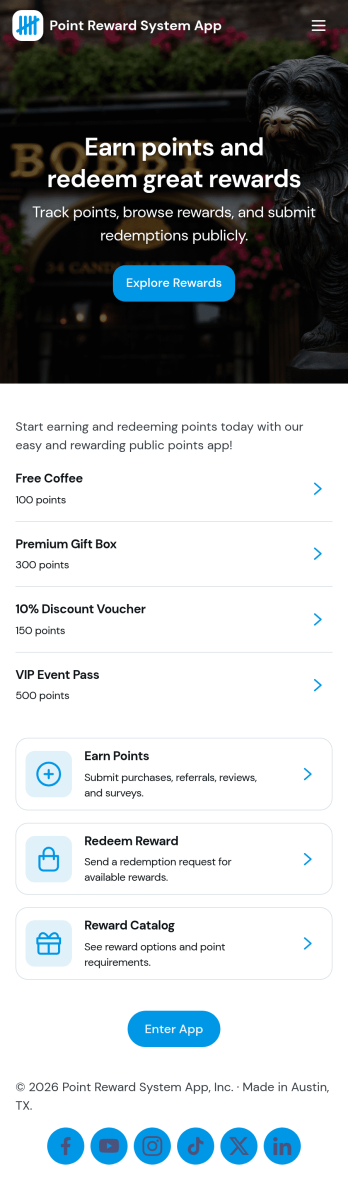
Point Reward System App
Point Reward System App helps businesses and organizations run a simple loyalty-style points experience where people can earn points, view available rewards, review activity, and redeem rewards from one place. It’s a practical fit for retail shops, gyms and studios, cafés, online communities, and internal teams that want to encourage repeat engagement without juggling scattered spreadsheets or manual updates. With dedicated areas for earning points, browsing rewards, and checking activity, users can understand how points are gained and what they can redeem next.Built with Jotform, this app template pairs a no-code app builder with a drag-and-drop interface so you can tailor the flow to your program in minutes. Connect the app to forms and tables for data collection and ongoing tracking, then share it as a self-service experience for customers or employees. You can also keep point entries organized in one place, update reward options as your program evolves, and maintain a clear workflow from point entry to reward redemption.
Go to Category:Community & Engagement Portal Apps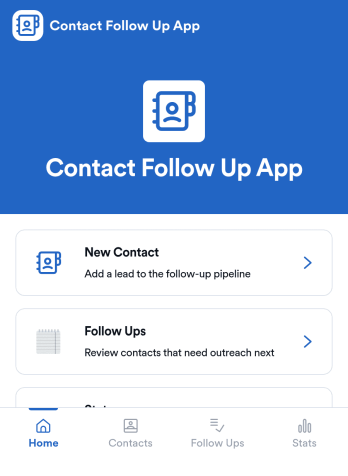
Contact Follow Up App
Contact Follow Up App helps you capture new leads and keep every conversation moving forward without losing track of who needs a reply. It’s built for sales reps, small business owners, agencies, and client-facing teams who juggle outreach across events, referrals, inbound inquiries, and repeat customers. With a simple New Contact entry point and a dedicated Follow Ups area, you can quickly log contact details, review people who need attention, and open an individual contact view when it’s time to act.Jotform makes it easy to turn this kind of follow-up workflow into a shareable, branded experience using a no-code app builder and a drag-and-drop interface. Connect your app to forms and tables for consistent data collection, keep information organized in one place, and publish updates fast as your workflow evolves. Whether you’re tracking lead status, prioritizing outreach, or reviewing simple stats, Jotform app templates help you deliver reliable self-service and internal processes without extra tools.
Go to Category:Customer Engagement Apps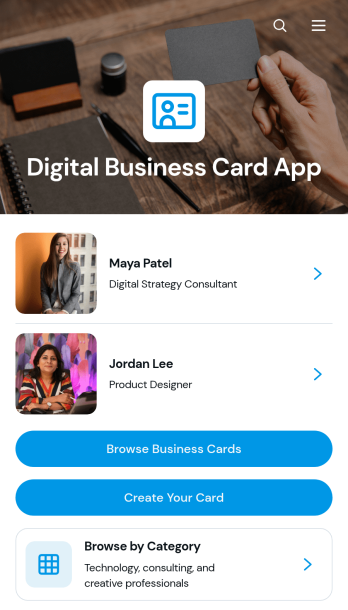
Digital Business Card App
The Digital Business Card App is a mobile-friendly directory for creating, publishing, and discovering professional profiles. Individual professionals, consultants, agency teams, networking groups, and business communities can use it to make contact details easier to share and explore. Visitors can browse business cards, filter profiles by professional category, and contact a listed person by email, phone, or website. It is well suited to conferences, membership networks, referral groups, company directories, and lead generation campaigns where printed cards are inconvenient or quickly become outdated. Centralized profiles help people present consistent information while giving prospective clients, partners, and peers a convenient way to connect.Jotform Apps makes the Digital Business Card App easy to adapt with a no-code app builder and an intuitive drag-and-drop interface. Start with this app template, update the pages and branding, connect forms for profile data collection, and organize records through related Jotform workflows. Teams can add useful links, adjust navigation, and publish changes without rebuilding the experience from scratch. Jotform App Templates also support self-service access through a direct link or QR code, helping users share a polished professional directory across mobile and desktop devices.
Go to Category:Social Bio Link Apps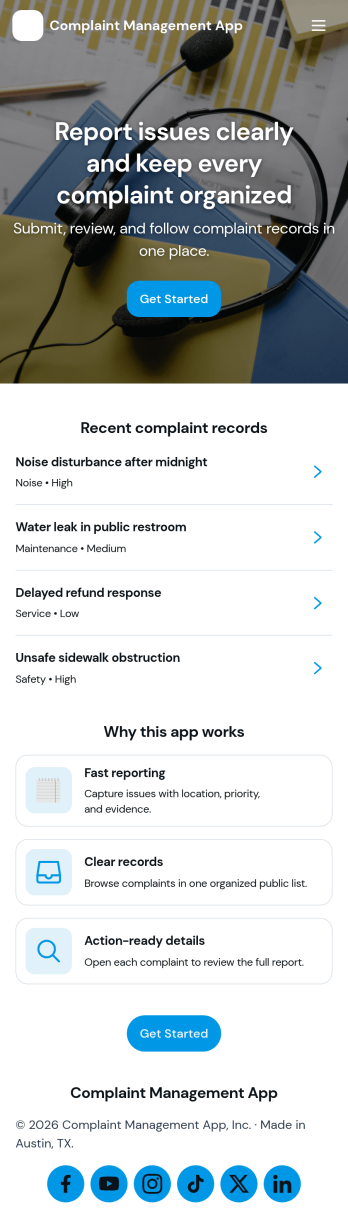
Complaint Management App
Complaint Management App helps organizations capture, organize, and follow up on customer or employee complaints in one place. It supports a simple intake experience with a Submit Complaint page, a Browse Complaints area for reviewing records, and a Support Contact page for quick escalation when someone needs help. Use it in retail, hospitality, property management, internal HR operations, or any service team that wants clearer visibility into issues, faster handoffs, and more consistent responses across locations or departments.Jotform makes it easy to turn this app template into a branded self-service experience with a no-code app builder and a drag-and-drop interface. Connect your complaint forms to the app, keep information organized, and share a single link or QR code so people can submit issues and teams can review them from anywhere. With Jotform, you can update pages, adjust what you collect, and refine the workflow as your support process evolves.
Go to Category:Customer Portal Apps