
The Website Review Intake App is an app template for collecting, organizing, and reviewing feedback about websites in one accessible location. It suits web consultants, marketing teams, design agencies, freelancers, quality assurance teams, and internal project stakeholders who need a consistent review intake process. Users can submit a website review, browse recorded reviews, open individual entries, and contact a reviewer by email when clarification is needed. This creates a dependable workflow for evaluating navigation, content, usability, presentation, and improvement opportunities without relying on scattered messages or documents. Teams can use the collected recommendations to prioritize revisions, document stakeholder input, and keep website projects moving.
Jotform provides a no-code app builder that makes this template easy to adapt through a drag-and-drop interface. Add branded content, revise navigation, update review questions, or connect forms and tables without writing code. The app can support data collection and self-service access while keeping review records available through a mobile-friendly experience. Once customized, it can be shared with clients, employees, contractors, or project partners using a direct link or QR code. Jotform App Templates also connect with approvals, notifications, and other workflows, helping teams turn submitted website feedback into organized follow-up actions.
Related templates
Incident Reporting App
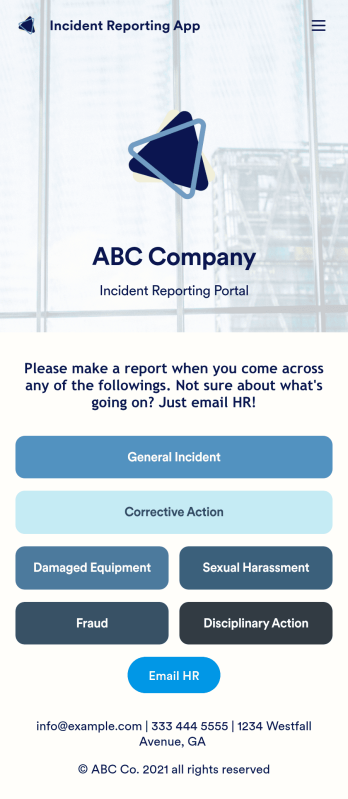
Reporting workplace incidents helps address safety hazards and prevent future accidents. Create a custom Incident Reporting App for your company with our free readymade template. This app features report forms for general incidents, fraud, and corrective and disciplinary actions. You’ll be able to customize and share your form with other managers or supervisors, who can then access, download, and interact with your app from any device. This Incident Reporting App is ready to use as if — but feel free to make modifications using our drag-and-drop interface. Without coding, you can add new report forms, update text, upload images, and change the name, icon, and splash page of your app. When it’s ready, you can access your app from any smartphone, tablet, or computer and share it with others via link. Make it easier to record, report, and respond to incidents at your workplace with a custom Incident Reporting App!
Go to Category:Report Apps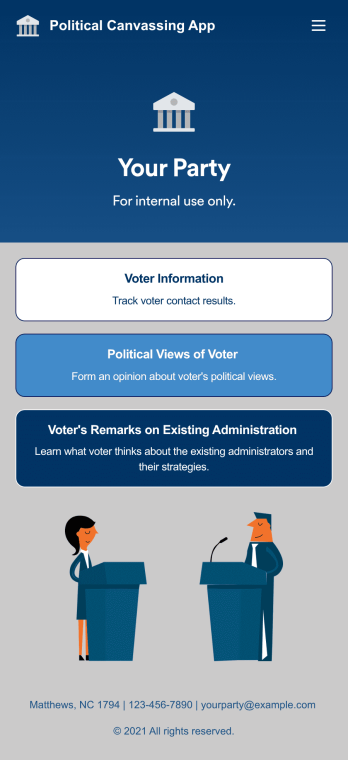
Custom Political Canvassing App
A political canvassing app is used by political parties and candidates for collecting voter information during elections. This free Political Canvassing App from Jotform includes three forms: a Political Canvassing Debriefing Form for tracking voter information, a Political Survey for gauging voters’ political views, and a Political Poll to to learn where voters stand on the current administration and their strategies. Results are instantly synced and compiled in your secure Jotform account.This app template is ready-made and requires no coding, but customizing is easy with our drag-and-drop form builder. You can add or swap out form elements, change poll and survey questions, choose fonts and colors, upload your campaign’s logo, and more. You can also personalize your app’s splash screen by adding images, contact information, and any other relevant campaign information. When you’re finished, share a link to your app on your website or social media, or attach it to a newsletter or mailing list, where it can be accessed and downloaded on any device. Empower your campaign with voter surveys and polls using this fully-customizable Political Canvassing App.
Go to Category:Report Apps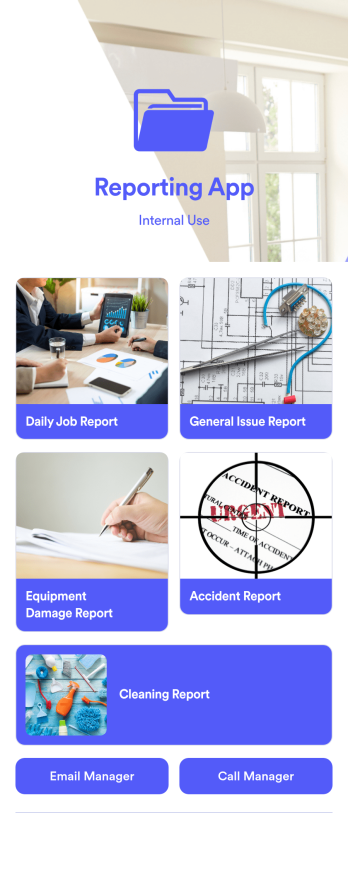
Reporting App
A reporting app is used to track and manage reports — including general daily reports, incident reports, equipment damage reports, employee write ups, and more. To create your own custom Reporting App, use this ready-made template from Jotform. Include your report forms, inquiry forms, contact forms, and more.Need to change the look and feel of this Reporting App Templates? No problem. Jotform Apps offers an intuitive drag-and-drop builder so you can make any design or content changes. Add or remove forms, select a unique app icon, integrate with widgets and platforms, choose a background image or color, and so much more. Streamline your reporting processes with Jotform Apps today.
Go to Category:Company Portal Apps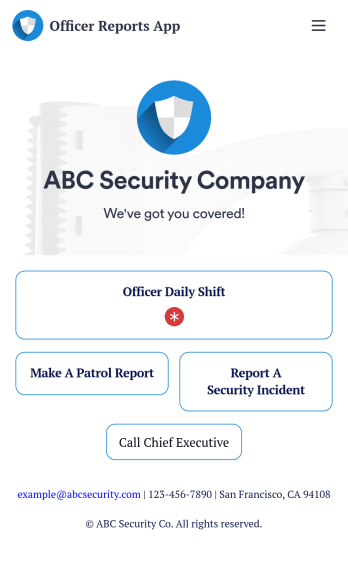
Officer Reports App
An officer reports app is used by security companies to track and manage reports from their security officers. Downloadable on any device, this free Officer Reports App from Jotform makes it easy for officers to report security incidents, submit a patrol report, or complete a daily shift form. As the company manager or owner, you can then view their submission securely from your online Jotform account.Need to customize this app’s template? Drag and drop to include more forms or spreadsheets, personalize visual elements like the icon or splash screen, and make other changes with no coding. Submissions are protected with Jotform’s advanced security features, so you can rest easy knowing your data is kept safe. Save time by switching from paper forms to online forms with this free Officer Reports App.
Go to Category:Report Apps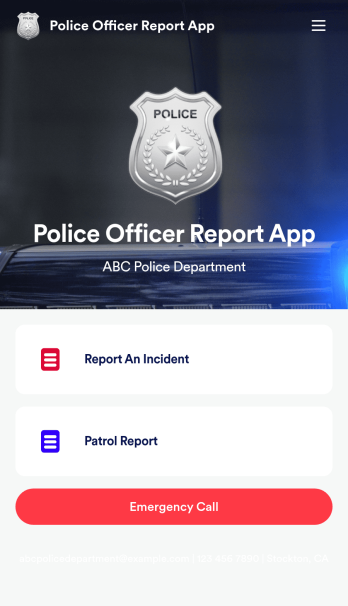
Police Officer Report App
A police officer report app is used by members of law enforcement to report an incident or submit patrol reports. By entering important information like date, time, officer ID, and the people involved in the incident, your department can keep a thorough record of incidents with this free Police Officer Report App from Jotform! All reports are stored securely in your Jotform account and easy to view on any device.Make changes to this app fast with our drag-and-drop builder. Personalize the design by adding a new logo, including extra forms to gather additional details, and customizing other elements to meet your specific needs — then share the app with a link so it can be downloaded to each officer’s computer, tablet, or smartphone. Ditch paper forms and enjoy a faster, more secure way to file incident reports with this free Police Officer Report App.
Go to Category:Report Apps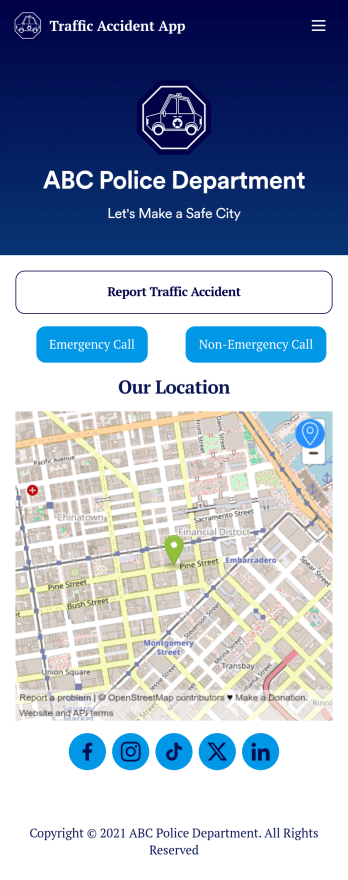
Custom Traffic Accident App
A traffic accident app is used by private citizens to record the details of a traffic accident to give to the police. This free Traffic Accident App contains a form where drivers can take down general contact information for both parties, describe any bodily injuries or vehicular damage, draw a diagram of the accident site, and provide a digital signature. There is also space to add any witnesses who may have been on the scene.Need to change a few things? Using our drag-and-drop interface, you can easily add forms and text, choose fonts and colors, upload images, and more — all with no coding. Accident reports are stored securely in your online account and can be accessed on any device to share with the police. You can even share your report via link or attach it to an email. Provide a thorough description of a traffic accident this fully customizable Traffic Accident App.
Go to Category:Report Apps