Workplace Program Evaluation App provides HR teams, program managers, department leaders, and organizational development professionals with a central place to assess internal initiatives. Employees and evaluators can browse available workplace programs, review their focus, submit evaluations, and view collected insights without relying on scattered documents or email threads. It is well suited to training programs, wellness initiatives, employee engagement activities, leadership development, and other internal efforts that require consistent feedback. By bringing program information and evaluation activity together, the app helps organizations identify strengths, uncover improvement opportunities, and support informed planning.
With Jotform Apps, teams can adapt this app template through a no-code app builder and an intuitive drag-and-drop interface. Pages, navigation, forms, visual elements, and connected workflows can be updated to reflect evaluation goals and company branding. Evaluation data can connect with Jotform Tables and related processes for organized review, while notifications help relevant stakeholders stay informed. Publish the finished Workplace Program Evaluation App by direct link, QR code, or embedded experience to provide convenient mobile-friendly access and encourage employee self-service.
Related templates
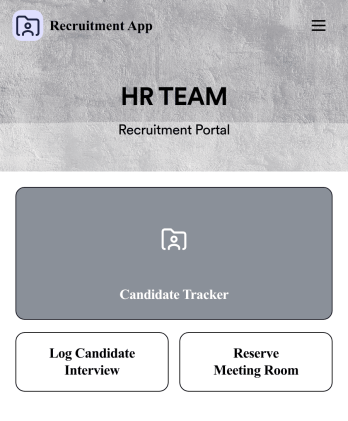
Recruitment App
A recruitment app streamlines the hiring process for HR teams on any device. No matter what roles your team is hiring for, get started with an all-in-one Recruitment App powered by Jotform! This free, ready-to-use app template works hand-in-hand with a Job Application Form and stores submissions in a Candidate Tracker. You and your recruiting team will also be able to schedule and log interviews through the app. All form responses will be securely stored in your Jotform account in a spreadsheet, calendar, or as easy-to-read cards.Customize this app template to match your branding and meet your HR needs. No coding necessary — simply drag and drop to add forms, links, documents, buttons, images, and much more. You can also change the app icon, name, and splash screen to match your branding. When it’s ready to use, share the app link with members of your recruiting team or send email invites. Your Recruitment App can be downloaded onto any smartphone, tablet, laptop, or desktop computer for easy access to your HR team’s tools and resources.
Go to Category:Company Portal Apps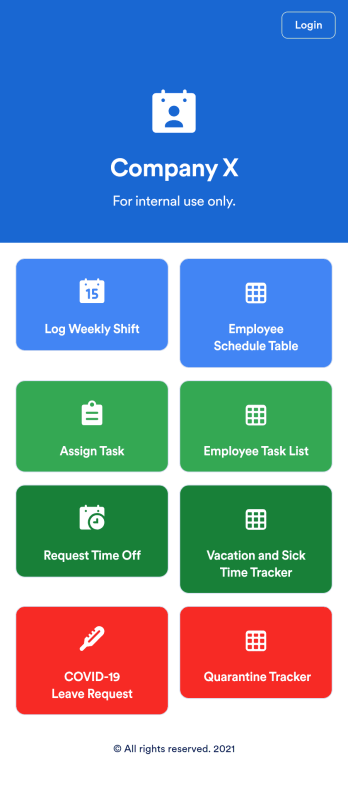
Employee Scheduling App
An employee scheduling app is used by company HR, department managers, and employees for keeping track of employee data. This Employee Scheduling App from Jotform comes bundled with four useful forms, allowing employees to log weekly shifts, view assigned tasks, manage leave requests easily with Leave Request Form, and take time off to quarantine from COVID-19 exposures. Each form includes a companion spreadsheet where employee data is stored — allowing managers to easily sort, filter, and search through entries from any smartphone, tablet, or desktop.Make this app template your own with Jotform’s intuitive app builder. Just drag and drop to add or change form elements, edit the content of individual forms, upload your company’s logo, and more — all without any coding. You can also use your app’s splash screen for things like company-wide announcements or listing HR contact information. Once you’re finished, share your app with employees by attaching a link to an onboarding email or embedding it in an employee portal. Streamline scheduling and time-off requests with this fully-customizable Employee Scheduling app that can be downloaded on any device.
Go to Category:Human Resources Apps
Employee Training App
Monitor your employees’ training progress from a central location with Jotform’s free Employee Training App. Employees can download this app onto any device and document when they’ve completed individual training courses, as well as evaluate the effectiveness of their courses and instructors with a detailed checklist. HR can track employee training statuses and attendance using built-in Jotform Tables spreadsheets.Customize this ready-made app template to match your company’s branding without any coding knowledge. Simply drag and drop to add or change form fields and checklist items, create additional pages, choose fonts and colors, personalize the app icon and splash screen with your unique branding — and much more. After you’re finished, simply embed your app in an internal company website or send out email invites to new employees during the onboarding process. Make sure your employees are getting the training they need with this fully-customizable Employee Training App from Jotform.
Go to Category:Company Portal Apps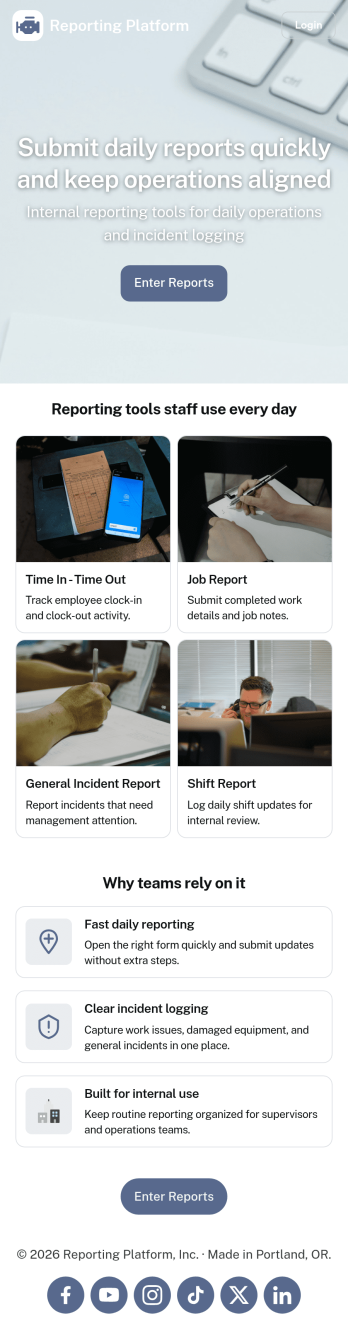
Daily Report App
A daily report app is used by employers to track shift reports, hours worked, and other types of job reports. If you need a more efficient way to collect and manage reports, do it with this ready-made Daily Report App. Simply customize the app if you need to and share it with your employees to download onto their smartphone, tablet, or computer.Customizing this Daily Report App is easy. Jotform’s drag-and-drop app builder lets you add your logo, update forms, change the app background and icon, and make other design changes with no coding required. And if you want to send reports to other platforms, you can do it automatically with 100+ form integrations.
Go to Category:Human Resources Apps
Custom Employee Onboarding App
An employee onboarding app makes it easier to integrate a new employee into your company by making important internal resources available on any device. Simplify the transitional period and successfully onboard new hires with a fully custom Employee Onboard App powered by Jotform. This ready-to-use mobile app includes a table for tracking onboarding progress, company photos and social links, and a separate page with team contact information. New hires can download the app onto their mobile device or computer for easy access at any time.Customize this Employee Onboarding App for your company in just a few clicks. Without coding, you can use our drag-and-drop builder to add forms and tables, embed links, upload documents and training videos, create new pages, update fonts and colors, and much more. When your app is ready to use, it can be sent directly to new hires via email invites or the app link. Successful employee onboarding can be the key to business success — so get started with an efficient, easy-to-use Employee Onboarding App tailored to your company.
Go to Category:Company Portal Apps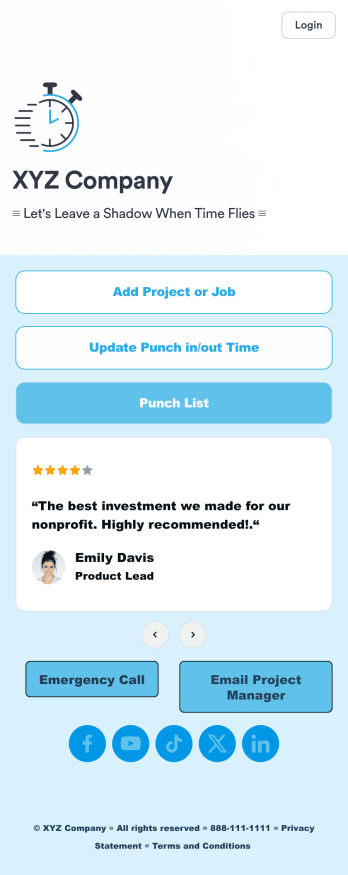
Customizable Punch In Out Timesheet App
Ditch paper timesheets with our free Punch In/Out Timesheet App! Employees can clock in or out for their shifts using the app on a company tablet or computer. As account owner, you’ll receive instant notifications for each new form submission, so you’ll know if any employee is late or leaving before their scheduled time. You can see all entries in spreadsheet, calendar, or card view using the attached Punch List Template for Jotform Tables.Customize your Punch In/Out Timesheet App in just a few minutes. Without any coding, you can use our drag-and-drop interface to add new forms, include a link to your timesheet, update the app text and design, embed links, and more. When your app is ready to use, keep it open on a company device for employees to use as they start their shift. Make employee management a breeze with a Punch In/Out Timesheet App for your company.
Go to Category:Company Portal Apps