

Introducing… Data Export! We have just released a new feature that makes it easier to manage your submissions and your data.
With Data Export, you can now download all of your forms as HTML files, your submission data as a CSV file, and uploaded files, all in a single .zip file. Move all of your data onto your desktop for deeper analysis without having to individually download each submission. Or share your data with colleagues by sending it to them in a single file.
To access this feature,
- Go to Account Settings > Data.
- Click Download My Data.
- Next, on the Export Data screen, select Prepare My Data to Download.
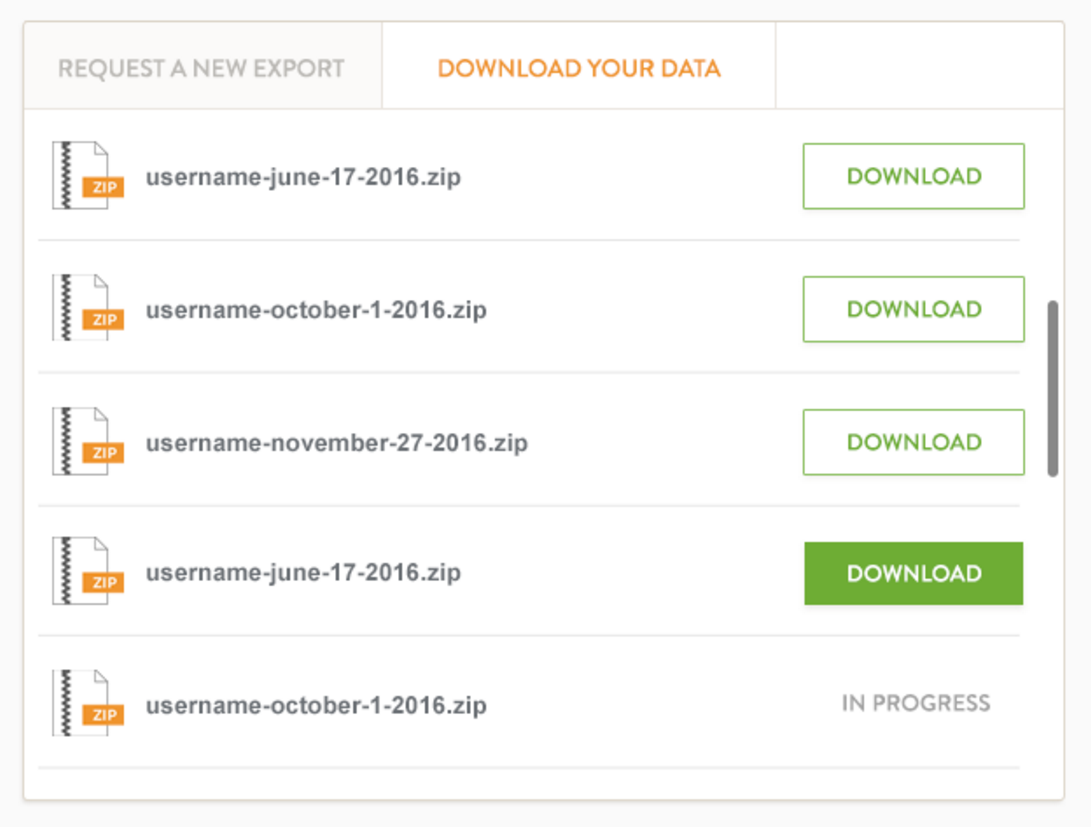
- When the .zip file is ready, you’ll receive an email notification with a link to the file. You’ll also be able to find every file you’ve ever requested under Download Your Data.
Jotform is designed to simplify your workflow and make your life easier. All of your data is always at your fingertips, and with Data Export, now you can quickly move big batches of it at once.
Besides conveniently exporting your data, how else do you keep your data organized? Let us know in the comments!














Send Comment:
17 Comments:
July 22, 2016
i need demo video
June 22, 2016
Hi. Just tried the download feature. When I tried to open the 14 mb zipped archive I received, message said "This folder is empty."
June 21, 2016
The data received is still totally encrypted, so this doesn't appear to be much help if you are using encrypted forms.
June 21, 2016
I have a BRONZE account. Data download not working, period. The downloaded data file folder cannot be extracted as the file is described as INVALID.
June 3, 2016
is there a way to 'auto purge' (remove data based on a filter) that automatically runs...this would be to help limit these export sizes.
June 3, 2016
So how do I get the HTML code to down load to my go-daddy website?
June 2, 2016
I followed your procedure and cannot open the downloaded file. File shows size but no data. Cannot extract files. Can you help?
Thanks!
Tom
June 2, 2016
Great ! You rock !
May 31, 2016
منو ابن ام جاسم
May 31, 2016
How to get folder submission? example in a folder have 6 forms, how to get all these 6forms submission in one csv file?
May 29, 2016
Nous aurions préféré un flux automatique sur le rapport Excel. Car l'intégration Google Sheet ne permet pas d'obtenir un classeur Excel fiable. En effet, les données obtenues par QueryTables sont transformées de façon non aléatoire et bizarre. Remplacez l'intégration Google Sheet par une intégration Excel.
May 29, 2016
update to previous post. It worked with Microsoft Edge so I am ok. It wasn't working with Chrome.
Thanks.
May 27, 2016
COOL
Now you just miss how to download your rule set for your forms, when you have build complex ones.
May 26, 2016
update to previous post. It worked with Microsoft Edge so I am ok. It wasn't working with Chrome.
Thanks.
May 26, 2016
Hi this sounds great but it is not working for me. When I click Download Data nothing happens. I can start a new forum posting if you prefer.
Thanks for your help.
May 26, 2016
Hi Aytekin,
What is the benefit of HTML files when I downloaded them on my desktop?May 25, 2016
This is a great feature! It would be much more useful if you made it available for a single form submission in addition to all data.