

Today, we are releasing a Google Drive App for Jotform.
Once you install this app you can create Jotform forms from your Google Drive account. It is a great way to integrate your forms with with Google Drive. You can then access your form submissions and uploaded files from Google Drive.
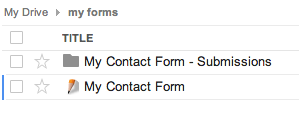
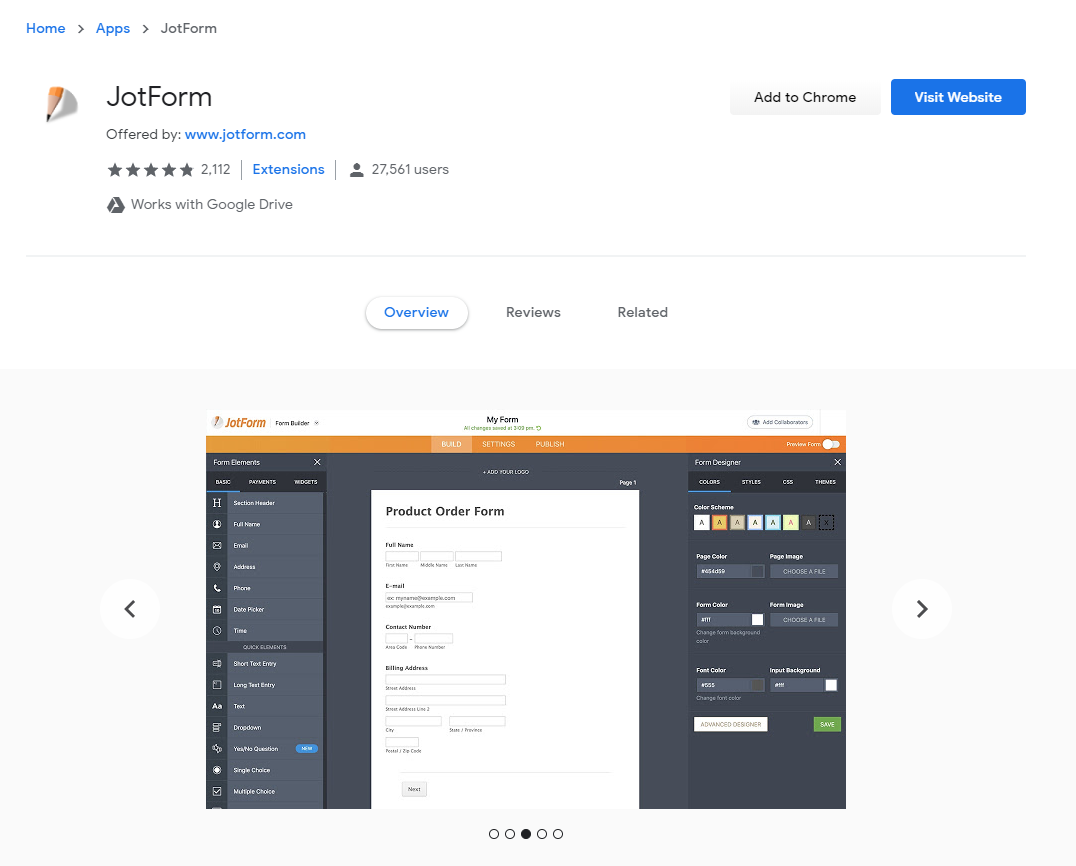
To install the Google Drive App you can click on Create button on Google Drive and then click Connect more apps. You can also install this app from Chrome Web Store.













Send Comment:
13 Comments:
April 14, 2015
How to uninstall from google drive and close account.
July 21, 2013
How I wish you guys can help with having extensions for Firefox users...
July 3, 2013
I connected to Jotform on my Google Drive, but it is not appearing in my Create menu.
Is there a step that I am missing?
April 20, 2013
I can't get my form why?
April 15, 2013
I would like to wirte the information filled on jotform to a database. Is it possible? How can I do it?
April 13, 2013
Any way to get the excel reports more easily accessible?
April 13, 2013
Is it possible to automatically download all the attachments submitted to Jotform with this app?
April 11, 2013
Greeeaaaaatttt
April 10, 2013
Me too, I'd also like to import an existing Jotform into Google Drive. Is this possible?
Can you clarify what the app can and cannot do. For example, when installing I got the following warnings/messages about what Jotform can do
"View and manage any of your documents and files in Google Drive"
"View and manage your spreadsheets in Google Drive"
Obviously these are no-no's as is, unless technically it is only possible for forms created with Jotform.
It's a great idea, can you kindly clarify.
April 10, 2013
is very good!
April 9, 2013
Your creations are amazing! And I hope for you make sure my clients forms submitted are secured from any threats!. I love the fact how easy it is to make forms with Jotforms. Thank you!
April 9, 2013
Is there any way to take existing forms and make them appear in the GoogleDrive environment?
April 9, 2013
Can you move the form around within your Google Drive heirarchy?