
If you’re using Tally forms to collect leads, invoices, internal requests, or reports, you might be dealing with a common problem. The forms probably work, but the follow-up usually lags. Someone tries to fill something out and then sends you a question or update on WhatsApp, and you miss it.
That’s why teams are desperately trying to set up Tally WhatsApp notifications. They want to avoid missed submissions, reply faster, and spend less time refreshing tabs.
The only problem? Tally doesn’t have a dedicated WhatsApp integration. So if you’re trying to get WhatsApp notifications from Tally, you’re really looking at workarounds and automation tools to handle something Tally was never built to support natively.
How to get WhatsApp notifications from Tally: The options
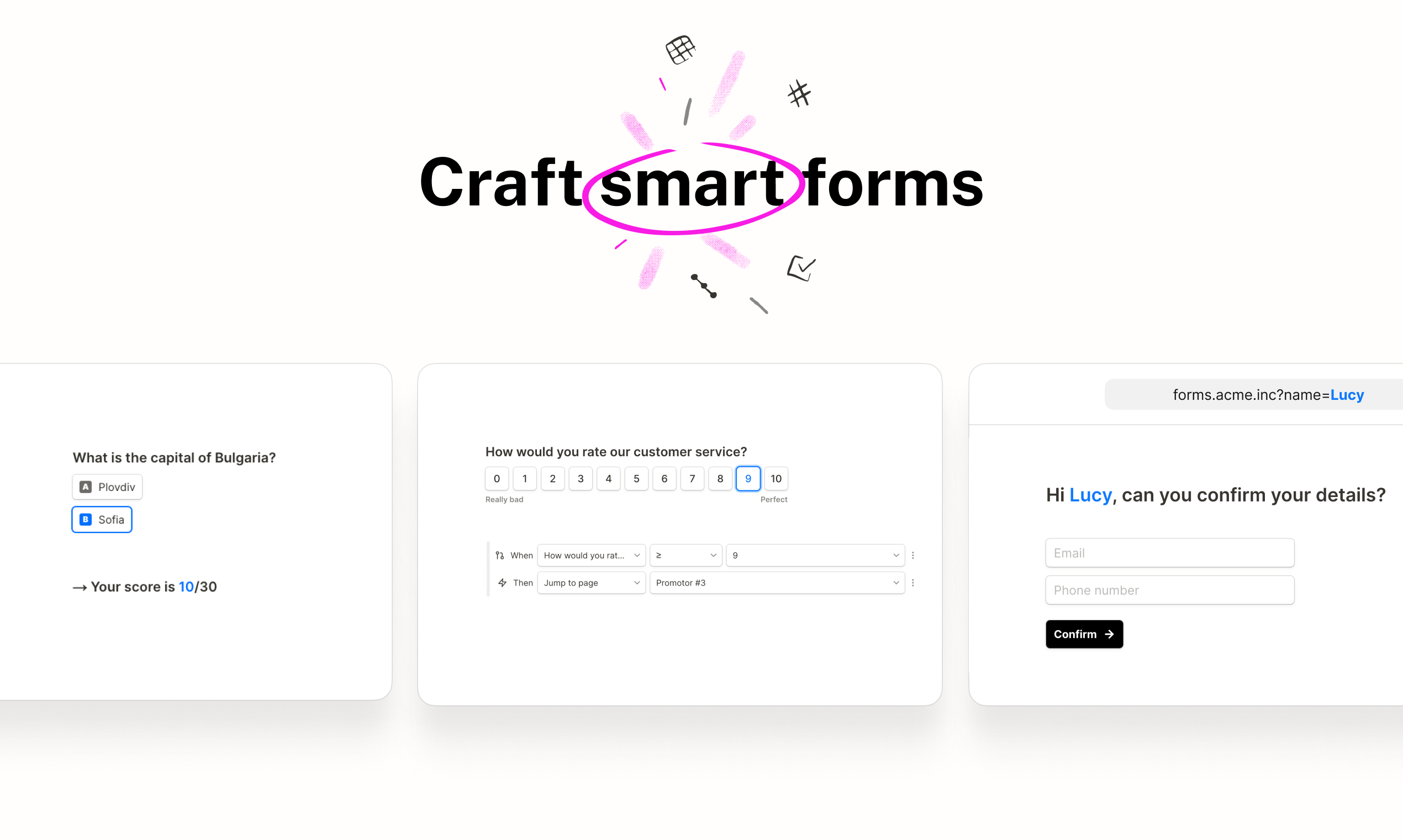
Tally was never meant to send WhatsApp messages, so any method of setting up Tally WhatsApp alerts is really a workaround. When someone says they’ve set up Tally WhatsApp notifications, what they’ve actually done is added another tool in between. That extra tool keeps an eye on new submissions and sends a WhatsApp message when something changes. Most setups end up following the same basic pattern:
- A Tally form gets submitted.
- A separate service notices the submission.
- That service sends the WhatsApp message.
Using automation tools (Zapier, Integrately, Relay.app)
If you want something up and running quickly, using an automation tool is the fastest way to do it. Zapier, Integrately, and Relay.app all let you connect Tally to a WhatsApp integration with minimal setup.
You build the form, hook it up, select “new submission,” write the message, connect a few fields, send yourself a test, and move on. At first, everything seems fine. Messages come through. Nothing looks broken.
What doesn’t stand out right away is how sensitive this setup can be. Most WhatsApp actions run through WhatsApp Business API services, which come with rules you notice only after something stops working. Message templates start limiting what you can say. Field names have to match exactly. One small change to the form can quietly knock the whole thing out of sync.
The bigger issue is maintenance. Change your form structure and the automation might stop behaving. A workflow can fail without a visible error, so you find out only after a message doesn’t arrive.
Middleware and WhatsApp Business API tools
Some teams skip automation tools and go straight to WhatsApp Business API platforms. This is the option for people who already rely on WhatsApp for customer service and want more control.
You can decide who gets notified, add conditions, and keep message formats consistent. Once it’s set up properly, it’s stable.
Getting there takes effort. You’ll need a WhatsApp Business number, business verification, approved templates, and API setup. None of this is too complicated, but you are taking responsibility for another moving part in your stack.
Even if you choose a middleware/API tool such as TimelinesAI or CallBell, that’s something else you need to manage.
The challenges with Tally WhatsApp integration options
Once you’ve built a system for Tally WhatsApp notifications using the methods above, you’ll probably start to notice weak points:
- You end up managing more tools than expected: Because Tally can’t send messages on its own, you’re always relying on extra layers, usually an automation tool plus a WhatsApp service. When alerts don’t come through, the real problem is figuring out which piece failed.
- Access and permissions quietly break things: Each tool has its own login and access rules. A permission change, expired token, or team member leaving can stop alerts without any obvious warning.
- WhatsApp Business API rules limit flexibility: Most setups rely on approved message templates. Small wording changes can block delivery, even when the automation itself looks fine. You often don’t find out until someone asks why they never got the alert.
- Form changes create ongoing maintenance work: Add a new question, rename a field, or adjust the form structure and your mappings can fall out of sync. Some failures show up right away. Others don’t show up at all; they just stop sending messages.
- Costs increase as usage grows: Automation tools move you onto paid plans, and WhatsApp messages often carry usage fees. It’s manageable at a low volume, but it adds up as submissions increase.
- The notification experience stays basic: Most Tally WhatsApp alerts are plain text with no central place to manage notifications across channels or add a fallback if WhatsApp doesn’t work.
This is usually why Tally alternatives start to look more appealing.
A unified solution: Jotform’s native WhatsApp notifications

That’s where Jotform’s multichannel notification system changes the picture. You can get real-time alerts from WhatsApp, Slack, Microsoft Teams, SMS, and even push notifications, wherever you’re already working. You create the form, open the settings, and turn on WhatsApp as a channel. That’s it. No automation tools, API keys, or middleware needed. Use a simple QR code to verify WhatsApp, and once it’s confirmed, alerts are live.
What really stands out is how consistent it feels day to day. Notifications are triggered at the server level rather than passed through a chain of external services. When someone submits a form, the message goes out right away. You don’t have to keep retesting workflows every time you tweak a question or rename a field.
You can also preview each alert before turning it on, which sounds minor until you’ve dealt with broken templates elsewhere. Everything lives in one place, and you don’t need to rebuild anything when your form changes.
For teams comparing Tally alternatives, this notification system makes a huge difference. The work shifts from “keeping alerts alive” to actually acting on submissions:
- Sales teams get WhatsApp alerts the moment a lead comes in.
- Accounting teams see new invoice or payment submissions right away.
- Operations teams track internal requests without checking dashboards.
- Support teams respond faster because alerts land where they already are.
How WhatsApp notifications fit into a smarter form strategy
Once WhatsApp alerts are working properly, forms stop feeling passive. They become the trigger for real work. A submission comes in, the right person sees it immediately, and the next step happens without delay.
That’s what teams really need: not more forms, but better alignment.
When alerts land on WhatsApp instead of sitting in an inbox, response times tighten up. Leads get contacted sooner. Internal requests don’t stall. Fewer submissions slip through the cracks because someone “didn’t see the email.”
Jotform’s approach makes notifications immediate and reliable, which means work moves forward faster. Once you learn all about form builder, you also start discovering new ways to make teams more productive, enabling new channels and extending workflows without coding headaches.
Choosing the right way to get WhatsApp notifications
Getting WhatsApp notifications from Tally is always going to be a matter of compromise. You can make it work with automation tools or API-based setups. Plenty of teams do. But those routes require ongoing attention: checking mappings, watching permissions, and fixing alerts when they quietly stop. It’s time-consuming, expensive, and packed with various points of failure.
If you’d rather spend less time setting things up and even less time worrying about them later, a unified option like Jotform just makes life easier. Alerts stop feeling fragile and start feeling dependable.
When speed matters for certain tasks, such as sales follow-ups, internal requests, and support, a form system that sends WhatsApp alerts directly often becomes the calmer, more sustainable choice as things scale.
Discover how you can simplify WhatsApp notifications with Jotform, and leave the complex workarounds in the past.
This article is for small business owners, accountants, operations teams, and workflow managers using Tally who want real-time WhatsApp alerts for form submissions, invoices, reports, or operational triggers — and are exploring both native and workaround automation options.
































































Send Comment: